

Quick Summary
We looked at the top wireless presentation systems on the market this year. If you're short on time, here's a quick look at the top three.
|
System |
Hardware Required |
Pricing |
|
Rise Vision |
None (browser-based) |
Enterprise plan ($164/display/yr or $1,399/school/yr) |
|
Airtame 3 |
Airtame 3 device |
Device + Core (~$120/yr/device) or Hybrid (~$300/yr/device) license |
|
Ditto (AirSquirrels) |
Receiver hardware |
$99-$175 / receiver / year (3 tiers) |
Looking for the Best Wireless Presentation Systems?
Wireless presentation tools are popular in business settings to make meetings quicker and more engaging. They have an even more significant impact on education, allowing teachers to step away from the interactive flat panel or classroom display, giving students more opportunities to interact. Even simple systems can significantly improve lesson efficiency, so more schools and universities are using them.
This article will review and outline the best wireless presentation systems, considering features such as Bluetooth and Wi-Fi connectivity, signal strength, USB and HDMI compatibility, plug-and-play setup, encryption protocols to protect data, and the ability to configure and scale systems for any organization.
Why Trust Us?
We work with thousands of schools and organizations across North America to set up wireless screen sharing and digital signage.
"Rise Vision's screen sharing has been reliable, easy to use, and has made an impact in the classroom for both teachers and students. On top of that, we saw a cost savings by choosing Rise Vision over other options like Vivi — without compromising quality or functionality. When you combine the screen sharing and the digital signage options, it is an easy choice."
— Eric Burt, Technology Director, West Fork CSD
Each tool on this list was evaluated on hardware requirements, pricing, ease of setup, security, and real-world fit for schools and businesses.
The 10 Best Wireless Presentation Systems for Schools and Businesses
|
System |
Hardware Required |
Pricing |
Rise Vision Integration |
Best For |
|
Rise Vision |
None (browser-based) |
Enterprise plan ($164/display/yr or $1,399/school/yr) |
Native |
Schools + orgs wanting signage and screen sharing in one platform |
|
Airtame 3 |
Airtame 3 device |
Device + Core (~$120/yr/device) or Hybrid (~$300/yr/device) license |
No - has built-in signage mode instead |
IT-managed multi-room deployments |
|
Ditto (AirSquirrels) |
Receiver hardware |
$99-$175 / receiver / year (3 tiers) |
No - has built-in signage instead |
Education wanting screen sharing + built-in signage |
|
Mersive Solstice |
Solstice Gen3 Pod per room |
Subscription / quote; Gen3 Pods list ~$1,300+ via resellers |
Yes |
Large enterprise, video conferencing integration |
|
ScreenBeam |
ScreenBeam unit |
~$400-$700 / unit, no recurring fee on most models |
Yes (web player) |
App-free enterprise deployments |
|
Kramer VIA Go2 |
VIA Go2 receiver |
Quote-based via Kramer / resellers |
No (own platform) |
4K BYOD in classrooms and meeting rooms |
|
Barco ClickShare C-10 |
ClickShare C-10 Base Unit + Button(s) |
~$1,250 / unit |
No (own platform) |
Medium-large hybrid rooms (Teams / Zoom) |
|
WolfVision Cynap Pure Pro |
Cynap Pure Pro unit |
Custom |
No (own platform) |
Higher ed + enterprise multi-source collaboration |
|
EZCast Pro Box II |
EZCast Pro Box II receiver |
Budget receiver - verify current retail |
No (own platform) |
Budget multi-device wireless sharing |
|
Vivi |
Vivi box per display |
$159/yr per classroom (Vivi box) |
No - all-in-one alternative |
K-12 districts wanting all-in-one campus comms |
Here's a closer look at what each tool does well, where it falls short, and who it's the right fit for.
1. Rise Vision Screen Sharing
Most wireless presentation systems on the market are built purely to mirror your screen, which means when nobody is presenting, your expensive displays just sit blank and unused. Rise Vision solves this by combining screen sharing with an active digital signage platform. When you aren't presenting, the screen automatically switches back to displaying school announcements, company dashboards, or calendar schedules.
Rise Vision's screen sharing turns any display into a wireless presentation hub for your business meetings and classroom teaching. There's no need to replace your existing displays, buy dongles, or install proprietary apps. Just open your browser, go to risevision.com/join, enter the on-screen code, and you're presenting. It works across any network — WiFi, ethernet, or VLAN — and your IT team can manage all your devices remotely from one centralized platform.
Key Features
- No need for proprietary hardware, dongles, or apps. Rise Vision is OS-agnostic, supporting sharing from any device (laptops, desktops, tablets, and mobile devices).
- Secure wireless connection using WebRTC, an industry-standard protocol that encrypts all data by default.
- An on-screen code ensures you always connect to the right display, preventing accidental or unwanted streams.
- Share your screen to multiple displays simultaneously, so your content reaches every room at once.
- Moderators can control who gets to present during meetings, ensuring smooth and orderly screen-sharing sessions.
Pricing
Available on the Enterprise plan, either $164 per display per year, or $1,399 per school per year for unlimited displays. See current pricing.
Pros
- No proprietary hardware or dongles, works with displays you already own
- Browser-based sharing, no app downloads required
- Moderator mode gives hosts control over who shares and when — useful in classrooms and conference rooms alike
- Affordable entry point compared to hardware-dependent alternatives
Cons
- Screen sharing is available on Enterprise only
2. Airtame
Airtame is a wireless presentation device that connects to screens or projectors and lets users share their content wirelessly from any device.
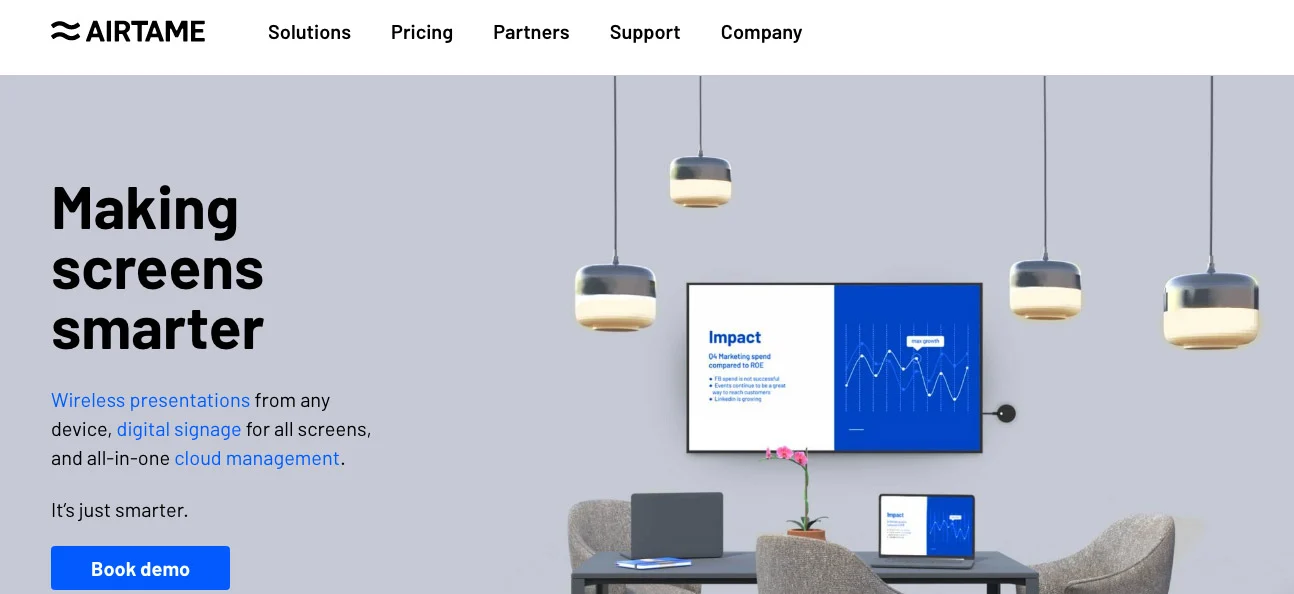
Airtame can be managed remotely, making it ideal for IT teams that want centralized control over multiple devices across a network. The original Airtame 2 has reached end-of-sale, so today's buyers choose the Airtame 3.
Key Features
- Screen sharing via Airtame app, Miracast, Google Cast, and AirPlay
- Support for touchback functionality via Miracast on Windows and Android devices
- Centralized remote management for easy IT control
- Airtame devices plug into HDMI or USB ports for quick setup and strong wireless signal
Pricing
The Airtame 3 ships with three years of an Airtame Core or Hybrid license included. After that, Core renews at about $120 per year per device (screen sharing plus signage) and Hybrid at about $300 per year per device (adds video conferencing).
Pros
- Works with AirPlay, Miracast, and Google Cast
- Built-in digital signage mode keeps screens active between presentations
- Centralized IT management across multiple devices makes it easy to deploy at scale
Cons
- Requires proprietary hardware (the Airtame 3 unit)
- Significant upfront cost for multi-room rollouts
- Every device needs an ongoing Core or Hybrid license to keep working after the bundled three years
3. AirSquirrels / Ditto
AirSquirrels offers Ditto, a screen-mirroring tool that supports multiple platforms. Ditto also includes its own built-in digital signage so screens stay active between presentations.
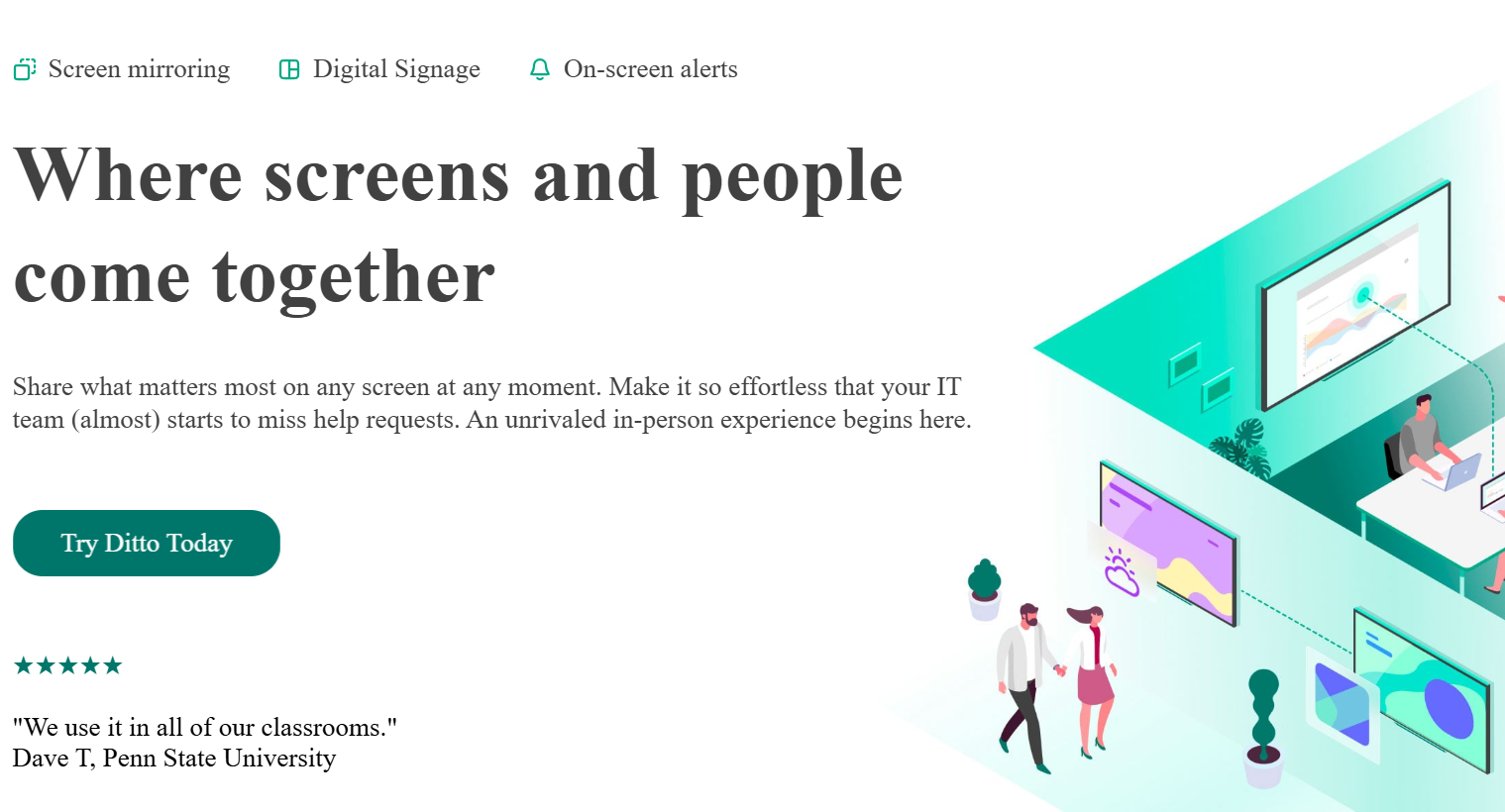
However, Ditto's built-in signage is a closed system. There's no integration with third-party signage platforms, so if you're already running a separate digital signage solution, you'd either manage two platforms or switch to Ditto's tools entirely.
Key Features
- Cross-platform screen mirroring from any device
- Single-app screen mirroring for more focused presentations
- Allows users to transmit content from any PC or operating system without the need for additional drivers
Pricing
Ditto uses tiered per-receiver pricing: roughly $99 (Basic), $150 (Premium), and $175 (Elite) per receiver per year, with special rates for schools, colleges, and universities.
Pros
- Clean, straightforward interface
- Cross-platform compatibility covers most common operating systems
- Receiver-based setup is familiar and manageable for most IT teams
Cons
- Signage is built in but closed — no integration with Rise Vision or other third-party platforms, so you're locked into Ditto's tools
- Annual per-receiver licensing adds up quickly in larger deployments
4. Mersive Solstice
Solstice is a collaboration tool that supports multiple content-sharing platforms and integrates with video conferencing tools, making it ideal for large organizations.
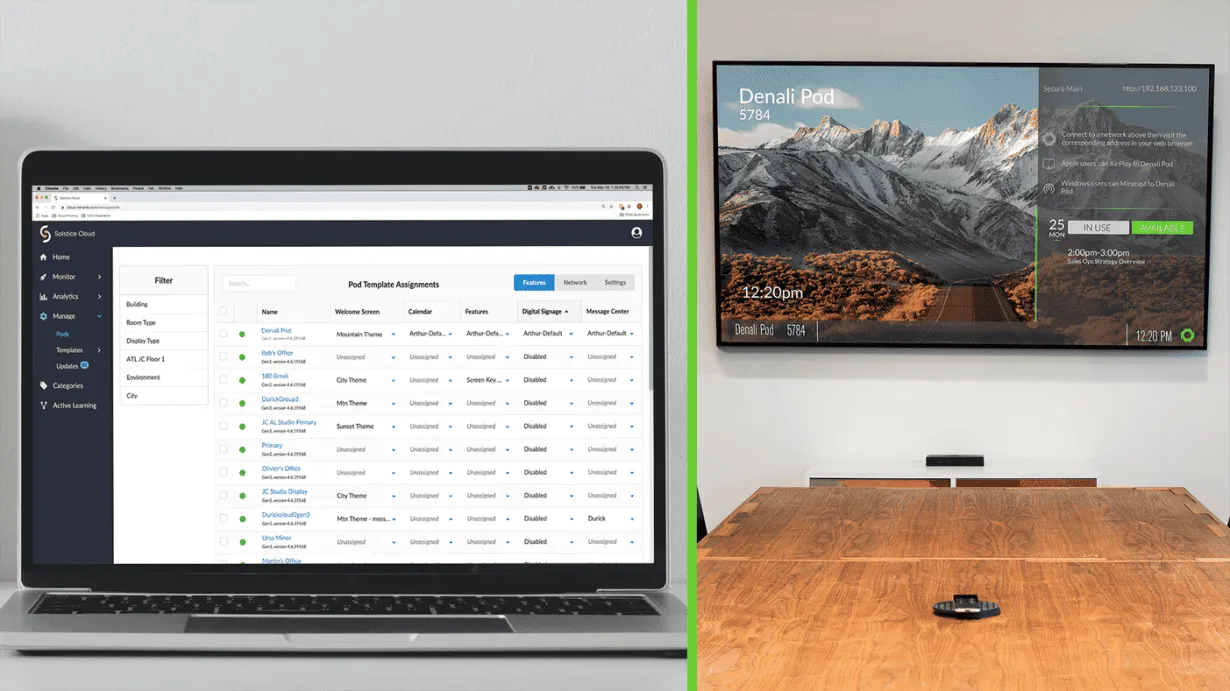
Solstice is designed to scale across multiple rooms and organizations, and can be configured to support different collaboration needs. Solstice also supports digital signage. When paired with Rise Vision, your screens can display dynamic content between presentations instead of sitting idle.
Key Features
- Device-agnostic content sharing via the Solstice app or major streaming platforms
- Easy integration with Rise Vision for digital signage
Pricing
Subscription-based and usually quoted through sales. Gen3 Solstice Pods list around $1,300 and up through authorized resellers, depending on edition and subscription length.
Pros
- Supports simultaneous multi-user content sharing
- Strong integration with Zoom, Microsoft Teams, and Google Meet
- Compatible with Rise Vision for digital signage between presentations
Cons
- Requires a Solstice Pod hardware unit per room
- More setup and management overhead than simpler plug-and-play alternatives
5. ScreenBeam
ScreenBeam stands out for its app-free, contactless wireless presentation system. It integrates with existing meeting spaces and supports various devices without additional software.
When paired with Rise Vision's web player, ScreenBeam can display real-time signage, ensuring screens are never left blank.
Key Features
- No apps or dongles required for screen sharing
- Native support for screen mirroring from any device
- Devices plug into HDMI or USB ports, providing a strong wireless signal and reliable connection for seamless presentations
Pricing
ScreenBeam sells its receivers outright (generally in the $400-$700 range depending on model) with no ongoing software license on most units. The enterprise ScreenBeam 1100 Plus adds central management for large, multi-site rollouts.
Pros
- Completely app-free — no downloads or installations required on user devices
- Works with Rise Vision web player for digital signage between presentations
- Compatible with a wide range of existing displays without requiring hardware replacement
Cons
- Enterprise and bulk pricing still runs through sales, even though single-unit prices are public
- Hardware unit required per room
6. Kramer VIA Go2
Kramer's VIA Go2 is a compact wireless presentation device that gives iOS, Android, Chromebook, Windows, and Mac users instant wireless connectivity, with 4K output and a security-minded design that IT teams appreciate.
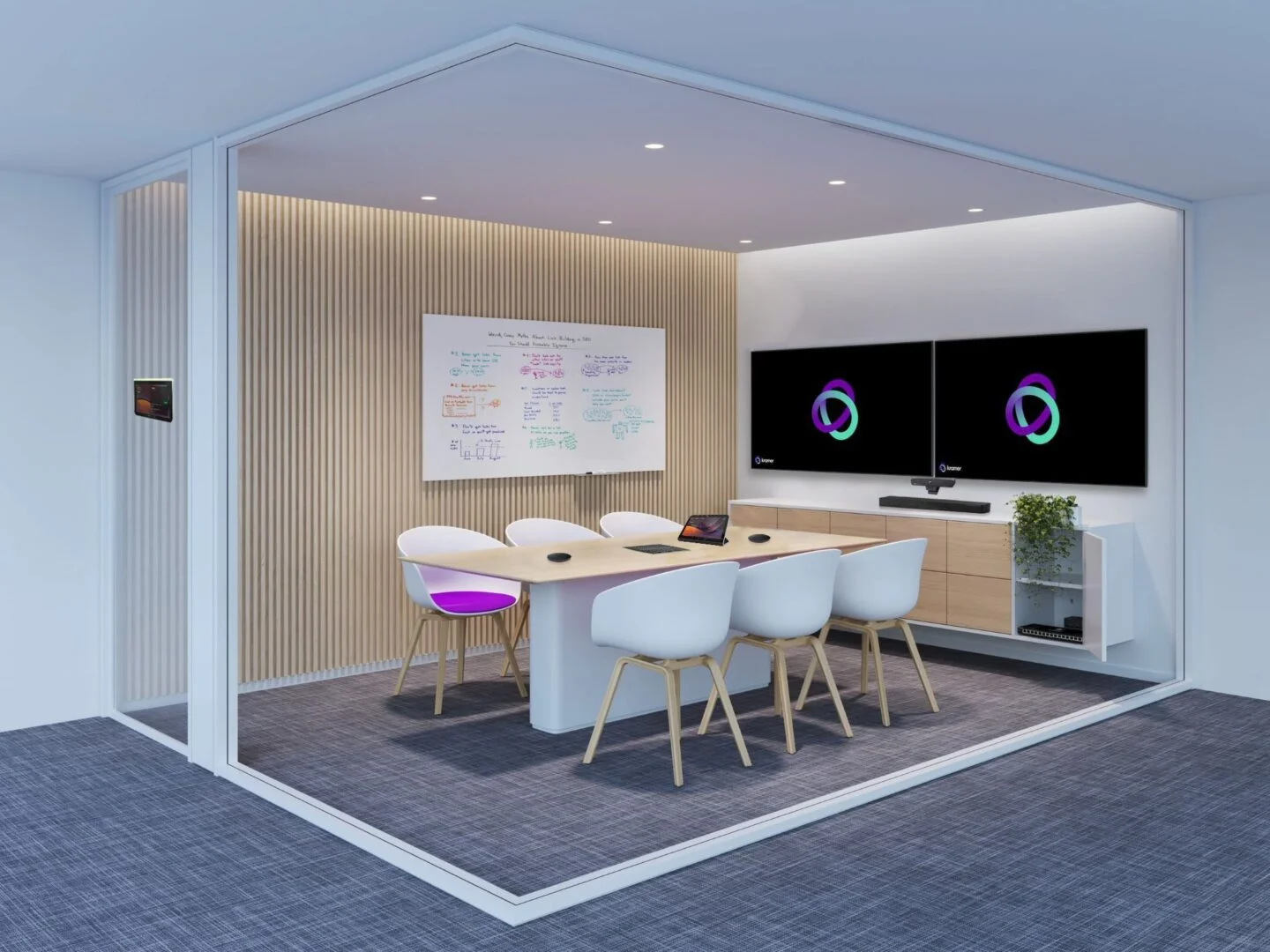
Kramer is a practical pick when you want dependable bring-your-own-device (BYOD) sharing without an enterprise-sized footprint.
Key Features
- Device-agnostic 4K sharing from any laptop, phone, or tablet
- Works across all major operating systems, including Chromebooks
- Security-focused connection aimed at managed school and corporate networks
- Simple receiver setup that plugs into your existing display
Pricing
Quote-based through Kramer and its resellers.
Pros
- Native 4K output with broad device support and Chromebooks included
- Compact and straightforward
- Security controls suit IT-managed environments
Cons
- No Rise Vision or third-party signage integration — screens sit idle between presentations
- Quote-based pricing means a sales conversation before you can budget
- Requires a hardware receiver in every room
7. Barco ClickShare C-10
Barco retired its wePresent line and now points buyers to ClickShare. The ClickShare C-10 is its wireless presentation hub for medium to large meeting rooms, built around a one-tap Button or the ClickShare app.
ClickShare is strong in hybrid settings, working alongside Microsoft Teams and Zoom rooms.
Key Features
- One-tap Button sharing plus a desktop and mobile app for BYOD
- 4K wireless presentation with secure, cloud-based management
- Integrates with Microsoft Teams and Zoom rooms for hybrid meetings
Pricing
Around $1,450 per unit through resellers; configurations with extra Buttons cost more.
Pros
- Effortless one-tap sharing that non-technical users pick up instantly
- Excellent Teams and Zoom hybrid support
- Trusted enterprise brand with secure cloud management
Cons
- One of the costlier options on this list
- No Rise Vision or third-party signage integration, so displays go idle between meetings
- Geared to conference rooms more than always-on classroom displays
8. WolfVision
WolfVision provides advanced wireless presentation tools that integrate seamlessly into business and education settings. As one of the advanced systems on the market, WolfVision can scale to meet the needs of any organization, supporting growth and enhancing meeting organization.
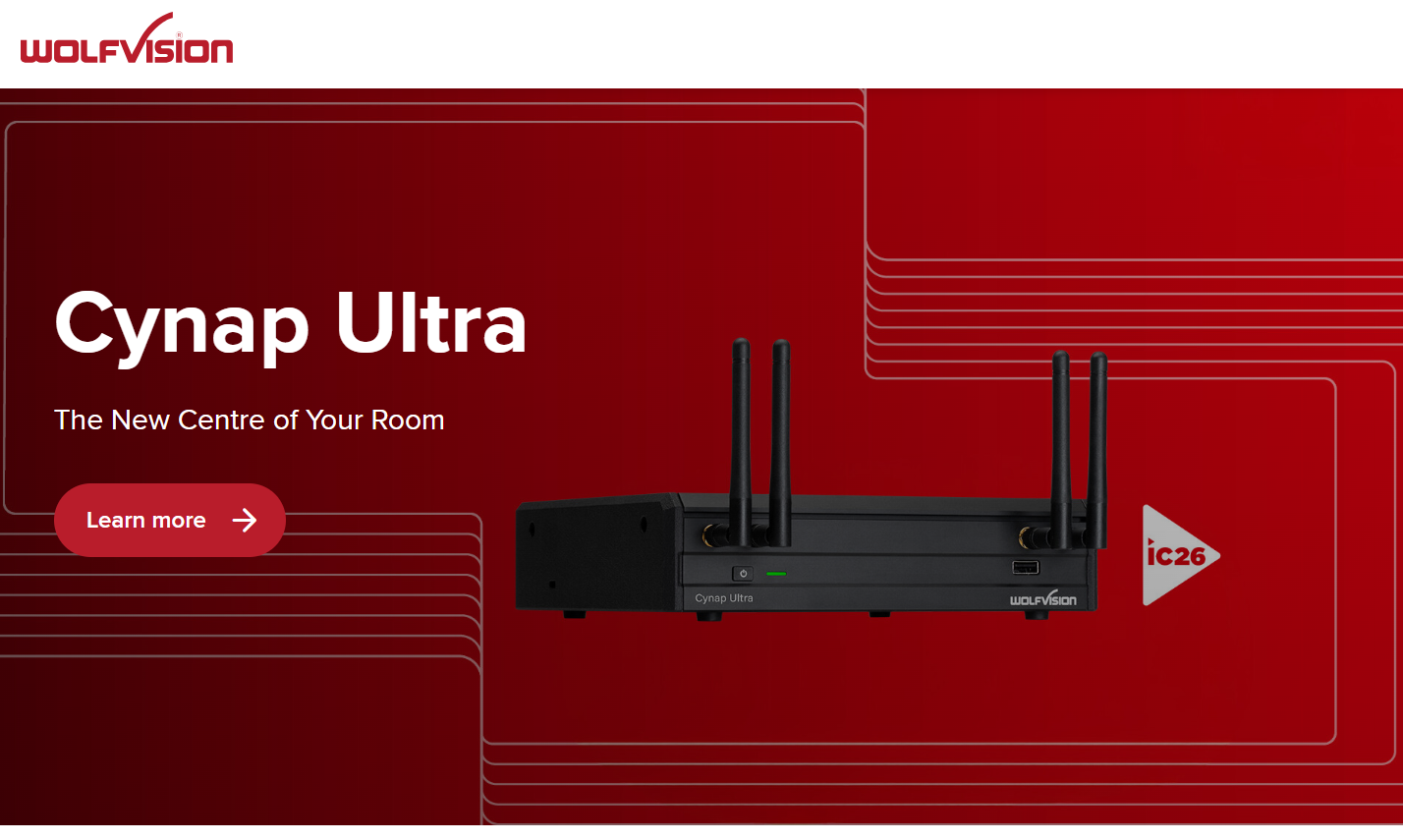
While it offers comprehensive collaboration features, it does not natively support digital signage players like Rise Vision.
Key Features
- Powerful multi-source presentation tools
- App-free and dongle-free sharing options
Pricing
Custom pricing available through WolfVision's sales team.
Pros
- Multi-source presentation capability
- App-free and dongle-free options reduce setup friction for users
Cons
- No native digital signage support — screens go dark between presentations
- Custom pricing only — higher end of the cost range for most organizations
- Feature depth may be more than smaller organizations need
9. EZCast Pro Box II
The EZCast Pro Box II is a 4K wireless box that supports AirPlay, Miracast, and the EZCast Pro app, with dual-band Wi-Fi and a wired LAN port for rooms that need a steadier connection.
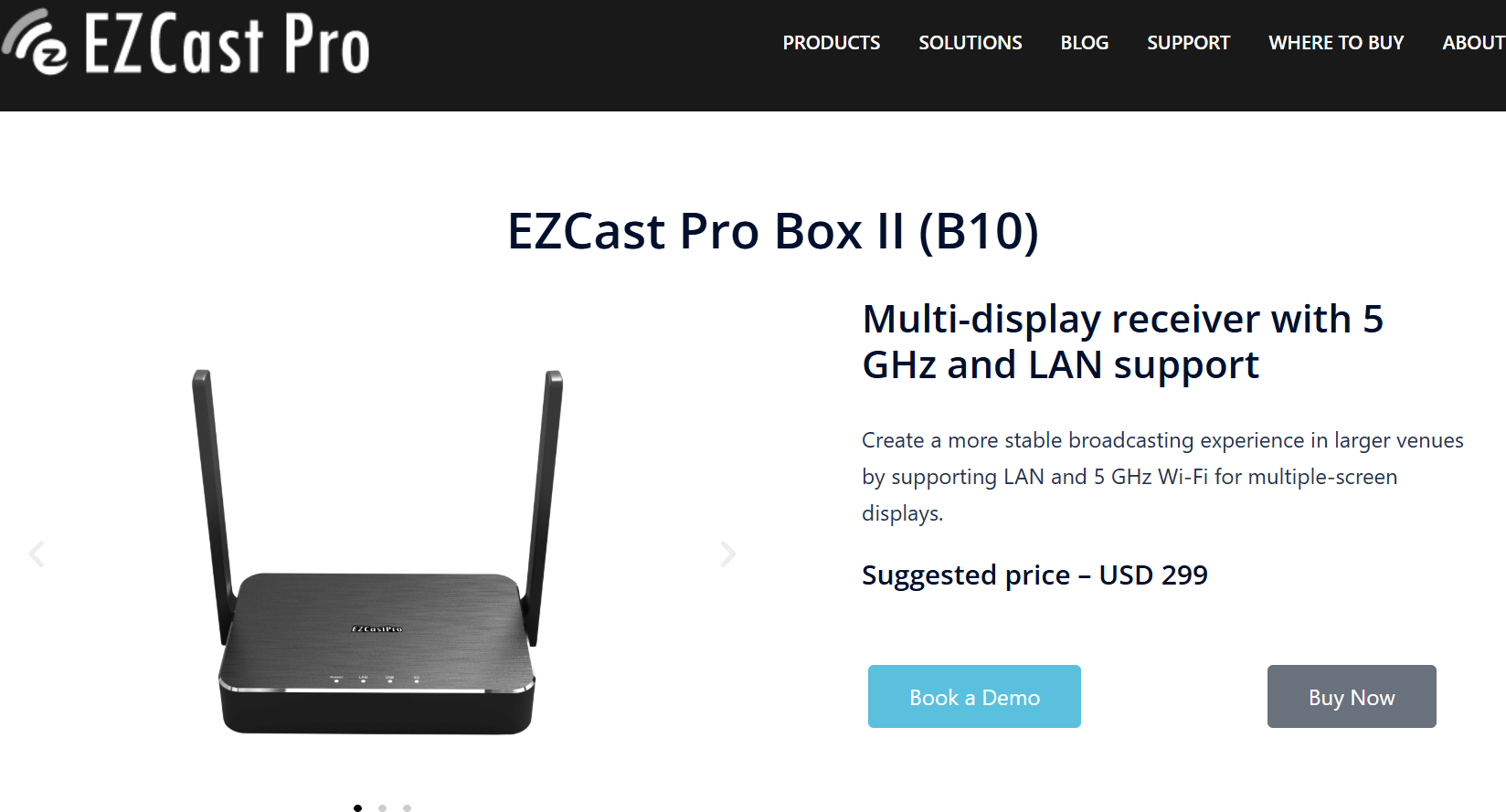
It can split a single screen across up to four devices for basic group sharing.
Key Features
- 4K receiver supporting AirPlay, Miracast, and the EZCast Pro app
- Dual-band (5 GHz) Wi-Fi plus a wired LAN option for reliability
- Four-way split screen for simple group sharing
Pricing
A low-cost receiver — approximately $250 through major AV resellers.
Pros
- Low entry cost with no annual per-receiver license
- Multi-device split sharing built in
- Dual-band plus wired LAN keeps connections stable
Cons
- Consumer-grade — lighter on central management than enterprise systems
- No Rise Vision or third-party signage integration
10. Vivi
Vivi combines wireless screen mirroring, digital signage, emergency alerts, and announcements into one platform.
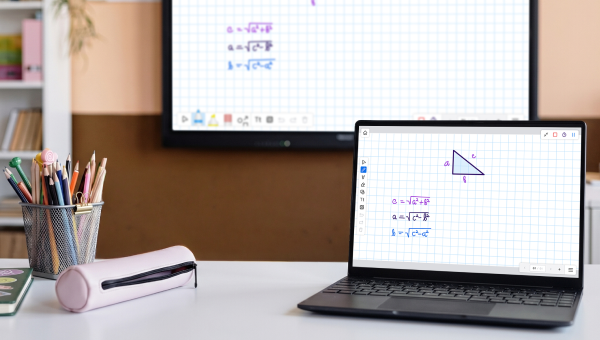
Teachers can share from anywhere in the room and hand control to up to four students at a time, all managed from the Vivi app.
Key Features
- Wireless screen mirroring and teacher controls
- Built-in digital signage and emergency alerts
- Central management designed for district-wide deployment
Pricing
Custom — hardware per display plus a subscription, quoted through Vivi.
Pros
- Screen sharing, signage, and alerts in one system
- Strong, classroom-tested teacher and student controls
- Large, established K-12 install base
Cons
- Requires a Vivi box on each display
- Custom pricing means a sales conversation up front
Rise Vision's Screen Sharing: What Makes It Different
Rise Vision was built to do more than screen sharing, unlike most tools on this list. With Rise Vision, you get digital signage, screen sharing, and emergency alerts all in one platform. When a presentation ends, the screen picks up where your digital signage left off, showing announcements, schedules, or company news. Your displays stay active and useful whether someone is presenting or not.
Getting started takes minutes. Your presenters can share from any device, straight from their browser, without downloading apps or using any proprietary hardware. And with support for multiple displays at once, one presentation can reach everyone at the same time.
Get More from Every Screen with Rise Vision
If you're looking for a wireless presentation system that does more than mirror a screen, Rise Vision is worth a closer look. You get screen sharing, digital signage, and emergency alerts in one platform. The interface is intuitive enough that anyone on your staff can use it without special training or a technical background. And if you ever need help, Rise Vision's support team typically responds within one business hour.
You can start with a 14-day free trial to see how it works for your school or organization. If you subscribe and it's not a good fit after 30 days, you're protected by Rise Vision's 30-day money-back guarantee.
Frequently Asked Questions
With the Microsoft Wireless Display Adapter discontinued, what should schools use instead?
A lot of K-12 schools relied on Microsoft's Wireless Display Adapter for quick BYOD sharing, so its discontinuation has left many IT teams looking for a replacement. Cloud-based screen sharing platforms handle everything the adapter did and more. You get cross-platform compatibility, no single-connection limits, and screens that stay active between presentations instead of sitting idle. Rise Vision's guide to wireless display adapters breaks down exactly how the two approaches compare.
Do I Need Special Hardware for Wireless Screen Sharing?
Depends on the system. Rise Vision works with your existing displays and devices without requiring proprietary receivers. Some competitors like Airtame or ScreenBeam sell dedicated hardware units. If you already have screens or smart displays, Rise Vision's browser-based approach saves money upfront.
Can Multiple People Present in the Same Session?
Yes, though implementation varies. Rise Vision includes moderator mode where someone controls the presentation queue. Systems like Mersive Solstice and Barco WePresent allow multiple simultaneous connections, but you'll want moderation features to avoid screen clutter during actual meetings.
What Happens to the Screen When Nobody's Presenting?
This is where most systems fall short. Standard wireless presentation tools leave screens blank or showing generic "ready to connect" messages. Rise Vision automatically reverts to digital signage mode — displaying your chosen content like announcements, schedules, news feeds, or promotional materials. This keeps the screen purposeful instead of wasted space.
Is There a Monthly Fee or One-Time Purchase?
Mixed bag across providers. Hardware-based solutions like Airtame and ViewSonic involve upfront equipment costs plus optional subscription features. Software platforms like Ditto charge annual licensing per receiver. Rise Vision includes screen sharing in their subscription plans alongside digital signage features. Visit vendor websites for current pricing, as rates vary and change over time.
Will This Work With Our Video Conferencing Setup?
Many wireless presentation systems, including Mersive Solstice, offer video conferencing integration with platforms like Zoom, Teams, or Google Meet. Rise Vision focuses more on the presentation and digital signage side, though you can still share content during video calls using standard screen-sharing features within your conferencing platform.
More From Our Blog
-
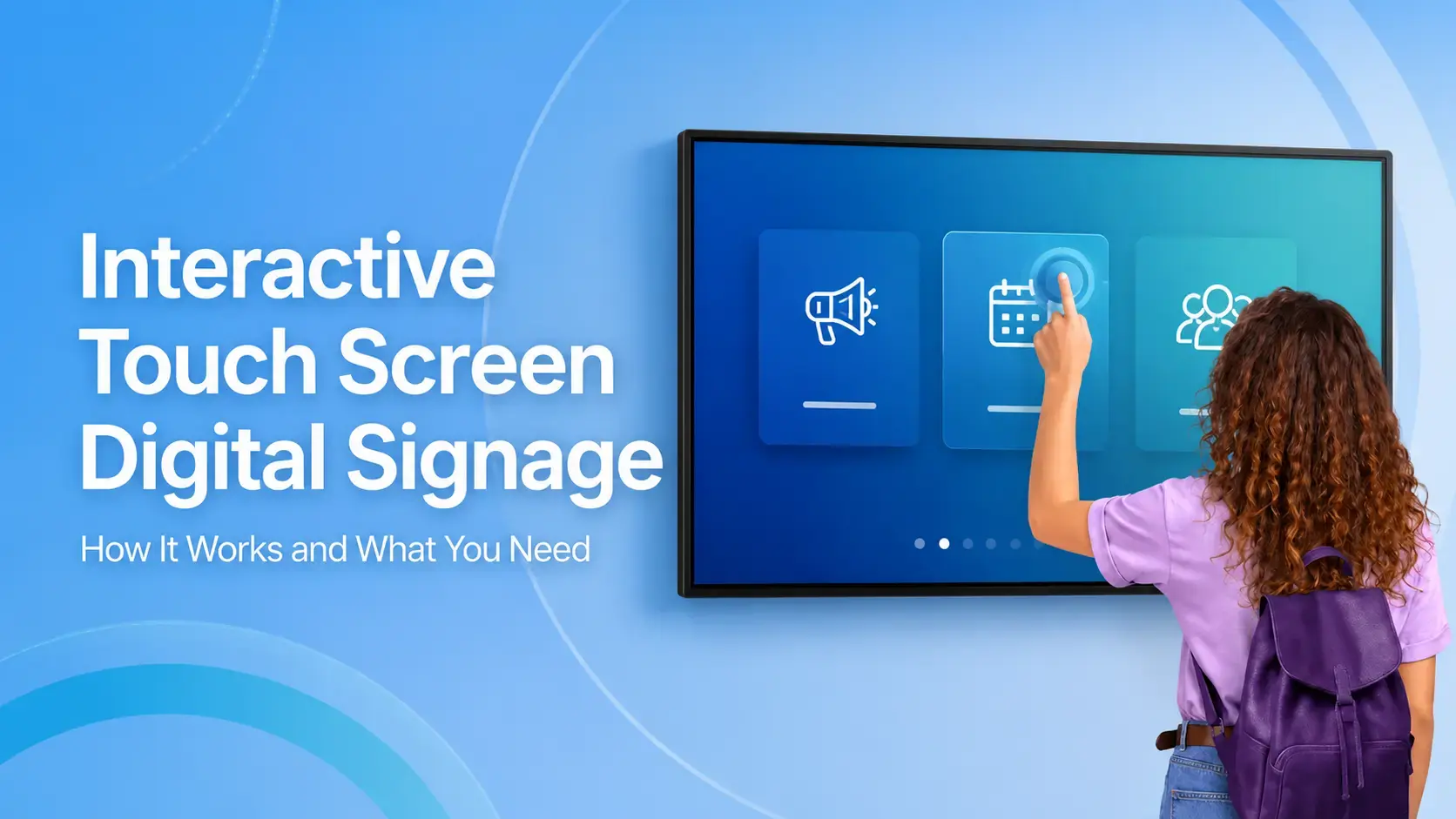
Interactive Touch Screen Digital Signage: How It Works and What You Need
Interactive touch screen digital signage lets viewers tap a display to find what they need. It pairs a commercial touch display with content software. Common uses include wayfinding, visitor[…]
Read More -
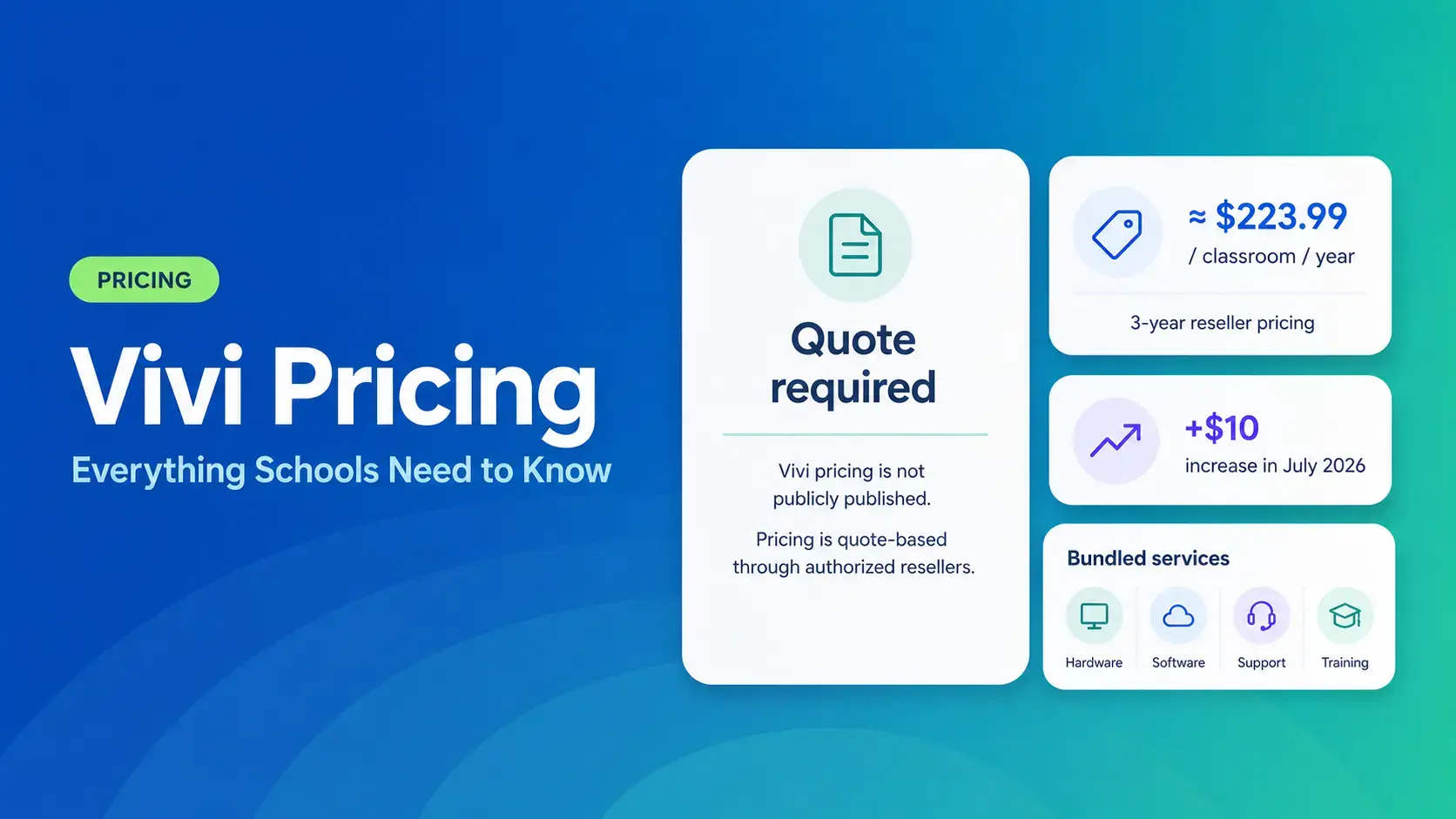
Vivi Pricing 2026: Everything Schools Need to Know Before Getting a Quote
If you're budgeting for Vivi, expect to call sales for a number. Pricing isn't published anywhere. Reseller data puts the 3-year subscription around $224 per classroom per year. That rate rose by $10[…]
Read More -
Airtame Pricing 2026: Plans, Costs & Renewal Fees
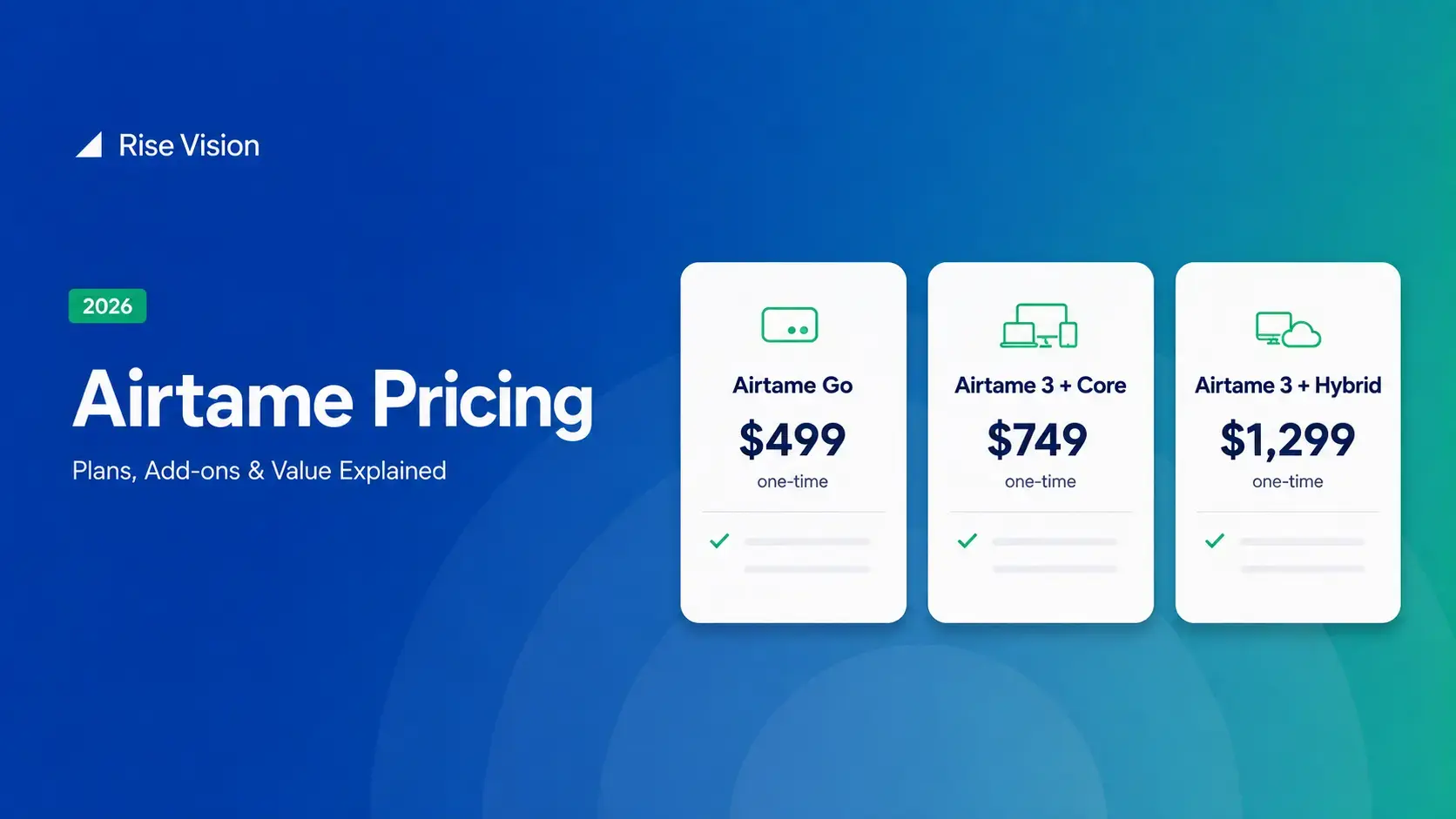
Airtame's 3-year bundles run $299 to $1,299 per display, then $120–$300/device/year to renew. Signage and alerts come standard on every tier, but only screen sharing survives if you skip renewal.[…]
Read More
12,300+ Organizations Trust Rise Vision, You Can Too
































Schedule a Free Demo
You deserve the #1 all-in-one platform for digital signage, screen sharing, and emergency alerts.





