

Quick Summary
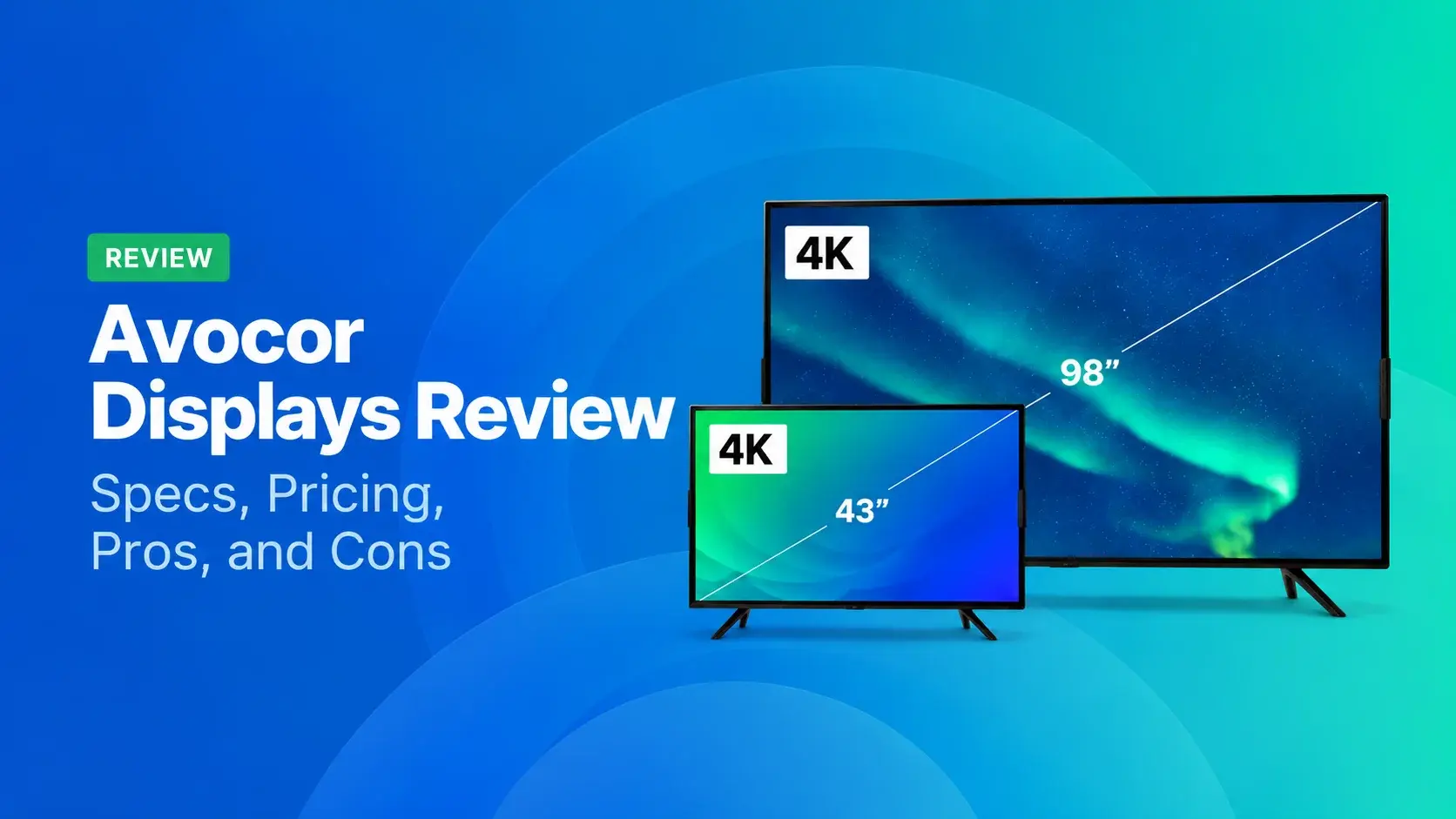
Avocor makes commercial displays across more than a dozen series. For classrooms, you'll want the S, A, or E50 Series, and for meeting rooms, the G or H Series. The E92 and L Series are ultra-wide, while the K, B, and X Series cover non-touch screens and signage. Avocor doesn't publish prices, though, so you'll need a quote for every model.
Picking the Right Avocor Series Is Harder Than It Looks
Avocor sells everything from a 27-inch desktop collaboration display to 162-inch direct-view LED displays. And most of its series share the same 4K resolution. So what sets them apart? It's mostly the job each display was built for. You can see it in the touch technology, the camera, and how many hours a day the screen's rated to run.
That's why it's easy to pick the wrong one. You might pay for a premium touch panel that only ever shows lunch menus. Or you might buy a meeting-room board that isn't rated for all-day signage. So which series fits your rooms, and when does a display built just for signage make more sense?
We’ll answer that question in a second. But first…
Why Listen to Us?
Rise Vision has been helping organizations communicate, teach, and collaborate since 1992. Today, more than 12,300 organizations across 100+ countries use our platform for digital signage, screen sharing, and emergency alerts.
Rise Vision and Avocor are both owned by AUO, and we pre-install our software on several Avocor display series. That means we deploy and support these displays across schools, offices, and manufacturing floors frequently. This review is based on that firsthand experience.
What is Avocor?
Avocor is a display company based in Oregon. It designs, develops, and manufactures interactive displays for collaboration spaces, from huddle rooms to classrooms and conference rooms.
These days, the lineup also includes ultra-wide boards, non-touch commercial displays, and direct-view LED walls. Avocor also partners with Google, Microsoft, Zoom, Logitech, Jabra, and Lenovo. That's why some models are built around one video meeting platform, like the L Series for Microsoft Teams and the Board 65 for Google Meet.
Generally, these displays feature:
- 4K on the standard panels: The E50, A, S, G, H, K, and B Series offer 4K (3840 x 2160). The ultra-wide E92 and L Series go up to 5120 x 2160.
- Different touch technologies: Avocor uses infrared (IR), InGlass, and projected capacitive (PCAP) touch technology across its interactive displays. Some examples? The E50 and A Series use IR touch, and the G Series uses Avocor InGlass. The H and L Series use PCAP.
- FUSE remote management: FUSE is Avocor's free cloud dashboard. It lets your IT team monitor, configure, and manage every display from one place.
- Preloaded collaboration apps: Several current interactive and commercial series include UiQ, DisplayNote Montage, Lucidspark, and/or Rise Vision depending on the model.
Avocor Display Series Breakdown
|
Series |
Type |
Sizes |
Touch |
Best For |
|
A Series |
Interactive |
65", 75", 86" |
IR touch |
Hybrid classrooms |
|
B Series |
Non-touch signage |
43" to 86" |
None |
Always-on signage |
|
E50 Series |
Interactive |
55", 65", 75", 86" |
Up to 40-point IR |
Equipping many rooms affordably |
|
E92 Series |
Ultra-wide interactive |
92" |
Up to 50 points on Windows |
Replacing dual screens |
|
G Series |
Interactive |
65", 75", 85" |
20-point InGlass |
Premium boardrooms |
|
Google Meet Series One |
Interactive |
65" (Board 65), 27" (Desk 27) |
InGlass on Board 65 |
Google Meet rooms |
|
H Series |
Interactive |
65", 75", 86" |
Up to 40-point PCAP |
Rooms with a video bar |
|
K Series |
Non-touch |
55" to 98" |
None |
Presentations and signage |
|
L Series |
Ultra-wide |
105" |
40-point PCAP or non-touch |
Microsoft Teams Front Row |
|
S Series |
Interactive |
65", 75", 86" |
Up to 40 points |
Budget classrooms on Google |
|
W Series |
Interactive |
55" |
Touch |
Small focus rooms |
|
X Series and X Series COB |
Direct-view LED |
135" and 162" (X Series) |
None |
Lobbies and auditoriums |
Classroom Displays (S, A, and E50 Series)
The S Series is Avocor's entry point for schools. It's Google EDLA certified, which means teachers get the Google Play Store and apps like Google Classroom right on the board. But keep in mind that its panel runs at 350 nits, so it's a bit dimmer than the E50's 400. Its Class, Share, and DMS apps need a separate software license, too.
The A Series is the step up. It adds a detachable 4K camera for recording lessons, plus NFC sign-in so teachers can log in with a tap. It also turns a teacher's handwriting into typed text, and the panel's rated for 18 hours a day.
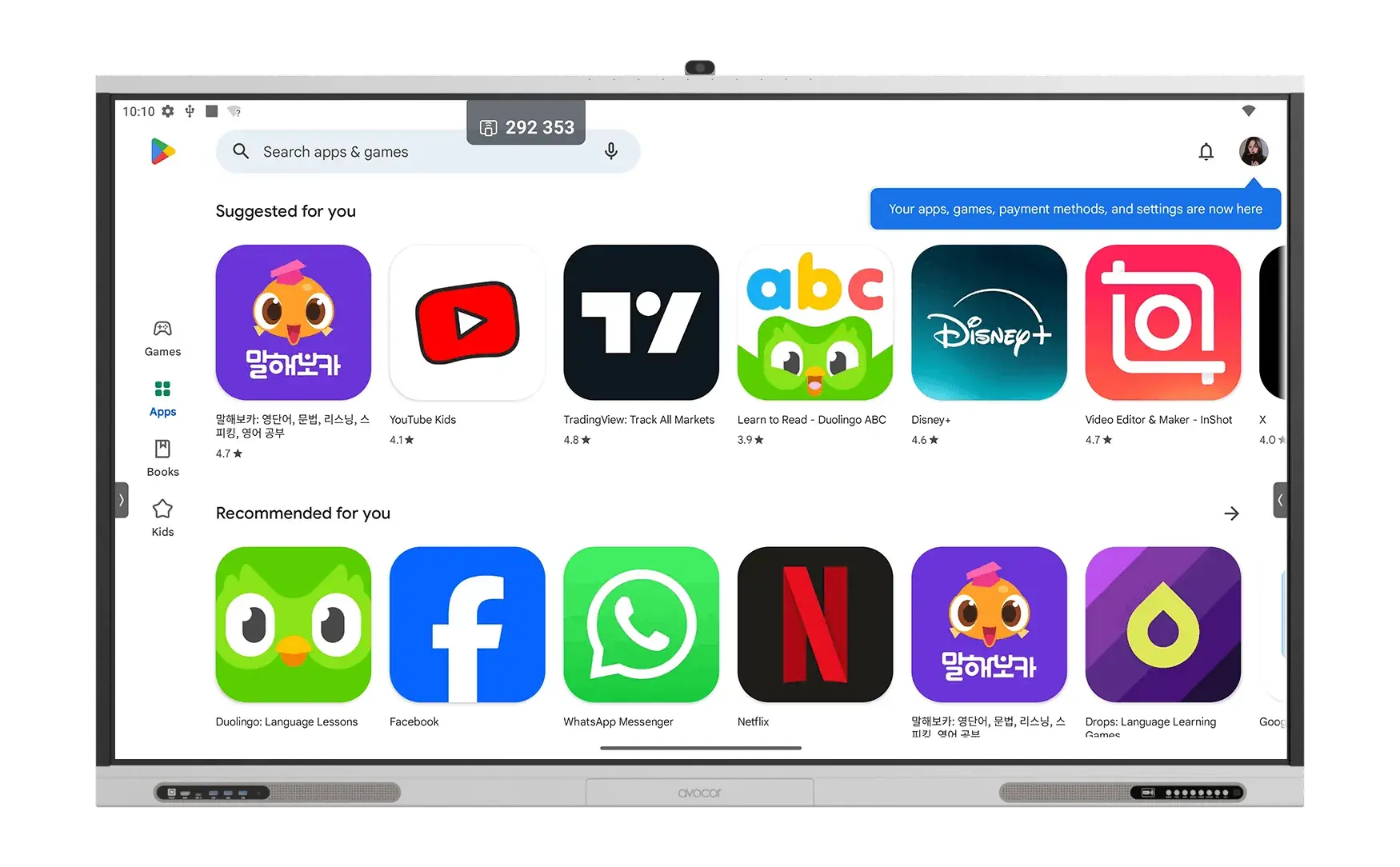
If you're equipping a whole campus, the E50 Series is the one to look at. It comes in four sizes starting at 55", with front guest ports for plugging in a laptop. It also ships with DisplayNote Montage, Lucidspark, and Rise Vision software preloaded.
Non-Touch and Signage Displays (K and B Series)
The K Series runs from 55" to 98", with a QLED panel, 450 nits, and HDR local dimming. Avocor built it for lecture halls, lobbies, and meeting rooms where nobody needs to touch the screen. And it supports DisplayNote Montage and Rise Vision, too.
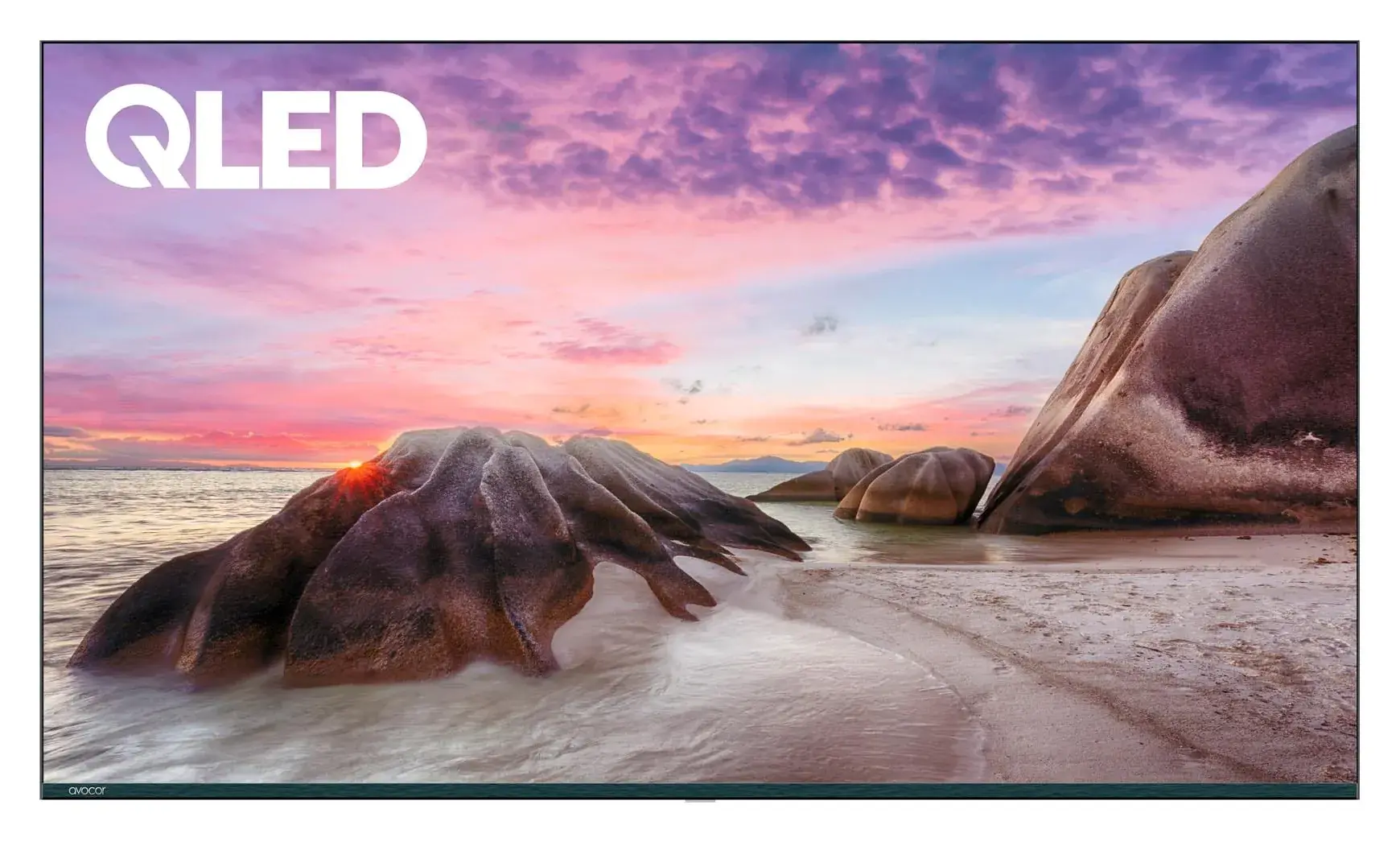
The B Series is Avocor's dedicated signage line, and it's rated for 24/7 use. It reaches 700 nits for bright spaces and mounts in portrait or landscape from 43" to 86". Its embedded Android 14 SoC supports CMS applications directly, while the display can also be paired with an external media player.
Meeting Room Displays (G, H, W, and CollabTouch)
The G Series is Avocor's premium boardroom panel. Its InGlass touch handles 20 touch points and four styluses at once, and it ignores a palm resting on the glass. You'll also get four beam-forming microphones, plus a presence sensor that wakes the screen when someone walks in. It's bright, too, at 500 nits with a 5000:1 contrast ratio.
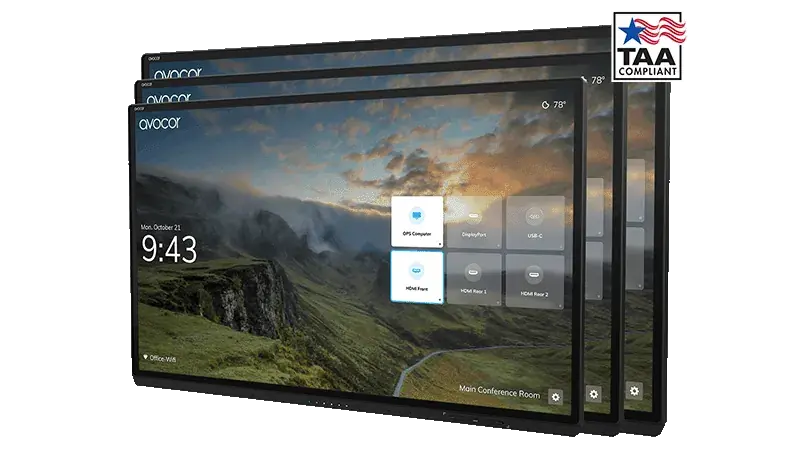
The H Series pairs with a video bar. It has a 3mm bezel and a 100W USB-C port, so you can connect and charge a laptop over a single cable. It works with Lenovo ThinkSmart, and there's a monitor-only mode for rooms where the video bar runs the meeting.
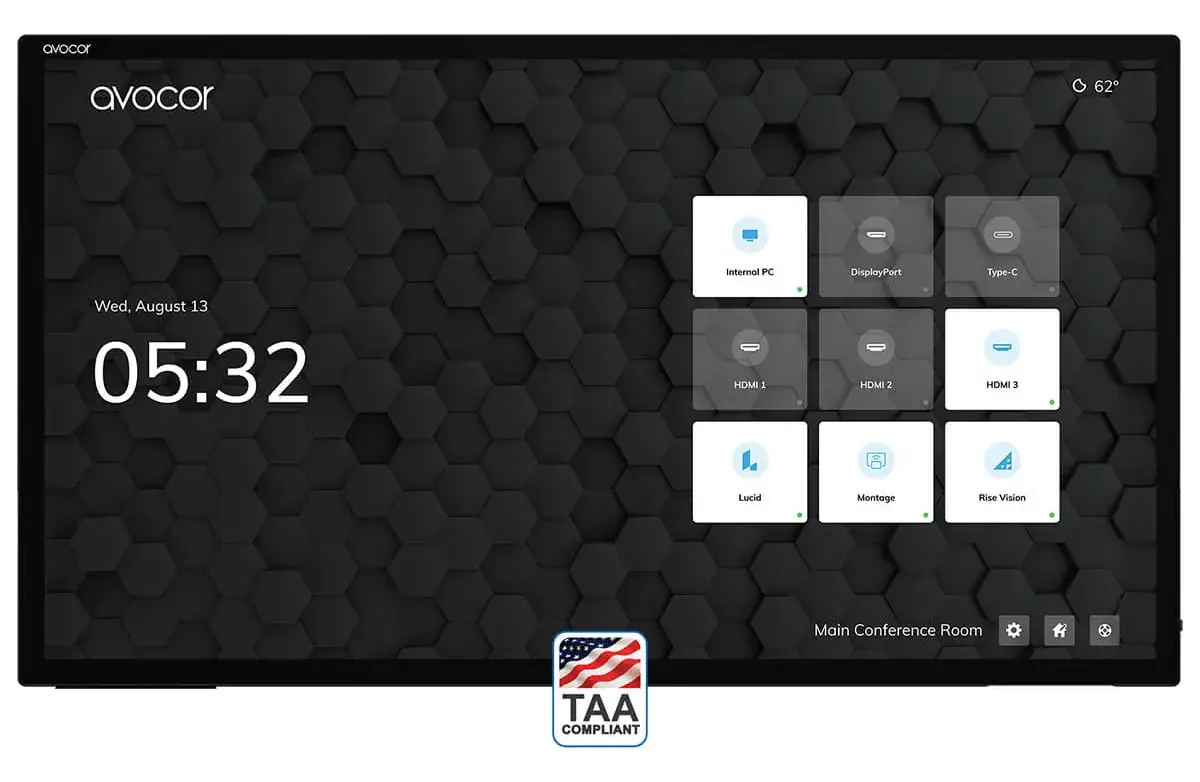
For small rooms, there's the W Series, a single 55" all-in-one with a built-in camera and microphones. CollabTouch is a modular kit that pairs an Avocor display from 55" to 105" with a Logitech or Jabra video system. And you can upgrade its parts later without replacing the whole room.
Google Meet Series One (Board 65 and Desk 27)
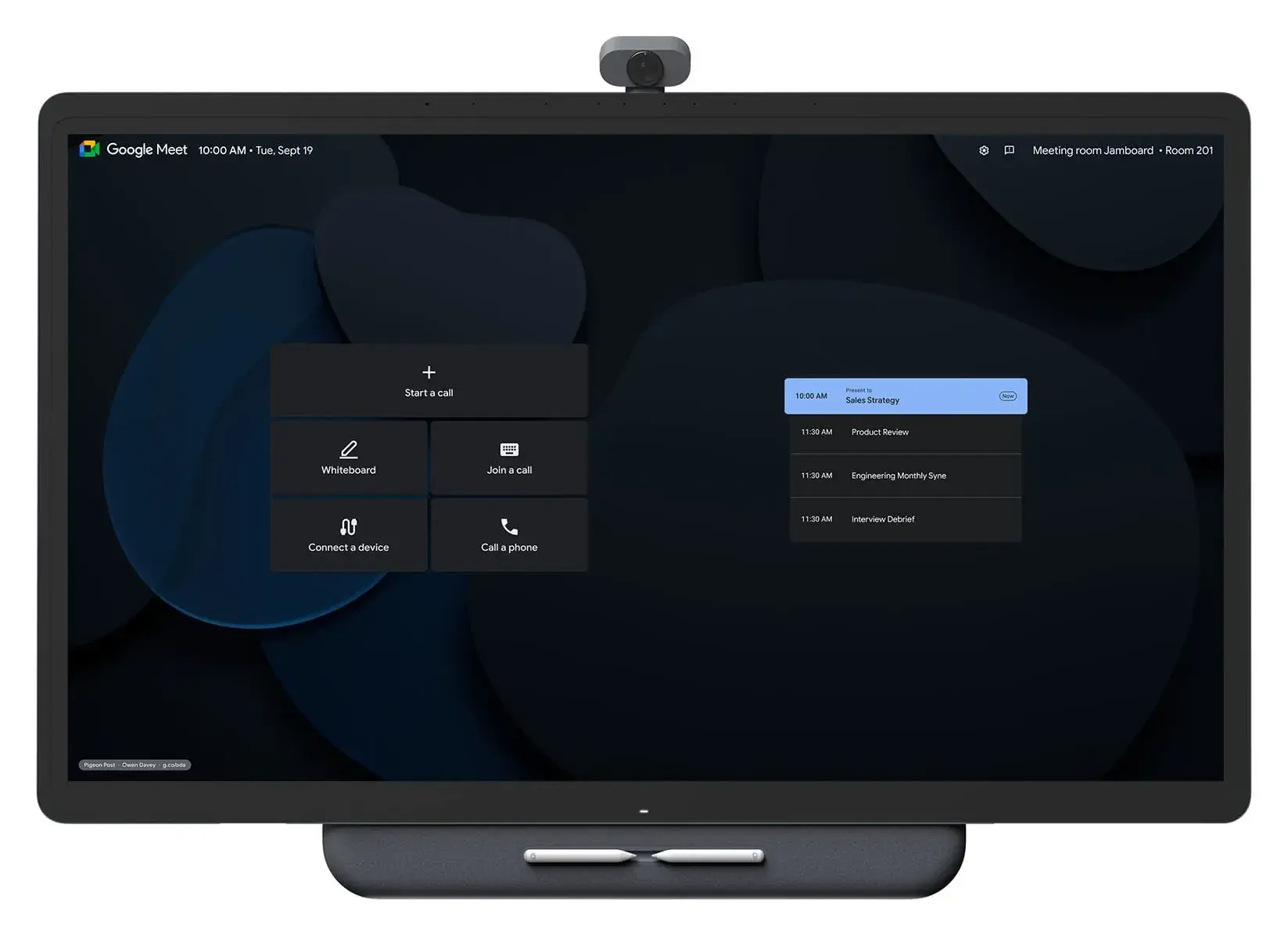
Avocor built these two with Google for Google Meet rooms. The Board 65 is a 65" InGlass touchscreen with a 12MP 4K camera and Google's TrueVoice audio built in. And the Desk 27 is a compact version for a single desk or a small room.
Ultra-Wide Displays (E92 and L Series)
Both of these use a 21:9 shape, so you can put two documents side by side at full height. The E92 is a 92" touchscreen at 5120 x 2160, and it supports up to 50 touch points on Windows.
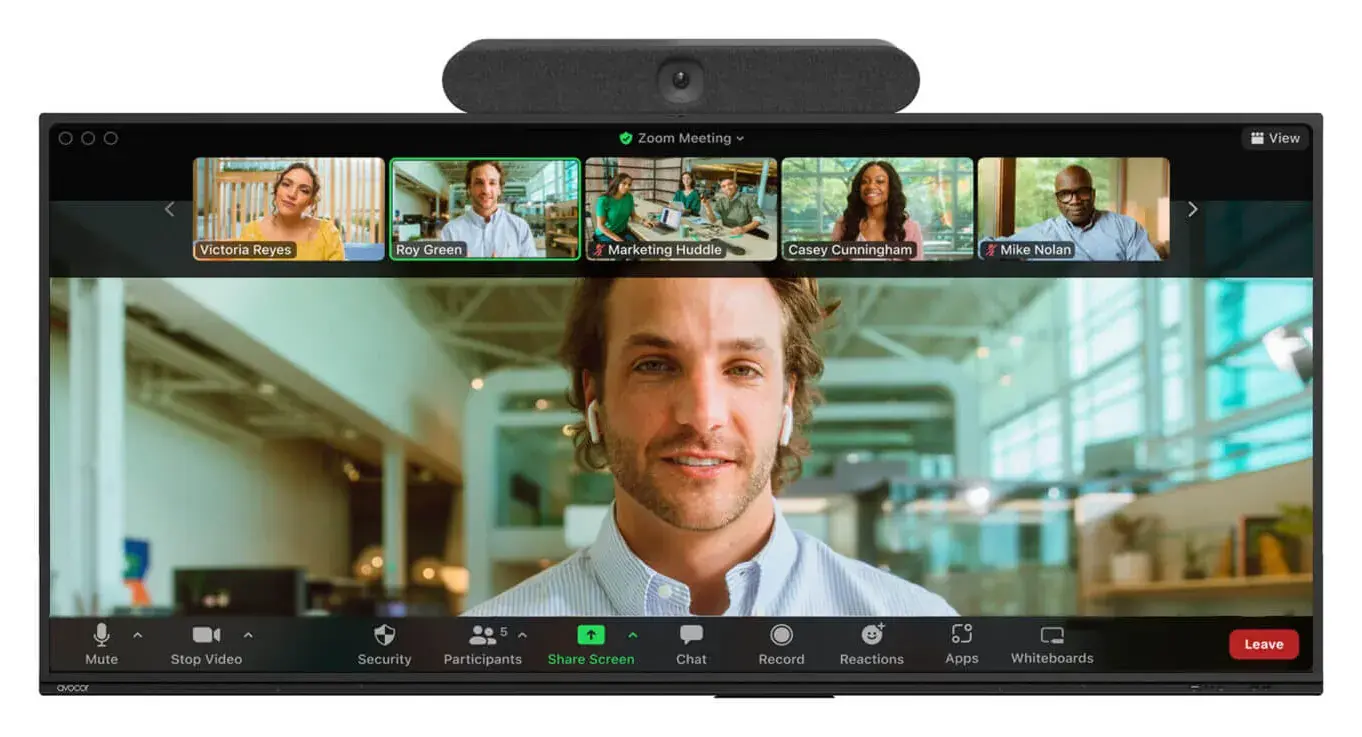
The L Series is a 105" display that comes in a touch or non-touch version. Avocor designed it around the Microsoft Teams Front Row layout.
Direct-View LED (X Series and X Series COB)
Direct-view LED walls skip the LCD panel and build the picture from LED tiles, so there aren't any seams or bezels. The X Series comes in 132" (21:9) and 138" (16:9) at 1080p. The newer X Series COB uses chip-on-board LEDs for extra durability, and it's got the audio and an Android computer built in.
Pricing
There's no public pricing for any Avocor series, so you'll need a quote for every order. Avocor does call the S Series "incredibly affordable," though, and it's clear the G Series is the premium tier. If you're budgeting for a full rollout, our breakdown of how much digital signage costs covers the wider costs.
What We Like
The K Series Powers Rise Vision Displays
The K Series is the display behind our Rise Vision Displays. They combine a media player and display into a powerful, all-in-one solution that's optimized for Rise Vision software. So you can run digital signage, screen sharing, and emergency alerts on a K Series panel without a separate media player.
Built to Run Signage Around the Clock
The B Series is rated for 24/7 operation, so it can run a lobby or cafeteria screen all day and all night. It also reaches 700 nits, which keeps content readable in bright spaces with lots of windows. And because it mounts in portrait or landscape from 43" to 86", you can fit it to a tall hallway poster or a wide menu board.
Touch Panels Double as Signage Between Sessions
Some products like the E50 and H Series touch panels both come with Rise Vision's digital signage software. On the H Series, that lets the display act as a communication hub when it's idle. So the board a teacher uses during class can show announcements and events once the lesson ends.
Slim Enough for Busy Hallways
The B Series has a slim 70mm profile, about 2.8 inches, and its design meets Americans with Disabilities Act (ADA) compliance standards. That matters in corridors, because the 2010 ADA Standards cap how far wall-mounted objects can stick out. Anything with its leading edge between 27 and 80 inches off the floor can protrude 4 inches at most. Just remember that your wall mount adds depth, too, so check the total before you install.
Get Started With Rise Vision Displays
Rise Vision Displays are commercial-grade, all-in-one displays that combine a media player and display into one powerful solution. They come in sizes from 55" to 98", deliver stunning 4K visuals, and they're optimized to run Rise Vision software.
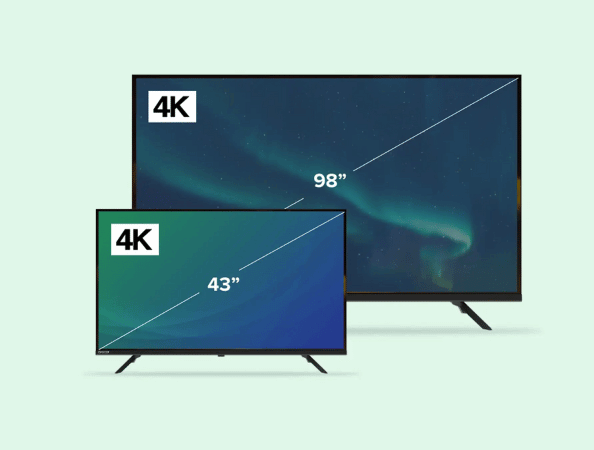
We work with Avocor, and you'll find our software preloaded on several of its series, like the E50, H, and K. Our own Rise Vision Displays take that a step further. They're set up for one purpose, running Rise Vision's digital signage, screen sharing, and emergency alerts. So if a screen's main job is keeping people informed and safe, this is the display we'd point you to.
Getting started takes three steps:
- Select your hardware: Choose the Rise Vision Display sizes you need, or bring your own hardware for screens you already have.
- Set up your software: Create your Rise Vision account and customize your digital signage, screen sharing, and emergency alerts.
- Engage your audience: Push content to your displays and manage communication, collaboration, and safety across every location.
High Performance Without a Media Player
Our Rise Vision Displays handle demanding schedules full of animated templates, live data, and 4K video, and they don't need a media player. That's one less box behind the screen to buy, update, and troubleshoot.
They're safer on your network, too. Each display is a single-purpose device that only runs Rise Vision software, which reduces the risk of unauthorized network access. There aren't any open ports, the disk is fully encrypted, and there are no front buttons for passersby to press.
Rise Vision Software Built In
But the display is only half the story, because the software is what your team uses every day. Rise Vision is the all-in-one platform for digital signage, screen sharing, and emergency alerts, and our Rise Vision Displays run all three:
- Digital signage: Save hours of content creation with 750+ animated, customizable templates. You can also pull in content from Canva, Google Slides, YouTube, weather, and more.
- Screen sharing: Turn the display into a wireless presentation hub. Presenters share from any device with a code at risevision.com/join, using Standard Mode for quick sharing or Moderated Mode for controlled sessions.
- Emergency alerts: Deliver instant, high-contrast visual alerts through CAP systems like Raptor, CrisisGo, and Singlewire, so no one misses critical information.
And you can manage one display or thousands across your school district with user roles, single sign-on (SSO), and account hierarchies. It's all backed by our SOC 2 Type 2 Attestation.
Simple Setup and Fast Support
You power on the display, connect it to the internet, and link it to your Rise Vision account. That's the whole setup.
York School District One in South Carolina used Rise Vision Displays to replace old 32-inch TVs that ran slideshows off thumb drives. Tim Cooper, their Instructional Technology Support Specialist, said, "Some installs took as little as 15 minutes." And the hardware held up afterward, too. Across 35 of our media players and nine Rise Vision Displays, Tim reported only two hardware issues, and both got fixed quickly.
If you need help, our team responds within one business hour by phone, email, or remote desktop, backed by a 99% satisfaction rating. We also include free training and guided onboarding, so your staff can start updating screens right away.
Flexible Purchasing Options
You can choose the ownership model that works best for you:
- Hardware as a Service: Skip the upfront cost with a three- or five-year subscription. It includes white-glove service, a warranty for the full term, and free shipping on warranty replacements.
- Outright purchase: Own your hardware outright, backed by a two-year warranty.
Each display also needs a Rise Vision license, and our K-12 pricing starts at $11 per display per month on Basic. Advanced is $138 per display per year and adds emergency alerts, while Enterprise adds screen sharing. And if Rise Vision isn't the right fit, our 30-day money-back guarantee has you covered.
Which Avocor Series Should You Buy?
Avocor covers more ground than most commercial display brands. The K Series, which we sell as Rise Vision Displays, gives you all-in-one signage. The B Series handles bright environments up to 86 inches. The S, A, and E50 Series bring interactive touch to classrooms. The G and H Series are built for meeting rooms. And the X Series scales to 162 inches for auditoriums.
The trade-offs depend on which series you pick. The K Series is non-touch and less bright than the B Series. Interactive models get expensive across many rooms. And the B Series, Avocor's best signage panel, doesn't include a built-in media player.
But what if your screens mostly show announcements, run emergency alerts, and take a teacher's screen share? That's the job our Rise Vision Displays are set up for, and they do all three without any extra hardware. Get a Free Demo to see one running your own content.
More From Our Blog
-
We Reviewed the 5 Best Industrial Digital Signage Players for 2026
We reviewed five digital signage players that can handle different industrial environments, from standard break rooms and production floors to areas exposed to extreme temperatures.
Read More -
We Reviewed 5 Microsoft Wireless Display Adapter Alternatives for Schools
If you’re looking for an alternative to Microsoft’s discontinued Wireless Display Adapter, this guide covers five options in detail. Here’s a quick overview of the top three:
Read More -
Yodeck vs ScreenCloud vs Rise Vision (2026 Comparison)
Yodeck is the cheapest way to run a few screens. ScreenCloud is the polished corporate pick. Rise Vision combines digital signage, screen sharing, and emergency alerts in one platform, and it's the[…]
Read More
12,300+ Organizations Trust Rise Vision, You Can Too
































Schedule a Free Demo
You deserve the #1 all-in-one platform for digital signage, screen sharing, and emergency alerts.





