

Quick Summary
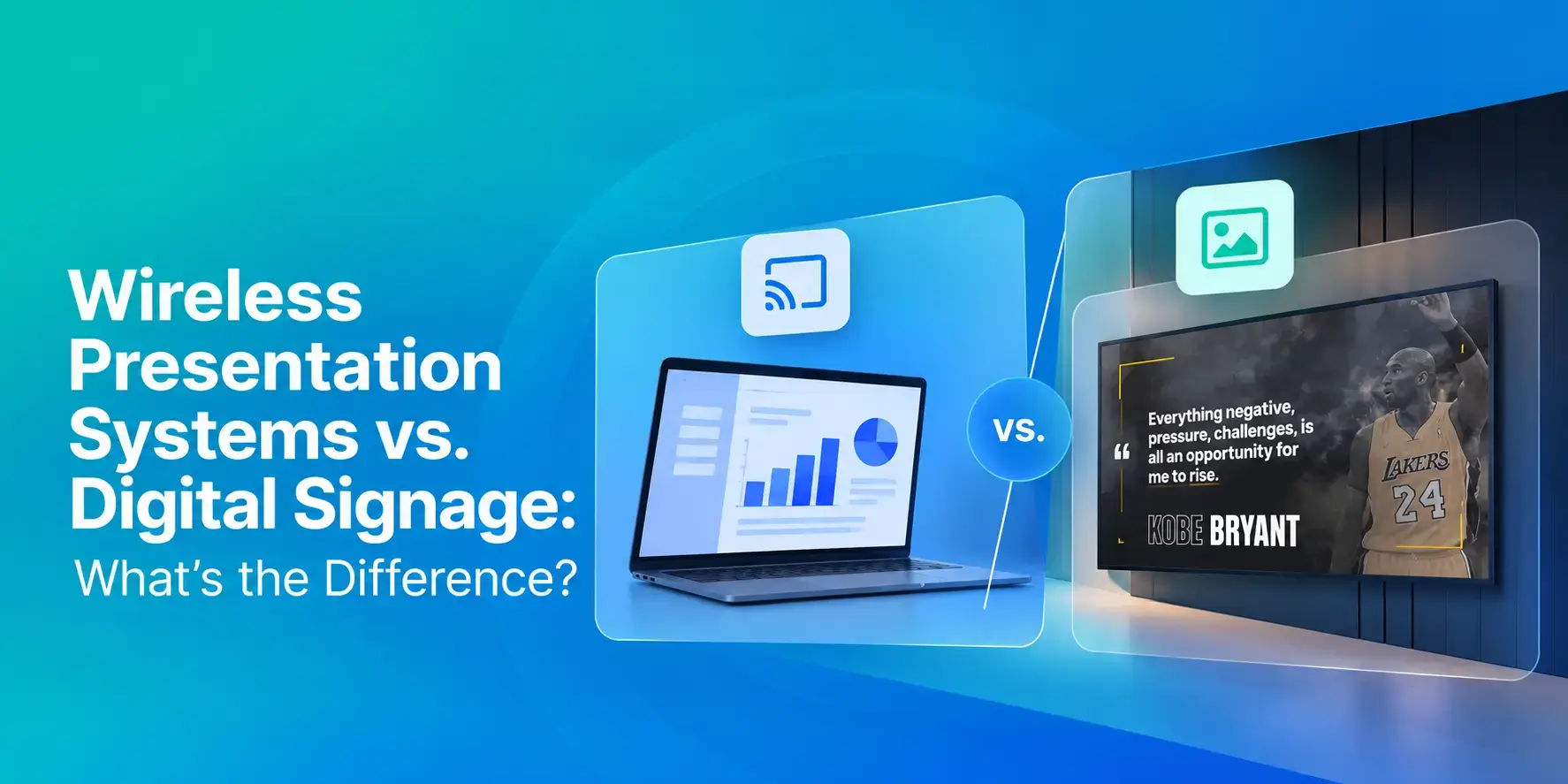
Both wireless presentation systems and digital signage involve screens and display content, but they serve fundamentally different purposes. Wireless presentation systems are session-based and require an active presenter to share content. Digital signage operates independently, displaying scheduled content automatically without human intervention.
The confusion makes sense because both put content on a screen. But the way each one works, what happens when nobody's presenting, and who's responsible for keeping the content fresh are completely different. If you choose the wrong tech, you risk paying for screens that sit idle when no one's presenting, or buying a signage platform that won't let you present your slides when a meeting starts.
What Digital Signage Is Built For
The biggest difference with digital signage is that it doesn’t need someone there to run it.
You can set up your schedule once with announcements, safety reminders, event listings, emergency alerts, wayfinding, and other content — helping your organization communicate, build a positive culture, and improve safety
That works across all kinds of environments. A manufacturing facility might use screens for safety and compliance reminders on the production floor.
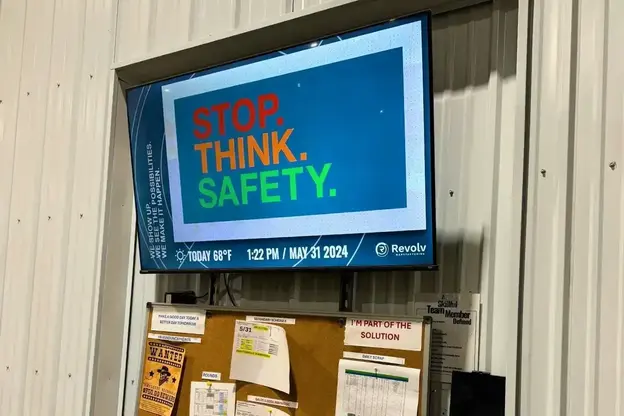
A university can keep event schedules updated across multiple buildings. A hospital can display department directories near elevators. None of it requires someone standing by the screen to keep things running.
Plus, content management happens remotely through a cloud-based platform. You update something once, and it pushes out to however many screens you're managing, whether that's five displays or several hundred. That central control is what makes the software workable at scale.
What Wireless Presentation Systems Are For
A wireless presentation system has one job: letting someone share their screen without plugging in a cable. Products like Barco ClickShare, Mersive Solstice, and Crestron AirMedia are among the top wireless presentation systems purpose-built for the meeting room. You walk in, connect to the room's network or tap a button, and your laptop or phone appears on the display.
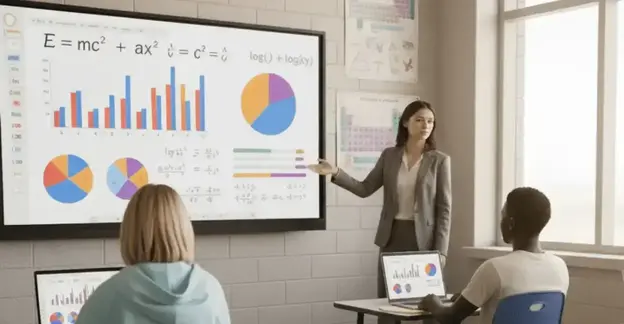
The experience is session-based. One person shares content during a meeting, the screen goes dark when it ends, and nothing happens without a presenter actively driving it.
These devices do their specific job well. Low latency matters when you're presenting live, and dedicated hardware is built with that in mind. But they're not managing scheduled content, not pushing updates to 40 screens across a building, and not designed to run unattended for eight hours a day.
Where the Two Categories Start to Overlap
Screen sharing is where these two systems cross paths, and it’s where a lot of people get confused about what they actually need.
Some digital signage platforms, including Rise Vision, build screen sharing right into the software. That means a screen showing scheduled content can temporarily jump to a live presentation whenever someone needs it. A conference room display can run the day's agenda until a speaker steps up, switch seamlessly to their live screen share, and then bounce right back to its normal loop when the presentation ends. That dual setup is a big plus for many organizations.
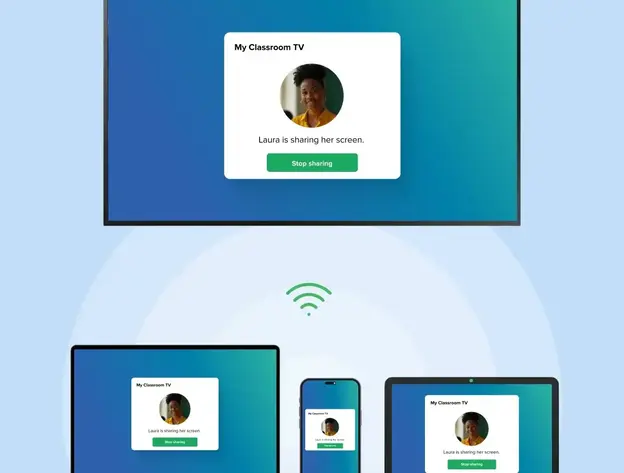
Rise Vision offers this built-in sharing on the Enterprise and Unlimited plans. If your school, office, or facility wants one setup for both jobs, you don't need to juggle two separate platforms or buy extra hardware for every single room.
Rise Vision uses WebRTC, the exact same protocol behind browser video calls. A presenter simply visits risevision.com/join, types in the code shown on the screen, and their laptop, phone, or tablet connects instantly. There are no dongles to plug in, apps to download, or operating system limits.
For larger spaces, you can broadcast a single presentation across up to 10 displays at once. That means a teacher can send slides to screens at both the front and back of a classroom, or an executive can run an all-hands meeting across multiple room displays simultaneously. Once you stop sharing, every screen automatically returns to its scheduled signage loop.
You also get control over who shares:
- Moderated Mode: Gives teachers or meeting hosts control over who can present, ensuring a smooth and orderly sharing session
- Standard Mode: Allows quick, open sharing for casual collaboration.
- Code Connect: Participants enter an on-screen code so they share to the correct display and prevent unwanted streams.
A few other options try to blend signage and screen sharing, but they usually come with hardware strings attached.
Airtame pairs both features on one device, but requires proprietary Airtame hardware for every screen. Vivi combines mirroring, signage, and safety alerts for K-12, but still requires custom hardware boxes and opaque pricing.
Rise Vision works on hardware you likely already own, including Android, Windows, Chrome OS, Linux, Amazon Signage Sticks, Raspberry Pi, BrightSign, and Apple TV. That flexibility is great when you already have working screens and media players in place and don't want to waste budget replacing perfectly good hardwaregear just to unlock screen sharing.
Decision Framework: What Your Screens Do Most Of The Day
Choose digital signage if displays:
- Run content independently most of the time
- Need centralized management across locations
- Display schedules, announcements, safety reminders
- Require emergency alert integration
Choose wireless presentation systems if displays:
- Primarily wait for presenters
- Need dedicated AV performance
- Serve professional presentation spaces
Choose cCombined sSolutions if displays:
- Need both automated content and presentation capability
- Want single-platform management
- Serve mixed-use environments
Rise Vision is an all-in-one platform for digital signage, screen sharing, and emergency alerts. We offer 750+ professionally designed, animated, and customizable templates and an AI presentation design tool. You can use any hardware you already own, so you're not locked into proprietary receivers. Plans start at $11 per display per month. Screen sharing is available on our Enterprise plan at $164 per display per year, or $1,399 per school per year for unlimited displays.
Start a free trial or book a demo to see how one platform covers both digital signage and wireless presentations. There's no credit card required.
FAQs
What's the Main Difference Between a Wireless Presentation System and Digital Signage?
Wireless presentation systems are session-based. Someone shows up, shares their screen, and the display goes dark when they leave. Digital signage runs scheduled content automatically, no presenter required. One's built for participation, the other for information delivery.
Can a Digital Signage Platform Handle Wireless Presentations?
Some can. Platforms with screen sharing built in let a display accept live content from a presenter while still running scheduled content the rest of the time. The latency won't always match dedicated hardware. But for classrooms, small conference rooms, and staff meeting spaces, it typically gets the job done.
Which Setup Works Better for Schools and Universities?
Most educational environments end up needing both in some form. Digital signage covers hallway displays, cafeteria announcements, and campus event schedules. Wireless presentation handles classroom instruction and conference spaces. Platforms that combine both cut down on the separate systems IT has to manage. That matters when you're covering an entire campus or district.
Do Wireless Presentation Systems Work With Digital Signage Players?
Generally, no. Most dedicated wireless presentation devices connect directly to a display, not through a digital signage media player. But some digital signage platforms support screen sharing natively through their own player, so you don't need a separate device at all.
What Should I Prioritize When Choosing Between the Two?
Start with what the screen does most of the day. If a display pushes automated content to staff and cycles through schedules and safety reminders on its own, that's a digital signage problem. A screen that mostly waits for a presenter needs dedicated wireless presentation hardware. If it's doing both, look for a platform that handles both rather than buying and maintaining two separate systems.
Can I Use Rise Vision for Both Digital Signage and Screen Sharing?
Yes. Rise Vision's Enterprise and Unlimited plans include built-in screen sharing alongside digital signage and emergency alerts. A presenter goes to risevision.com/join, enters the on-screen code, and their screen appears on the display. You can share to up to 10 displays at once. When the session ends, the displays go right back to your scheduled content. There's no extra hardware to buy and no separate platform to manage.
More From Our Blog
-
Yodeck vs ScreenCloud vs Rise Vision (2026 Comparison)
Yodeck is the cheapest way to run a few screens. ScreenCloud is the polished corporate pick. Rise Vision combines digital signage, screen sharing, and emergency alerts in one platform, and it's the[…]
Read More -
The Best Chrome Sign Builder Alternatives for Schools in 2026 (Free and Paid Options)
Google stopped supporting Chrome Sign Builder in kiosk mode after ChromeOS 150 in July 2026. So you'll need a replacement for any screen that's still running it. For schools that want to keep their[…]
Read More -
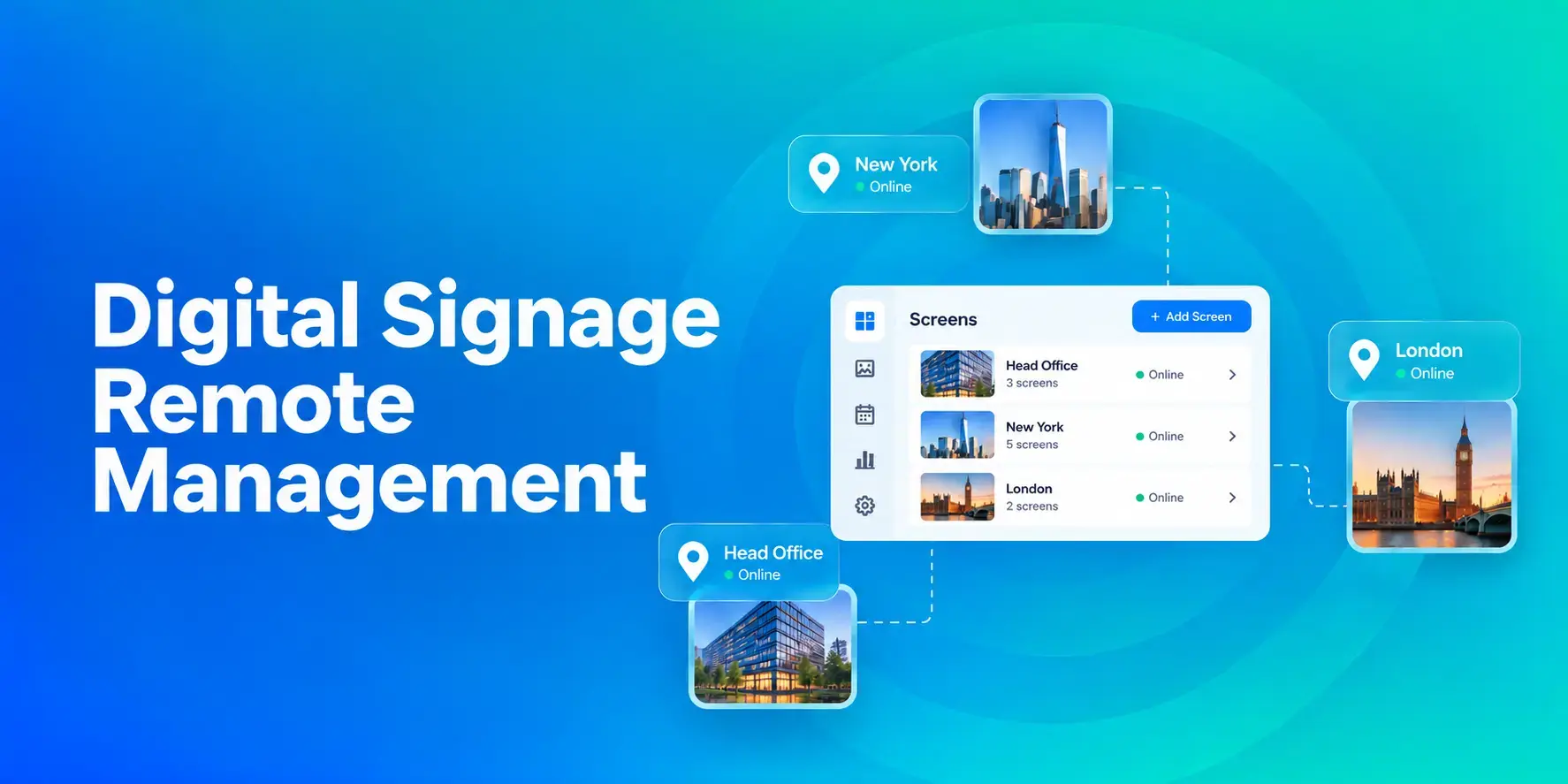
Digital Signage Remote Management: How to Run Every Screen From One Place
Digital signage remote management lets you control screens, schedules, and display health from an online platform. To get started, choose a hardware-agnostic platform, connect your media players or[…]
Read More
12,300+ Organizations Trust Rise Vision, You Can Too
































Schedule a Free Demo
You deserve the #1 all-in-one platform for digital signage, screen sharing, and emergency alerts.





