

Quick Summary
The biggest digital signage trends in 2026 are AI-powered content creation, all-in-one platform consolidation, integrated emergency alerts, and interactive displays. Schools, campuses, and organizations are also leaning into social media walls, outdoor signage, and real-time data feeds to keep screens relevant without adding workload.
Digital Signage Trends Shaping How Organizations Communicate in 2026
Digital signage has moved well past the video walls and static announcements that defined the early 2020s. Schools, businesses, and organizations in 2026 are running screens that deliver emergency alerts, generate AI-assisted content, enable interactive learning, and update automatically — often through a single platform. If you set up your signage a few years ago and haven't looked back, some of the digital signage trends here may surprise you.
16 Digital Signage Trends to Watch for in 2026
Some of these will be new to you. Others you might already be using without thinking of them as trends. Either way, this list covers what's worth paying attention to in 2026.
1. High-Impact Visual Content
Every screen you run is competing with whatever else is in the room: phones, conversations, the view out the window. Motion and bold visuals are still your fastest way to earn a look. Digital signage captures up to 400% more views than static displays, and 83% of viewers can recall the specific content they saw. The screens that get ignored are usually the ones that look like they haven't been updated in months.
Rise Vision's template library provides schools and organizations a constant stream of fresh, high-impact visual content without the overhead of a design team. Organizations like Kent State University and Montana State University use Rise Vision to keep their screens visually relevant across large, multi-building campuses.
2. Donor Walls
A digital donor wall does two things:
- Recognizes the people who've already given
- Signals to everyone else that giving is valued here
For schools and universities running ongoing fundraising campaigns, keeping that recognition current matters. A static trophy case or printed list goes stale fast.
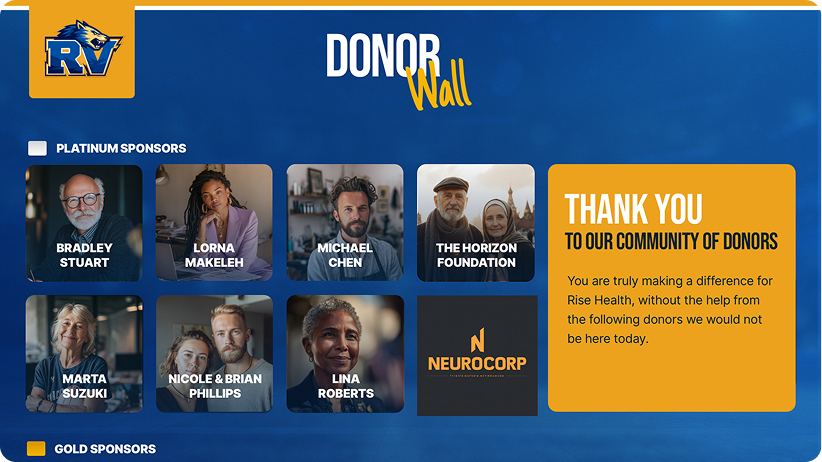
With Rise Vision's interactive digital donor wall solution, visitors can browse contributors by giving level, campaign, or year right on the display. Administrators can add names, update totals, and refresh displays remotely from any device. This is especially useful for higher education institutions and organizations running ongoing capital campaigns across multiple buildings.
3. Digital Hall-of-Fame
Every school has a sports or academic legacy worth showcasing like the teams that made it to state, or the alumni who went on to compete at the next level. A digital Hall of Fame display keeps that history visible and current, which matters most during game season when your hallways are full of students who could use the motivation.
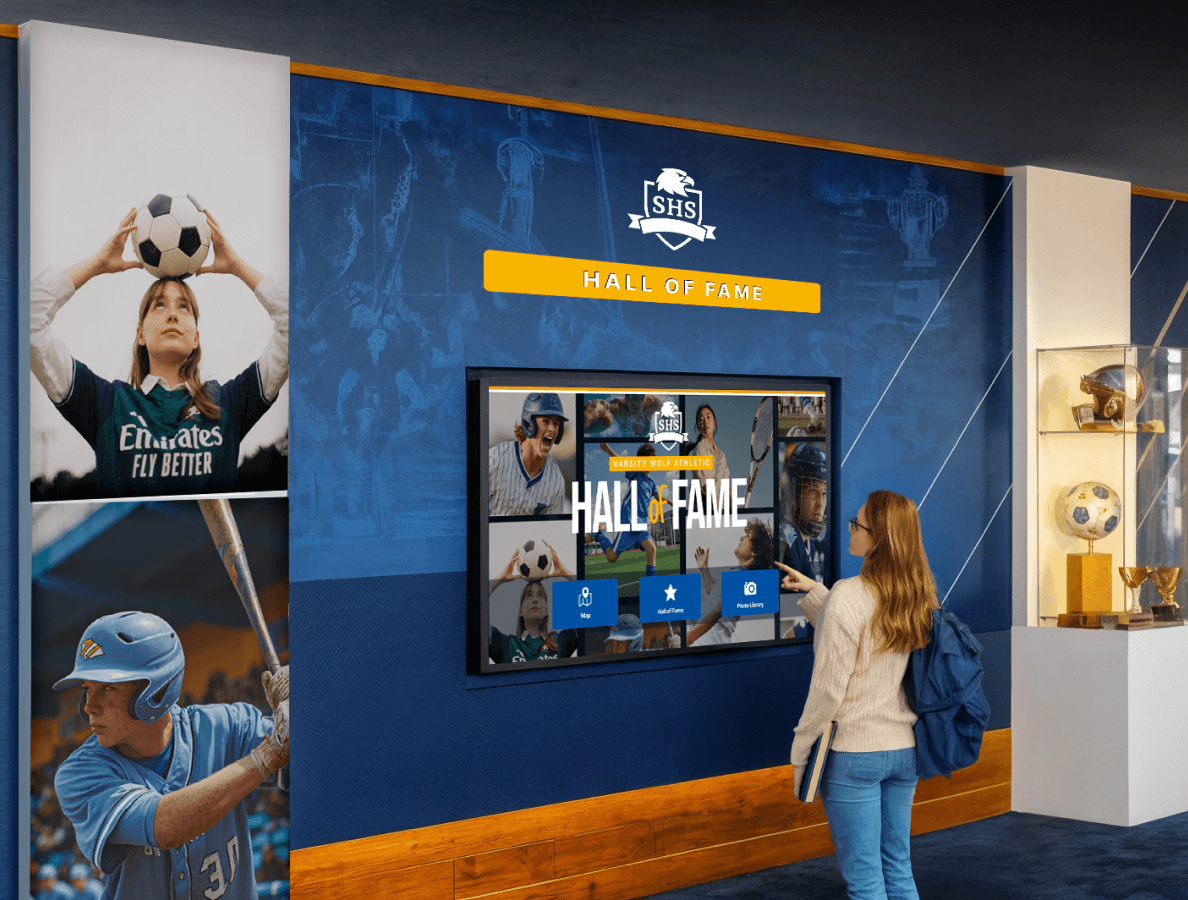
With Rise Vision, hallway displays can automatically rotate Hall of Fame content alongside today's schedule, announcements, or weather. Schools that previously relied on static trophy cases have used Rise Vision to build dynamic, updatable tributes that stay current with each season.
4. Social Media Walls
Your school's social accounts are already generating content. A digital social media wall puts that content where your whole community can see it.
Rise Vision integrates directly with social media feeds, so schools can pull in live posts and display them automatically. During events like graduation, homecoming, or charity drives, social media walls give students a real-time window into what's happening across the school community.
5. Using Digital Signage to Improve Classroom Learning
The classroom is one of the highest-value places to improve communications with students, as long as the technology doesn't create extra work for the teacher.
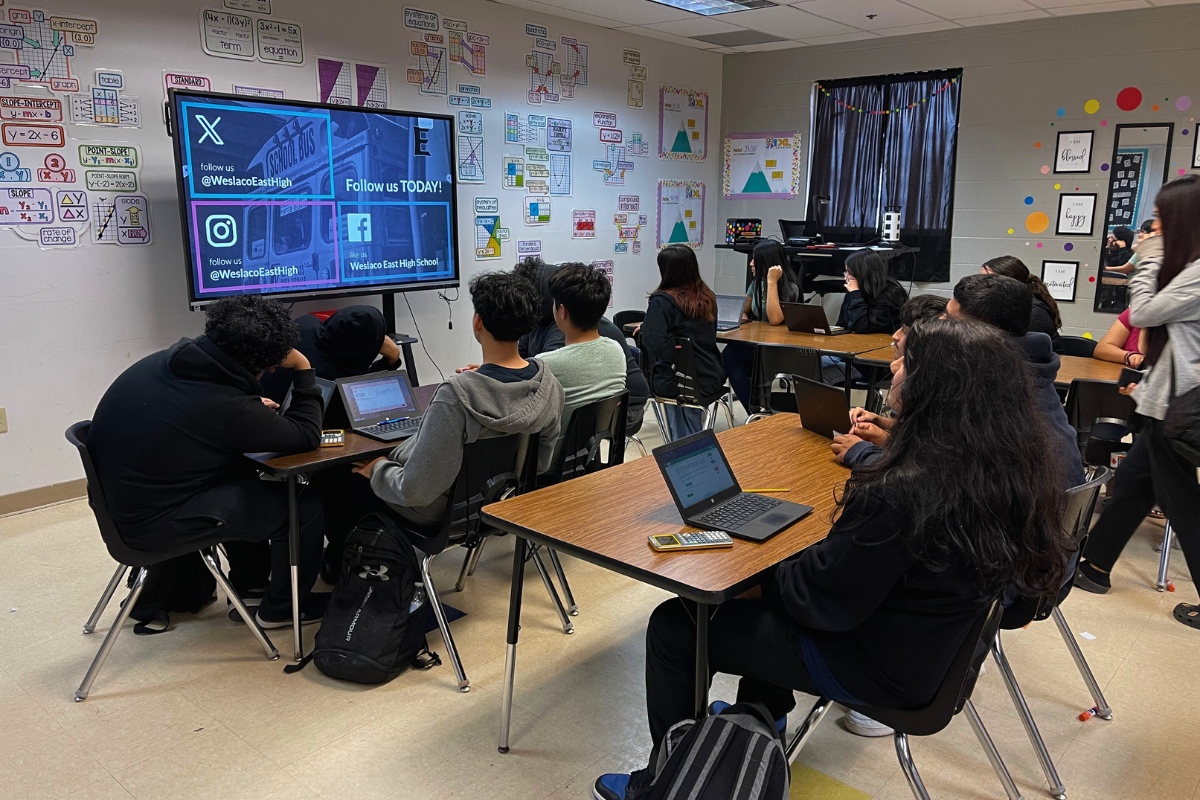
Rise Vision's screen sharing lets teachers wirelessly beam their device screen to any display in the room without dongles, proprietary hardware, or app downloads. Students can do the same, turning any display into a wireless presentation hub. When the learning period ends, the display automatically reverts to digital signage, keeping relevant content visible instead of going dark.
Weslaco ISD, a Texas district serving over 15,000 students across 19 campuses, is a good example. They started with hallway and common area displays, then expanded Rise Vision directly into classrooms, giving teachers a simple way to display content and learning objectives on in-room screens without adding complexity to their day.
6. Gamification Through Quizzes and Puzzles
Digital signage opens up engagement formats that aren't possible with a single screen or a PA announcement. Run a school-wide scavenger hunt where different hallway displays show different clues. Post a timed math question and reward whoever submits the correct answer first. Use your screens to track live progress during a challenge week.
Crown Cork and Seal, a manufacturing company, put a similar approach to work for safety training. During monthly safety meetings, their health and safety manager runs a Jeopardy-style quiz based on what's been on the screens. Workers pay closer attention to the displays knowing the content could come up in the next session.
7. Outdoor Signs at Pick-Up and Drop-Off Points
Pick-up and drop-off is one of the places where a last-minute change causes the most chaos. In 2026, more schools are running weatherproof outdoor displays at entry and dismissal points, feeding them the same content as indoor screens through a single cloud dashboard.
Rise Vision supports remote content updates so a single administrator can push a dismissal change to every relevant screen — indoor and outdoor — in seconds.
8. Safety Updates and Reminders
Safety communication has become one of the most critical use cases for digital signage in schools. Rise Vision's integrated emergency alert system lets administrators push full-screen alerts to every display on campus instantly, overriding whatever content was showing.
Miami Country Day School uses Rise Vision for both everyday event communication and emergency alerts, giving administrators a single platform for routine content and crisis response. Necedah Schools in Wisconsin reported a 50% reduction in lockdown response time after implementing Rise Vision's emergency alert capabilities, a direct result of every hallway screen becoming part of the safety infrastructure.
Beyond lockdown alerts, organizations and schools are using Rise Vision to display health reminders, weather warnings, and visitor check-in instructions.
Rise Vision's safety scoreboards also let organizations track and publicly display safety metrics like days since the last workplace incident. This is a feature increasingly used in manufacturing and warehouse environments to engage employees and reduce workplace incidents.
9. Staff Updates and Internal Communications
Staff communication gets harder the moment people leave their desks. Whether your team is on a production floor, moving between buildings, or working across departments, not everyone can check email mid-shift. Digital signage fills that gap, delivering key updates where your people actually are, without adding another notification to anyone's phone.
Crown Cork and Seal, a manufacturing company, ran into this exact problem. Their workforce is largely deskless, and static whiteboards went unnoticed; workers walked past the same board multiple times a day without registering it. They placed Rise Vision displays above employee time clocks, where people naturally pause, and started rotating safety KPIs, company news, and employee milestones. The content changes, so people actually stop and read it.
10. Event Announcements
Event announcements are high-frequency for schools and campuses. If the process is manual, it discourages constant updates, causing screens to go stale.
For campuses with dozens of screens across multiple buildings, the ability to update event announcements remotely — and schedule them in advance to run and expire automatically — eliminates the manual overhead that makes digital signage feel like more work than it's worth.
Venus Russin, managing displays across the University at Buffalo campus with Rise Vision, puts it plainly: "Rise Vision allowed me to produce a scheduled communication strategy that can easily be adjusted, and make adjustments to just specific upcoming announcements. It is easy to use and importing calendar widgets was a huge plus."
11. Live Weather Updates
For any organization in regions with unpredictable weather, a live weather display at building entrances is a practical communication tool.
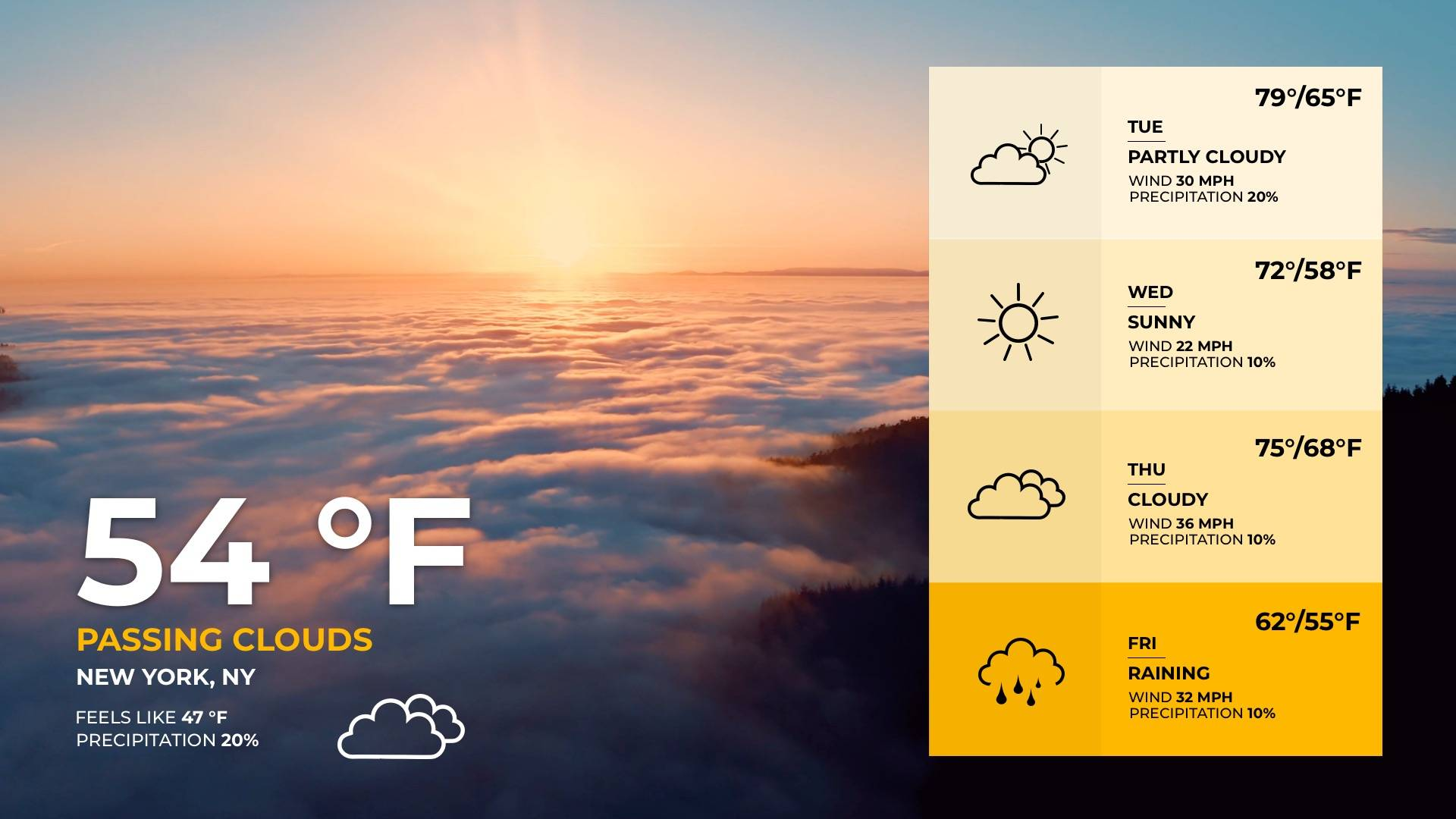
Rise Vision's weather integration pulls live local data automatically, so schools don't need to manually update weather displays.
In regions prone to winter storms, early dismissal, or heat advisories, live weather screens at building entrances and pick-up points give families and staff the information they need without requiring calls to the main office.
12. Contest Winners and Academic Achievers
Students who win competitions, hit academic milestones, or earn recognition deserve more than a mention in the next newsletter.
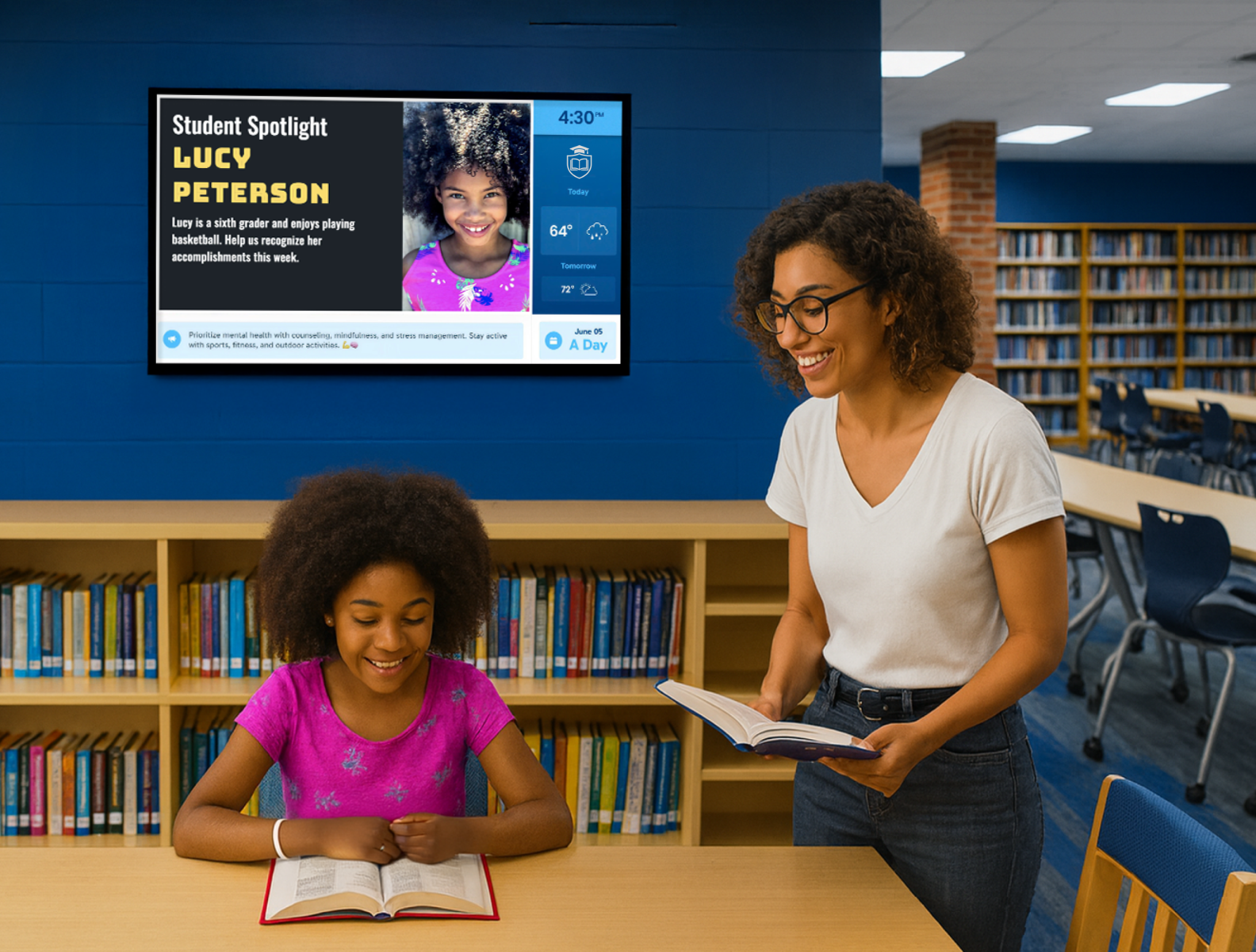
Recognition content is most effective when it's timely. A Gallup and Workhuman study found that 80% of employees report being more productive in cultures where recognition is a regular part of the experience.
With Rise Vision, schools can push achievement announcements the same day results come in, not weeks later when the moment has passed. A quick content update from any browser gets a student's win on every hallway screen before the end of the school day.
13. Digital Celebration Wall
A celebration wall gives your screens over to the community — and students notice when their name or their team shows up on a hallway display.
Schools using Rise Vision can pull in moderated social feeds or custom student content through integrations, giving administrators control over what appears while still keeping screens student-facing and community-driven. Spirit weeks, graduation countdowns, and school-wide campaigns are natural fits for celebration wall content.
14. Art Exhibits
Your hallways can double as a gallery. Schedule student artwork, short films, or work from local artists to run on rotation during a dedicated exhibit window.
With Rise Vision's scheduling tools, art exhibits can run during specific periods — say, every lunch hour during Arts Week — and revert to standard content automatically afterward. Students can submit digital artwork for display without anyone needing to touch the hardware, making student-curated exhibits genuinely easy to run.
15. AI-Powered Content Creation
One of the most significant shifts in digital signage for 2026 is the rise of AI-assisted content design. Creating fresh, professional-looking content for dozens of screens used to require design skills or a budget for a creative agency. That's changing fast.
Rise Vision's AI Design and Editing Tool lets users generate and customize signage content directly within the platform. Type a prompt, choose a layout, and the AI produces display-ready content that matches your branding.
For schools and organizations managing high volumes of screens with small teams, this dramatically reduces the time between "we need new content" and "it's live."
This matters most for organizations that have historically kept their screens stale because updating content felt like too much work. AI lowers that barrier considerably, making digital signage more effective across the board.
16. One Platform for Signage, Screen Sharing, and Alerts
Not long ago, running digital signage, screen sharing, and emergency alerts meant juggling three separate tools from three separate vendors. In 2026, more organizations are switching to a single platform instead.
If you're managing multiple locations or buildings, this matters more than it might sound. One login. One support relationship. One renewal. And when an alert needs to go out, there's no conflict between systems. Your emergency notification just takes over every screen, instantly.
Central R-3 School District made exactly this move, migrating their entire digital signage operation from Chrome Sign Builder to Rise Vision in one go. They cut IT overhead and gained screen sharing and emergency alerts in the process, capabilities they didn't have before.
Rise Vision handles all three: hallway and lobby signage, wireless screen sharing for any room or meeting space, and full-screen emergency alerts that override your displays on demand.
See What Your Screens Can Do in 2026
Your screens can handle most of what's in this article right now. Rise Vision puts digital signage, screen sharing, and emergency alerts in one place. That means you're not juggling three tools, your team can update content without calling IT, and your hardware doesn't need replacing.
Start with a free 14-day trial. If it's not the right fit, you're covered by a 30-day money-back guarantee.
More From Our Blog
-
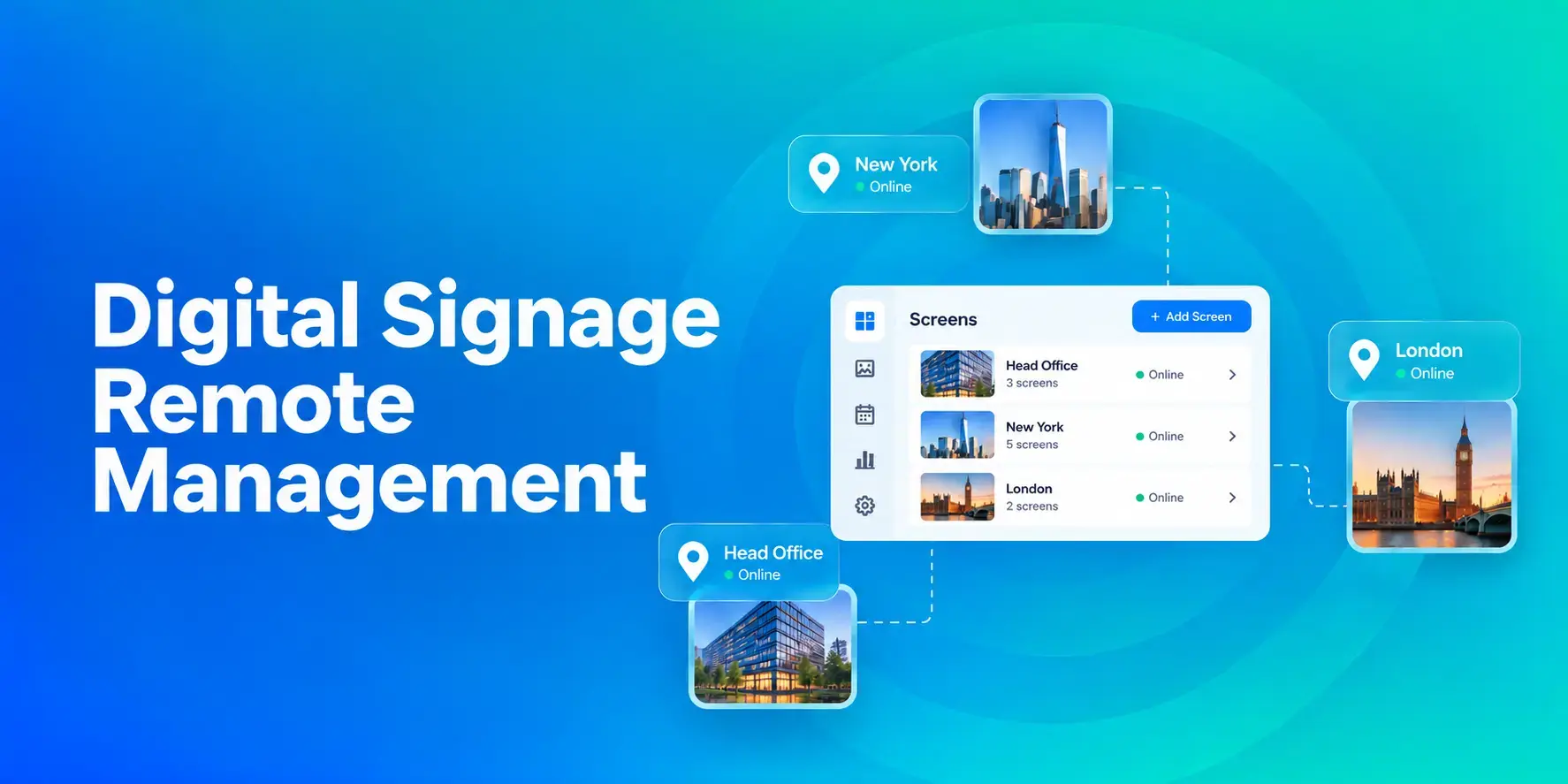
Digital Signage Remote Management: How to Run Every Screen From One Place
Digital signage remote management lets you control screens, schedules, and display health from an online platform. To get started, choose a hardware-agnostic platform, connect your media players or[…]
Read More -
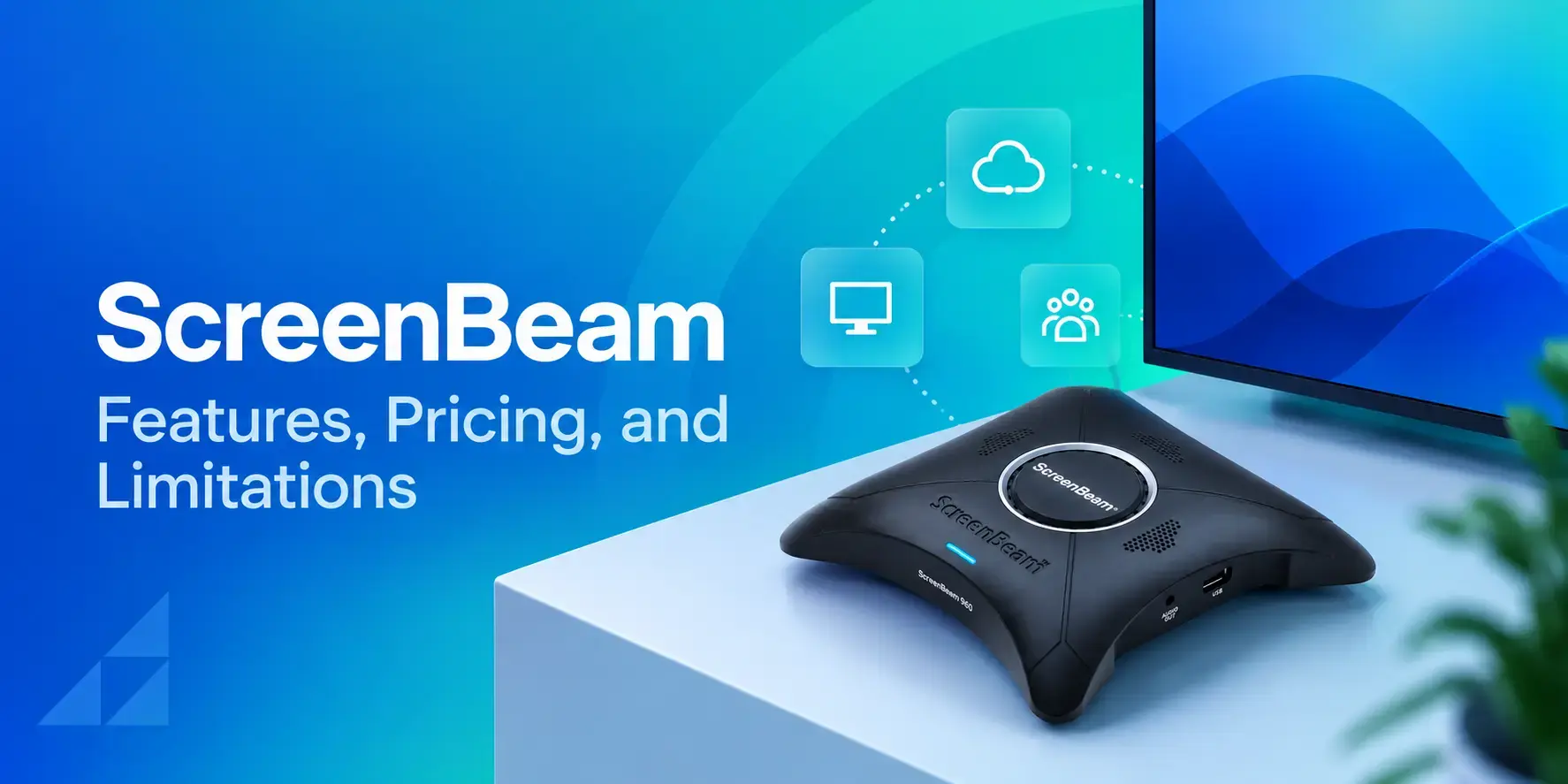
ScreenBeam Review 2026: Features, Pricing, and Limitations
ScreenBeam sells wireless display receivers that let people cast to a screen from any device without an app. You need one receiver per display, and they run from $299.99 to $1,199.99. Cloud-based[…]
Read More -
Interactive Touch Screen Digital Signage: How It Works and What You Need
Interactive touch screen digital signage lets viewers tap a display to find what they need. It pairs a commercial touch display with content software. Common uses include wayfinding, visitor[…]
Read More
12,300+ Organizations Trust Rise Vision, You Can Too
































Schedule a Free Demo
You deserve the #1 all-in-one platform for digital signage, screen sharing, and emergency alerts.





