

Quick Summary
ScreenBeam is built for wireless collaboration first, with signage as an added capability. That works well for classrooms and meeting spaces already using its hardware. But if you want a more flexible digital signage platform that works with existing screens, offers stronger content management, or scales more easily across locations, there are better ScreenBeam alternatives worth considering.
These are our top three choices:
|
# |
Tool |
Best For |
|
1 |
Rise Vision |
Schools and organizations that need digital signage, screen sharing, and emergency alerts in one platform |
|
2 |
Airtame |
Businesses that need wireless screen sharing, hybrid conferencing, and digital signage in one device |
|
3 |
Vivi |
K-12 schools that need wireless screen sharing, digital signage, and emergency alerts in one education-focused platform |
Why Listen to Us?
Rise Vision powers daily communication and screen sharing for over 12,300 organizations in 100+ countries. Thousands of IT teams and educators rely on us every day to keep their displays reliable and secure. We know exactly what people need from their room technology, which gives us a very realistic perspective on how tools like ScreenBeam measure up.
What is ScreenBeam?
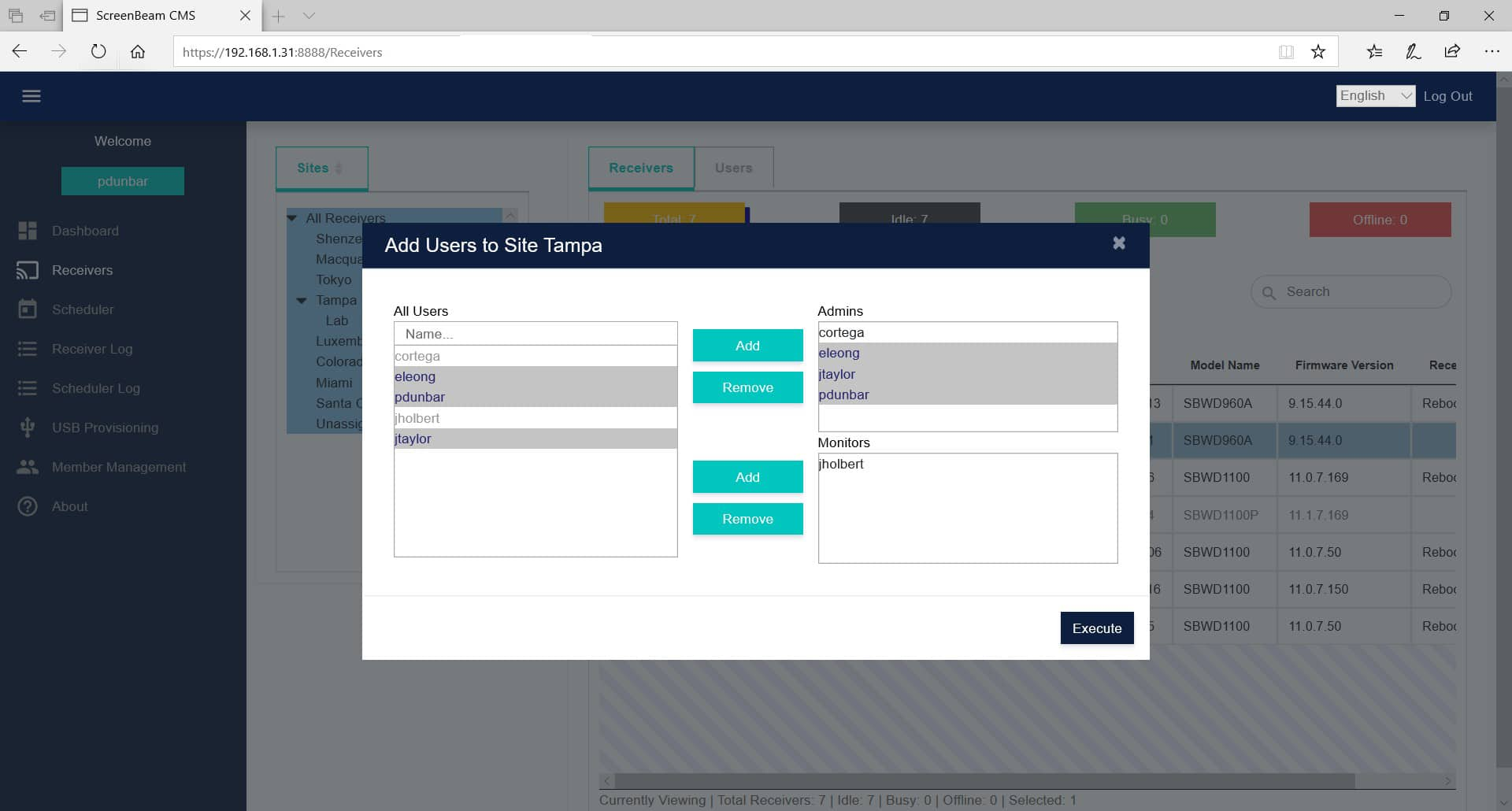
ScreenBeam is, at its core, a wireless presentation and collaboration platform.
Its original job is letting people walk into a classroom or meeting room and wirelessly share their screen to a display without cables, dongles, or app installs. It supports native protocols like Miracast, AirPlay, Google Cast, and BrowserCast, so the pitch is basically "your device already knows how to connect."
Over time, they expanded beyond that.
Now ScreenBeam also offers:
- Digital signage
- BYOM conferencing (bring your own meeting)
- Emergency alerts
- Non-emergency messaging
- Interactive classroom tools (education-focused SKUs)
- Centralized admin tools
But that's layered on top of the core product.
Key Features
- Digital signage: Turn idle displays into announcement boards through the Signage+ add-on.
- Wireless screen sharing: Instantly share from Windows, macOS, iOS, Android, and Chromebook devices.
- ScreenBeam Conference: Connect a personal laptop to in-room cameras, mics, and speakers for hybrid meetings.
- Emergency alerts: Push campus-wide alerts to connected screens through the Alert+ add-on.
- CMS Enterprise: One dashboard for managing all ScreenBeam devices across every location.
What We Like About It
- Fast, reliable setup that teachers and staff pick up quickly
- Works across all major device types out of the box.
- IT teams can manage every device from a single location.
- Purpose-built hardware for both classrooms and boardrooms.
Why Look for ScreenBeam Alternatives?
1. You're Locked Into Their Hardware Ecosystem
This is probably the biggest one. ScreenBeam's software tools (like Signage+, Message Manager, and Alert+) only work if you buy and connect a proprietary ScreenBeam hardware receiver. They don't support a true "bring your own hardware" model. If your campus or office already has a mixed setup using Apple TVs, ChromeOS devices, BrightSign players, or Android boxes, ScreenBeam forces you to throw that out and reinvest heavily in their specific black boxes.
2. Digital Signage Is an Add-On, Not Their Core Focus
At its heart, ScreenBeam is a wireless casting platform. Their signage and alerting tools are built as extra features layered on top of their main collaboration tool. Even ScreenBeam's own messaging puts wireless presentation first. If your main goal is communicating with your audience and managing a screen network, you'll likely want a platform that was built from day one to be signage-first.
3. Their Signage Features Are Less Mature
ScreenBeam only recently launched Signage+ as a standalone cloud product. While it's a solid tool, it simply hasn't had the years of development that dedicated signage platforms have. Competitors like Rise Vision have spent 30+ years refining advanced signage workflows, building massive template libraries, and perfecting deep software integrations. If you need a mature, battle-tested communication hub, that specialized experience matters.
6 ScreenBeam Alternatives to Consider in 2026
|
# |
Tool |
Best For |
Key Strength |
Starting Price |
|
1 |
Rise Vision |
Schools (K-12 + higher education), industrial teams, and businesses that need signage, screen sharing, and emergency alerts from the same platform |
CAP-based alerts, broad hardware support, and 1-hour support response |
$11/display/month |
|
2 |
Airtame |
Businesses that want wireless screen sharing, signage, and hybrid conferencing in one device |
App-free screen sharing with centralized cloud management |
Contact for pricing |
|
3 |
Vivi |
K-12 schools looking to replace signage, PA systems, and screen sharing with one subscription |
Purpose-built for education with device-level emergency alert tracking |
Contact for pricing |
|
4 |
Yodeck |
Businesses that are looking for affordable signage with a low-cost entry point |
Free single-screen plan with CAP alert support and free hardware on annual plans |
Free, then $8/screen/month |
|
5 |
OptiSigns |
Organizations that rely on existing tools like Google Slides and social media feeds |
140+ integrations with a free plan for up to 3 screens |
Free, then $10/screen/month |
|
6 |
ScreenCloud |
Campuses managing content across multiple third-party tools |
80+ app integrations with 24/5 support and strong uptime |
$24/screen/month |
1. Rise Vision
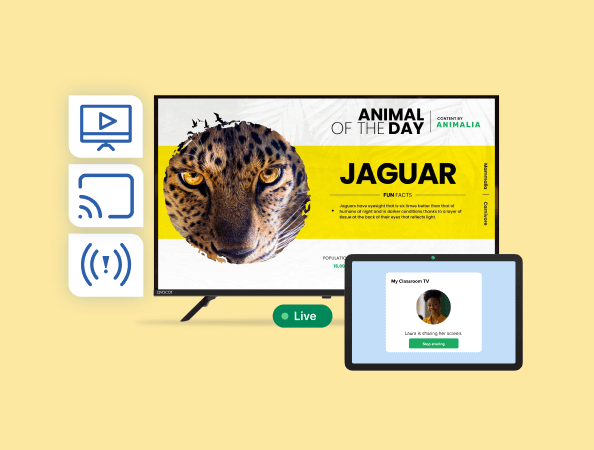
Rise Vision is a cloud-based platform that unifies digital signage, screen sharing, and emergency alerts.
How does it compare to ScreenBeam? The biggest difference comes down to where each platform started (+ primary use case). ScreenBeam is a wireless casting box first, with signage and alerts added later. We built Rise Vision from the exact opposite direction. It's a full-scale communication platform first with wireless screen sharing and emergency alerts seamlessly baked into the core software.
If digital signage plays a central role in your setup, that difference matters… a lot.
Hardware flexibility is another big difference. ScreenBeam locks you into buying their proprietary physical receivers. Rise Vision is completely hardware-agnostic. We run smoothly on Windows, Android, ChromeOS, Apple TV, BrightSign, and more. If you already have devices in place, that usually means you can work with what you have instead of buying into a separate hardware ecosystem.
Finally, we back everything up with world-class, human support. We promise a one-business-hour tech support response time, alongside free onboarding and weekly training.
Key Features
- Wireless screen sharing: Present from laptops, tablets, and phones directly to connected displays without separate casting hardware.
- CAP emergency alerts: Override active screen content with emergency messaging through CAP integrations.
- Digital signage: Create, schedule, and manage signage content from a cloud dashboard.
- Template library: Build announcements, dashboards, schedules, and signage content using 750+ templates.
- Multi-platform player support: Run across Windows, Android, ChromeOS, Linux, Apple TV, BrightSign, and Amazon Signage Stick.
- Centralized display management: Manage users, screens, schedules, and communication across locations from one place.
- Moderated sharing controls: Approve and control who can share to displays in secure environments.
- Subcompany management: Organize multiple campuses, departments, or business locations under one account structure.
Pricing
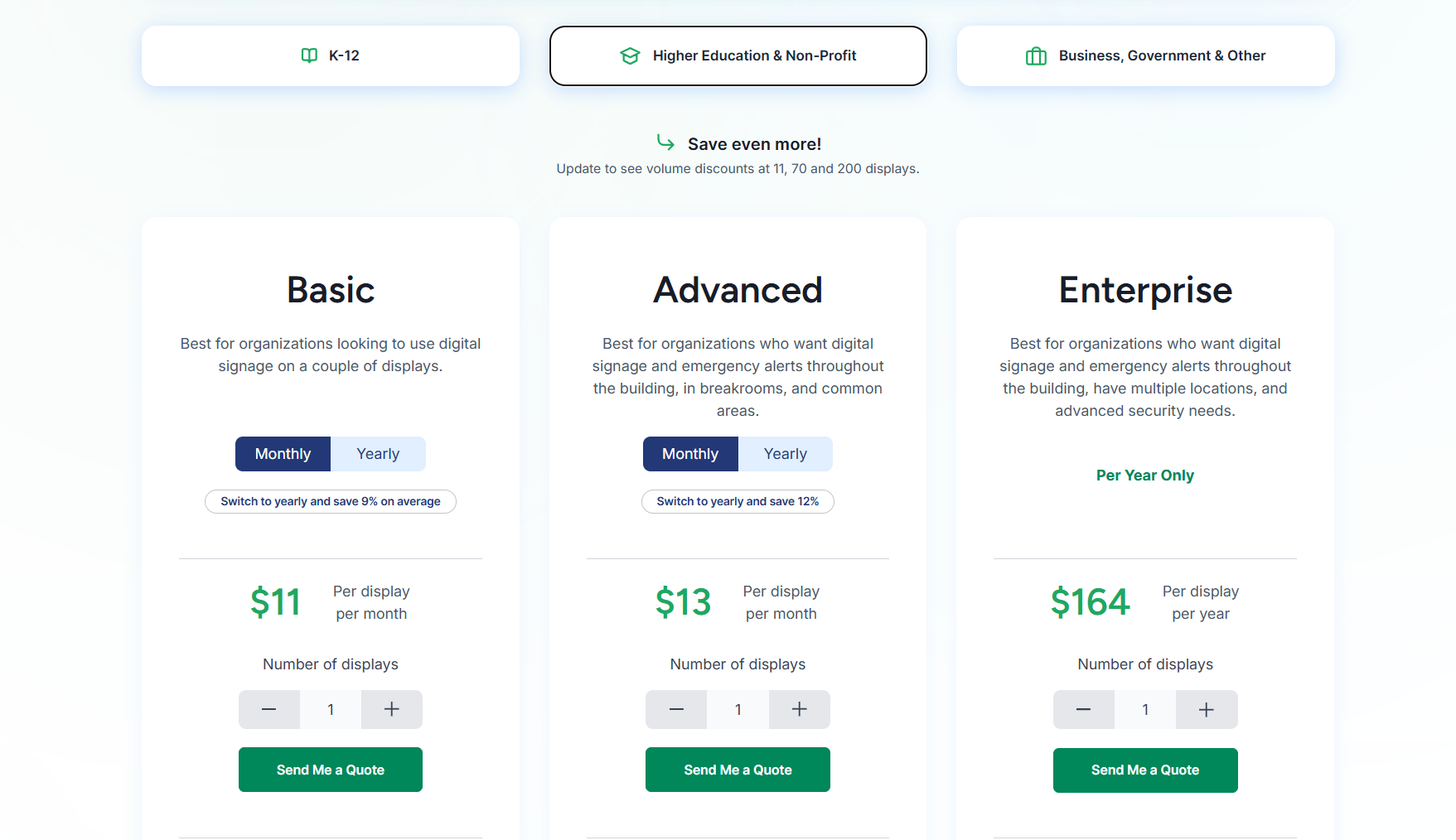
K-12 Education, Higher Education and Non-Profit
- Basic: $11/display/month.
- Advanced: $13/display/month.
- Enterprise: $164/display/year. $1,399/school/year for an unlimited license (only for K-12).
Businesses, Government and Others
- Basic: $12/display/month.
- Advanced: $14/display/month.
- Enterprise: $180/display/year.
Pros
- Built-in emergency alerts integrate with leading CAP systems.
- Runs on a wide range of existing hardware.
- Free onboarding, training, and support included.
- Simple enough for non-technical staff to manage daily content.
- 1-hour support response time.
Cons
- Interactive display features require a high-cost annual add-on license.
2. Airtame
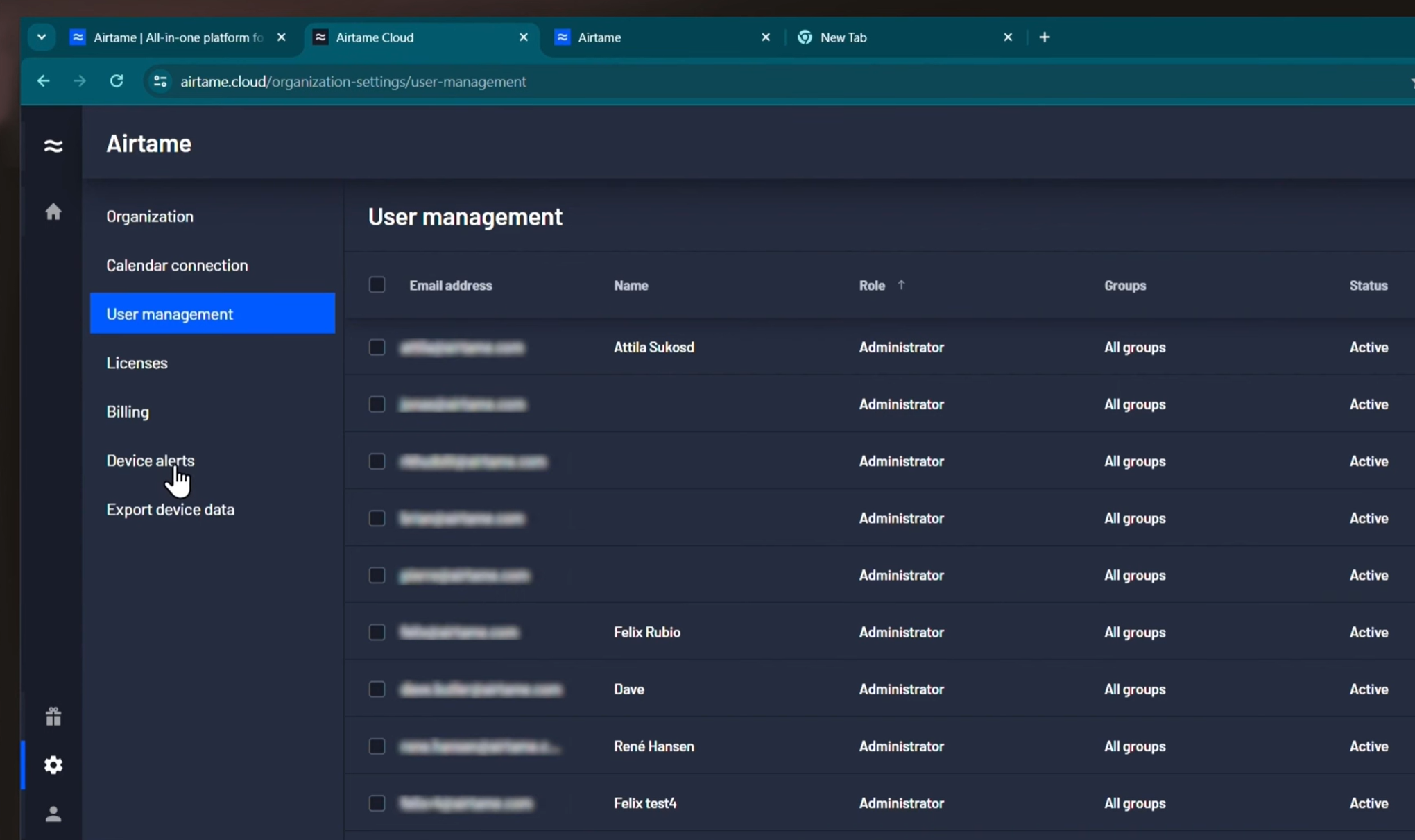
On paper, Airtame offers a very similar setup to ScreenBeam. It centers heavily on wireless screen sharing and video conferencing, with digital signage and emergency alerts layered on top.
However, Airtame solves ScreenBeam's biggest limitation: strict hardware lock-in. While Airtame still sells its own physical boxes, they also offer "Virtual Airtame." This software-only option lets you run the platform directly on your existing Windows devices. It gives IT teams the flexibility to deploy dedicated hardware where they absolutely need it, or simply use the screens and PCs they already own.
Key Features
- App-free screen sharing: Share from any device instantly via AirPlay, Miracast, or Google Cast, with no logins or downloads.
- Airtame Cloud: Remotely manage all devices, schedule signage, and push updates from a single central dashboard.
- Digital signage: Display announcements, schedules, and dashboards using tools such as Google Slides, PowerPoint, and Canva.
- Emergency alerts: Instantly take over screens from Airtame Cloud or third-party systems for urgent notifications.
- Virtual Airtame: A software-only option that runs on existing Windows or Android devices without additional hardware.
Pricing
- Airtame does not publish standard pricing. Contact their sales team for education and business quotes.
Pros
- Compatible with all major devices and does not require app downloads.
- Centralized cloud management helps reduce IT workload.
- Offers screen sharing, signage, and alerts in a single platform.
Cons
- Performance depends on Wi-Fi stability and may be inconsistent on complex networks.
- It has a higher upfront cost than consumer-grade alternatives.
- Some users have reported occasional connectivity issues during screen sharing.
3. Vivi
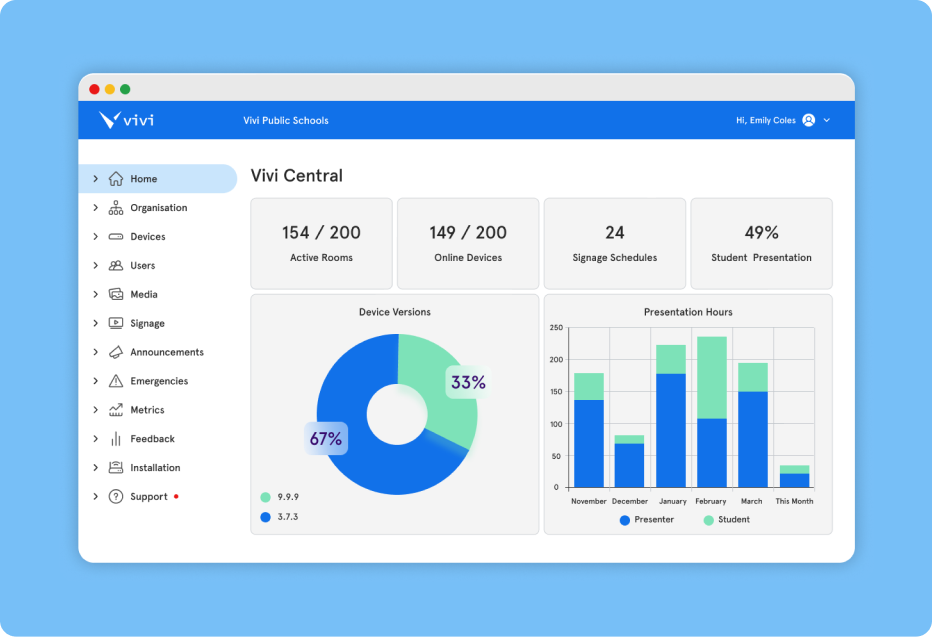
Vivi takes a similar all-in-one approach by combining wireless screen sharing, digital signage, and emergency alerts into a single platform.
The biggest difference is who it's built for. While ScreenBeam splits its focus between corporate offices and classrooms, Vivi is built exclusively for schools. That education-first mindset shows up in features like campus-wide announcements, classroom communication tools, emergency messaging, and integrations designed around education workflows.. If you are managing a school district rather than a corporate office, Vivi is tailored specifically to your environment.
Key Features
- Wireless screen sharing: Teachers and students share screens from any device without cables or dongles.
- Digital signage: Display announcements, event schedules, and student recognition on hallway and common-area screens.
- Emergency alerts: Push campus-wide visual alerts to every connected screen instantly, with device-level acknowledgment tracking.
- Video and text announcements: Replace PA systems with on-screen video or text messages sent to specific classrooms or the entire campus.
- Vivi Central: IT management dashboard for permissions, device monitoring, and multi-campus control.
Pricing
- Vivi pricing is based on school size and deployment. Contact their team for a quote tailored to your district.
Pros
- Designed for education with tools aligned to school communication.
- Replaces signage, PA systems, and screen sharing with one subscription.
- Provides highly rated customer support by IT admins and teachers.
Cons
- Some users have reported occasional freezing or disconnections during screen sharing.
- On certain devices, software updates may need manual installation.
- Vivi is intended for educational use and is not suitable for business or enterprise.
4. Yodeck
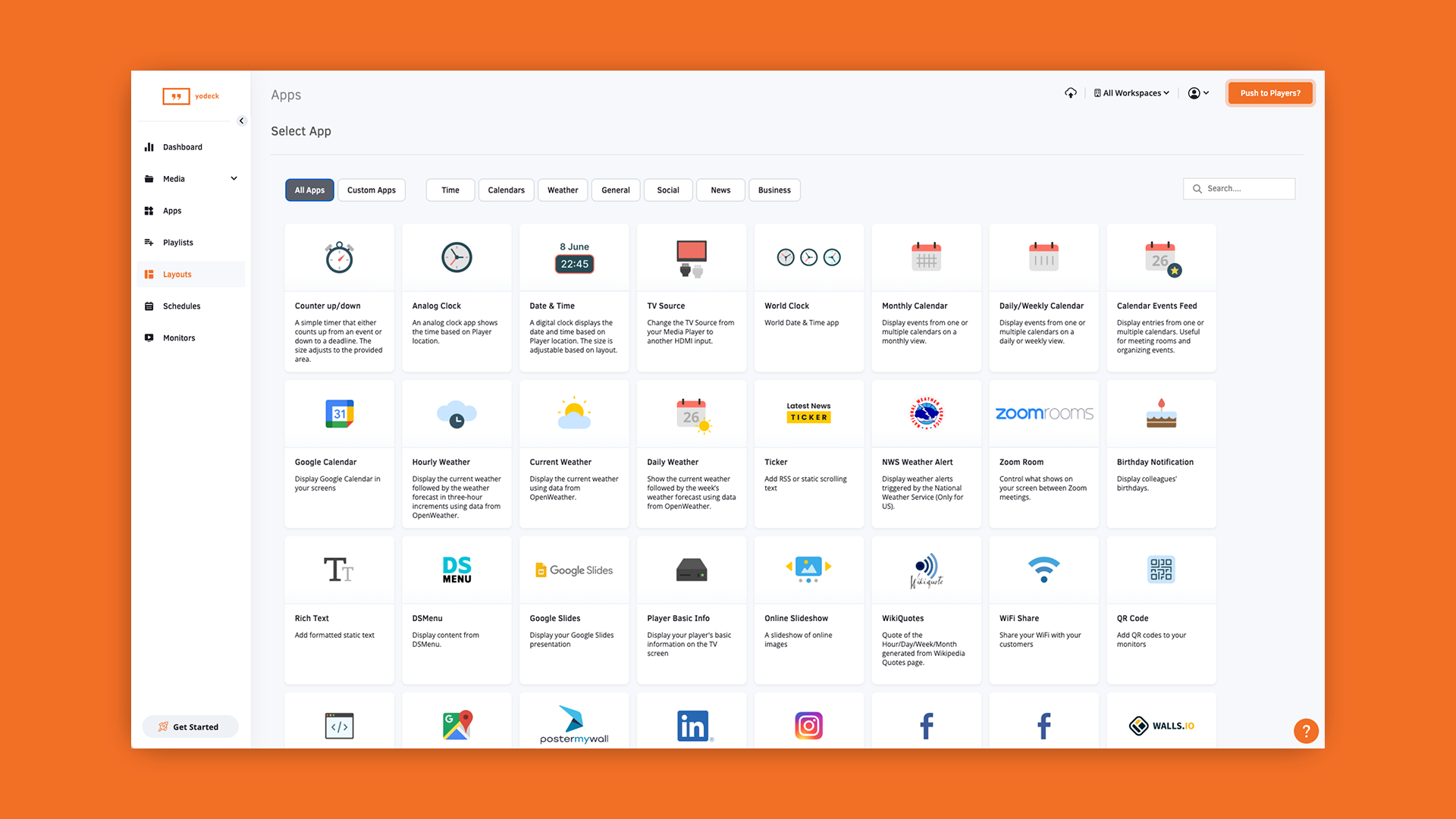
Yodeck is another good ScreenBeam alternative if your primary goal is digital signage, not wireless screen sharing. The free single-screen plan makes it a low-risk starting point for smaller businesses testing digital signage for the first time.
It's less of a collaboration platform, though. If wireless presentation and meeting room sharing are central requirements, ScreenBeam keeps the edge.
Key Features
- Free hardware offer: Get a free Yodeck media player when you commit to an annual subscription.
- CAP emergency alerts: Override scheduled content with safety alerts in real time.
- 500+ templates: Build and publish focused content quickly with ready-made templates.
- Remote power management: Control screen power remotely using HDMI-CEC technology.
- Layout zone editor: Display multiple content types on a single screen simultaneously.
Pricing
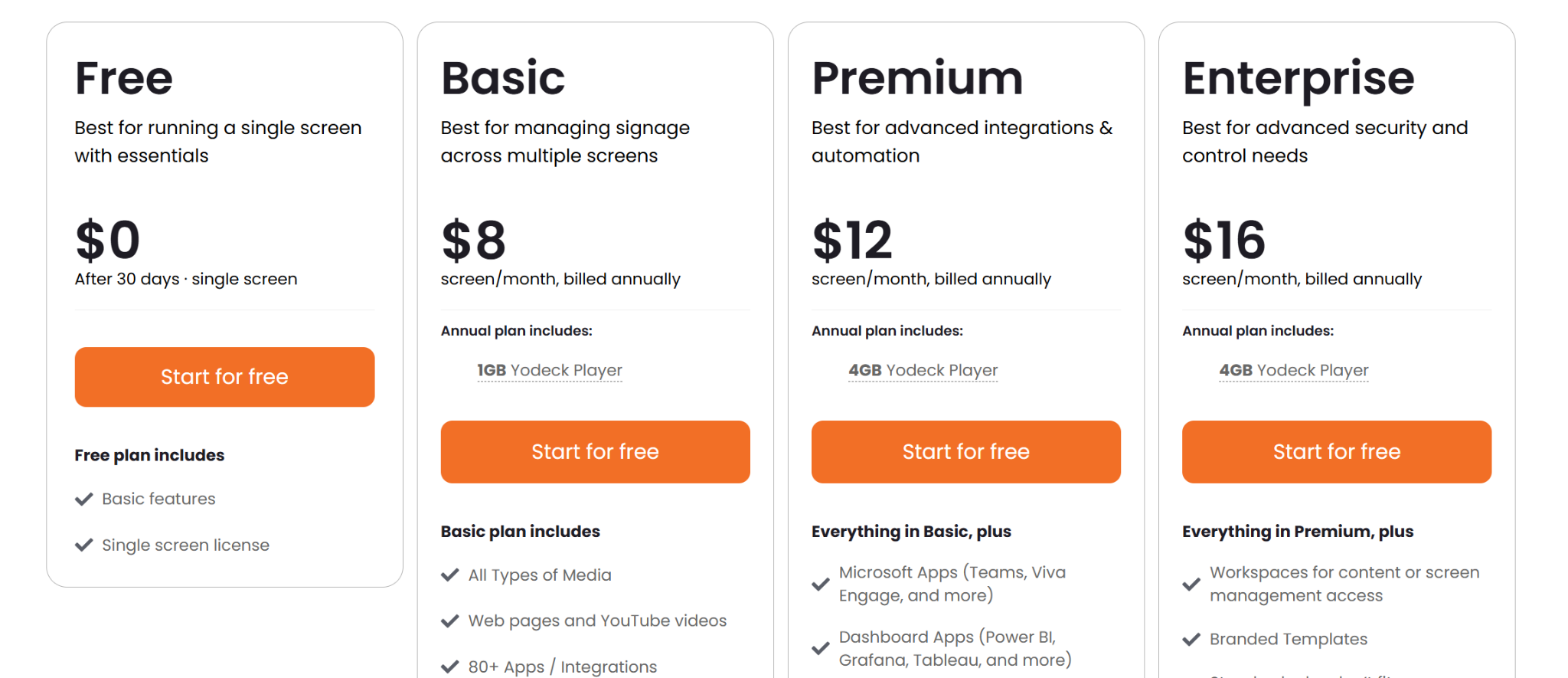
- Free: $0 per screen.
- Basic: $8 per screen per month.
- Premium: $12 per screen per month.
- Enterprise: $16 per screen per month.
Pros
- Affordable entry-level pricing with a free single-screen option.
- CAP integration provides real-time emergency alerts.
- Unlimited storage and bandwidth on all paid plans.
Cons
- No native app for Apple TV or macOS.
- Amazon Fire TV and Stick devices have notable feature restrictions.
- Free hardware is fully owned only after one year of continuous service.
5. OptiSigns
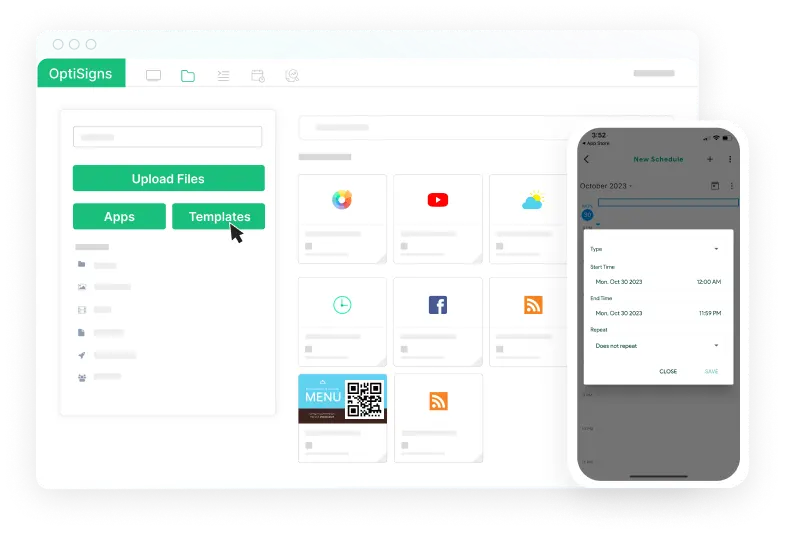
OptiSigns sits in a very similar camp to Yodeck. It is fundamentally a digital signage platform built around content management, quick templates, playlists, and remote screen control.
The software is designed to get your messaging live on screens quickly, without a lot of setup friction or training. If you realized you don't actually need the heavy, collaboration-focused casting tools that ScreenBeam offers, OptiSigns gives you a straightforward way to just handle your daily digital signage.
Key Features
- 140+ app integrations: Connect to Google Slides, Power BI, Instagram, YouTube, and more.
- Drag-and-drop designer: Build and publish content directly within the platform.
- Split-screen zones: Display multiple content types simultaneously on a single screen.
- Mobile admin app: Update and monitor screens on the go via Android or iOS.
- Broad hardware support: Runs on Android, Amazon Fire, Windows, ChromeOS, Raspberry Pi, and more.
Pricing
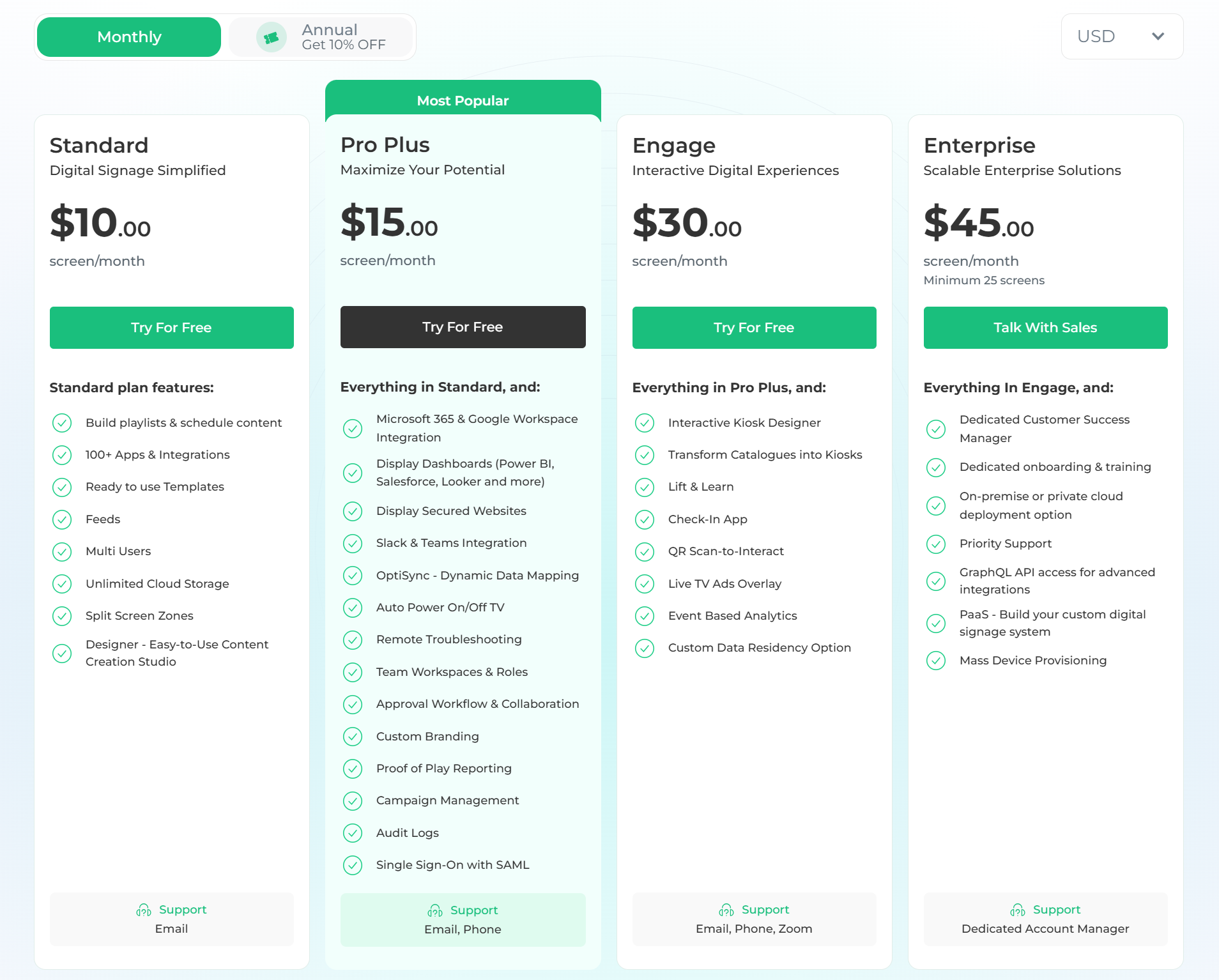
- Free: $0 for up to 3 screens.
- Standard: $10/screen/month.
- Pro Plus: $15/screen/month.
- Engage: $30/screen/month.
- Enterprise: $45/screen/month.
Pros
- Affordable entry-level pricing with a free plan for up to 3 screens.
- Broad hardware compatibility reduces switching costs.
- Strong app integrations for education tools.
Cons
- Content updates can feel manual at higher volumes.
- Design tools are limited for teams with higher visual standards.
- Harder to keep content consistent across multiple locations at scale.
6. ScreenCloud
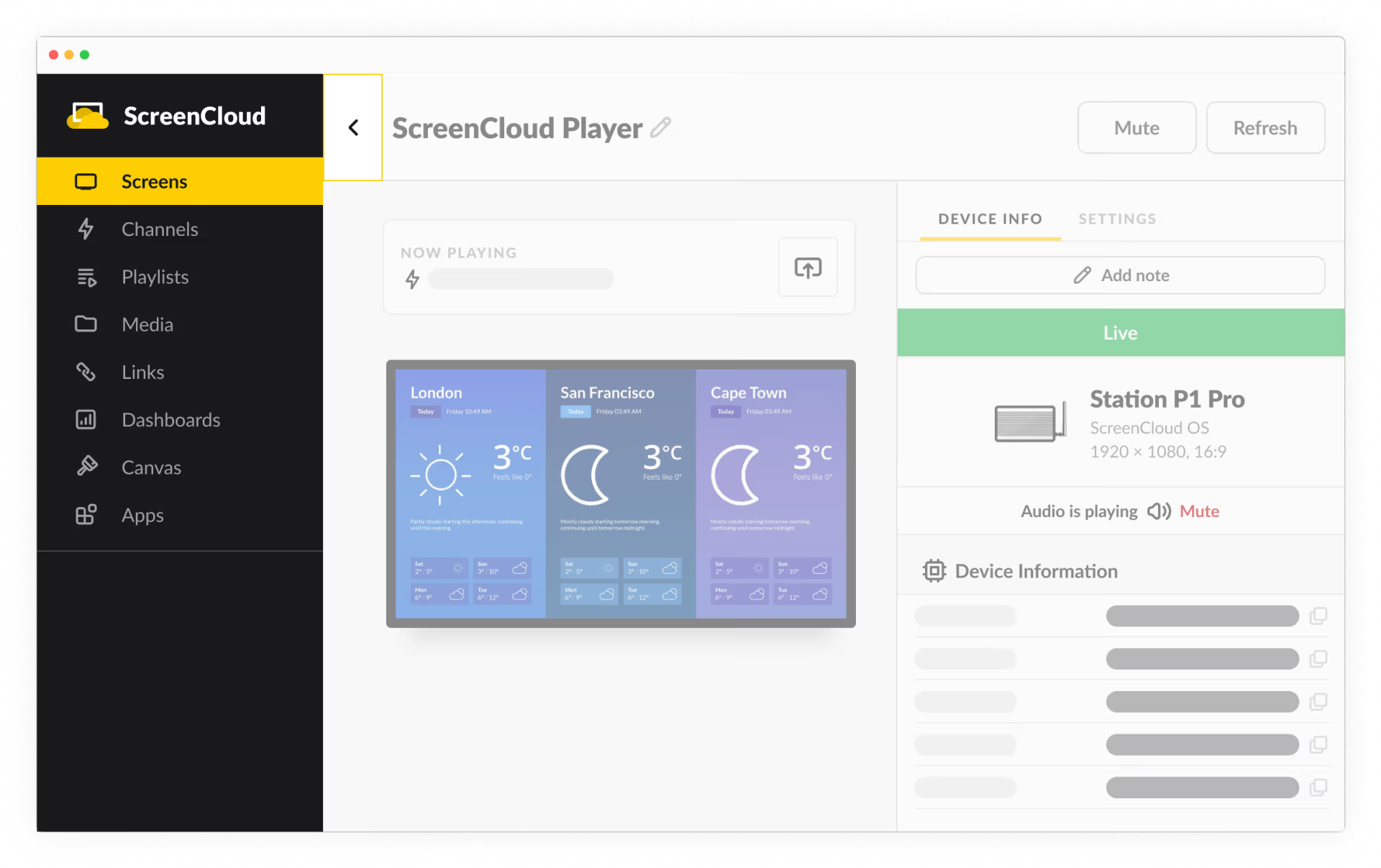
ScreenCloud is a heavily enterprise-focused digital signage alternative. It's built specifically for managing communication content at a massive scale across corporate offices, retail networks, or highly distributed teams. Because of this, the software leans deeply into enterprise requirements like strict content governance, advanced publishing permissions, and large-scale screen management.
Key Features
- ScreenCloud Studio: Create, schedule, and manage signage content from a centralized CMS.
- Content approvals: Control publishing workflows with user permissions and governance settings.
- App integrations: Pull live content from dashboards, social tools, and business apps.
- Remote device management: Monitor and maintain deployed screen hardware remotely.
- Screen health monitoring: Track connectivity, screenshots, and device performance.
Pricing
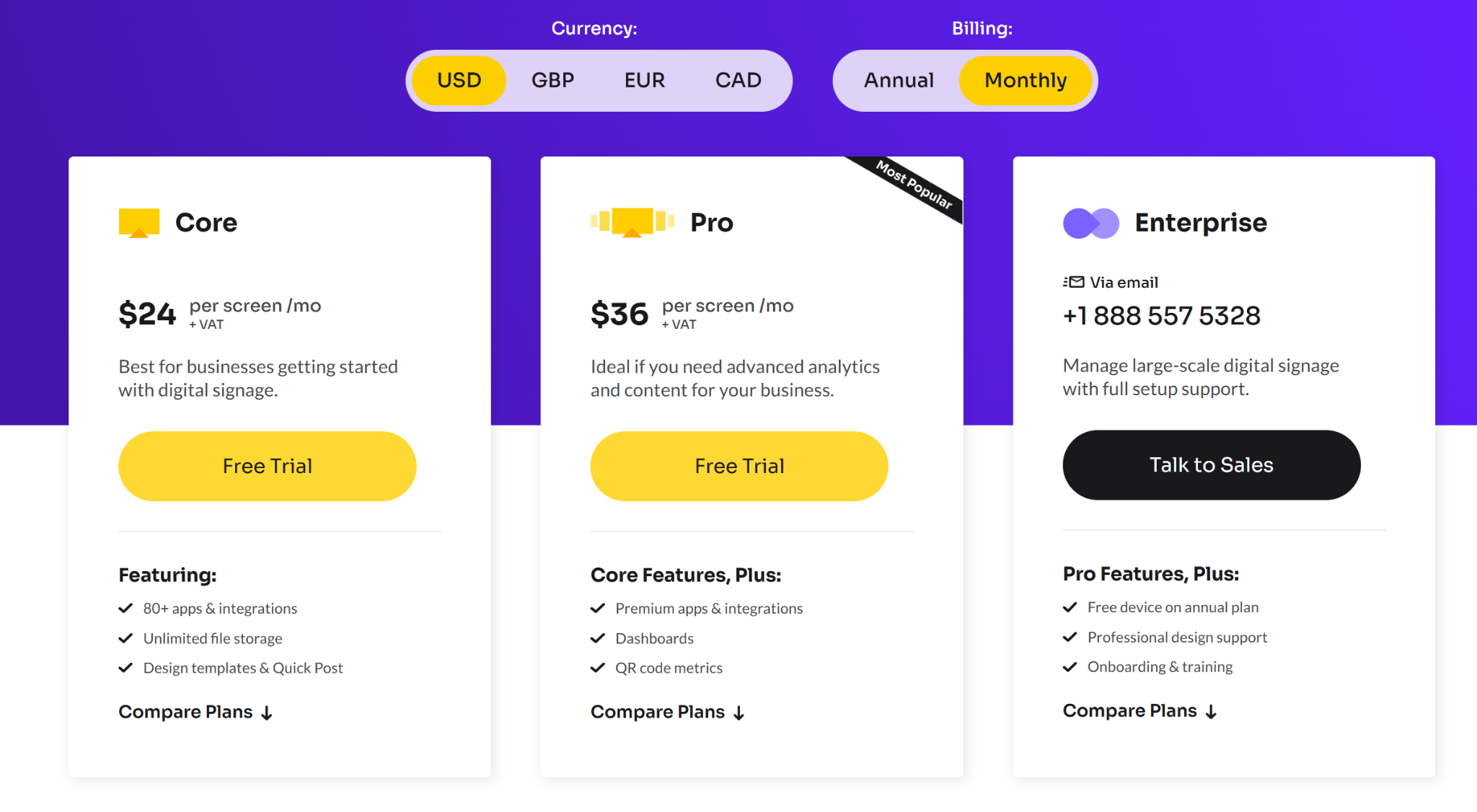
- Core: $24/screen/month.
- Pro: $36/screen/month.
- Enterprise: Custom pricing.
Pros
- Fast screen pairing with simple activation codes.
- Strong uptime SLA with offline playlist caching.
- 24/5 support for onboarding and troubleshooting.
Cons
- Monthly per-screen pricing gets expensive as screen count grows.
- Built-in templates feel limited for complex custom designs.
- Performance can lag during network drops.
How to Choose the Best ScreenBeam Alternative for You
Every organization is different. The best platform depends on what your displays currently do, what you want them to do, and who will manage them each day.
- Screen sharing or signage or both: Some platforms here focus on classroom screen sharing, while others are for campus-wide digital signage. A few do both. Decide what you need most before you compare features.
- Emergency alert capability: Check whether alerts are built in or a paid add-on. This difference matters when you need every screen to respond instantly.
- Hardware you already have: Some platforms need special hardware, while others work with devices you already use in your classrooms and hallways. Knowing what you have before you begin can save time and money.
- Who manages the content: Teachers and staff are not IT experts. If a platform needs IT help for every update, it can slow things down. Choose tools that anyone on your team can use easily.
- Budget and scale: The starting price may seem affordable for one or two screens. Consider the total cost for your entire campus or district before making a decision.
So, Which ScreenBeam Alternative Makes the Most Sense?
ScreenBeam works well if wireless presentation is your main priority. But if your screens also handle signage, internal communication, emergency messaging, or day-to-day updates, a signage-first platform may be a better fit.
The right choice depends on what your displays actually need to do. If you want digital signage, wireless screen sharing, and emergency alerts in one platform without locking yourself into proprietary hardware, Rise Vision is well worth a closer look.
Try Rise Vision risk-free with a 30-day money-back guarantee. You can also book a demo, if you're curious to see how it works first before committing.
Frequently Asked Questions
What Is the Best ScreenBeam Alternative?
That depends on what you actually need.
If wireless presentation is still your top priority, Airtame and Vivi are closer comparisons since they focus heavily on screen sharing and collaboration. If your bigger need is digital signage, emergency communication, or managing displays across multiple locations, platforms like Rise Vision, Yodeck, OptiSigns, and ScreenCloud make more sense.
Is ScreenBeam a Digital Signage Platform?
Yes, but that is not where it started.
ScreenBeam began as a wireless presentation and collaboration platform. It later expanded into digital signage, messaging, and emergency alerts through products like Signage+ and Alert+.
So while it now supports digital signage, many buyers still compare it against dedicated signage platforms if communication and content management are bigger priorities.
Does ScreenBeam Require Proprietary Hardware?
Largely, yes.
ScreenBeam's wireless presentation experience depends on the ScreenBeam receiver hardware. That is part of the platform design.
Some alternatives like Rise Vision take a more flexible software-first approach and support existing hardware like Windows devices, Android players, Apple TV, ChromeOS, or BrightSign instead.
That difference matters if you already have infrastructure in place.
Which ScreenBeam Alternative Supports Digital Signage and Wireless Screen Sharing?
Rise Vision, Airtame, and Vivi all support both.
The difference is emphasis.
- Airtame stays closer to the wireless presentation side.
- Vivi focuses heavily on education.
- Rise Vision leans more toward digital signage, communication, and emergency messaging while still including wireless screen sharing.
ScreenBeam vs Rise Vision: What Is the Main Difference?
The biggest difference is product focus.
ScreenBeam started as a wireless presentation platform and later expanded into signage and alerts.
Rise Vision started with digital signage and communication, then added wireless screen sharing and emergency alerts into the same platform.
So if presentations are the main job, ScreenBeam may feel like the closer fit. If displays handle day-to-day communication as well, Rise Vision often makes more sense.
More From Our Blog
-
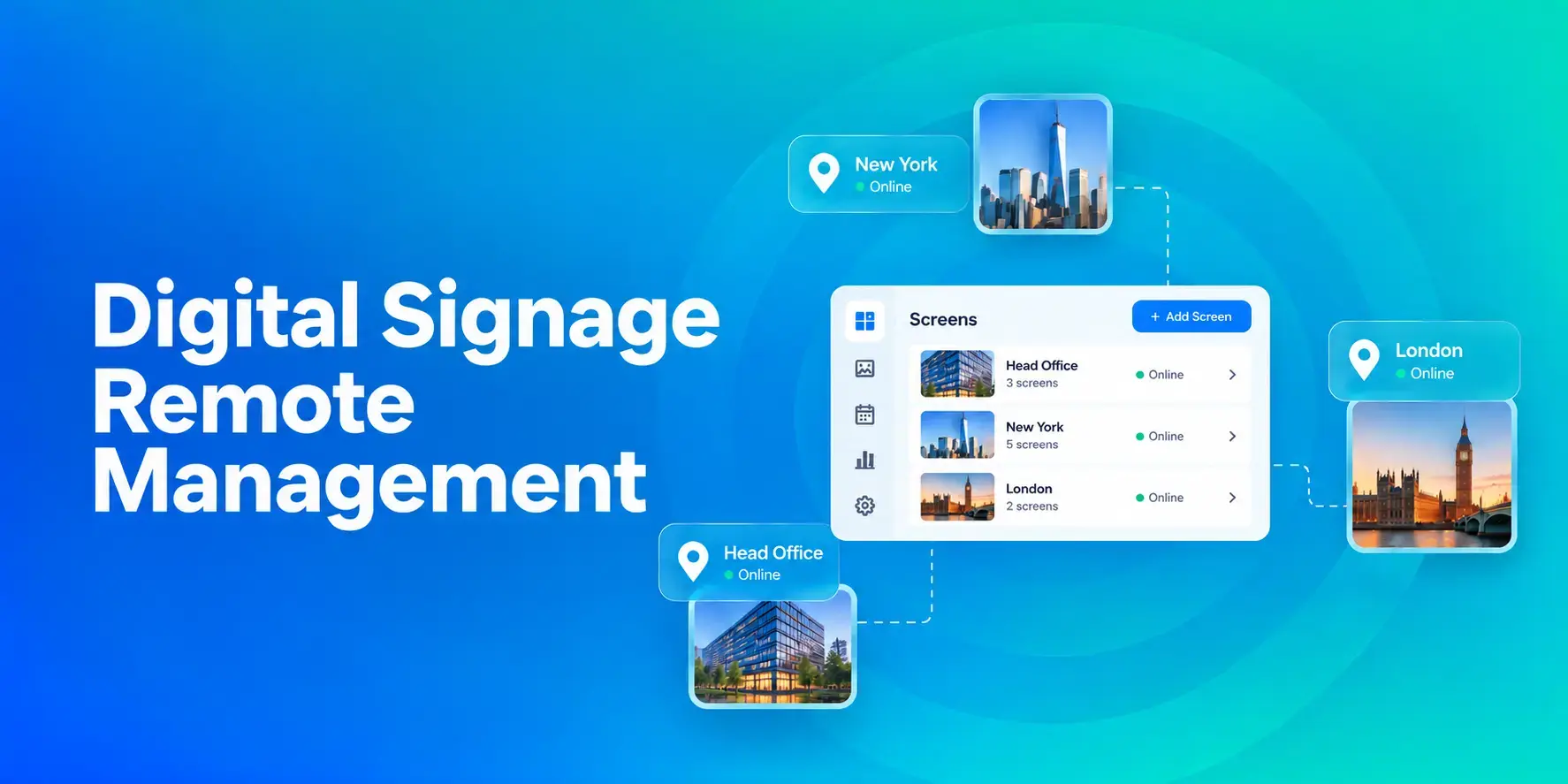
Digital Signage Remote Management: How to Run Every Screen From One Place
Digital signage remote management lets you control screens, schedules, and display health from an online platform. To get started, choose a hardware-agnostic platform, connect your media players or[…]
Read More -
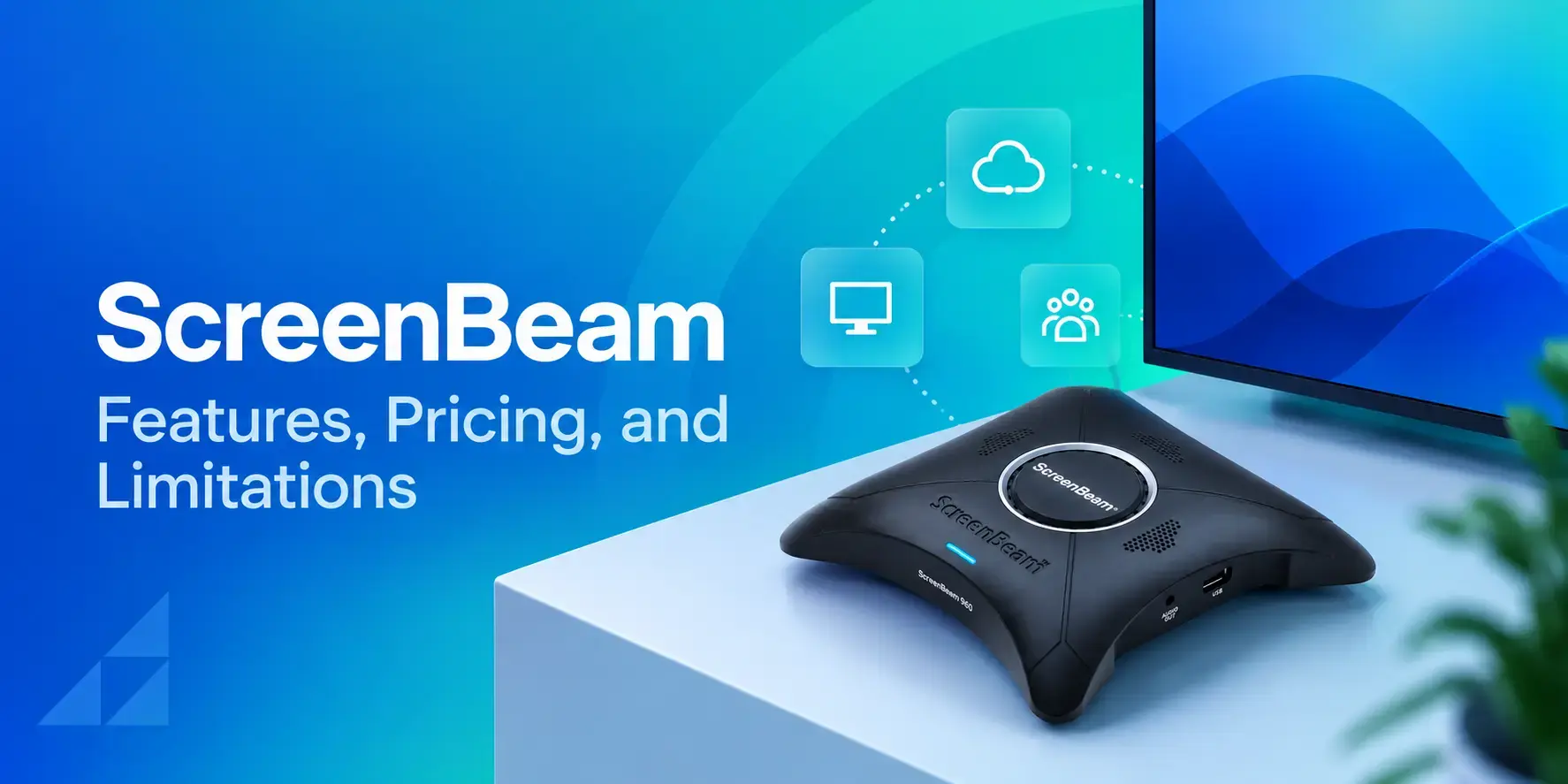
ScreenBeam Review 2026: Features, Pricing, and Limitations
ScreenBeam sells wireless display receivers that let people cast to a screen from any device without an app. You need one receiver per display, and they run from $299.99 to $1,199.99. Cloud-based[…]
Read More -
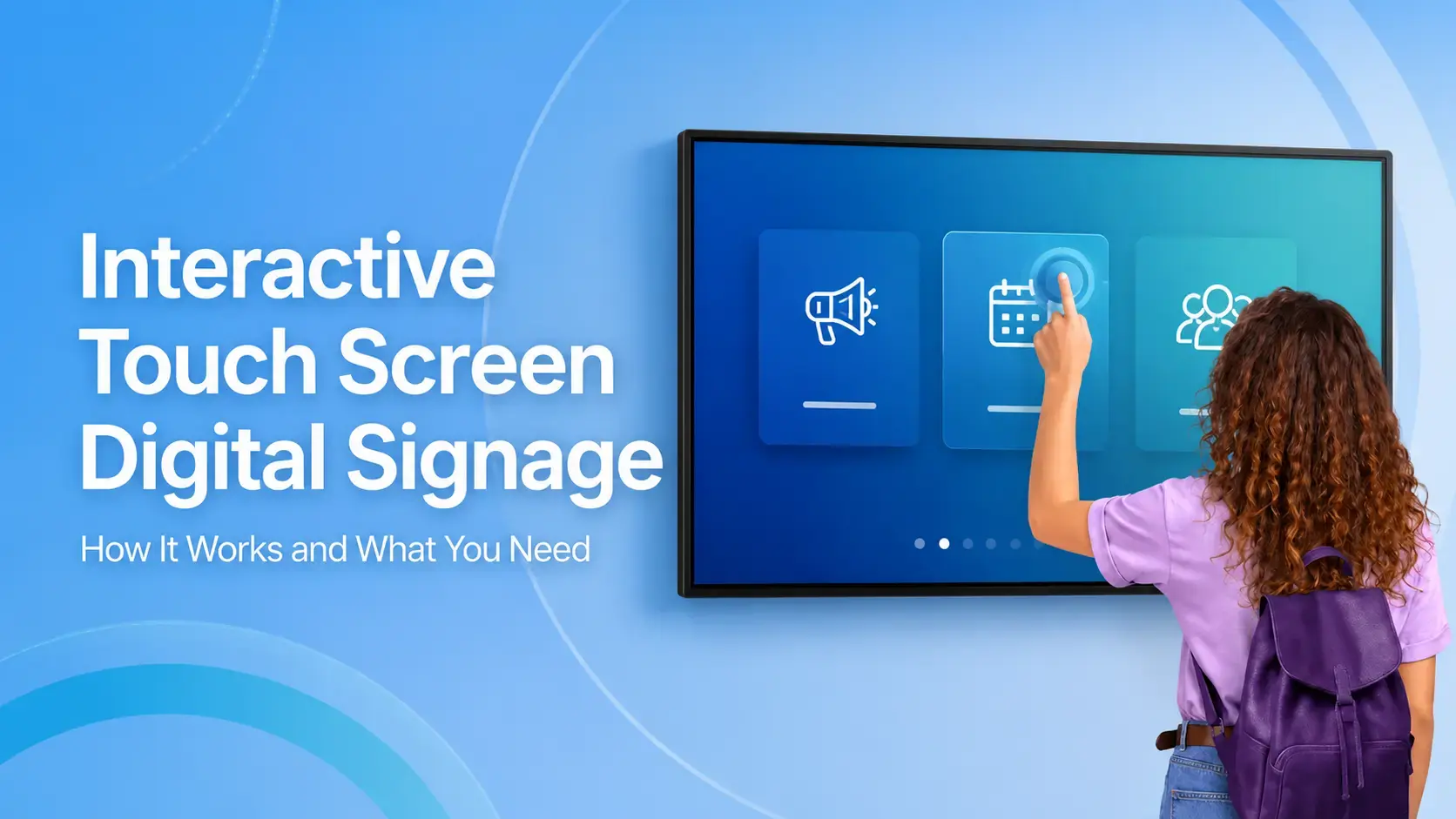
Interactive Touch Screen Digital Signage: How It Works and What You Need
Interactive touch screen digital signage lets viewers tap a display to find what they need. It pairs a commercial touch display with content software. Common uses include wayfinding, visitor[…]
Read More
12,300+ Organizations Trust Rise Vision, You Can Too
































Schedule a Free Demo
You deserve the #1 all-in-one platform for digital signage, screen sharing, and emergency alerts.





