

Quick Summary
ScreenBeam sells wireless display receivers that let people cast to a screen from any device without an app. You need one receiver per display, and they run from $299.99 to $1,199.99. Cloud-based digital signage requires a receiver plus a separate paid license on top. It works well when you're going all-in on ScreenBeam hardware, though the per-room costs are worth calculating before you commit.
Looking to go for ScreenBeam?
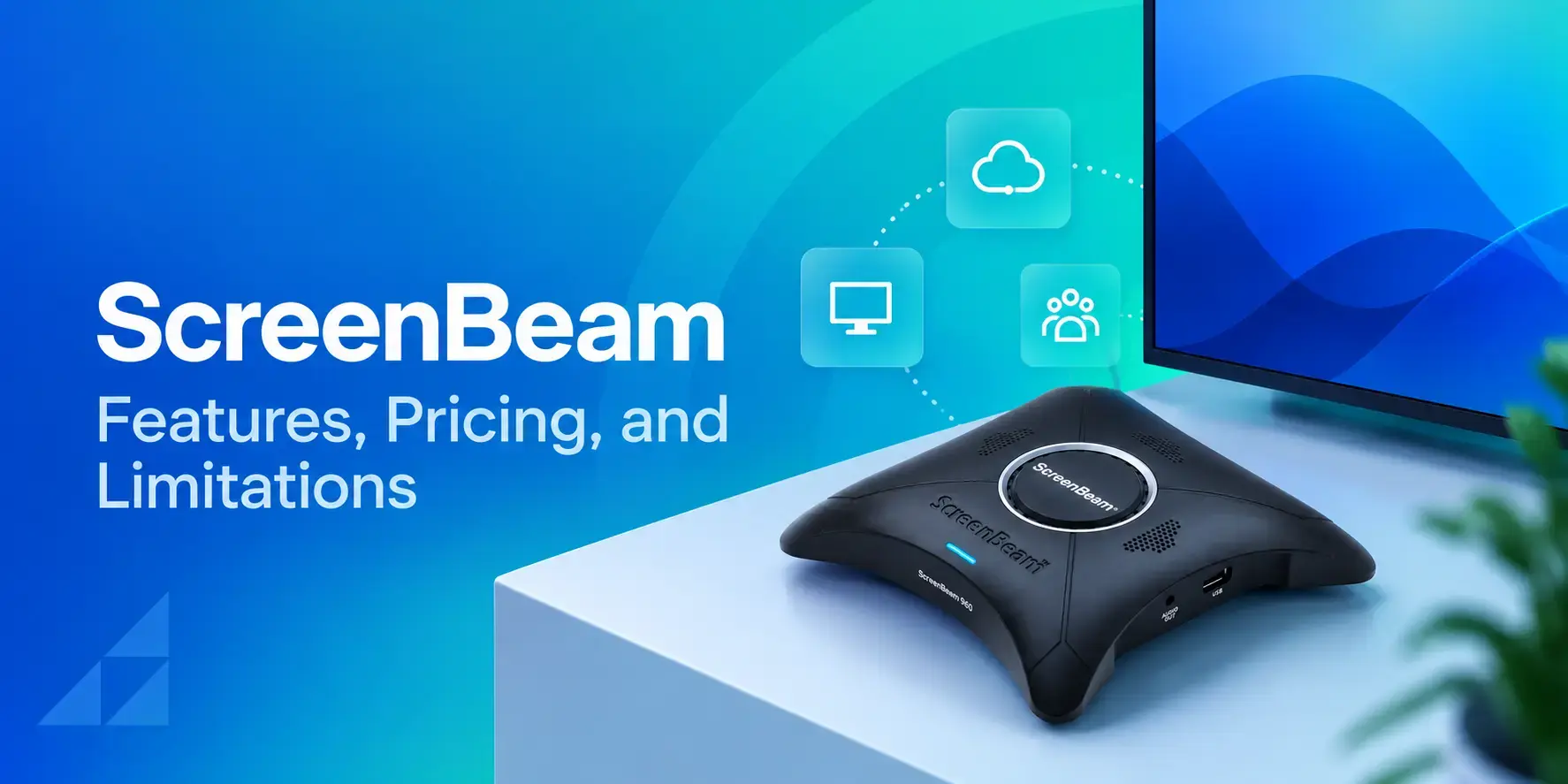
ScreenBeam builds wireless display receivers. You plug one into a screen via HDMI, and anyone in the room can share their laptop, phone, or tablet to that display without installing an app, plugging in a cable, or carrying a dongle.
For that specific job, it's a solid product. The casting is fast, the image quality is sharp, and IT teams can manage every receiver remotely through ScreenBeam's Central Management System (CMS).
The catch is that wireless presentation is all the base hardware does. If you also need your displays to run digital signage, show emergency alerts, or do anything beyond mirroring a screen, you're looking at separate add-on subscriptions, separate hardware (their Signage Player), or both. That adds up fast, and it's worth understanding before you commit.
This review walks through what ScreenBeam actually offers across its four models, what it costs, and where an easy-to-use all-in-one platform may be a better fit.
Why Listen to Us?
At Rise Vision, we’ve worked closely with over 12,300 organizations to communicate, collaborate, and improve safety affordably with easy cloud-based digital signage, screen sharing, and emergency alerts.
Eric Burt, Technology Director at West Fork CSD, has seen it firsthand:.
Our extensive knowledge of where other platforms fall short and what the ideal digital signage solution should deliver is what informs this review.
What Is ScreenBeam?
ScreenBeam is a line of wireless display receivers made by ScreenBeam Inc., based in Santa Clara, California. Each receiver is a small box that plugs into a display's HDMI port and lets people share their screen wirelessly using the casting protocol already built into their device.
There are four current models, each aimed at a different buyer:
- ScreenBeam 960: The entry-level receiver for small businesses and startups. Supports Miracast and AirPlay, up to 1080p.
- ScreenBeam 1000 EDU Gen 2: Built specifically for K-12 classrooms. Adds Google Cast, Ghost Inking (patented tech that removes wireless inking lag on interactive flat panels), and Orchestrate Lite for teacher moderation.
- ScreenBeam FLEX: Aimed at higher education and small to mid-size businesses. Supports 4K, multi-view (up to four devices on screen at once), and quick presenter switching.
- ScreenBeam 1100 Plus: The flagship. 4K, ScreenBeam Conference for wireless Bring Your Own Meeting (BYOM) with room cameras and mics, multi-view, dual-network support, and the full administrative tools suite.
All four models work without any app installation. That's ScreenBeam's main selling point, and it's a genuine one.
How Does ScreenBeam Work?
You connect a ScreenBeam receiver to your display's HDMI port, plug it into power, and connect it to your network (Ethernet or Wi-Fi). Once it's online, anyone in the room can share their screen using the wireless casting protocol their device already supports.
On a Windows laptop, that's Miracast. On a MacBook or iPhone, it's AirPlay. On a Chromebook or Android, it's Google Cast (available on the FLEX and 1100 Plus as well as the 1000 EDU Gen 2, but not on the 960).
There's nothing to download, which removes one of the biggest friction points in meeting rooms and classrooms. A teacher or presenter just opens the casting menu on their device, selects the ScreenBeam receiver, and they're live on the display. The 1000 EDU Gen 2 and 1100 Plus also support a PIN code so only authorized users can connect.
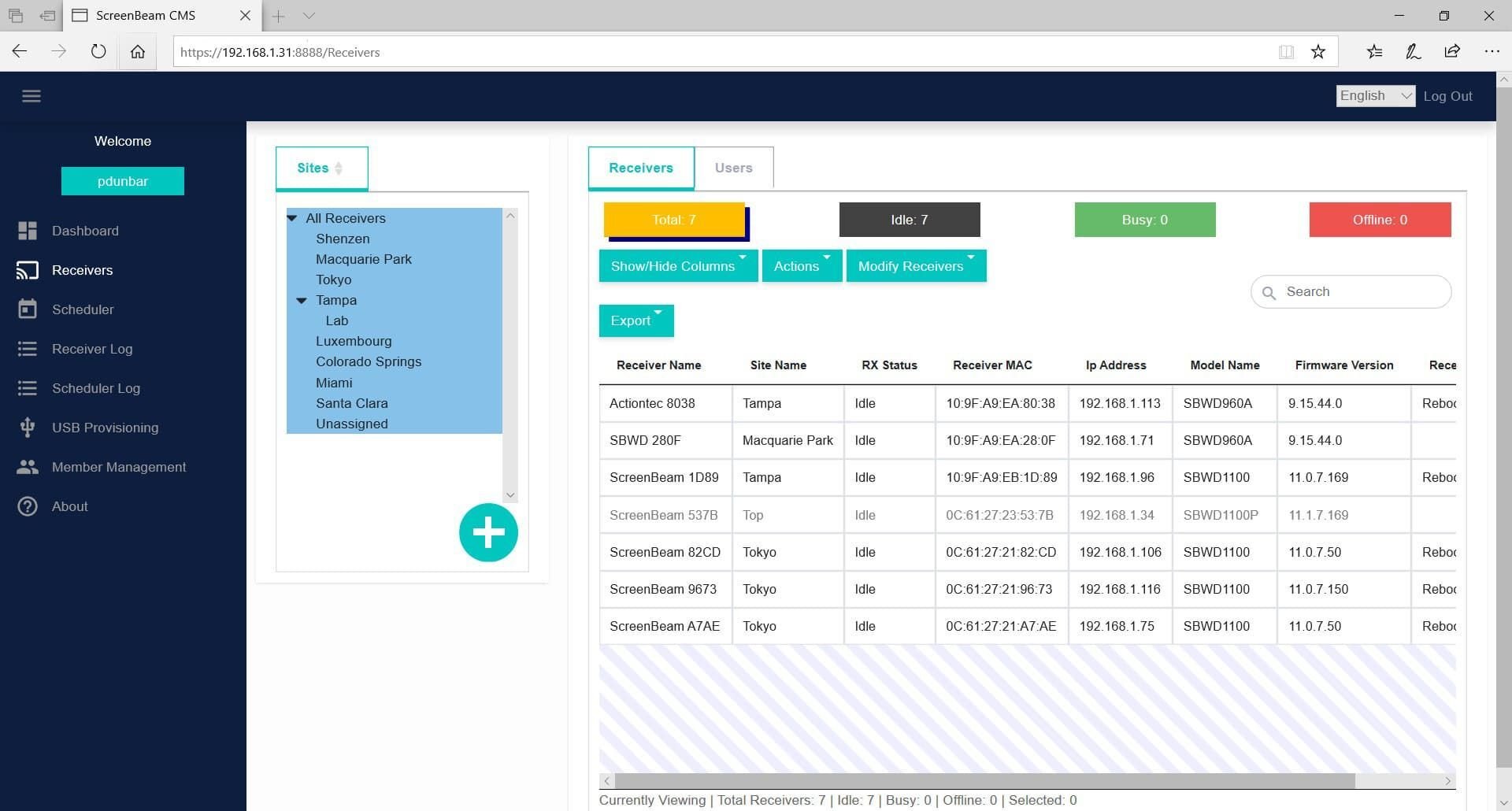
For IT teams, ScreenBeam's CMS Enterprise (included on the 1000 EDU Gen 2 and 1100 Plus, licensed separately on the FLEX) provides a centralized dashboard to monitor receiver status, push firmware updates, and configure security settings across an entire campus or office from one place.
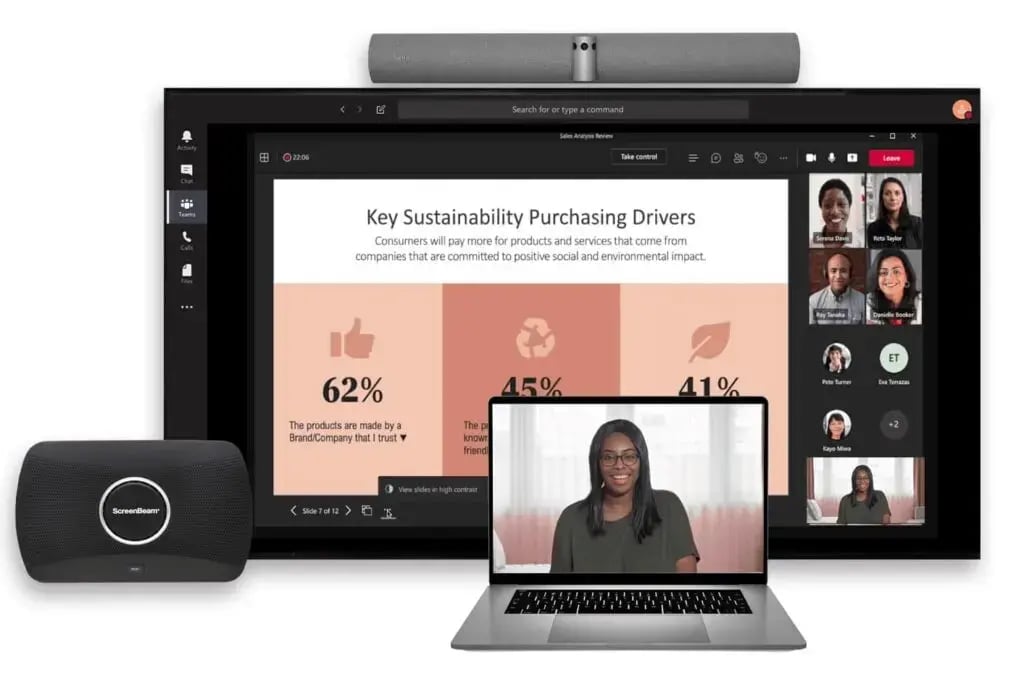
The 1100 Plus takes it a step further with ScreenBeam Conference, which wirelessly connects a presenter's laptop to the room's camera, microphone, and speakers. You walk into a meeting room, cast your screen, and your laptop automatically picks up the room's AV peripherals for your Teams or Zoom call, all without plugging in a single cable.
ScreenBeam Pricing
Here’s ScreenBeam’s pricing so you can see exactly what each model costs before talking to sales:
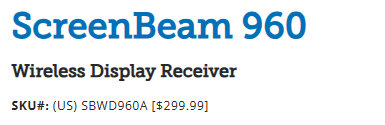
- ScreenBeam 960: $299.99 (SKU: SBWD960A)
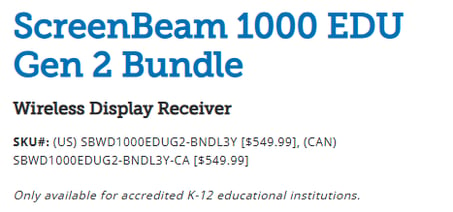
- ScreenBeam 1000 EDU Gen 2: $549.99 (SKU: SBWD1000EDUG2), sold only to accredited K-12 institutions
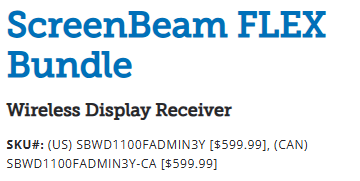
- ScreenBeam FLEX: $599.99 (SKU: SBWD1100F)
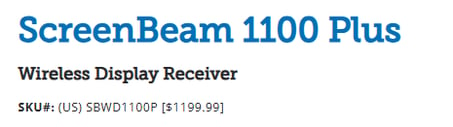
- ScreenBeam 1100 Plus: $1,199.99 (SKU: SBWD1100P)
That's the cost per receiver, which means per room. Outfitting 20 classrooms with the 1000 EDU Gen 2 runs $11,000 in hardware alone. Doing the same with the 1100 Plus for a corporate office is just under $24,000.
ScreenBeam's Essential Tools (basic management) ship with every receiver at no extra cost. CMS Enterprise is included on the 1000 EDU Gen 2 and 1100 Plus, and is a paid add-on for the FLEX. The Administrative Tools Bundle, which includes Message Manager, Alert+, and Signage+, is licensed separately, and bundle SKUs come with a three-year subscription.
So the sticker price is the floor, not the ceiling. If you want your ScreenBeam displays to also show digital signage or send emergency alerts, you need those add-on licenses (plus, in some cases, their separate Signage Player hardware). It's important to factor the full stack into your budget, not just the receiver.
ScreenBeam Strengths
1. No App to Install, Ever
This is ScreenBeam's strongest point, and it's hard to overstate how much it simplifies things in practice. Teachers don't need training on a new app. Meeting attendees don't need to download anything. You just open your device's native casting menu and connect. For K-12 schools where IT teams support hundreds of teachers with varying tech comfort, that matters.
2. Sharp, Lag-Free Presentation Quality
The FLEX and 1100 Plus support 4K resolution, and even in dense Wi-Fi environments (a school with hundreds of devices on the network), ScreenBeam's enterprise-grade Miracast implementation keeps latency low. The 1000 EDU Gen 2's Ghost Inking technology specifically eliminates the lag that makes wireless inking on interactive flat panels feel unusable, which is a real problem that most competing products haven't solved.
3. Multi-View for Collaborative Sessions
The FLEX and 1100 Plus can display up to four devices on screen simultaneously, so a teacher can show student work side by side, or a meeting can have four presenters visible at once. Quick Switch lets presenters hand off the screen instantly without disconnecting.
4. Enterprise-Grade Security
The 1100 Plus supports 802.1x certificate-based authentication, WPA3, PEAP, EAP-TLS, PIN pairing, and AES-128 encryption. IT teams managing sensitive environments (healthcare, government, higher education) get the security controls they need without bolting on a third-party VPN or proxy layer.
ScreenBeam Limitations
1. Per-Room Hardware Costs Add Up Quickly
Because ScreenBeam is a physical receiver, you buy one per display. A school district outfitting 50 classrooms at $549.99 each is spending nearly $27,500 on hardware, before any add-on licenses. That's a significant upfront commitment, and if a receiver fails outside the three-year warranty, it's a full replacement.
Cloud-based platforms running on hardware you already own don't carry that capital cost.
2. Digital Signage and Emergency Alerts are Add-Ons, not Built-In
ScreenBeam's core product is wireless presentation. If you want your displays to show announcements, lunch menus, safety alerts, or scheduled content when no one is casting, you need the Administrative Tools Bundle (Message Manager, Alert+, Signage+), which is a separately licensed subscription. For full digital signage scheduling and content management, ScreenBeam offers a separate Signage Player device. That means you're potentially buying and managing two pieces of hardware per display to get what an all-in-one platform delivers from one.
3. You're Locked to Their Hardware
ScreenBeam only works through its own receivers. If you already have BrightSign players, Chrome OS devices, Amazon Signage Sticks, or any other media player in your rooms, those can't run ScreenBeam. If you ever want to switch, the receivers have no second life. A software-based platform that runs on the hardware you already own avoids both the lock-in and the sunk cost.
How Rise Vision Compares
Rise Vision is the all-in-one platform for digital signage, screen sharing, and emergency alerts. Since 1992, Rise Vision has been empowering organizations worldwide to communicate, teach, and collaborate better. And today, 12,300+ organizations trust Rise Vision across more than 100 countries.
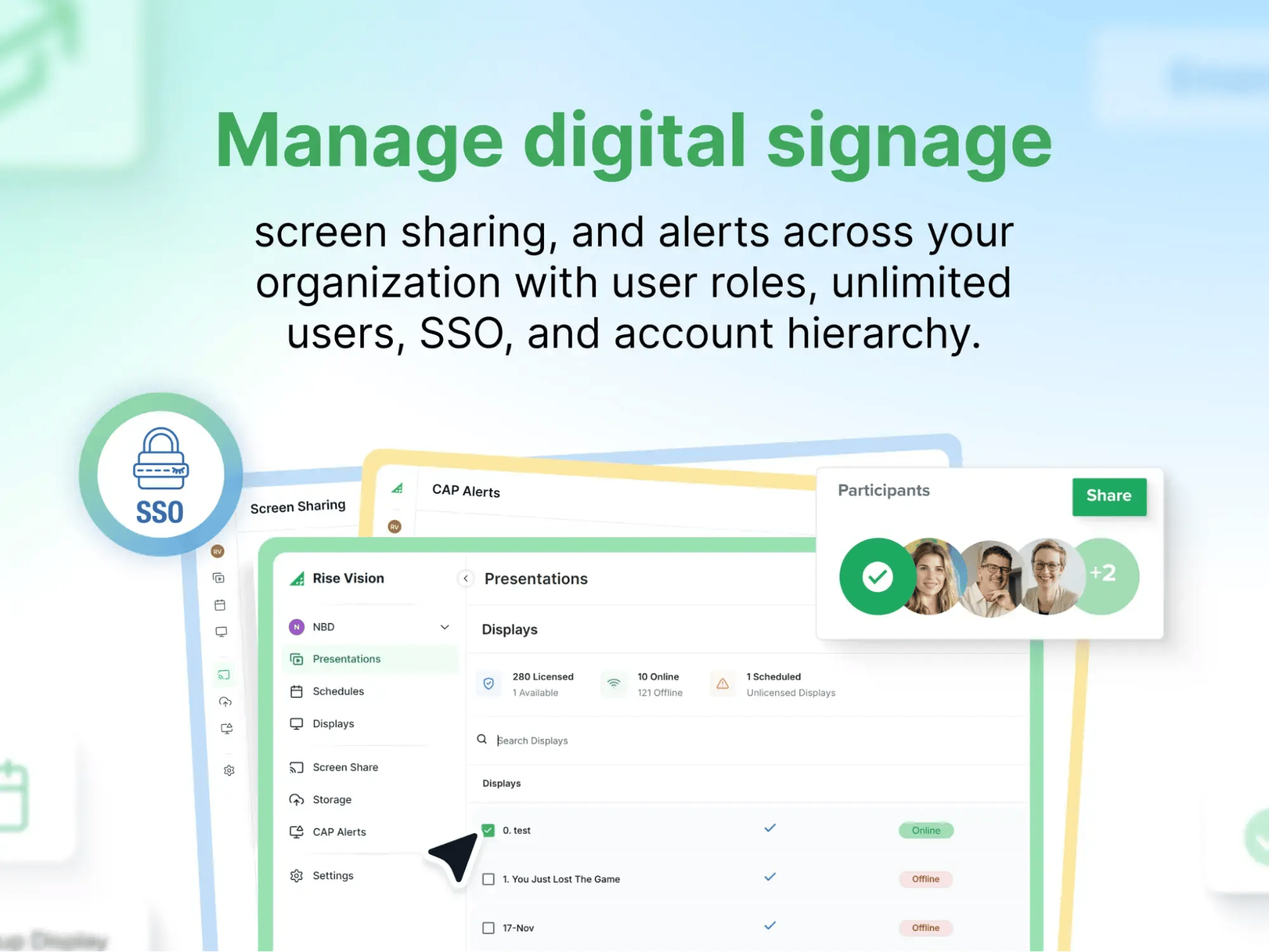
The primary difference between Rise Vision and ScreenBeam is the model. ScreenBeam requires its own proprietary receiver on every display, and layers signage and alerts on as separate licenses. Rise Vision combines digital signage, screen sharing, and emergency alerts into one platform that runs on the hardware you already own. This way, you can avoid unnecessary expenses while maximizing your current investments. You can use our recommended Avocor displays and media player, or bring your own hardware and use existing devices with our extensive operating system support, including Windows, Android, Chrome OS, Linux, Raspberry Pi, Amazon Signage Sticks, and Apple TV.
While ScreenBeam's screen sharing runs through its own receivers, our screen sharing transforms any display running Rise Vision into a wireless presentation hub, with no proprietary hardware, adapters, or dongles required. It works across all devices and operating systems.
To use Screen Sharing, a presenter only needs to navigate to risevision.com/join and enter a code. This ensures simplicity and accessibility without requiring special training. End users can share a window or their whole screen from their browser without installing an application, or use the Android and iOS apps to share from supported devices.
ScreenBeam's 1000 EDU Gen 2 and 1100 Plus offer PIN pairing for security, and the EDU model includes Orchestrate Lite for teacher moderation. Rise Vision offers similar controls through a different approach.
- Moderated Mode lets a designated moderator approve which participants are able to present, ensuring a smooth and orderly sharing process.
- Standard Mode allows quick sharing without a Rise Vision account, ideal for everyday use.
- Code Connect prompts participants to enter an on-screen code so they share to the correct display and prevent unwanted streams.
Even better, Rise Vision also includes one-business-hour technical support on every plan, free training sessions, and a 30-day money-back guarantee, so you can test it on your actual hardware before committing.
ScreenBeam Is Strong Hardware, but Check What Else You Need
ScreenBeam makes good wireless presentation hardware. The app-free casting is seamless, the 4K quality is sharp, Ghost Inking solves a real problem for schools with interactive flat panels, and the enterprise security features are thorough.
But wireless presentation is one piece of what most schools and businesses need from their displays. To add digital signage, emergency alerts, and centralized content management, ScreenBeam requires add-on licenses, additional hardware, or both, and the per-room costs stack up.
If your displays need to do more than mirror a screen without added costs, it's worth looking at an all-in-one platform that handles signage, screen sharing, and alerts from one subscription on hardware you already own.
Start Free Trial, no credit card required. Test it on your existing displays.
FAQs
1. Does ScreenBeam Require Wi-Fi?
It depends on the model. The ScreenBeam 960 can create a direct peer-to-peer Miracast connection that doesn't need your network at all. The higher-end models (1000 EDU Gen 2, FLEX, 1100 Plus) can also run on a direct connection but are designed to work through your existing network infrastructure for better management and security. For full CMS management and firmware updates, a network connection is required.
2. Does ScreenBeam Work With Chromebooks?
The 1000 EDU Gen 2, FLEX, and 1100 Plus all support Google Cast, so Chromebooks (running Chrome 98 or later) can cast natively without an app. The ScreenBeam 960 does not support Google Cast, so it won't work with Chromebooks. If your school is a Chromebook-heavy environment, make sure you're looking at one of the three models that supports it.
3. Can ScreenBeam do Digital Signage?
Not out of the box. ScreenBeam's core product is a wireless presentation receiver. To use your displays for digital signage (scheduled content, announcements, templates), you need either their Administrative Tools Bundle with Signage+ (a separately licensed subscription) or their dedicated Signage Player hardware. If you need signage and screen sharing on the same display, you're managing two separate systems or paying for both add-ons.
4. Is ScreenBeam Good for Schools?
The 1000 EDU Gen 2 was designed specifically for K-12 classrooms. Features like Ghost Inking (lag-free wireless inking on interactive flat panels), Orchestrate Lite (teacher moderation of student screen sharing), and built-in whiteboard tools make it a strong fit for schools that need wireless presentation above all else. The limitation is that it only solves one part of what most schools need from their displays. Announcements, schedules, emergency alerts, and signage still require separate tools.
5. What's the Difference Between ScreenBeam and a Software Platform Like Rise Vision?
ScreenBeam is hardware: a physical receiver you buy per room that enables wireless screen sharing. Rise Vision is software: a cloud platform that runs on media players you already own and combines digital signage, screen sharing, and emergency alerts into one subscription. With ScreenBeam, you own the device but pay per room and for add-on features. With Rise Vision, you subscribe per display and get everything in one place on hardware you already have.
More From Our Blog
-
Interactive Touch Screen Digital Signage: How It Works and What You Need
Interactive touch screen digital signage lets viewers tap a display to find what they need. It pairs a commercial touch display with content software. Common uses include wayfinding, visitor[…]
Read More -
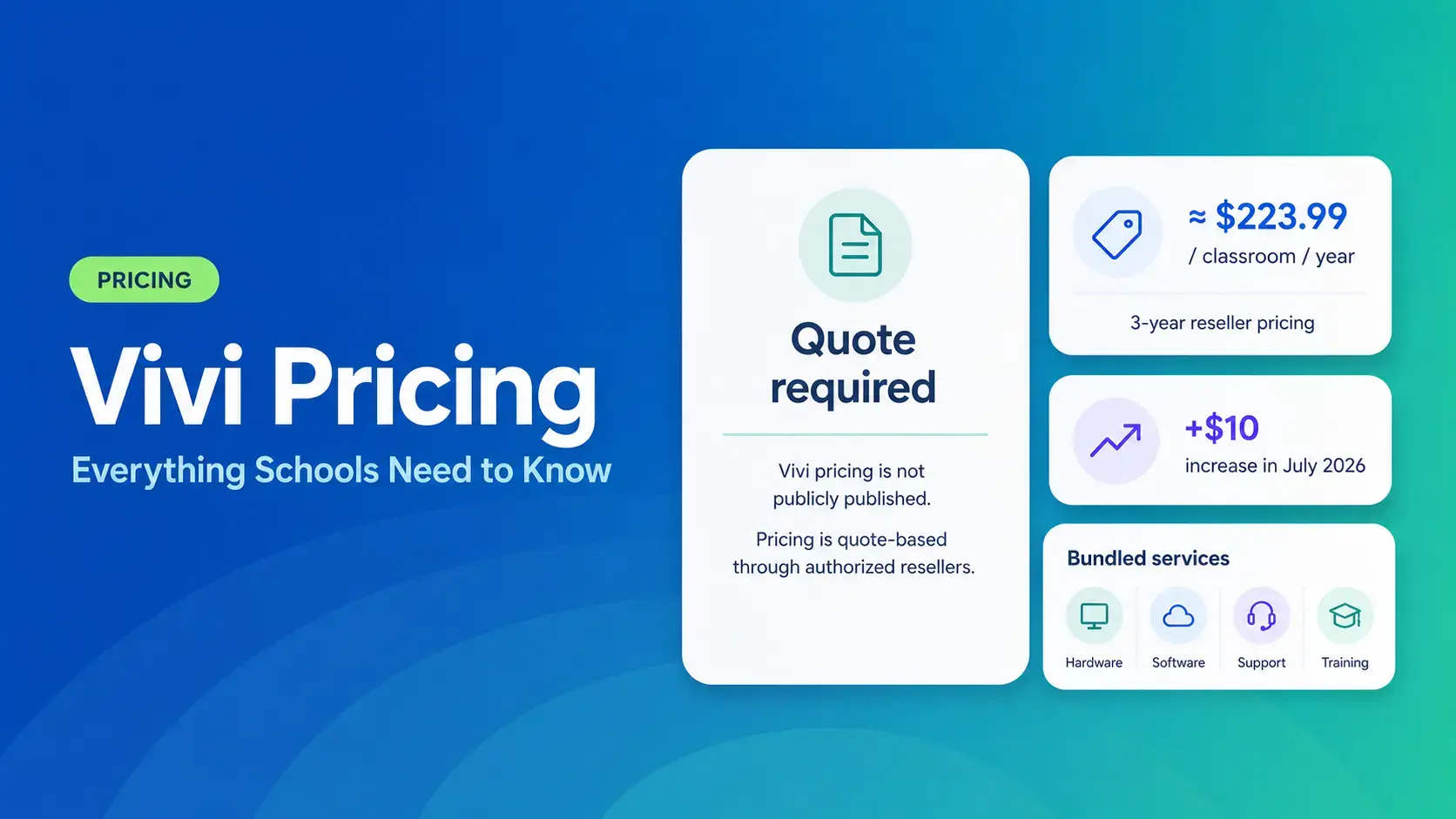
Vivi Pricing 2026: Everything Schools Need to Know Before Getting a Quote
If you're budgeting for Vivi, expect to call sales for a number. Pricing isn't published anywhere. Reseller data puts the 3-year subscription around $224 per classroom per year. That rate rose by $10[…]
Read More -
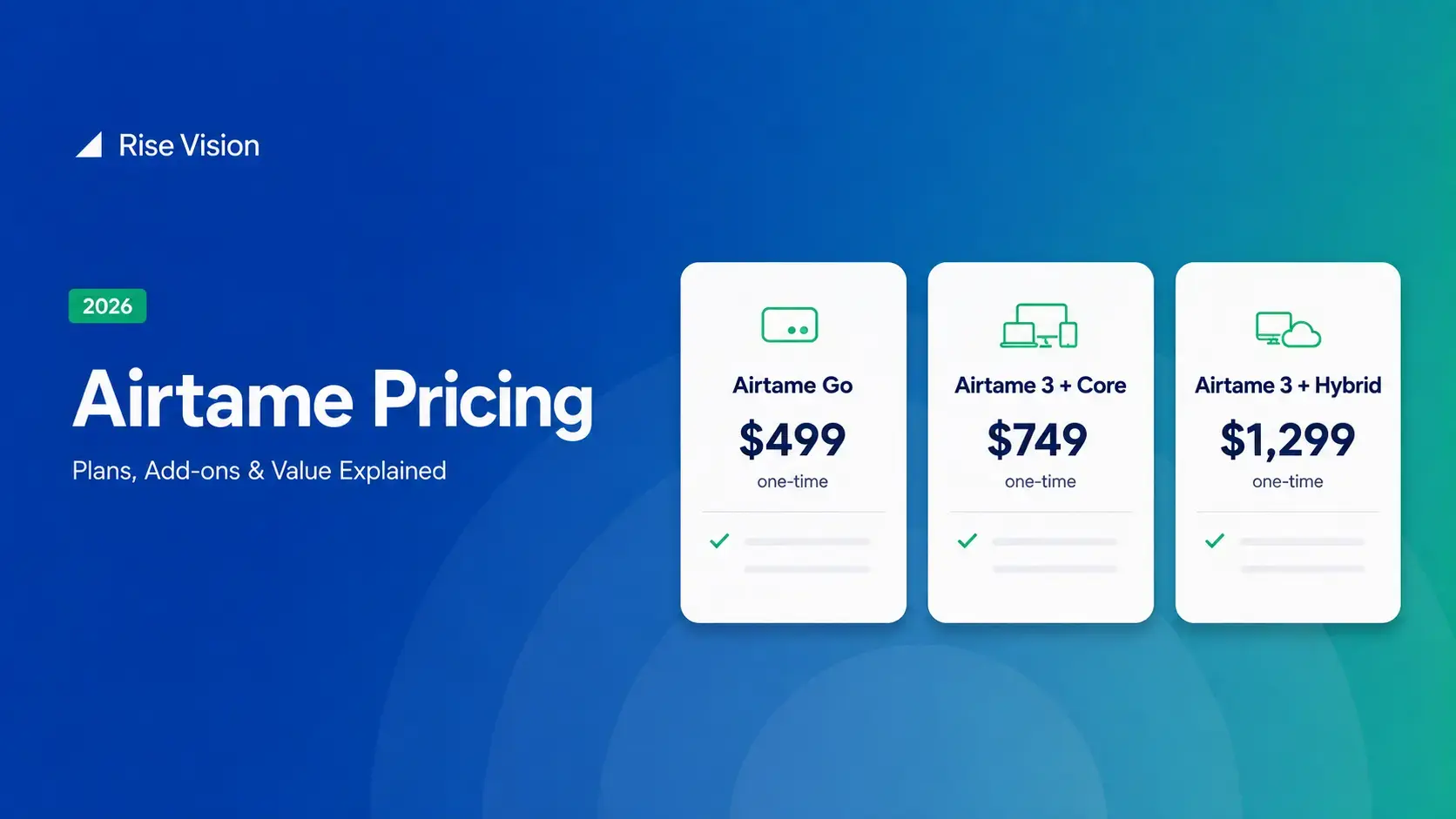
Airtame Pricing 2026: Plans, Costs & Renewal Fees
Airtame's 3-year bundles run $299 to $1,299 per display, then $120–$300/device/year to renew. Signage and alerts come standard on every tier, but only screen sharing survives if you skip renewal.[…]
Read More
12,300+ Organizations Trust Rise Vision, You Can Too
































Schedule a Free Demo
You deserve the #1 all-in-one platform for digital signage, screen sharing, and emergency alerts.





