

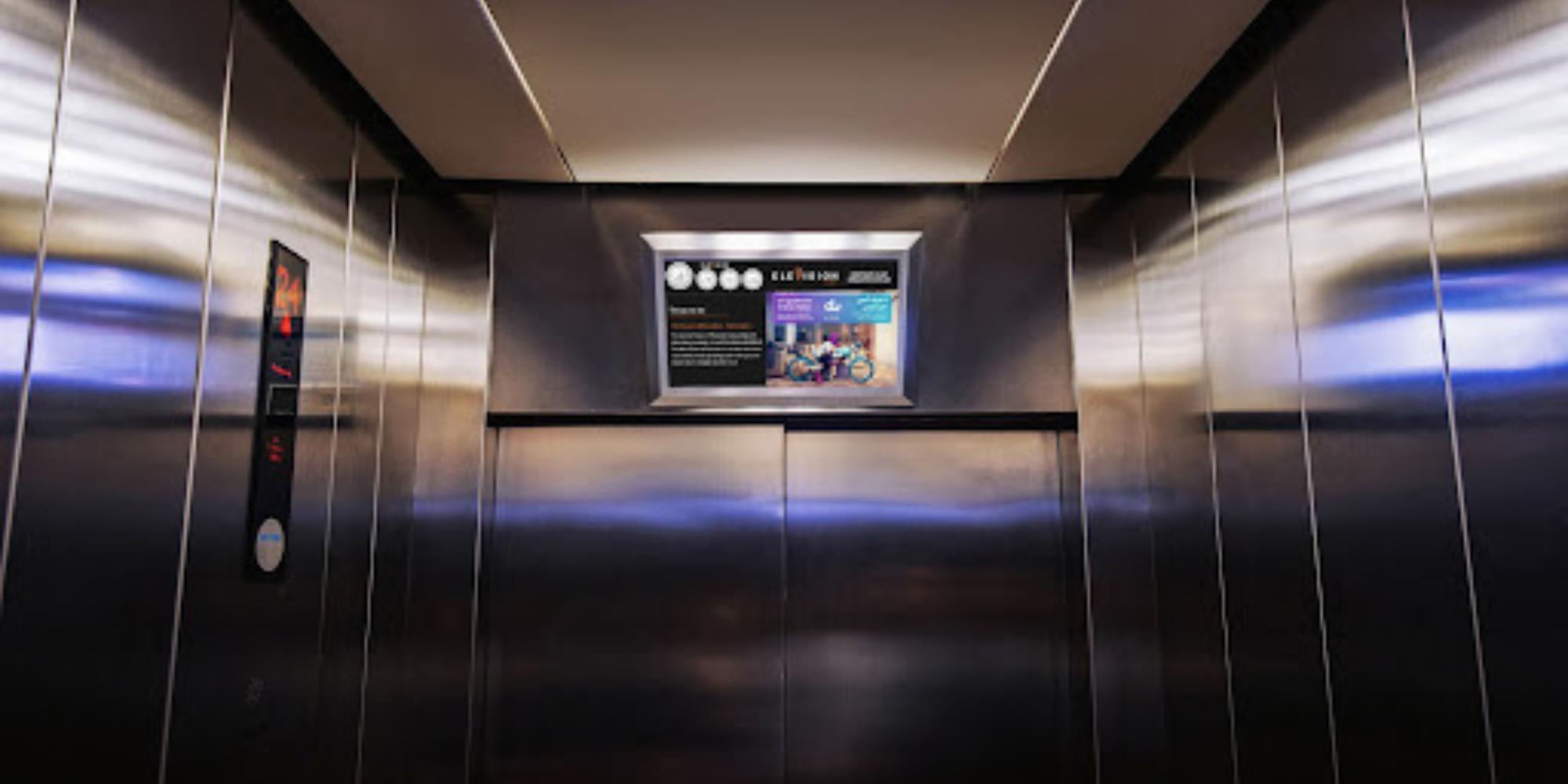
If you think you need a commercial, floor-mounted screen and expensive tech for digital signage, think again! As new innovations are introduced, and old devices get major upgrades, the cost of installing a digital sign is also getting cheaper.
For example, from 2004 to 2010, digital signage saw a 50% decrease in cost, allowing more businesses to take advantage of it for their marketing and communications needs.
If you are looking into using digital signage software for your business, one brand that can help you get started is Roku. In this article, we’ll explore Roku products that you can use to build your digital signage network and provide steps on how best to utilize them to power up your displays.
Roku Products for Digital Signage
Roku is best known for its TVs, which boast stunning, high-resolution displays and a suite of smart TV features. But over the years, Roku has also been developing products that can complement a digital signage network. Here are some of them.
Roku TV
Roku TVs are notorious for their range of apps and picture quality. They’re also highly versatile, with most models coming with features that support a digital display as well as integration with digital signage software and servers.
Roku TVs are also very affordable and have a range of screen types and sizes, making them good options for a business that’s only starting to explore digital signage for their marketing needs.
In case you want to go this route, we recommend the following Roku TV models for digital signage:
- TCL 6-series Roku TV: This QLED and mini-LED TV comes in 55”, 65”, and 75” sizes. It has excellent picture quality and color accuracy. It’s best for digital signage used in bright light conditions owing to its Contrast Control Zone technology and peak brightness.
- TCL 5-series Roku TV: This Roku TV is an affordable digital signage solution that delivers great picture quality, impressive color accuracy, and peak brightness. It has a user-friendly interface where you can access thousands of supported applications.
- Hisense R8F Roku TV: The Hisense R8F renders content with good picture quality considering its price tag. It excels in handling color and fast action videos, showing them with crisp detail.
Roku Stick
The Roku Stick is comparable to the market’s popular media players, the Amazon Fire Stick and Google Chrome Cast. This product is a 4K HDR player that allows you to stream and load content on any smart TV. With USB connectivity, you can plug this into any digital signage screen to broadcast different media types.
Roku Ultra
The Roku Ultra is a media box that you can connect to any screen to access apps and stream content. It is connected by ethernet or USB and comes with a programmable remote for easy navigation. This media player can show content in 4K resolution and basically gives you all the features of a Roku TV in a small package.
How to Use Roku Products for Digital Signage
Any of the Roku products above is well suited to support your digital signage network. Depending on which you choose to power up your displays, here’s how you can set them up for digital signage applications.
Attach the Riku Stick to a Screen
The Roku Stick is perhaps the most affordable way to display digital signage content. It’s compatible with both commercial digital signage screens and other smart TVs, allowing you to be flexible with the monitors that you choose for your digital signs.
The Roku Stick can be connected to a screen with an HDMI port. Once attached, it will allow you to download apps or software for digital signage management. You can also upload your content directly onto the stick from your computer.
Download Apps on Roku TV
Should you decide to use a Roku smart TV instead, you’ll find that setting up your digital signage with it is quite practical. Roku TVs are already equipped with media players. So even without an external media operating system or hardware, you can download and access apps directly to the TV. Most Roku TV models are also compatible with smartphones for convenient access and navigation.
To use a Roku TV for digital signage, you need to download a content management system (CMS). This software is what you will use to create, schedule, and optimize your content. There are CMS that operate through a web-based interface that allows you to manage your digital sign remotely.
Connect a USB to Roku Ultra
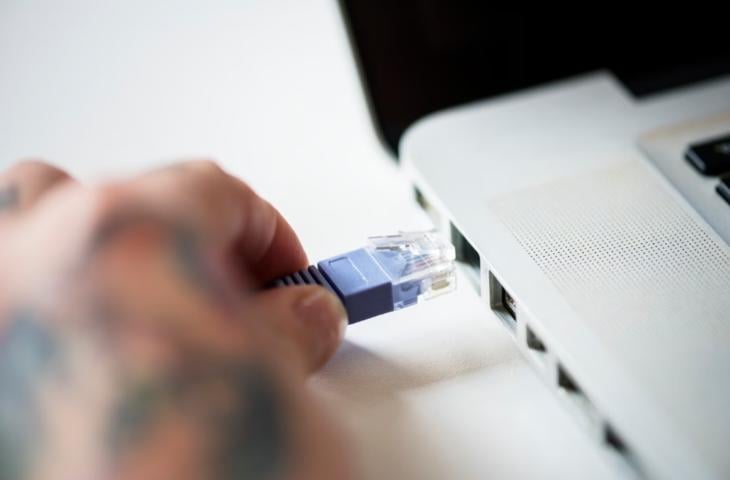
The Roku Ultra functions the same way as the Roku Stick but can deliver content in higher resolution and gives you access to more features and apps. You simply connect the device to a TV or digital signage screen and open the appropriate apps to stream content.
But the Roku Ultra also has the added feature of allowing you to connect a USB. When plugged into the media box, you can deploy content from your USB to your digital signage.
Benefits of Using Roku for Digital Signage
Roku products make for very reliable alternatives to commercial-grade digital signage hardware. They are able to provide all the features you need to power up your displays without costing you an arm and leg. Here are some benefits of using Roku as a digital signage solution.
Versatile
The Roku operating system boasts a wide network of apps and channels accessible through the Roku Stick, Roku Ultra, or Roku TV. It supports a range of content types, whether product ads or restaurant menus, giving your brand the flexibility to show tailored content to your audience.
Dynamic
Roku devices are able to display content in high resolution, accurate colors, and optimal brightness. They also support a wide range of media types, including images, videos, text, RSS feeds, or live streams. This gives you a lot of opportunities to diversify your content plan and deliver dynamic content that keeps your viewers engaged.
Cost-effective
Roku devices are good starting investments for a digital signage network. They come at very affordable prices and you get good value with their range of features and functionalities. The CMS that you pair with your Roku hardware is usually priced on a subscription basis, allowing you to choose your services based on your budget.
Best of all, Roku devices are compatible with third-party systems and software. They can work with any existing systems you have, eliminating the need to purchase additional hardware and software to power your displays.
Roku digital signage is a cost-effective option for small and medium-sized businesses that are just getting started tapping into the benefits of digital signage.
Scalable
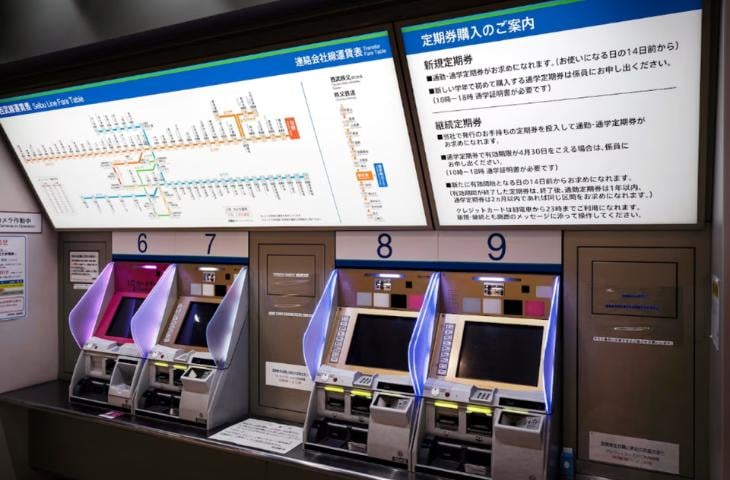
If you’re looking to create multi-screen digital signage in the future, Roku’s scalability is a highlight. You can configure your Roku device’s settings to suit your digital signage network as and when you need it. The products can adapt to your organization’s growing needs, allowing you to expand your digital signage campaign while saving time and money.
Easy to Use
Roku product interfaces are very intuitive. Unlike most digital signage hardware and software in the market, Roku prioritizes making its platforms easy to use. Anyone without IT know-how can navigate the Roku interface with ease to create, schedule, and manage content.
This is especially useful in the case of interactive digital signage — your customers will be able to easily navigate your digital sign and access information or activities.
Placement and Installation
Roku TVs, in particular, have a small footprint that can be installed in any setting. Whether you need the display in your office lobby or clinic waiting room, you will be able to access the apps and manage and deploy content from anywhere.
Roku TVs also provide you with flexible installation options. You can use the stands to put them on top of your reception desk or mount them on walls to maximize available space in your establishment or office.
They also have a slim construction, which is particularly beneficial in multi-screen digital signage applications. You can put two or more Roku TVs side by side without compromising the logistics and aesthetic appeal of the display.
Interactive
Roku devices can be used to create interactive digital signage. Paired with compatible hardware, you can use your digital display to facilitate customer self-service or allow them to pave their own journeys with your content. This creates personalized user experiences that will improve your marketing campaigns.
Use Roku Digital Signage with Rise Vision
Roku has a lot to offer for your digital signage campaign. It’s an interesting opportunity to spread the word about your brand and communicate your message without having to spend too much to implement. The affordability of Roku products, coupled with their intuitive platform and range of features, make them a good option for just about any business, big or small.
Complete your Roku digital signage with robust software. Rise Vision’s cloud-based digital signage software is compatible with Roku devices, giving you access to features that will optimize your displays and keep them up and running. Start a free digital signage trial today.
More From Our Blog
-
6 Best Digital Signage Media Players Compared for 2026
Your digital signage setup is only as reliable as the hardware running it. You can have the most advanced software, polished templates, and perfectly scheduled playlists, but none of that matters if[…]
Read More -
The 8 Best Yodeck Alternatives in 2026 (Ranked and Reviewed)
If you're reading this, something about Yodeck probably isn't working. Maybe it's the Apple TV experience. Maybe it's the lack of native screen sharing. Or honestly, you might just be shopping around[…]
Read More -
Yodeck vs OptiSigns vs Rise Vision: Full Comparison for 2026
We compare Yodeck vs OptiSigns vs Rise Vision across pricing, hardware support, customer service, and platform features. Yodeck offers a free plan for one screen, while OptiSigns includes up to three[…]
Read More
12,300+ Organizations Trust Rise Vision, You Can Too
































Schedule a Free Demo
You deserve the #1 all-in-one platform for digital signage, screen sharing, and emergency alerts.





