

Quick Summary
Your digital signage setup is only as reliable as the hardware running it. You can have the most advanced software, polished templates, and perfectly scheduled playlists, but none of that matters if the media player crashes and leaves your screens blank.
Getting your hardware choice right is what prevents those frustrating, manual reboots. To help you narrow down your options, we evaluated six solid players on the market based on their processing power, reliability, and cost.
Let's look at our top three picks first:
|
# |
Tool |
Best For |
|
1 |
Rise Vision Media Player |
Organizations that want a purpose-built commercial player with full disk encryption, remote management, and support for demanding content schedules |
|
2 |
BrightSign Series 4 and Above Players |
IT-led teams that need a dedicated, always-on player with a purpose-built OS and enterprise-grade reliability |
|
3 |
Celeron NUC |
Enterprise IT environments that need a high-performance, heavy-duty option with deep customization and seamless MDM integration |
What Is a Digital Signage Player?
A digital signage player is the physical device that actually runs content on your screens. It pulls your scheduled templates, videos, and playlists from the cloud, caches them locally so they play smoothly, and sends the signal to your display.
These players usually fall into two categories:
- External players: Standalone hardware boxes (like a mini-PC or a streaming device) that plug into any standard TV via an HDMI cable.
- Internal players: A built-in chip inside a commercial "smart" display, eliminating the need for a separate hardware box.
The biggest logistical hurdle with this hardware is compatibility. Some signage platforms lock you into buying their proprietary players, while hardware-agnostic platforms let you use devices you already own—like a Chromebox, an Apple TV, or a Windows PC. Because this choice directly impacts your upfront costs and long-term IT upkeep, hardware flexibility is the main criterion we used to evaluate the options in this guide.
Why Listen to Us?
Rise Vision works with more than 12,300 organizations across 100 countries, including schools, manufacturers, and multi-location teams who rely on digital signage every day. We also built our own commercial-grade media player, giving us firsthand experience with what reliable hardware looks like across different environments and setups.
6 Best Digital Signage Players
Here's how all six media players compare on cost, performance, alert support, display control, and remote management.
|
# |
Device |
Starting Price |
Offline Playback |
Classroom Alerts |
Remote Reboot |
Portrait Mode |
Screen Sharing |
|
1 |
Rise Vision Media Player |
from $95/year (5-year term) |
Yes |
Yes |
Yes |
Yes |
Yes (Enterprise) |
|
2 |
BrightSign Series 4 and Higher Players |
From $195 |
Yes |
No |
Yes |
Yes |
No |
|
3 |
Celeron NUC |
From $500 |
Yes |
Yes |
Yes |
Yes |
No |
|
4 |
Apple TV |
From $129 |
No |
Yes |
No |
No |
Yes |
|
5 |
Chromebox |
From $400 |
Yes |
Yes |
Yes |
Yes |
No |
|
6 |
Amazon Signage Stick |
$99.99 |
Yes |
Yes |
Yes |
Yes |
No |
1. Rise Vision Media Player
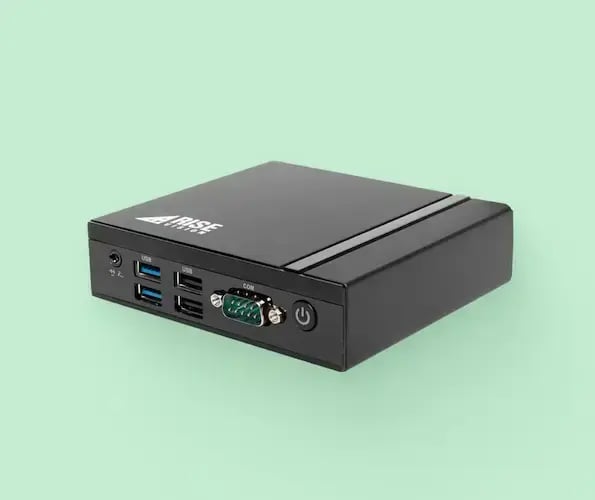
The Rise Vision Media Player is a compact, commercial-grade device built specifically for digital signage. It plugs into any HDMI display, activates in minutes, and runs as a single-purpose device locked to the platform, which reduces security risks at the hardware level.
It's built to handle demanding content schedules without breaking a sweat. You can loop heavy animations, stream live data feeds, and play high-def video simultaneously without worrying about lagging or performance drops.
Another useful operational benefit is remote management. With built-in remote reboot and display control, you can fix a frozen screen or handle power schedules directly from your central dashboard—completely eliminating the need to send a technician on-site for basic troubleshooting.
To keep deployment friction-free, the hardware is available through two paths:
- Hardware as a Service (HaaS): Avoid upfront capital costs entirely and enjoy full warranty coverage for the exact duration of your active subscription.
- Outright Purchase: Buy the hardware upfront to own the devices completely, backed by a solid two-year warranty.
Key Features
- Plug-and-play setup: Connects to any HDMI display and activates using a simple activation code.
- Full disk encryption and no open ports: Runs as a single-purpose device, which reduces security risks at the hardware level.
- Tamper-proof design: Built to stay secure and in place once installed.
- Optimized for demanding content: Handles animated templates, live data feeds, and video without performance drops.
- Remote reboot and display control: Restart a frozen screen or power displays on and off from the dashboard.
- Regular firmware updates: Security and performance updates push automatically to keep the device current.
Pricing
|
Device |
Purchase Option |
Pricing |
|
Rise Vision Media Player |
Hardware as a Service (5-year term) |
$95/year |
|
Rise Vision Media Player |
Outright purchase (2-year warranty) |
$300 |
Pros
- Commercial-grade build with full disk encryption and no open ports.
- Handles demanding content schedules reliably.
- Remote reboot and display control included.
- Free onboarding, training, and support with a one-hour response time.
Cons
- Software license sold separately from hardware.
2. BrightSign Series 4 and Higher Players
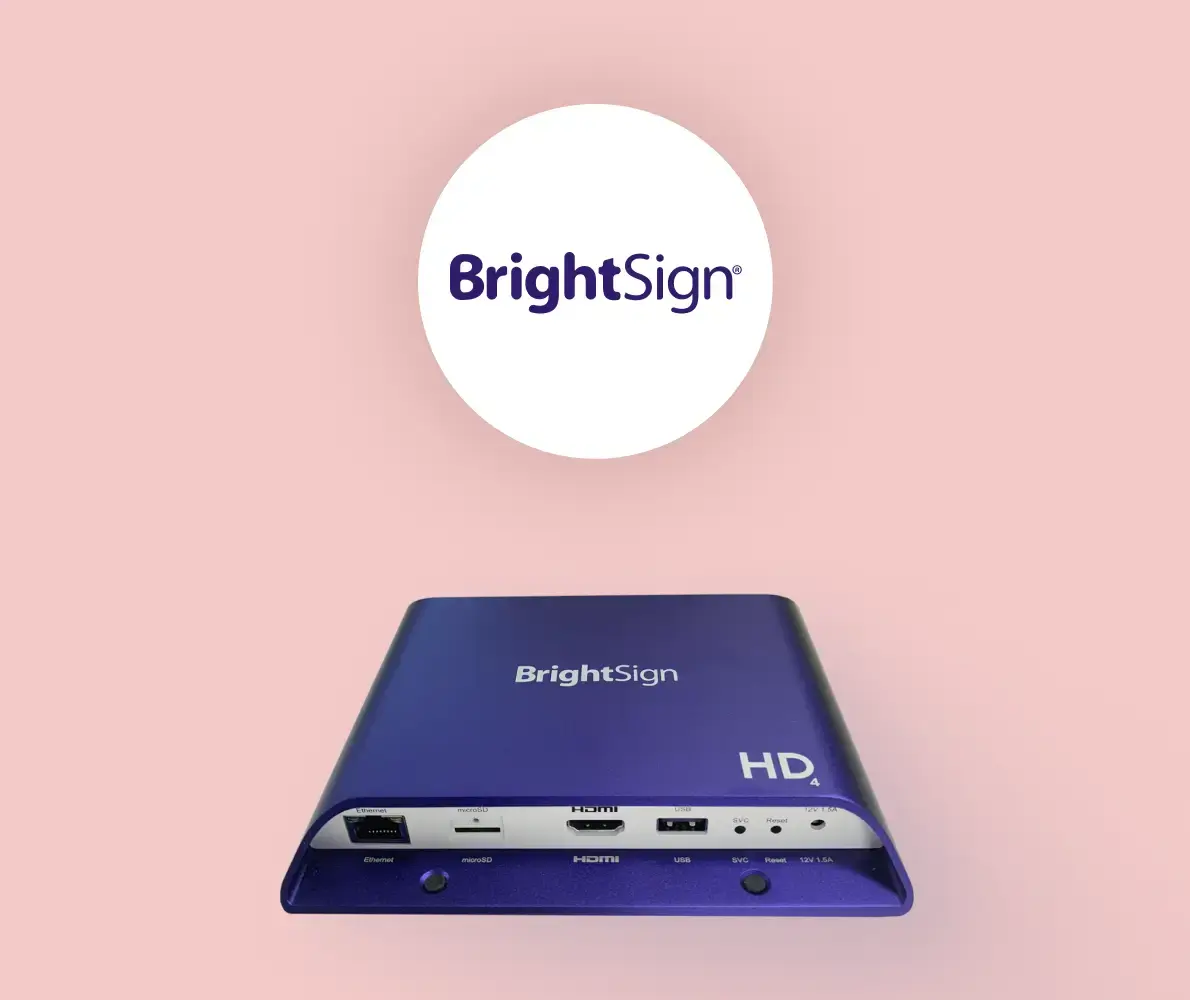
BrightSign makes dedicated, purpose-built digital signage players. Every player runs BrightSignOS, software built specifically for digital signage rather than adapted from a general-use system.
The hardware is proprietary, but the software side is open. BrightSign integrates with 100+ third-party content management systems, so teams are not locked into BrightSign's own CMS. The Series 4, 5, and 6 lineup covers everything from basic Full HD playback to 4K and 8K video, video walls, and multi-screen output from a single device.
Rise Vision supports BrightSign Series 4 and higher, so if you already have BrightSign hardware deployed, you can run Rise Vision on it without replacing anything.
Key Features
- BrightSignOS: A purpose-built operating system designed exclusively for digital signage, with native support for 100+ third-party content management systems.
- Offline playback: Content is cached locally on the player, so screens keep running during internet outages without interruption.
- BrightSign Built-In (SoC): The player is embedded directly into the display, removing the need for a separate hardware box.
- bsn.Control: Free remote management tool included with every player for device monitoring, reboots, and diagnostics.
- Multi-screen output: Select Series 5 and 6 models can drive multiple screens from a single player, reducing hardware costs on larger deployments.
Pricing
|
Plan |
Pricing |
|
BrightSign Players |
From $195 (AU335) to $1,865 (XC4055) |
|
bsn.Control |
Free with every player |
|
bsn.Content (CMS) |
Contact sales |
Pros
- Fanless, solid-state design built for 24/7 operation.
- Purpose-built OS reduces security risks and maintains stable playback.
- Free remote management is included with every player.
Cons
- Proprietary hardware means every screen needs a BrightSign device.
- Native software has a learning curve for non-technical users.
- No native screen sharing capability.
3. Celeron NUC
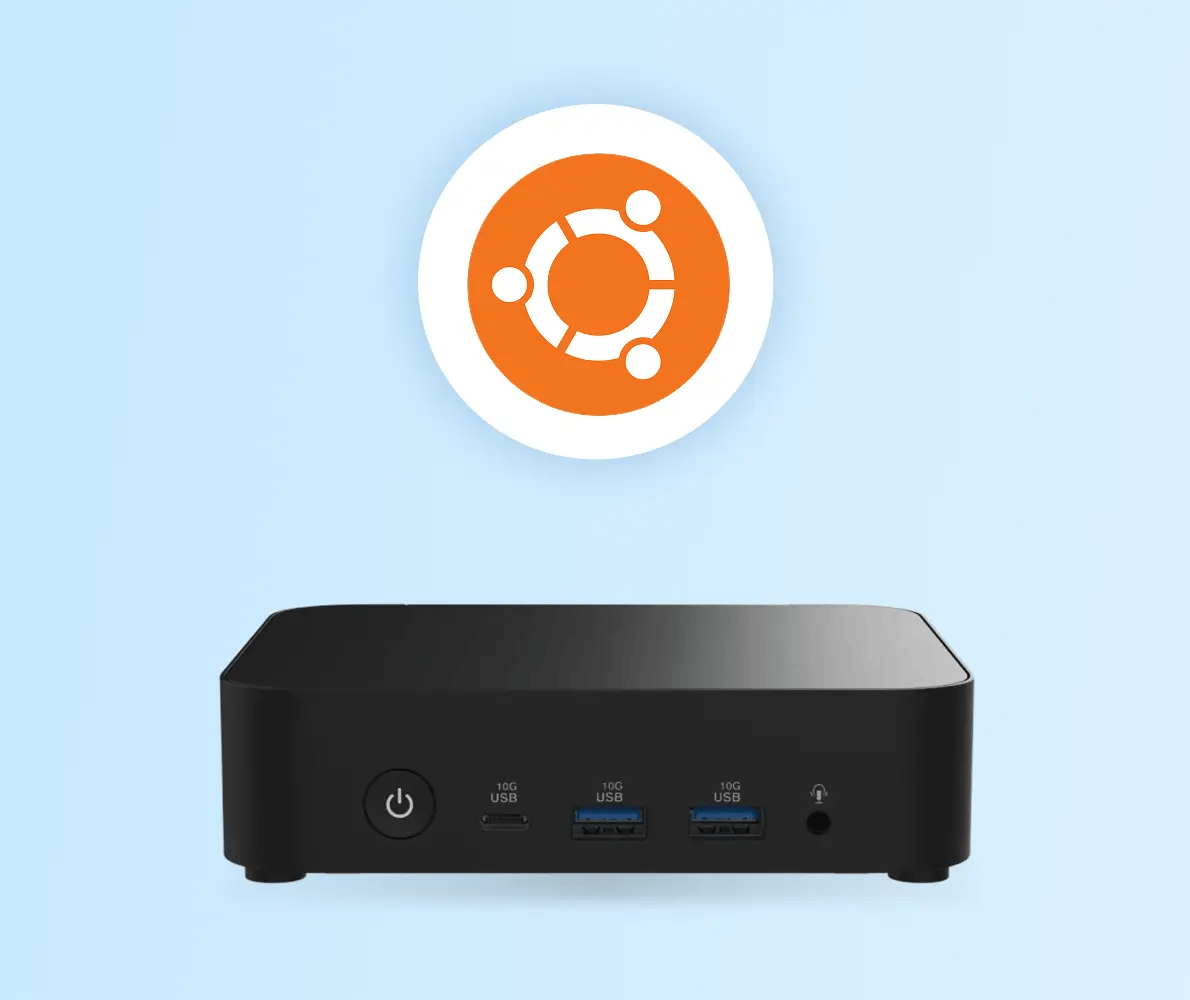
If your organization needs deeper control and flexibility than a standard plug-and-play device can offer, the Celeron NUC is your high-performance, heavy-duty option. Built specifically for complex enterprise IT environments, this compact mini PC delivers incredibly consistent performance and integrates seamlessly with your existing Mobile Device Management (MDM) systems.
On the hardware side, it connects to any HDMI or DisplayPort display and supports crisp 4K playback. It also includes Wi-Fi 6E and Gigabit Ethernet, so your screens can keep pulling live content feeds without unreliable connections getting in the way.
You also have flexibility based on your IT standards. The Windows version runs Windows 11 IoT Enterprise, while the Linux version comes with Ubuntu 24.04 LTS.
Both versions are available through The Book PC, Rise Vision's hardware partner.
Key Features
- Intel Quad Core N150 processor: Runs images, videos, and live data feeds without performance issues.
- 4K resolution support: Connects via HDMI 2.1 or DisplayPort 1.4 for sharp output on larger displays.
- Dual OS options: Available with Windows 11 IoT Enterprise or Ubuntu 24.04 LTS.
- Compact form factor: Small enough to mount behind most displays.
- Wi-Fi 6E and Bluetooth 5.3: Built-in wireless connectivity with Gigabit Ethernet as a wired option.
Pricing
|
Version |
Price |
|
Linux (Ubuntu 24.04 LTS) |
$500 |
|
Windows (Windows 11 IoT Enterprise) |
$550 |
Pros
- Mid-range performance at a reasonable price point.
- Available in both Windows and Linux configurations.
- Supports HDMI-CEC for remote display power control.
Cons
- Not a purpose-built signage device.
- Requires more setup than plug-and-play dedicated players.
- Requires a separate display and cables, not included in the base price.
4. Apple TV
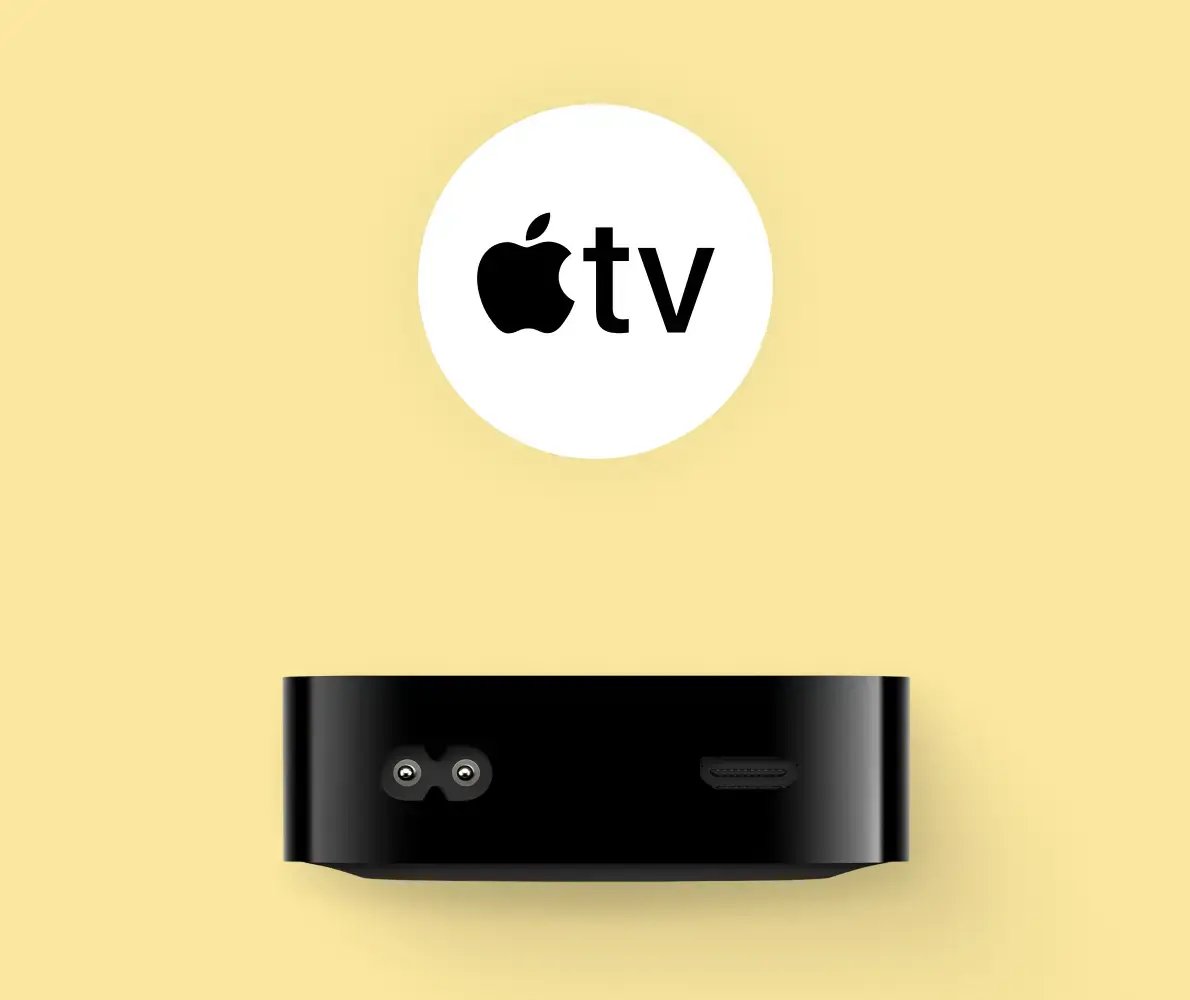
For teams already using Apple devices, Apple TV can be an easy way to bring digital signage into an existing setup. Its biggest advantage is convenience: it is familiar and easy to manage through Apple-focused MDM platforms like Jamf or Mosyle.
Rise Vision supports Apple TV for digital signage. It works best for straightforward use cases like image slideshows and video content. Components, including YouTube, Google Slides, PowerPoint, Power BI, and calendar integrations, are not supported on Apple TV.
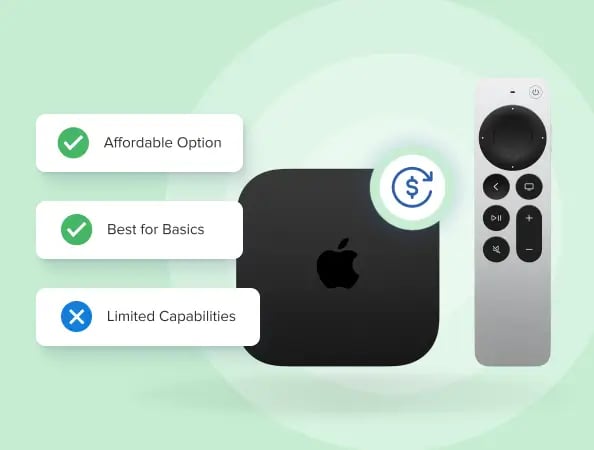 Classroom alerts are supported, but Apple TV's operating system does not support offline playback, remote reboot, display control, screen sharing, or portrait mode. Just to be clear, these are OS-level limitations, not Rise Vision platform restrictions.
Key Features
- A15 Bionic chip: The same processor used in Apple's iPhone lineup, delivering smooth playback for supported signage content, including images, videos, and compatible templates.
- 4K resolution: Outputs at 4K on compatible displays, keeping content sharp on larger screens.
- MDM compatibility: Enroll and manage devices through Jamf, Mosyle, or other Apple-supported MDM platforms, keeping device management inside your existing IT workflow.
- Multi-use device: When not running signage, Apple TV can stream and support wireless screen sharing, giving you more value from the same hardware.
- Classroom alerts: Supports Rise Vision classroom alert functionality when configured correctly through your MDM.
Pricing
- Apple TV 4K with Wi-Fi: $129 (64GB storage).
- Apple TV 4K with Wi-Fi and Ethernet: $149 (128GB storage).
Pros
- Affordable entry price for Apple-first environments.
- MDM management keeps IT overhead low.
- Multi-use device reduces hardware costs.
Cons
- No offline playback support.
- No remote reboot or display control.
- No portrait mode support.
5. Chromebox
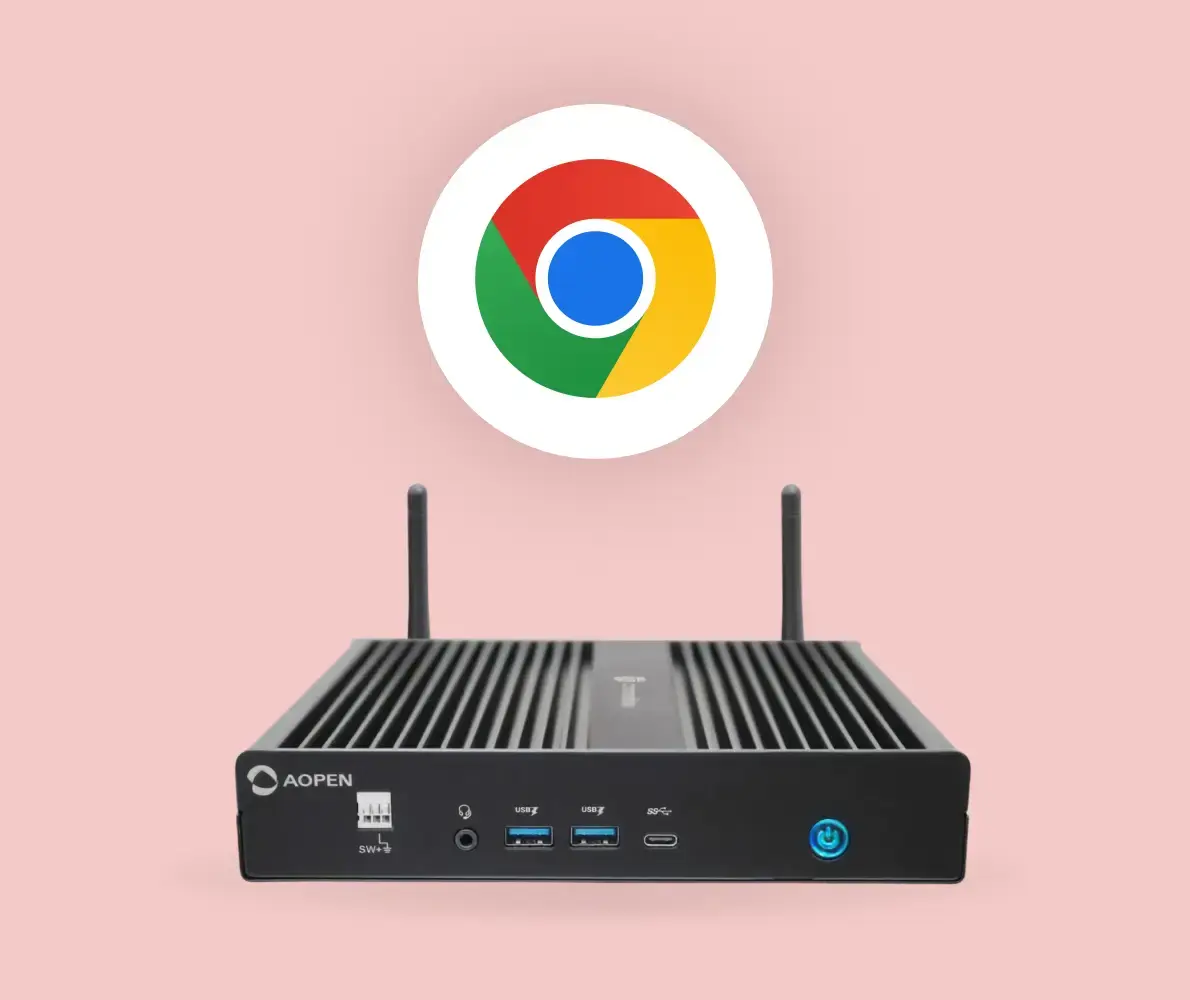
For organizations already in the Google ecosystem, Chromebox can feel like a natural fit. It runs Chrome OS, connects to any HDMI display, and gives IT teams a familiar way to manage devices remotely through the Google Admin console.
One of the biggest advantages is deployment. Once a Chromebox is enrolled in Chrome Device Management, it can be configured to launch directly into signage mode on startup.
Rise Vision supports Chromebox, but it requires enrollment in Chrome Device Management and the appropriate device policy for the player to run properly. For teams already using Google Workspace, the setup is straightforward. For everyone else, it can add cost and complexity.
Key Features
- Chrome Device Management support: Once enrolled, all devices can be monitored, updated, and managed remotely through the Google Admin console without going on-site.
- Zero-touch deployment: Enrolled devices automatically configure themselves and launch into signage software on startup, removing the need for manual setup at each location.
- Kiosk Mode: Locks the device into your signage app on power-on, preventing users from accessing other applications or settings.
- Fanless design: Commercial models like the AOPEN Chromebox Mini 2 run silently with no moving parts, designed for always-on environments.
- Google Workspace integration: Connects natively with Google Slides, Google Calendar, and Google Sheets, so content tied to your existing Google tools updates automatically on screen.
Pricing
The AOPEN Chromebox Mini 2, available through Rise Vision's partner The Book PC, is available at $400. Other Chromebox options range from budget consumer units to commercial-grade players, depending on your needs.
Pros
- Centralized remote management via Google Admin console.
- Strong fit for Google Workspace environments.
- Commercial models built for always-on use.
Cons
- Requires Chrome Device Management to run Rise Vision Player.
- Additional annual licensing cost for device management.
- Not ideal for organizations outside the Google ecosystem.
6. Amazon Signage Stick
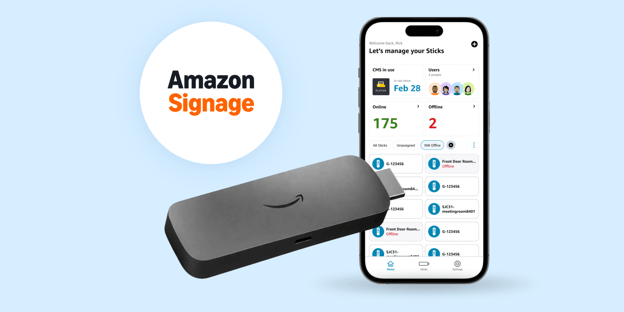
If you just want something affordable that works without a massive IT headache, this is probably your best bet. It hits the sweet spot for normal, everyday setups because Amazon actually built it specifically for digital signage.
The setup is about as simple as it gets. You plug it right into the HDMI port, use the Amazon Signage mobile app to get it online, and it boots straight into kiosk mode to run entirely on its own in the background. You really don't need any technical know-how to get a screen live.
Even better, the Amazon Signage Stick comes pre-loaded with Rise Vision, so you can connect it to your display, select Rise Vision, and start showing content right away. A separate CMS subscription is required for full functionality.
Key Features
- Kiosk mode: The device boots directly into your CMS every time it powers on, keeping screens running without anyone needing to interact with the device.
- 4K output: Streams and plays back 4K content on compatible displays, keeping visuals sharp across screen sizes.
- Secure by design: Built with a secure boot loader, encrypted storage, and regular automatic updates that run in the background without interrupting playback.
- Portrait and landscape support: Fully supports both screen orientations, so the device works regardless of how your display is mounted.
- Remote management: Turn displays on and off remotely, capture screenshots of what is currently playing, restart devices, and view device identifiers such as serial numbers, MAC addresses, and IP addresses.
Pricing
$99.99, available directly from Amazon. A separate CMS subscription is required and not included in the device price.
Pros
- Purpose-built for signage with kiosk mode out of the box.
- Easy setup with no technical skills required.
- Scales easily across multiple displays and locations.
Cons
- Requires a separate CMS subscription to function.
- Wi-Fi 6E requires a compatible router to benefit from faster speeds.
- Display on/off control depends on HDMI-CEC 2.0 compatibility, which varies by TV manufacturer.
How to Choose the Best Digital Signage Player
The wrong player does not announce itself until a screen goes black or a content update fails at the worst possible moment. Here is what matters before you commit.
1. Proprietary or Flexible Hardware
Some players only work within their own ecosystem. Rise Vision takes the opposite approach. It runs on hardware you already own across Android, Windows, ChromeOS, Apple TV, and more, so you are not starting from scratch if you already have devices deployed.
2. What Happens When the Internet Goes Down?
Not every player on this list handles offline playback the same way. Apple TV does not support offline playback at all. The Rise Vision Media Player, BrightSign, Celeron NUC, Chromebox, and Amazon Signage Stick all cache content locally. So, screens keep running if your network drops. Check this carefully before committing to a player for environments with unreliable connectivity.
3. Emergency Alert Capability
Not every player handles this natively. If your organization needs to push urgent alerts across all screens instantly, confirm the player supports CAP before buying. Of the six players in this guide, Rise Vision, Chromebox, and Amazon Signage Stick support classroom or CAP alerts. BrightSign does not support this natively, and Apple TV has limited alert support.
4. Who Is Managing the Screens?
If the person updating your screens is not in IT, the content management software needs to be simple enough for them to use independently. Most hardware on this list works with multiple CMS options, so ease of use depends more on which software you pair it with than the player itself.
5. Total Cost Across Locations
Hardware price is only part of the equation. Factor in the software subscription, warranty, and whether you need to replace existing hardware. Rise Vision's Hardware as a Service model spreads the cost over time and includes warranty and replacements, which can make budgeting more predictable for multi-location deployments.
The Right Player Makes All the Difference
Choosing a digital signage player is not just a hardware decision. It affects how reliably your screens run, how quickly your team can update content, and what happens when something goes wrong at a location you cannot physically reach.
If you want a purpose-built commercial player that also lets you use hardware you already have, Rise Vision is a strong choice. It combines digital signage, emergency alerts, and screen sharing into a single platform. Your team can manage it without IT, so it works well for organizations with screens in many locations that need an easy-to-use setup.
If you want to see how Rise Vision would look for your specific setup? Get Free Demo
Frequently Asked Questions
What Is the Best Digital Signage Player for Business Use?
It depends on your setup and how your team manages screens. The Rise Vision Media Player is a strong choice for organizations that want a purpose-built device with full disk encryption, remote management, and support for demanding content schedules. BrightSign is better suited for environments that need enterprise-grade reliability and 24/7 operation.
What Media Players Work With Rise Vision?
Rise Vision works with the Rise Vision Media Player, Raspberry Pi, Apple TV, Chromebox, and Amazon Signage Stick, all of which are covered in this guide. Rise Vision also supports BrightSign Series 5 and above, Android devices, Windows, and Linux, so organizations can often use hardware they already have.
Do I Have to Buy New Hardware to Get Started With Digital Signage?
Not always. Rise Vision supports a wide range of existing devices, so many organizations can get started without replacing anything. If you need a dedicated device, options on this list range from $99.99 for an Amazon Signage Stick to $1,865 for a BrightSign XC4055, depending on your performance and management needs.
What Happens to My Screens if the Internet Goes Down?
It depends on the player. The Rise Vision Media Player, BrightSign, and Chromebox cache content locally, so screens keep running during outages. Apple TV does not support offline playback, meaning screens may go blank if the connection drops. Always check offline capability before committing to a player for environments with unreliable connectivity.
Can Someone Without a Technical Background Manage the Screens?
It depends more on the CMS you pair with the hardware than on the player itself. The Rise Vision Media Player and Amazon Signage Stick are both designed for non-technical users, with straightforward setup and cloud-based management.
Apple TV can be managed through an MDM like Jamf or Mosyle, which suits teams already in the Apple ecosystem. A Chromebox requires Chrome Device Management enrollment, which adds an additional layer of IT setup.
More From Our Blog
-
Yodeck vs ScreenCloud vs Rise Vision (2026 Comparison)
Yodeck is the cheapest way to run a few screens. ScreenCloud is the polished corporate pick. Rise Vision combines digital signage, screen sharing, and emergency alerts in one platform, and it's the[…]
Read More -
The Best Chrome Sign Builder Alternatives for Schools in 2026 (Free and Paid Options)
Google stopped supporting Chrome Sign Builder in kiosk mode after ChromeOS 150 in July 2026. So you'll need a replacement for any screen that's still running it. For schools that want to keep their[…]
Read More -

Digital Signage Remote Management: How to Run Every Screen From One Place
Digital signage remote management lets you control screens, schedules, and display health from an online platform. To get started, choose a hardware-agnostic platform, connect your media players or[…]
Read More
12,300+ Organizations Trust Rise Vision, You Can Too
































Schedule a Free Demo
You deserve the #1 all-in-one platform for digital signage, screen sharing, and emergency alerts.





