

Quick Summary
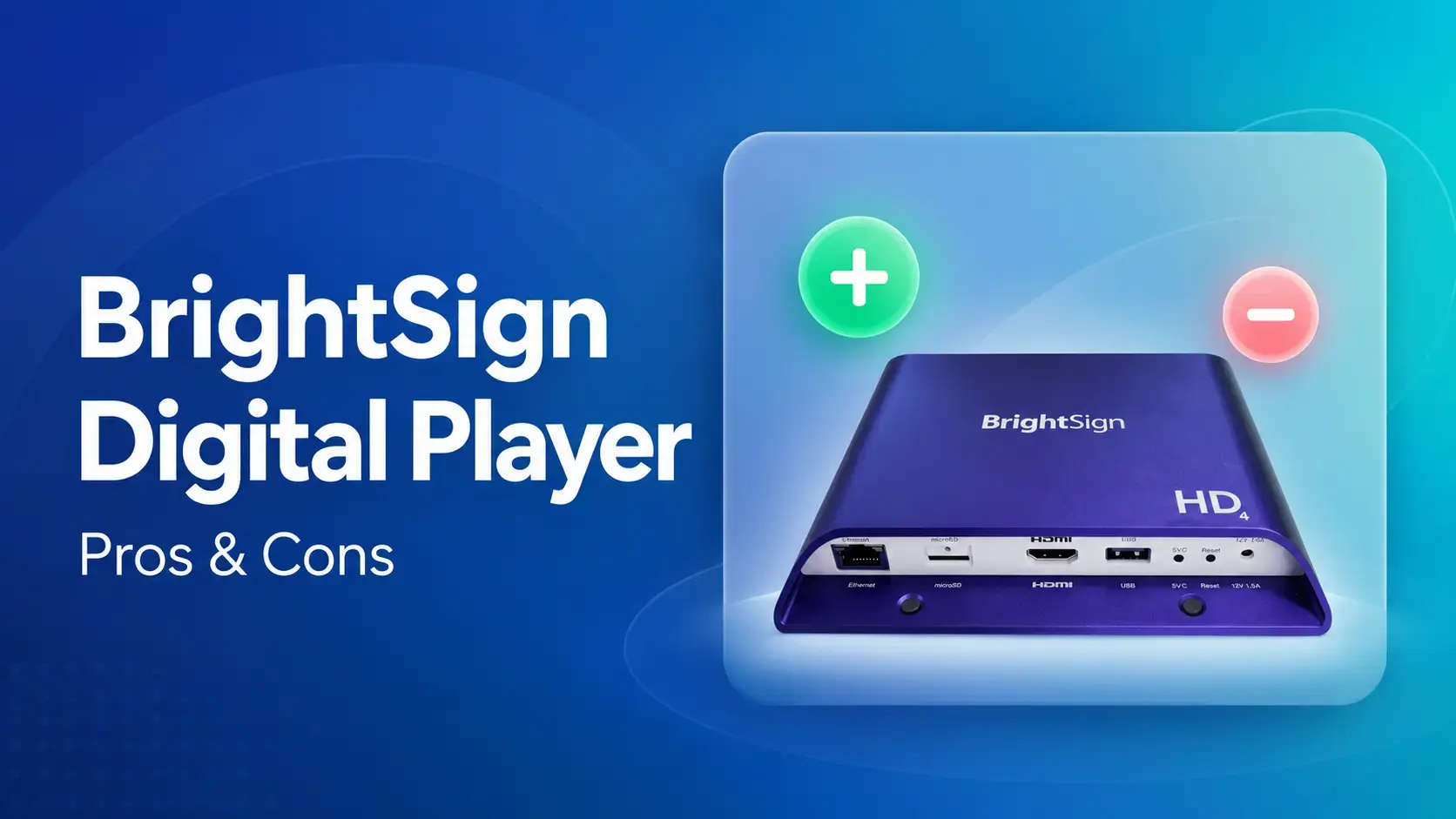
Choosing a digital signage player comes down to one big fork. You either buy dedicated, purpose-built hardware, or run signage on cheaper general-purpose devices you might already own. BrightSign is the best-known name in the dedicated camp, with more than 3 million players sold. This guide covers what BrightSign players are, where they shine, where they frustrate people, and how to keep your options open.
BrightSign Players at a Glance
|
# |
Factor |
Detail |
|
1 |
What it is |
Purpose-built digital signage media players plus BSN.cloud CMS |
|
2 |
Runs on |
BrightSignOS (closed, purpose-built embedded OS) |
|
3 |
Current lineup |
Series 6 (HD6, XD6, XS6), Series 5 (LS5 to XC5), Series 4 |
|
4 |
Video |
Full HD up to 8K HDR, depending on model |
|
5 |
Warranty |
5-year standard on Series 5 and newer |
|
6 |
Street price |
Roughly $360 (LS) to $1,865 (XC), sold through resellers |
|
7 |
Software cost |
Free remote control (BrightSign Control); paid BrightSign Author Plus $139 per player/year |
|
8 |
G2 rating |
3.7/5 stars based on eight reviews |
Why This Decision Sticks With You for Years
A signage player is a multi-year commitment. Whatever box you bolt behind the screen has to run reliably for years, survive being mounted in a ceiling or a lobby, and play nicely with the software your team uses to update content.
Get it right and you forget it exists. Get it wrong and you're back on a ladder swapping devices, or paying for hardware that only works with one vendor's software. BrightSign sits at the premium end of that decision, so it's worth knowing exactly what you're buying before you commit a whole fleet of screens to it.
Why Listen to Us?
At Rise Vision, we've been building signage software since 1992, and we're used in more than 100 countries. Chad Schauf, IT Director at Oakdale Electric Cooperative, singled out the Rise Vision Media Player for how simple it was to unbox and set up across his screens.
That means we've watched customers run our platform on just about every kind of hardware, BrightSign included. Rise Vision supports BrightSign Series 4 and higher, so we spend a lot of time helping teams weigh dedicated players against the alternatives. That's exactly the call this guide is about.
What are BrightSign Digital Players?
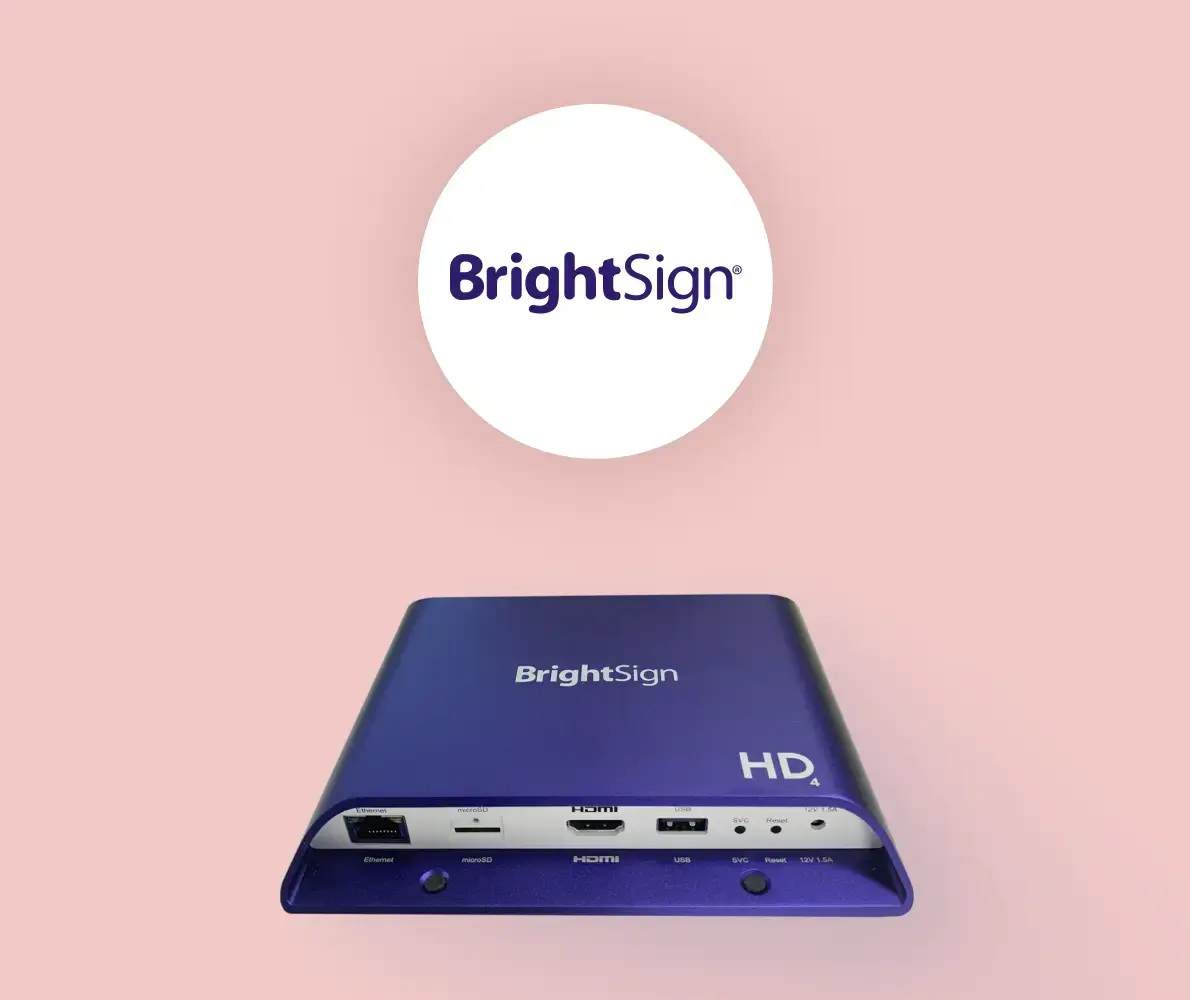
BrightSign makes small, dedicated media players. Each one is a compact box that sits behind a screen, runs your signage content, and pushes it to the display. The company was founded in 2002 by Anthony Wood, the inventor of the DVR who later founded Roku, and BrightSign was spun off from Roku in 2010.
Every player uses BrightSignOS, a closed operating system built only for signage. It runs a single signage application and nothing else, which is deliberate. You can't install random apps on it the way you would on Android or Windows, and that's the whole point of the design.
The current range spans three generations. The newest is Series 6 (HD6, XD6, and the embedded XS6), launched in mid-2025 with 4K 60Hz video and edge-AI hardware. Series 5 covers everything from the entry-level LS5 up to the XT5 and XC5, and Series 4 is still sold as the long-running workhorse.
Entry models handle Full HD or 4K on a single screen. The high-end XT and XC players add 8K HDR, dual video outputs for two-screen setups, richer connections, and Power over Ethernet.
Pros of BrightSign Digital Players
When people pay a premium for BrightSign, this is what they're paying for:
- Reliability built for 24/7: The players are fanless and solid-state, with no moving parts to wear out, and they run around the clock. Based on G2 reviews, dependability and smooth playback are the reason people stay on the brand.
- A locked-down, secure OS: Because BrightSignOS runs one signage app and carries a secure digital signature, there's a much smaller attack surface than a general-purpose device. For IT teams that have to sign off on anything touching the network, that closed design is a real selling point.
- Serious video, up to 8K: The XT5 handles 8K HDR and the Series 6 line does 4K at 60Hz with 10-bit HDR. If you're driving a video wall or a high-resolution display, the hardware won't be your bottleneck.
- Long hardware life and warranty: Every Series 5 and newer player now ships with a five-year standard warranty, which tells you how long BrightSign expects the hardware to last in the field.
- Software flexibility: BrightSign players run more than 100 third-party CMS platforms, so you're not forced onto BrightSign's own software. Basic remote control (BrightSign Control) is free on every player.
Cons of BrightSign Digital Players
Every dedicated player makes trade-offs, and BrightSign is no exception. Here's where teams get frustrated:
- You have to buy BrightSign boxes for every screen: The hardware is proprietary, so every display needs its own BrightSign device. Roll out 40 screens and you're buying 40 players, with no option to reuse a Chromebox or Android stick you already own.
- The player alone isn't a full solution: A BrightSign box plays content, but you still need a CMS to design and schedule that content. One independent review notes that BrightSign's own content software reads as an entry-level tool, so many buyers end up paying more to use it properly. Either $139 per player per year to upgrade to BrightSign's own BSN Content tier, or a separate fee to a third-party CMS provider instead.
- A learning curve for non-technical staff: BrightSign's native software takes some getting used to, with a steeper learning curve and thinner usability than some alternatives. If a front-office admin or a teacher is meant to update screens, that matters.
- Pricing is hard to pin down: BrightSign doesn't publish clear pricing on its own site and sells mostly through resellers, so you're piecing quotes together. Street prices run from roughly $360 for an LS player up to $1,865 for an XC (independent roundups put the full range at about $195 to $1,865 depending on model). That's a real cost jump over a $50 consumer streaming device.
- No screen sharing, and no built-in display: BrightSign players have no native screen sharing, and since they're just the player, you're always buying and mounting a separate screen too.
How Rise Vision Fits Into the Picture
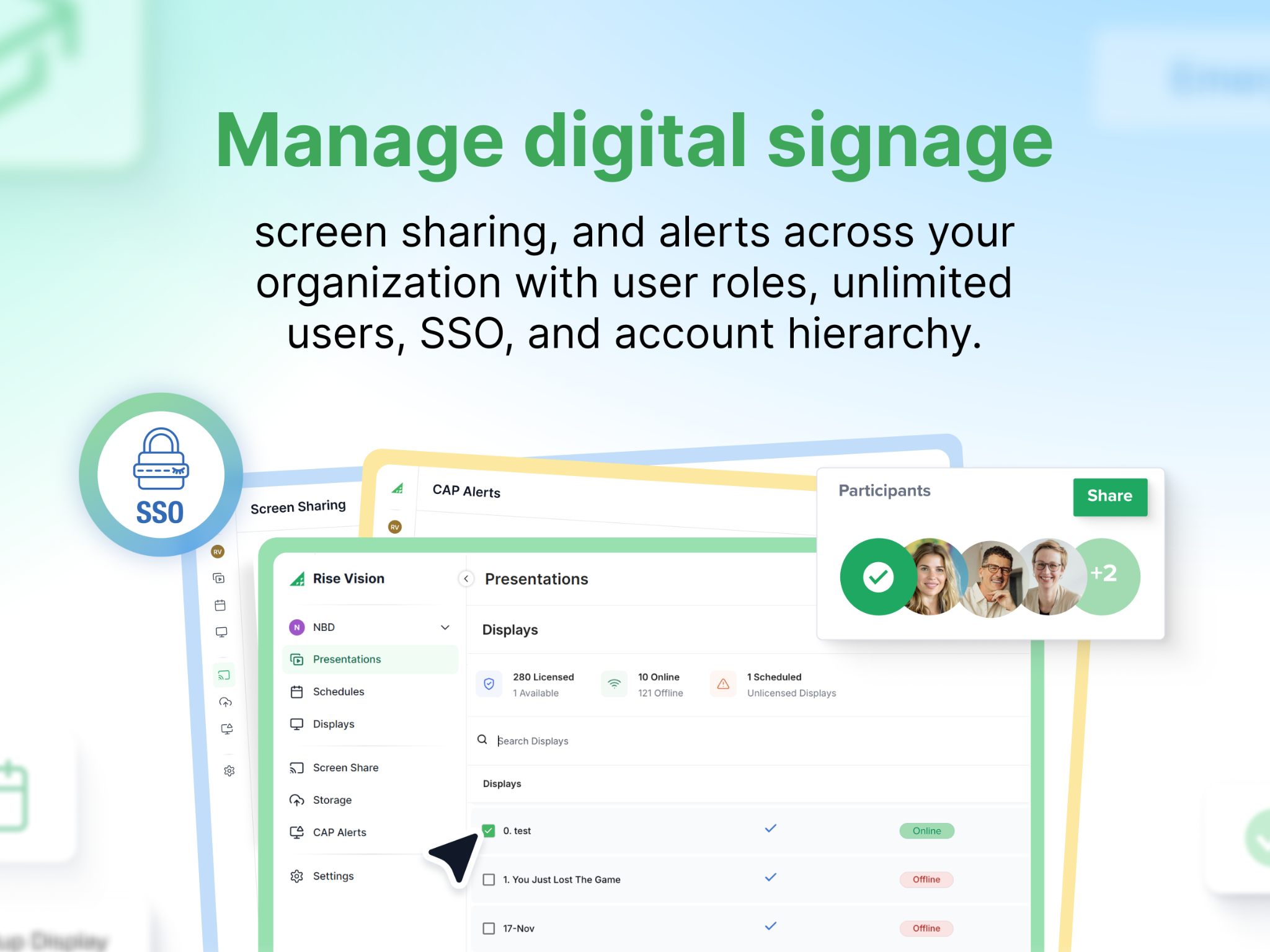
If BrightSign's proprietary approach gives you pause, start here. Rise Vision offers a commercial-grade media player, and it does more than BrightSign's box does. The Rise Vision Media Player powers digital signage, screen sharing, and emergency alerts from one compact, tamper-proof device, with plug-and-play setup and bulk activation for rolling out a lot of screens at once.
You can buy it outright or spread the cost through Hardware as a Service, which is a predictable annual line item that's easier to get approved in a district budget cycle than a big one-time purchase. That's the "if you don't want BrightSign" option, and for a lot of teams it's the simpler one. And onboarding comes with free training and guided setup, instead of a support ticket queue.
The bigger difference shows up if you already own hardware, or you'd rather not be locked into any one brand. Rise Vision is device-agnostic. Our software runs on BrightSign Series 4 and higher, plus Android, Windows, Chrome OS, Linux, Raspberry Pi, Apple TV, and the Amazon Signage Stick.
So if you've already invested in BrightSign players, you don't have to throw them out. You can run Rise Vision on them and get easier software without replacing the hardware. And if you're starting fresh, you're free to pick whatever devices fit your budget and IT standards.
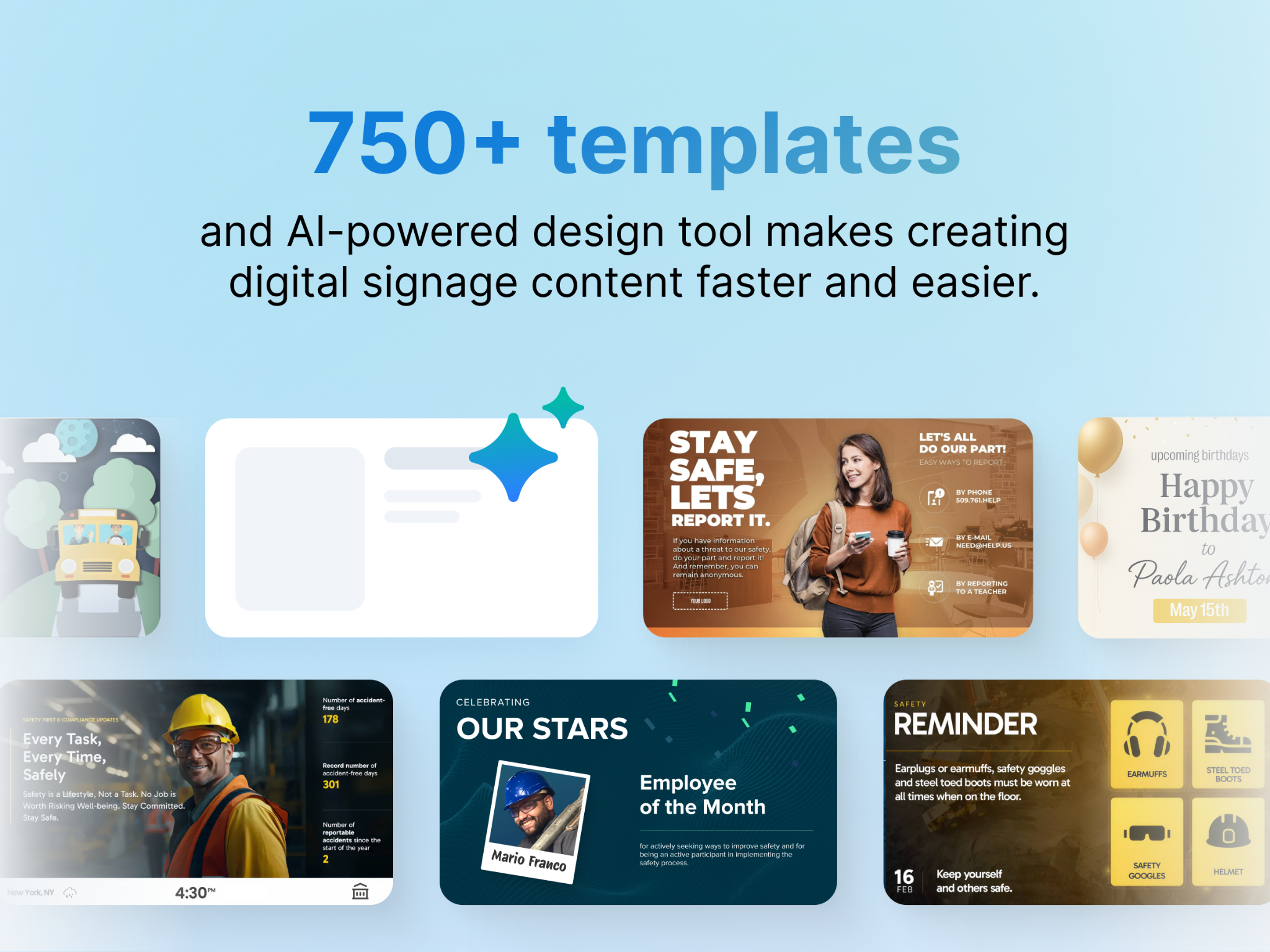
That flexibility is the core of it. BrightSign asks you to standardize on its boxes. Rise Vision lets the hardware and the software be two separate decisions, so you keep control of both. Add in 750+ customizable templates, a free trial, and a 30-day money-back guarantee, and it's a low-risk way to see whether one platform can cover your screens, your sharing, and your alerts at once.
Making the Right Decision
BrightSign makes genuinely reliable hardware, and if you want a locked-down, purpose-built player and you're comfortable with the proprietary approach and the cost, it's a solid choice. The catch is that the box is only half the job. Your software decides how easy your screens are to actually run, and how free you are to change hardware later.
That's the part worth protecting. Rise Vision runs on BrightSign players you already own or on our own media player, so you're never boxed in. Start a free trial and see how your screens, screen sharing, and alerts look on one platform, backed by a 30-day money-back guarantee.
More From Our Blog
-
ScreenCloud Digital Signage Software Review: Features, Pricing, Pros and Cons
Best for: Organizations that want a polished digital signage platform with a broad app library, strong security, and flexible content management. Standout features: 80+ apps and integrations, SOC 2[…]
Read More -
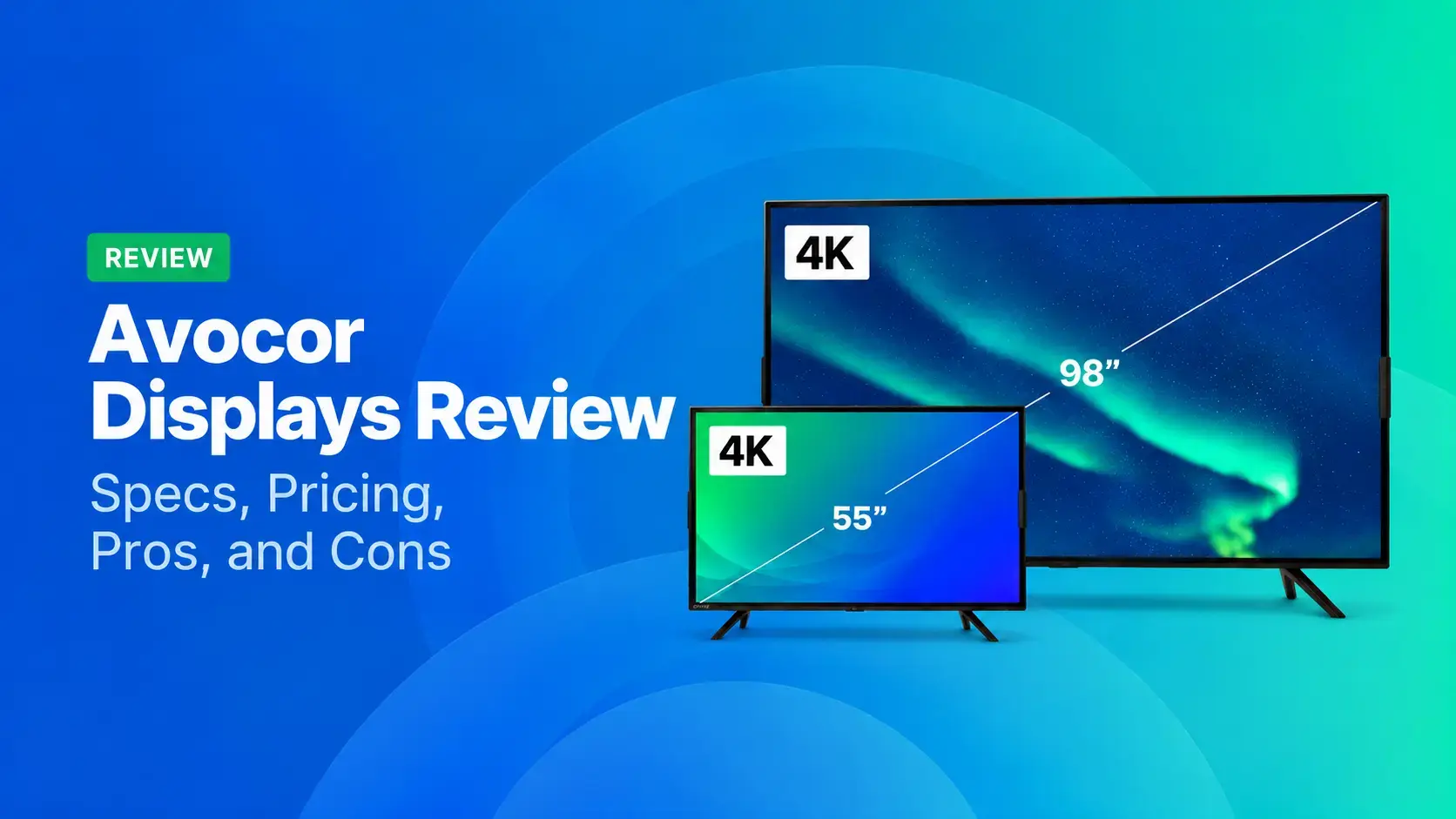
Avocor Displays Review: Every Series Compared
Avocor makes commercial displays across more than a dozen series. For classrooms, you'll want the S, A, or E50 Series, and for meeting rooms, the G or H Series. The E92 and L Series are ultra-wide,[…]
Read More -
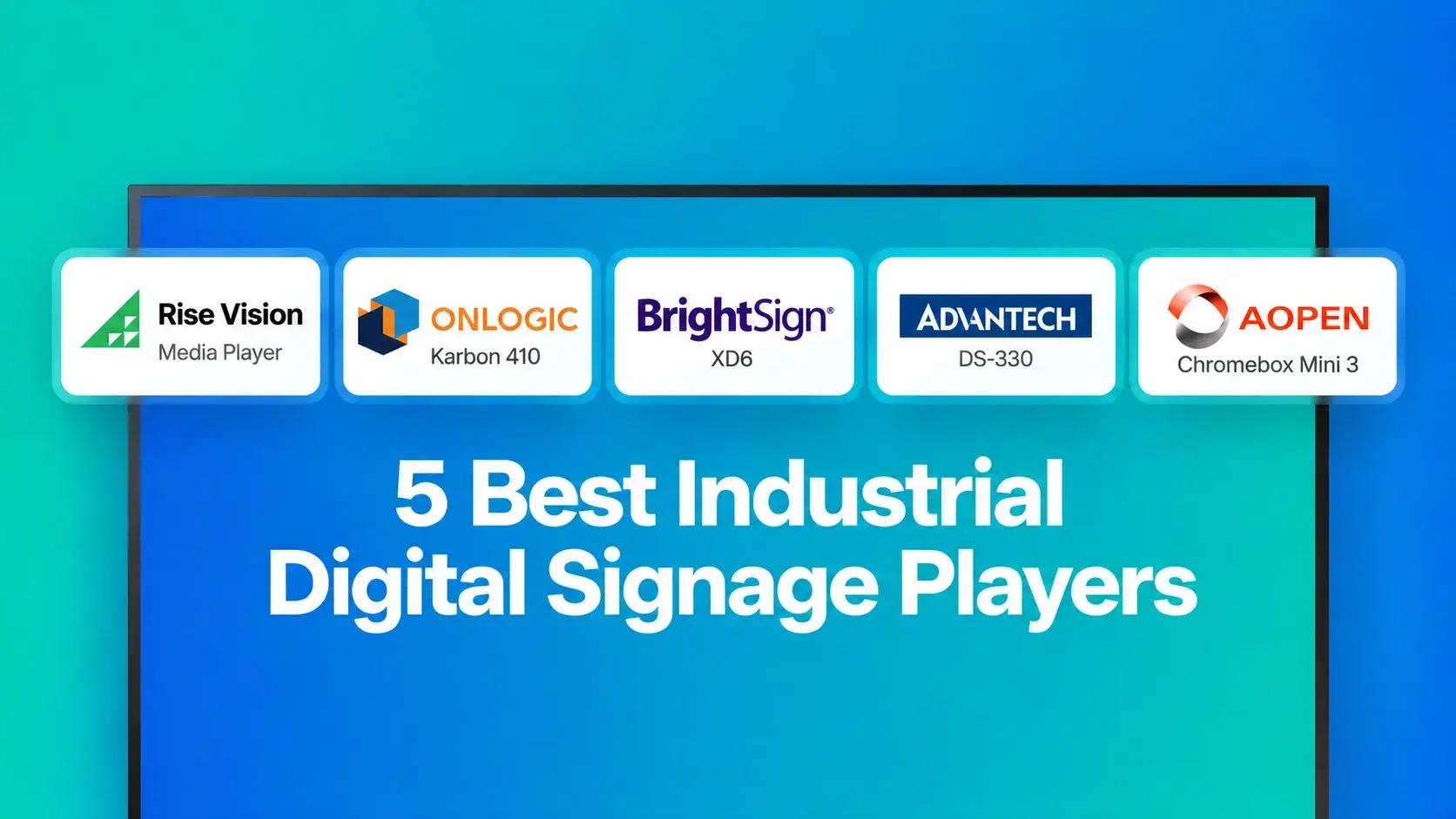
We Reviewed the 5 Best Industrial Digital Signage Players for 2026
We reviewed five digital signage players that can handle different industrial environments, from standard break rooms and production floors to areas exposed to extreme temperatures.
Read More
12,300+ Organizations Trust Rise Vision, You Can Too
































Schedule a Free Demo
You deserve the #1 all-in-one platform for digital signage, screen sharing, and emergency alerts.





