

Quick Summary
If your displays sit idle between meetings or classes, screen sharing alone won't cut it. Rise Vision, Ditto, and Airtame all pair screen sharing with digital signage or emergency alerts, with Rise Vision giving schools unlimited licensing for as low as $1,399/school/year. Vivi, Mersive, and ScreenBeam all require a sales call or a separate hardware purchase.
What Should You Look for in Screen Sharing Software?
Most screen sharing software is designed around presentations. After the presentation ends, your displays spend most of their time idle. Between meetings and classes those same displays can be showing announcements, schedules, welcome messages, KPIs, or emergency alerts. Whether your screen sharing platform handles all of that — or forces you to add separate software — often determines whether you're managing one platform or three.
That's why this guide looks beyond screen sharing alone. We compared six of the best screen sharing platforms not just on how they share screens, but on how much value your displays actually deliver. Start with the comparison table for an at-a-glance view, or read on for the full breakdown.
|
Software |
Digital Signage |
Emergency Alerts |
Hardware Required |
Pricing |
Best For |
|
Rise Vision |
Yes (Basic tier and up) |
Yes (Advanced tier and up) |
No, works with hardware you already own |
K-12: $11–13/display/mo, Enterprise $164/display/yr or $1,399/school/yr unlimited. Business: $12–14/display/mo, Enterprise $180/display/yr |
K-12 and multi-site organizations wanting signage, screen sharing, and alerts in one platform |
|
Vivi |
Yes (included in subscription) |
Yes (included in subscription) |
Hardware included with subscription, or app on supported displays |
Not published, custom annual subscription per classroom/display |
K-12 classrooms wanting teacher-approval control over student sharing |
|
Ditto |
Yes (included even on Basic) |
Only Premium and Elite |
Apple TV or Windows receiver, no proprietary box |
Basic $17/mo ($99/yr), Premium $25/mo ($150/yr), Elite $29/mo ($175/yr) |
Teams wanting mirroring on standard Apple TV/Windows hardware they already have |
|
Airtame |
Yes |
Yes |
Airtame Go/3 hardware, or Virtual Airtame on existing devices |
Airtame Go starts at $499 for a three-year term, while Airtame 3 hybrid costs $1299. |
Organizations wanting sharing, signage, alerts, and video conferencing on one platform |
|
Mersive Solstice |
Yes (every tier) |
No |
Varies by tier: supported smart TV/streaming device (Smart), Gen4 Mini receiver (Essentials), Gen4 Pod (Pro) |
Not published, quote-only across all tiers |
Meeting rooms already on Zoom/Teams wanting native casting alongside them |
|
ScreenBeam |
Yes, basic included; advanced via add-on. |
Only via Administrative Tools add-on |
Yes, proprietary receiver (1100 Plus, FLEX, or 1000 EDU Gen 2) |
1100 Plus $1,199.99; FLEX $599.99 (one-time hardware). Administrative Tools add-on price not published |
Teams wanting app-free casting on owned hardware, no subscription for core features |
Why Trust Us?
Rise Vision helps more than 12,300 organizations — including K-12 schools, manufacturers, and multi-location businesses — manage digital signage, screen sharing, and emergency alerts every day. We know what matters when you're choosing a screen sharing platform.
“I've been impressed with how well Rise Vision's screen sharing has worked across our district. It's been reliable, easy to use, and has made an impact in the classroom for both teachers and students. When you combine the screen sharing and the digital signage options, it is an easy choice. Rise Vision has been a smart investment for our schools.”
— Eric Burt, Technology Director at West Fork CSD
For this guide, we evaluated each tool on what matters most in practice: screen sharing capabilities, digital signage and emergency alert features, pricing, and overall value.
6 Best Screen Sharing Software For Schools and Organizations
Here's a closer look at some of the best screen sharing platforms on the market.
1. Rise Vision
Rise Vision transforms any display into a wireless presentation hub, enabling seamless screen sharing from virtually any device. Share a window or your entire screen directly from your browser without installing an app, or use the Android or iOS app. Moderator Mode gives you control over who can present, while Code Connect helps everyone share to the correct display.
When no one's presenting, those same displays can switch to digital signage or emergency alerts, all managed from the same platform. Rise Vision works with the hardware you already own, including Windows, ChromeOS, Android, Apple TV, and Raspberry Pi. It also includes more than 750 professionally designed templates for everything from announcements and schedules to recognition and wayfinding. Rise Vision’s transparent pricing makes it easy to estimate costs before you ever talk to sales.
Key Features
- Screen Sharing, Digital Signage and Emergency Alerts: Manage digital signage, wireless screen sharing, and emergency alerts from one easy-to-use platform, making communication, collaboration, and safety simpler across your organization.
- 750+ Ready-to-Use Templates: Save hours of content creation with professionally designed, customizable templates for announcements, schedules, recognition, wayfinding, and more.
- Moderator Mode and Code Connect: Maintain complete control over who can share with Moderator Mode, while Code Connect ensures presenters connect to the correct display every time.
- Cross-Network Sharing: Share wirelessly from any network. Rise Vision supports Wi-Fi, Ethernet, and VLANs, so guests, employees, teachers, and students can present without needing to join the same network as the display.
- Cloud-Based Device Management: Manage and monitor all of your screen sharing devices from a centralized dashboard, making it easy for IT teams to deploy updates and support displays across multiple locations.
- Works with Any Hardware: Use your existing Windows, ChromeOS, Android, Apple TV, Raspberry Pi, and other supported devices. Or choose Rise Vision's recommended displays and media player. Rise Vision gives you the flexibility to use the hardware that best fits your school or organization.
- Easy-to-Use Software: Delegate day-to-day updates across your school or organization without relying on IT for every change.
Pricing
Rise Vision publishes all of its pricing online, making it easy to compare plans and estimate costs before you ever speak to sales.
K-12:
- Basic: $11/display/month (digital signage only)
- Advanced: $138/display/year (adds emergency alerts)
- Enterprise: $164/display/year, or $1,399/school/year for unlimited displays (adds screen sharing)
Business, Government and Other:
- Basic: $12/display/month
- Advanced: $156/display/year
- Enterprise: $180/display/year (includes screen sharing)
Pros
- Gives you screen sharing, digital signage, and emergency alerts in one platform.
- Uses your existing hardware.
- Pricing is transparent, with free training and fast support for every tier.
- Unlimited display licensing available for K-12 schools.
- Easy to use for non-technical staff.
Cons
- Screen sharing only comes on the Enterprise plan.
- Built for presenting to a display, not a video-conferencing replacement.
2. Vivi
Vivi is a wireless screen sharing platform built around the K-12 classroom. Students request to share, the teacher gets a preview, and nothing hits the display until they approve it. Digital signage and emergency alerts come included in the same subscription.
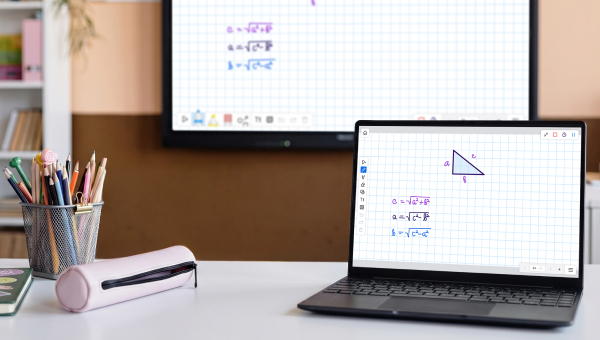
Vivi works through an app on supported displays or its own hardware device. Pricing is available through sales rather than on the website, and renewal rates increased by $10 per year effective July 1, 2026.
Key Features
- Screen Sharing: Students request to present; the teacher gets a preview and approves or rejects it before anything hits the display.
- Stream to Students: Content can also be sent directly to individual student devices, not just the main display.
- Digital Signage and Emergency Alerts: Digital signage and emergency alerts are both built in. Alerts integrate with Singlewire/InformaCast, Raptor, and Centegix.
- Vivi Central: A cloud dashboard used for device management, firmware updates, and network monitoring.
Price
Vivi doesn't publish its pricing. It's sold as an annual subscription per classroom/display, bundling hardware, software, support, and training. Multi-year terms are available.
Pros
- Bundles screen sharing, digital signage, and emergency alerts into one subscription.
- Works across Chromebooks, Windows, macOS, iOS, and Android.
- Offers a free, no-commitment pilot before purchase.
Cons
- Pricing requires contacting sales, and rates increased by $10/subscription/year at renewal on July 1, 2026.
- Software-only setup is limited to Chromecast, Android TV, and Android-based/EDLA-certified panels; any other display requires the Vivi Box.
3. Ditto
Ditto is software-only screen mirroring that runs on Apple TV or Windows receivers rather than its own hardware. It skips native protocols like AirPlay, Miracast, and Google Cast in favor of one consistent interface across devices.
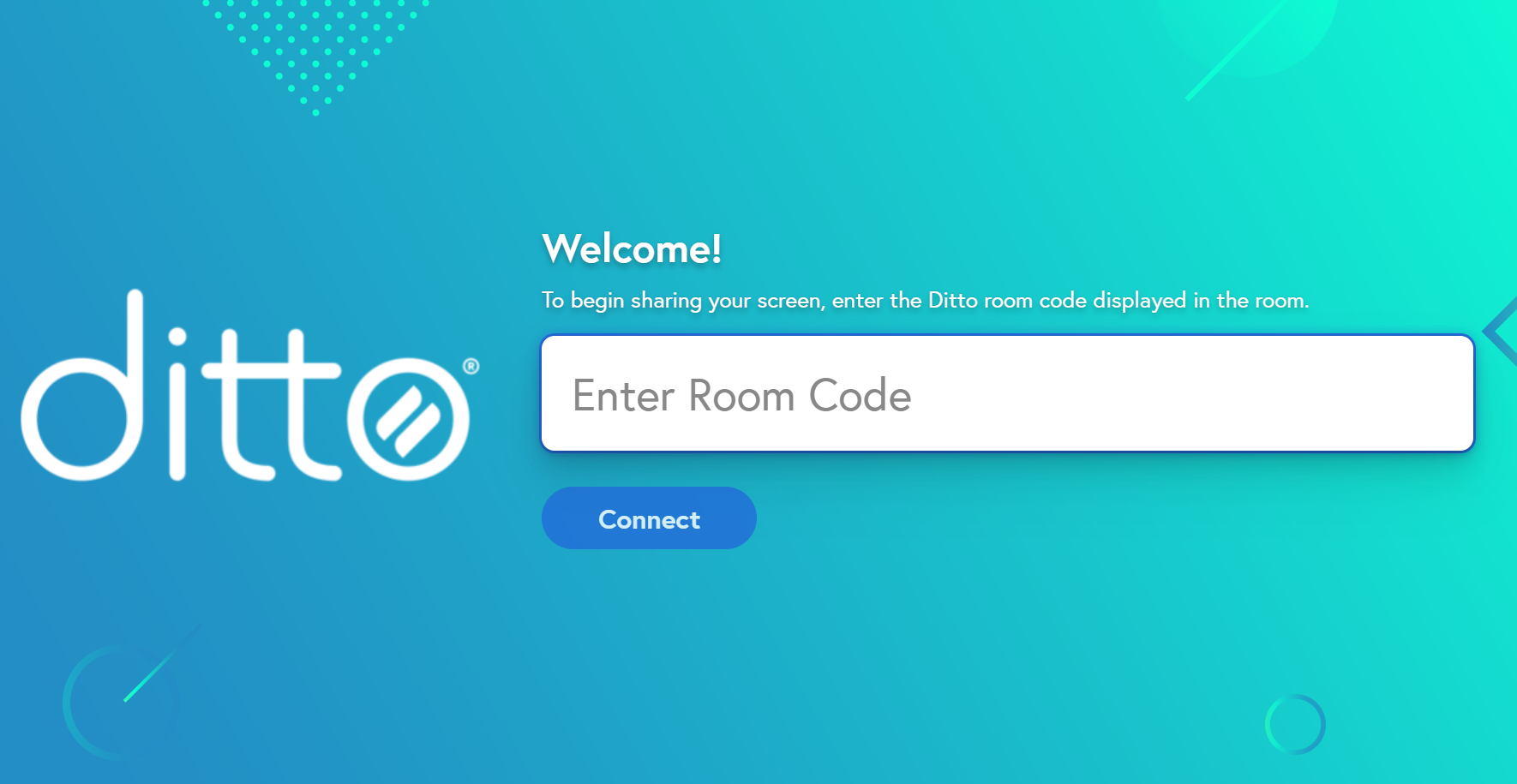
Mirroring, annotation, and browser sharing are included on every plan, but moderator controls and multi-display mirroring are Premium and above. Digital signage is included even on the entry tier, though emergency alerts don't start until Premium.
Key Features
- Multi-Device and Display-Mirroring: Multiple devices can mirror to the same screen at once and one device can mirror to several screens at the same time.
- Moderator Controls: Manage who's presenting and control session flow (Premium and above).
- Cross-Platform and Browser Mirroring: Works with Mac, Windows, iPhone, iPad, Chromebook, and Android, and can also connect through Chrome or Edge without installing software.
- Extended Desktop: Extend a desktop wirelessly onto a second display (Elite only)
- Annotate: Add notes, shapes, and drawings on top of mirrored content.
Pricing
Ditto publishes its pricing per receiver. Basic runs $17/month or $99/year, Premium $25/month or $150/year, and Elite $29/month or $175/year. Education pricing is available but requires contacting sales.
Pros
- Runs on standard Apple TV or Windows hardware. No proprietary receiver to buy.
- Publishes per-receiver pricing for all three tiers.
- Digital signage is included even on the entry-level Basic plan.
Cons
- Basic is capped at 5 receivers and 1 admin. Moderator controls and multi-display mirroring are Premium and above.
- Emergency alerts aren't available on Basic, only Premium and Elite.
4. Airtame
Airtame is a wireless screen sharing platform that also handles digital signage, emergency alerts, video conferencing, and remote device management.
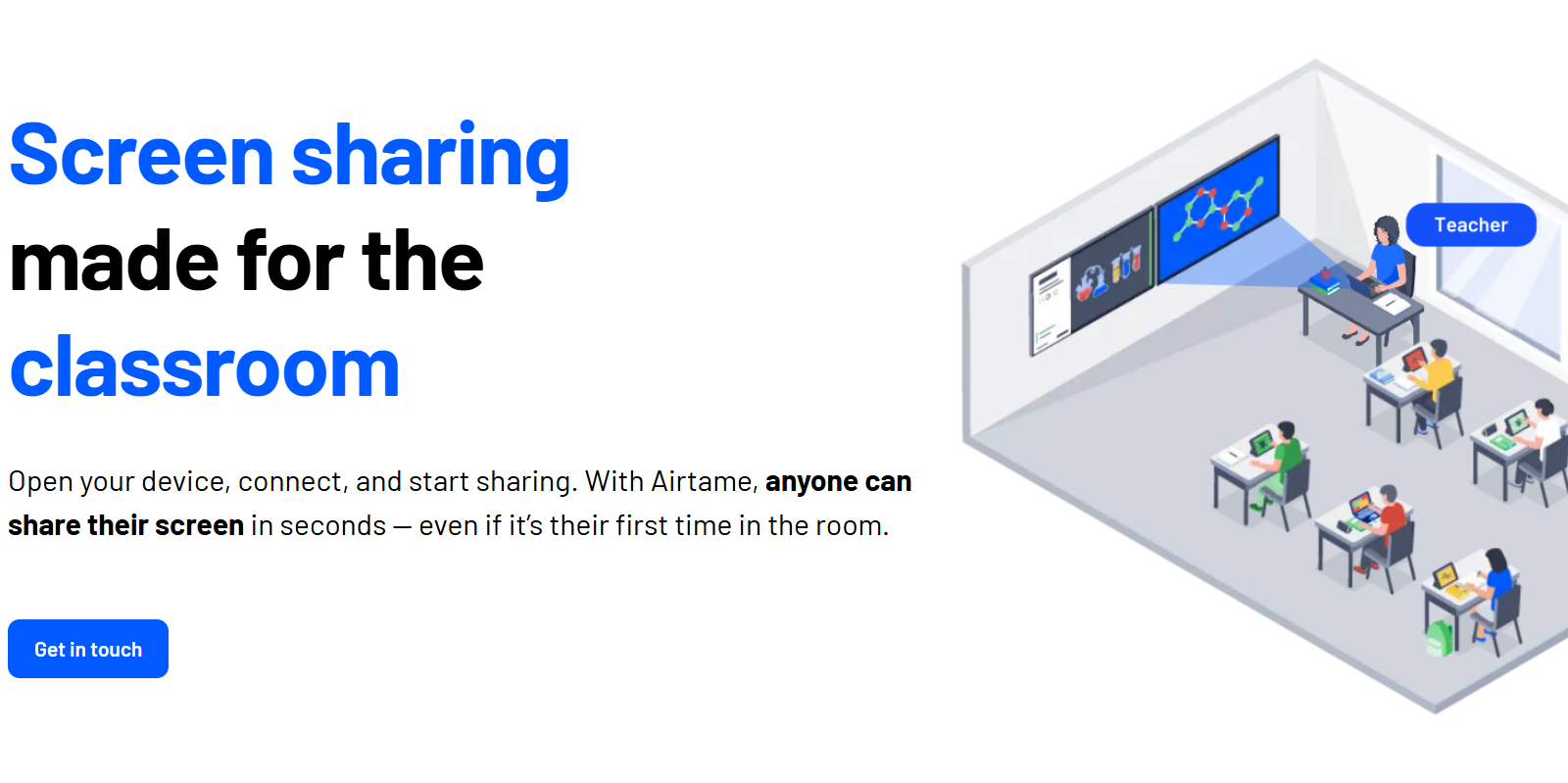
Screen sharing works through the Airtame app on Windows, Chromebook, Mac, iPad, and mobile devices, with no user login required. You can deploy it on Airtame Go or Airtame 3 hardware, or go with Virtual Airtame if you'd rather run the software on devices you already own.
Key Features
- Airtame App: Screen sharing runs through the Airtame app on Windows, Chromebook, Mac, iPad, and mobile devices without requiring a log in.
- Multi-Screen Sharing: Content can be shared to multiple displays at the same time.
- Mobility While Presenting: Presenters can switch between apps or move around the room while still sharing.
- Video Conferencing: Native video conferencing with Zoom, Teams, Meet, and Webex (Hybrid license only).
Pricing
Airtame Go starts at $499 for a three-year term, while Airtame 3 hybrid costs $1299.
Pros
- Combines screen sharing with digital signage, emergency alerts, video conferencing, and remote management in one platform.
- Works across common devices (Windows, Chromebook, Mac, iPad, mobile) with no login required to share.
- Runs on Airtame's own hardware or as Virtual Airtame on devices you already own.
Cons
- Native casting via AirPlay, Google Cast, and Miracast is still listed as coming soon.
- Pricing is published in euros, not dollars, so U.S. buyers need to convert to estimate cost.
5. Mersive Solstice
Mersive Solstice is a software-based wireless screen sharing platform for meeting rooms and hybrid collaboration spaces. It supports simultaneous sharing from multiple devices and integrates with Zoom and Microsoft Teams for hybrid meetings. 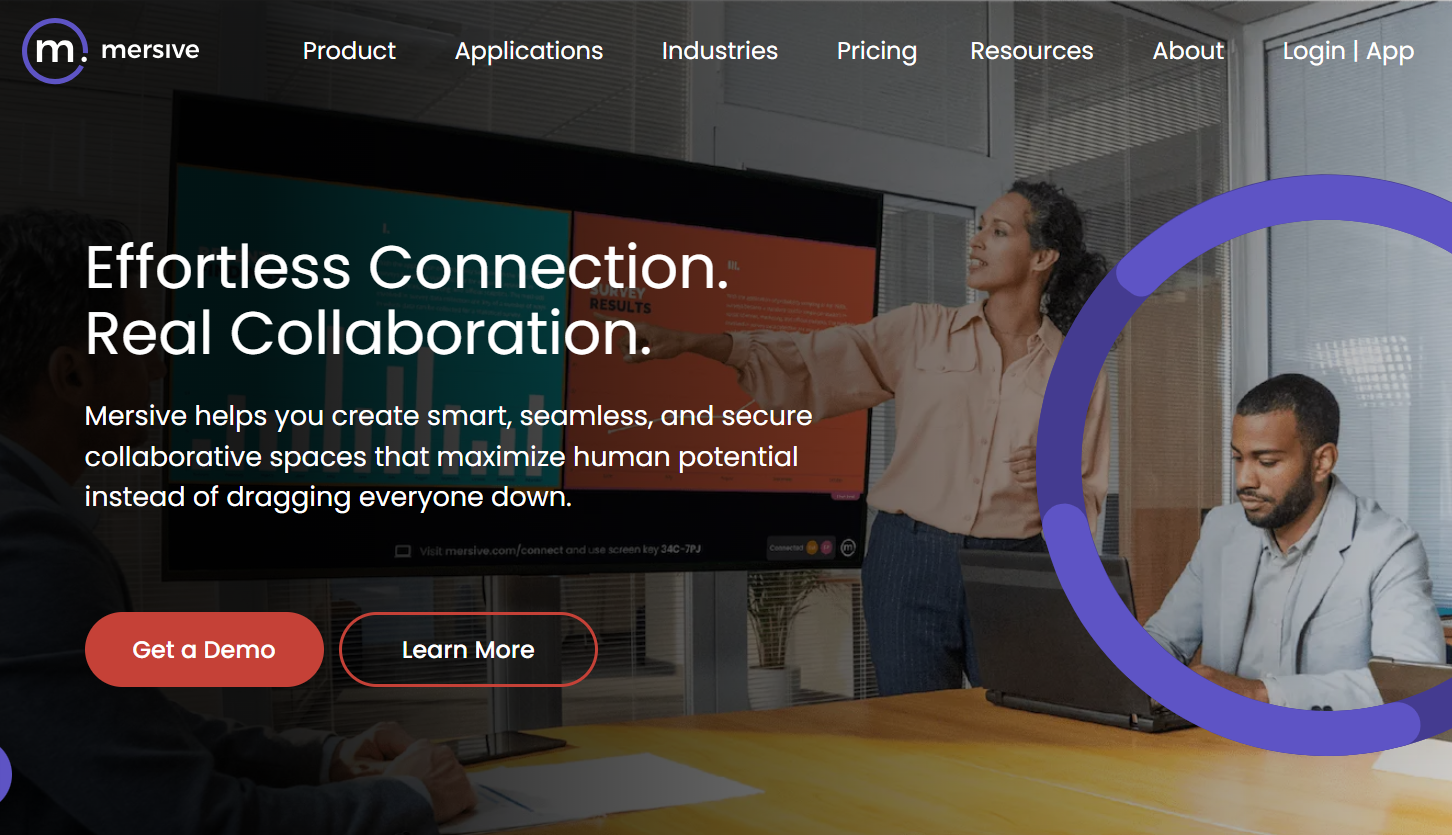
Mersive comes in three deployment options:
- Smart (smart TVs and streaming devices)
- Essentials (Gen4 Mini receiver)
- Pro (Gen4 Pod, unlimited simultaneous connections)
Every tier also includes digital signage.
Key Features
- Native and App-Based Sharing: Devices can connect via Mersive's own apps, a web browser, AirPlay, or Miracast.
- Multi-Participant Sharing: Multiple users can share content to the same display at the same time.
- Video Conferencing Integration: Works alongside Zoom Rooms and Microsoft Teams Rooms rather than replacing them.
- Fleet Management: Remotely manage, monitor, and update devices across locations from a central console.
Pricing
Mersive doesn't publish pricing for any tier. Smart, Essentials, and Pro all require a quote.
Pros
- Supports native casting (AirPlay, Miracast) in addition to its own apps and browser sharing.
- Works alongside existing Zoom Rooms or Microsoft Teams Rooms setups rather than requiring a replacement.
- Digital signage is included at every tier (Smart, Essentials, Pro).
Cons
- Pricing isn't published; every tier requires contacting sales for a quote.
- No emergency alerts at any tier.
6. ScreenBeam
ScreenBeam takes a different approach to wireless screen sharing. Its receivers use the casting protocols already built into your devices, so there's no app or dongle to install.

Basic digital signage for idle displays is included with the hardware at no additional cost. Emergency alerts, messaging, and more advanced digital signage features are available through ScreenBeam Administrative Tools, a separate licensed add-on.
Key Features
- Multi-Network Architecture: The receiver can connect to an internal network and a separate guest or external network at the same time.
- Multi-View and Quick Switch: Up to four presenters can share content simultaneously, and anyone can take over without the current presenter needing to disconnect first.
- Administrative Tools: A licensed add-on that unlocks emergency alerts, messaging tools, and advanced digital signage.
- Centralized Management: Teams can remotely monitor, configure, and update ScreenBeam receivers across multiple locations from one dashboard.
Pricing
ScreenBeam sells its receivers as one-time hardware purchases. The 1100 Plus — the flagship for business and higher ed — is $1,199.99. The FLEX, aimed at SMBs and higher ed on a tighter budget, is $599.99.
Pros
- App-free casting via AirPlay, Miracast, and Google Cast.
- Basic digital signage for idle displays comes standard on the hardware.
- Buying the receiver outright removes software costs for screen sharing and signage.
Cons
- Emergency alerts and more advanced signage and messaging only work through the separate Administrative Tools add-on.
- Every feature depends on owning specific ScreenBeam hardware.
Bring Effortless Screen Sharing to Your Displays, Plus Signage and Alerts in One Platform
Rise Vision is the all-in-one platform for wireless screen sharing, digital signage, and emergency alerts. Share from any device to any display, create engaging communications with 750+ customizable templates, and manage every screen across your organization from one cloud-based dashboard, on whatever hardware you already own.
Backed by transparent pricing, free training, 1-hour response SLA on every plan, and a 30-day money-back guarantee, Rise Vision makes it simple to improve communication, collaboration, and safety.
Try Rise Vision with a 14-day free trial or book a free demo and we’ll show you how it can work for your school or organization.
More From Our Blog
-
ScreenCloud Digital Signage Software Review: Features, Pricing, Pros and Cons
Best for: Organizations that want a polished digital signage platform with a broad app library, strong security, and flexible content management. Standout features: 80+ apps and integrations, SOC 2[…]
Read More -
Avocor Displays Review: Every Series Compared
Avocor makes commercial displays across more than a dozen series. For classrooms, you'll want the S, A, or E50 Series, and for meeting rooms, the G or H Series. The E92 and L Series are ultra-wide,[…]
Read More -
We Reviewed the 5 Best Industrial Digital Signage Players for 2026
We reviewed five digital signage players that can handle different industrial environments, from standard break rooms and production floors to areas exposed to extreme temperatures.
Read More
12,300+ Organizations Trust Rise Vision, You Can Too
































Schedule a Free Demo
You deserve the #1 all-in-one platform for digital signage, screen sharing, and emergency alerts.





