

Quick Summary
A single office with a few screens runs on almost any platform. But once you're managing displays across dozens of locations and departments, most tools fall apart. Rise Vision, ScreenCloud, and L Squared Hub are some of the best enterprise digital signage software options in 2026 for organizations that need to manage scale without overloading IT.
Our top three picks are:
|
# |
Tool |
Key Strength |
|
1 |
Rise Vision |
All-in-one platform with deep multi-site management |
|
2 |
ScreenCloud |
App marketplace with 80+ integrations |
|
3 |
L Squared Hub |
Microsoft-integrated signage with managed deployment |
The Real Test of Enterprise Digital Signage
Picture two scenarios.
In scenario one, a single office runs a handful of screens. Pick a tool, design your content, push updates. Most digital signage software handles this fine.
In scenario two, a central team manages screens across 50 offices, four time zones, and three departments. Permissions, approvals, hardware compatibility, security audits, and pushing updates across regions become the work that consumes your week.
Most tools were built for scenario one. A few were built for scenario two. Pick the wrong one and you'll feel it. Your IT ticket queue grows. Content goes stale because no one has time to update 50 screens manually. The screens themselves drift off-brand because there's no real approval workflow to enforce consistency.
This guide covers seven of the best digital signage software for scenario two.
Why Listen To Us?
For over 30 years, Rise Vision has helped organizations communicate across multiple locations, departments, and screen types. We support over 12,300 organizations and 77,800 active displays, many of them in large enterprise environments.

This reach gives us direct insight into how digital signage performs at enterprise scale, where it works and where it falls short. It shapes how we evaluate every platform in this guide.
7 Best Digital Signage Software for Enterprise Teams
The following tools are the top picks for 2026 based on their enterprise-grade security, multi-user permissions, and ability to manage hundreds of displays across global locations.
|
# |
Tool |
Best For |
Key Strength |
Starting Price |
|
1 |
Rise Vision |
Multi-location enterprise communication |
Signage, screen sharing, and alerts in one platform |
From $164/display/year |
|
2 |
ScreenCloud |
Teams with app-driven enterprise workflows |
App marketplace with 80+ integrations |
From $20/screen/month |
|
3 |
L Squared Hub |
Multi-location enterprises with Microsoft tools |
Microsoft-integrated signage with managed deployment |
$30/screen/month |
|
4 |
Spectrio |
Enterprises wanting managed signage support |
Managed services for content, training, and support |
Custom pricing |
|
5 |
BrightSign |
Hardware-first enterprise deployments |
Purpose-built players for high-reliability signage |
Hardware + add-ons |
|
6 |
Skykit |
Organizations needing tighter operational oversight |
Centralized content control and live dashboard support |
From $16/display/month |
|
7 |
Omnivex |
Large multi-zone enterprise deployments |
Interactive dashboards and on-premise deployment options |
Contact for pricing |
Let's explore the breakdown of each platform.
1. Rise Vision
At Rise Vision, we know the best digital signage software for enterprise needs to stay easy to manage as more screens, teams, and locations are added. Since 1992, we have built our platform for organizations that need to manage communication across offices, warehouses, campuses, and other large environments without creating extra work for IT.
Our platform brings digital signage, wireless screen sharing, and CAP-based emergency alerts into one cloud-based system.
Enterprise teams get extra controls for managing scale, including centralized license distribution across sub-companies, content approval workflows so changes get reviewed before going live, and SSO with automatic user provisioning.
This gives your team one place to manage live KPI dashboards, urgent safety messages, and day-to-day communication across locations, without losing oversight as you grow.
Key Features
- Automated Emergency Overrides: Integrate with CAP systems like Alertus, InformaCast, and Raptor to send urgent alerts across connected displays.
- 750+ Enterprise Templates: Use ready-made layouts for shift schedules, employee updates, and internal announcements.
- Live Dashboard Integrations: Stream content from Google Workspace, Microsoft 365, Canva, and Power BI/Domo.
- Flexible Hardware Support: Use existing hardware across ChromeOS, Windows, Linux, or Raspberry Pi devices.
- Enterprise security: Supports Single Sign-On (SSO)with automatic user provisioning and SOC 2 Type II compliance
- Enterprise license management: Centrally distribute and reallocate licenses across sub-companies, departments, or locations from one parent account
Pricing
Business, Government, and Other
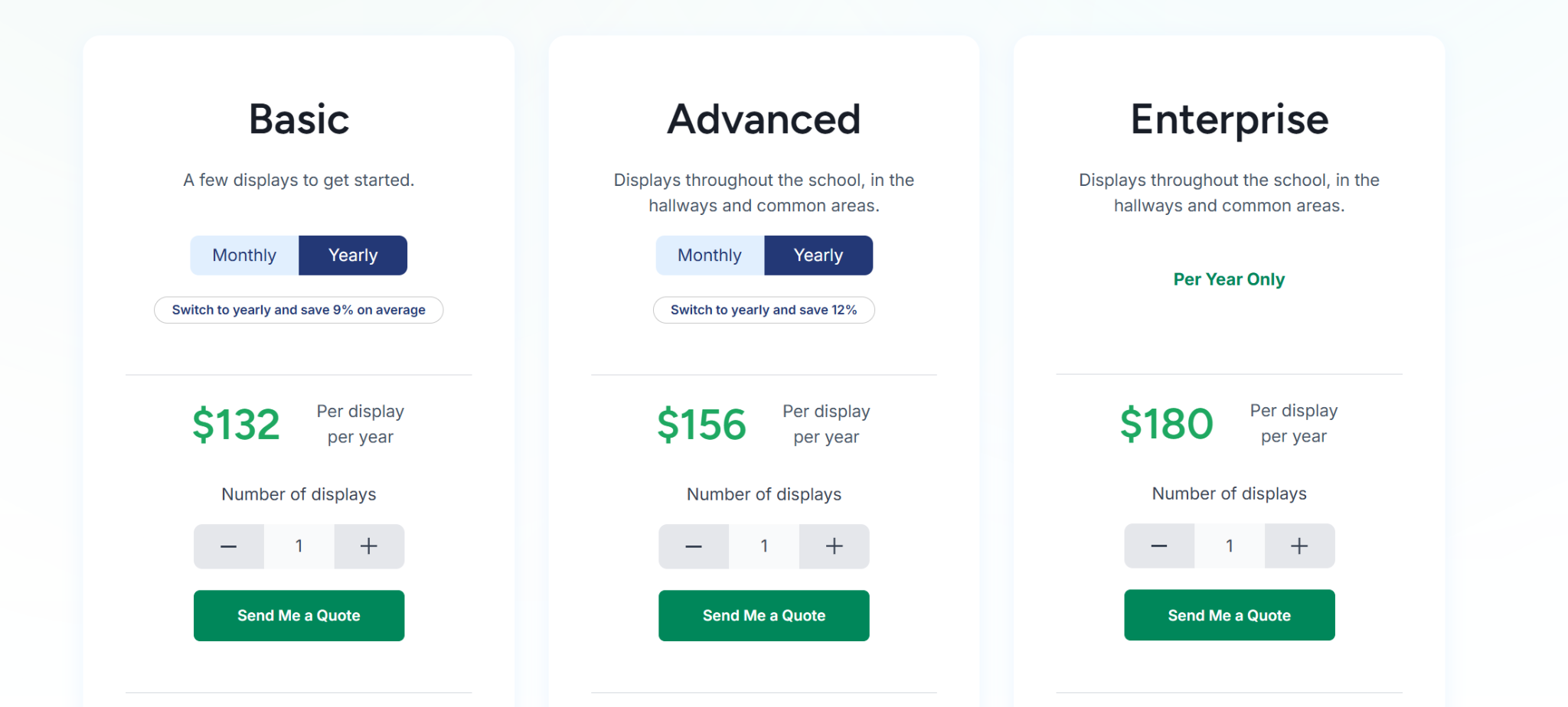
- Enterprise: $180 per display/year. Adds Power BI/Domo dashboards, screen sharing, content approval workflows, and SSO.
K12, Higher Education and Non Profit
-
Enterprise: $164 per display/year. Includes unlimited displays, teacher specific user role, classroom alert, screen sharing, and district wide scheduling overrides.
Pros
- Multi-site control without requiring IT involvement.
- Works with existing screens and media players.
- Combines signage, alerts, and screen sharing in one platform.
- Supports enterprise communication across many different departments.
- Free guided onboarding and training included.
Cons
- Interactive touchscreen features require a separate annual add-on.
2. ScreenCloud
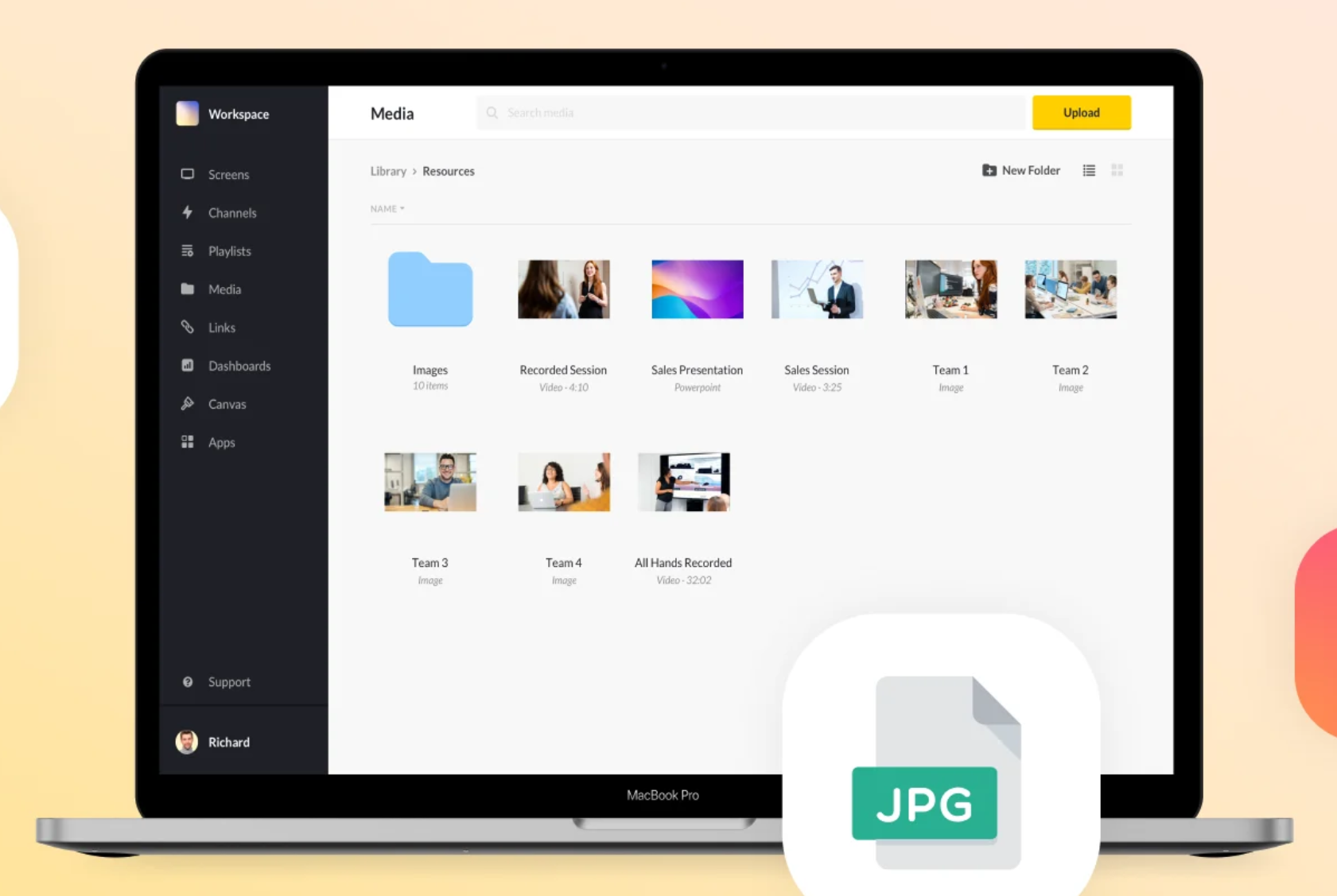
ScreenCloud is built for enterprises that want signage tied closely to their existing software stack. It is a strong fit for teams that rely on live dashboards, internal tools, and app-driven content rather than static screen updates. That makes it useful for organizations that already have structured workflows and want those systems reflected across screens.
Key Features
- App Marketplace: Access 100+ native integrations for pulling content from business tools.
- ScreenCloud OS: Use a dedicated operating system designed for simpler hardware management.
- GraphQL API: Build custom workflows or content triggers from internal systems.
- Enterprise Governance: Support admin control with SOC 2 Type II, SSO, and audit logs.
- Offline Playback: Keep cached playlists running during temporary network interruptions.
Pricing
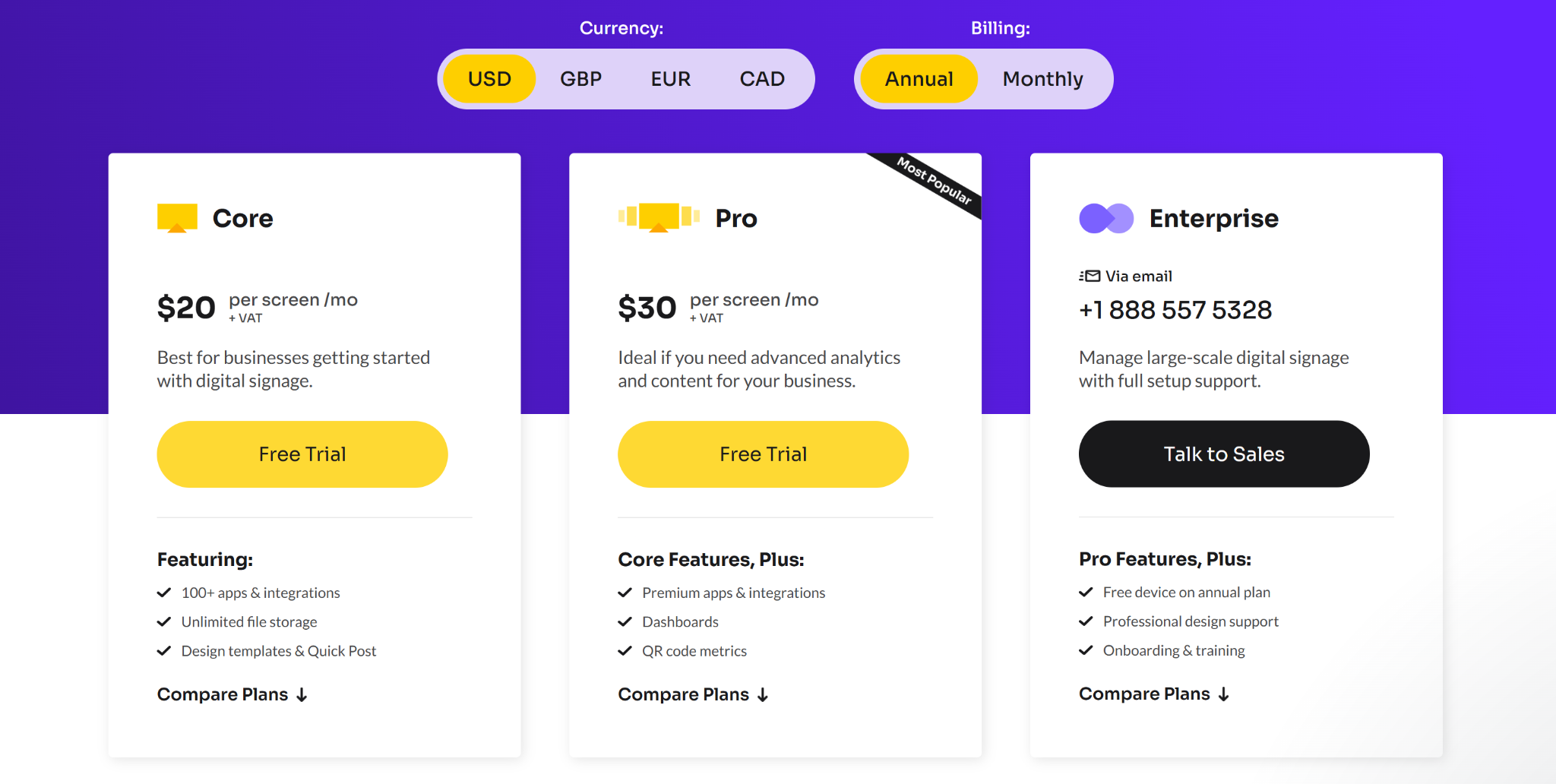
- Core: $20 per screen/month. Includes templates, apps, and standard controls.
- Pro: $30 per screen/month. Adds dashboards, branding, and more advanced tracking.
- Enterprise: Custom pricing. Includes onboarding, support, and enterprise services.
Pros
- Strong app integrations reduce manual content update work.
- Useful for centralized updates across many business locations.
- Fits enterprise teams with established software-driven communication.
Cons
- Monthly pricing can rise quickly across larger networks.
- Advanced controls sit behind higher pricing tiers.
- Performance depends on a stable network.
3. L Squared Hub
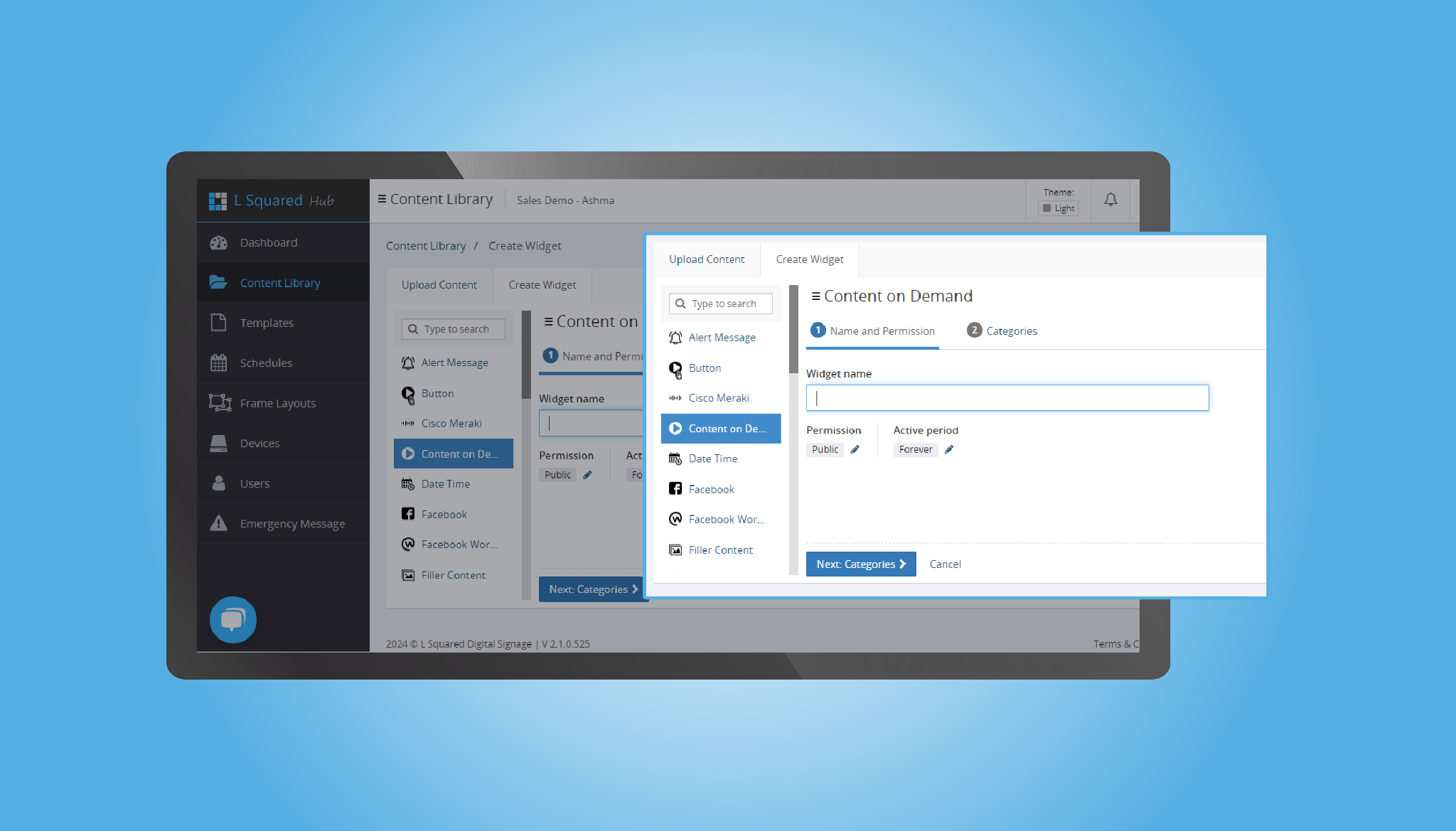
L Squared Hub is a cloud-based digital signage platform built for enterprises managing screens across multiple offices, countries, or business units. It runs on Microsoft Azure with SSO and MFA built in, which makes it a fit for organizations with strict IT and security requirements.
The platform also includes managed services, so deployment, hardware procurement, and ongoing monitoring are handled for you.
Key Features
- Centralized Dashboard: Manage thousands of screens, kiosks, and tablets from one platform with real-time scheduling and updates.
- Microsoft Azure Security: Built on Azure with SSO, multi-factor authentication, and role-based access control.
- Turnkey Deployment: Hardware ships pre-configured through partners like Samsung, LG, and Best Buy, with most setups live in an hour.
- 100+ Widgets and Templates: Pull in social media, news, live data, and use ready-made layouts for internal and external messaging.
- Performance Analytics: Track viewer engagement and content effectiveness across your screen network.
Pricing
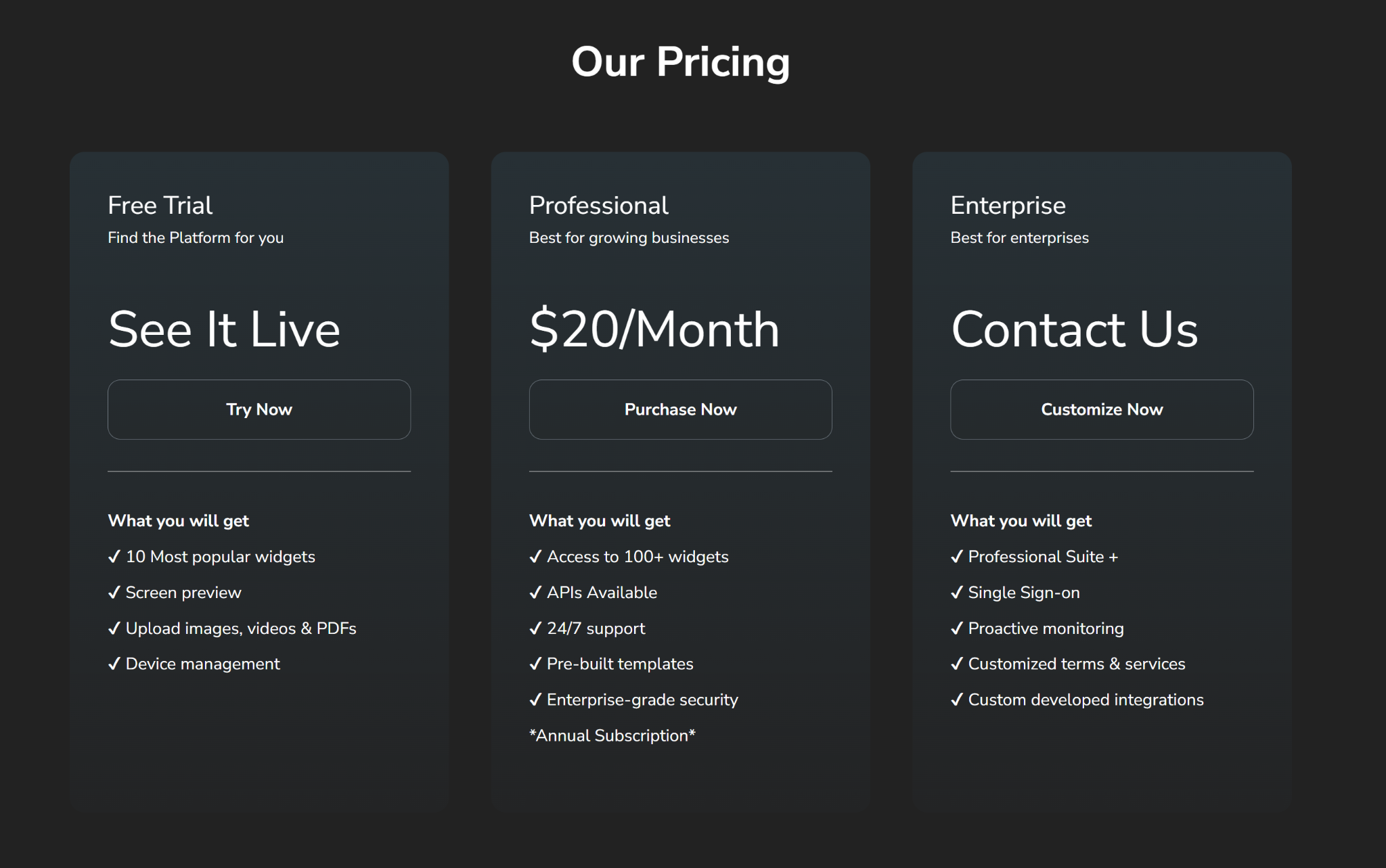
- Free Trial: $0. Includes 10 widgets, screen preview, media uploads, and device management
- Professional: $20 per screen/month billed annually. Adds 100+ widgets, APIs, 24/7 support, pre-built templates, and enterprise-grade security
- Enterprise: Custom pricing. Adds SSO, proactive monitoring, custom integrations, and tailored terms
Pros
- Microsoft Azure foundation supports SSO, MFA, and enterprise IT requirements.
- 24/7 live agent support included on the Professional plan.
- Managed services cover deployment, hardware procurement, and ongoing monitoring.
Cons
- Enterprise costs hidden behind a sales call.
- Custom integrations and SSO require the Enterprise tier.
- Limited to a single CMS approach, no on-premise option.
4. Spectrio
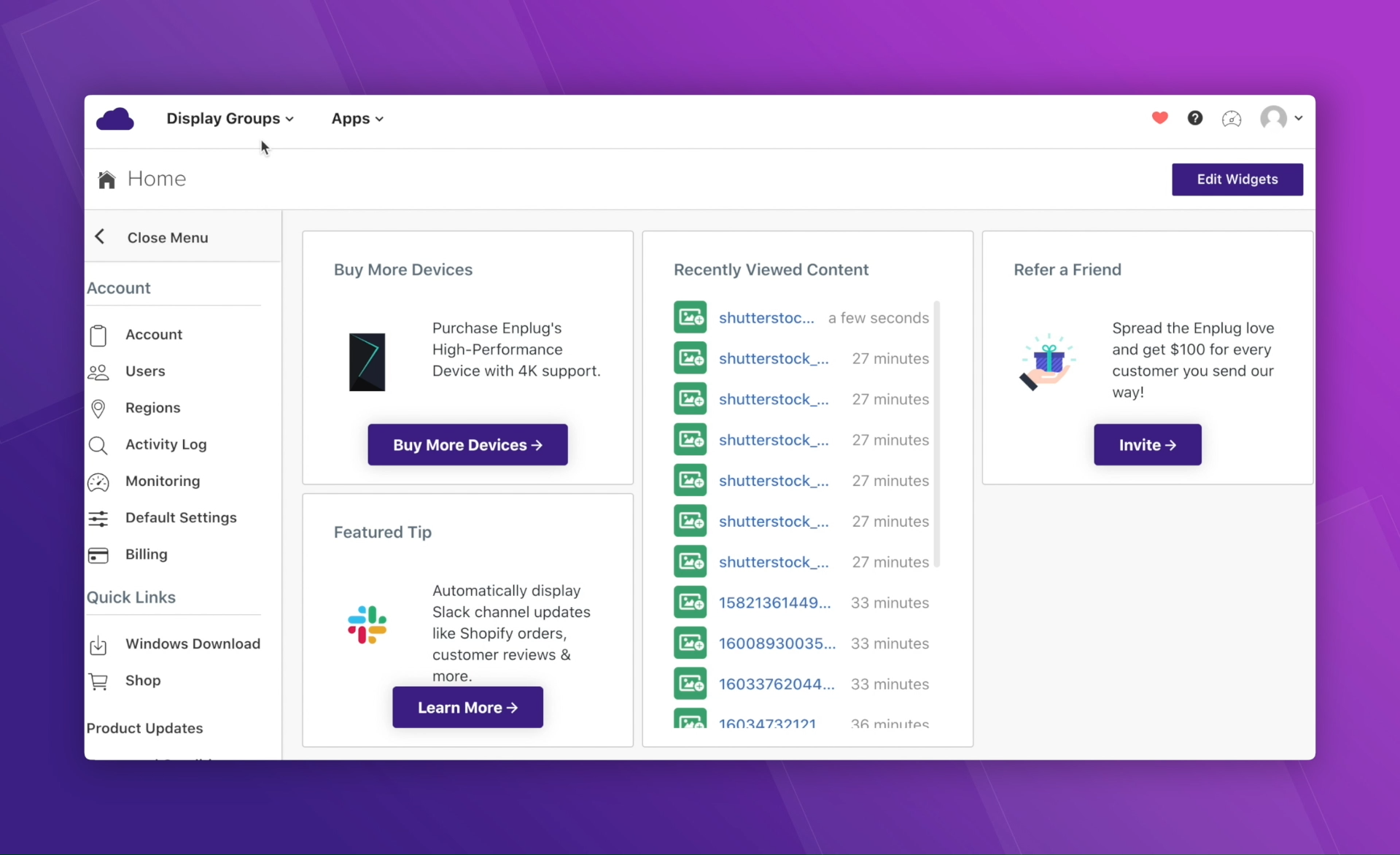
Spectrio focuses on a managed-services approach to digital signage, making it a strong option for enterprises that prefer external support across content, training, and ongoing operations. Beyond their cloud-based platform, they provide services like Spectrio Studio, Spectrio Care, and Spectrio Academy to support content creation, onboarding, and system performance.
Key Features
- Managed Content Services: Access to in-house creative teams through flexible content support models.
- Interactive Kiosks: Build and manage touchscreen directories and product information displays.
- Live Content Deployment: Schedule and update content across locations in real time.
- Multi-Location Control: Manage distributed screens through a centralized cloud dashboard.
- Device Monitoring: Track uptime, performance, and screen activity across your network.
Pricing
Spectrio uses quote-based pricing depending on service level, hardware, and deployment scale.
Pros
- Provides managed content, training, and ongoing support.
- Works well for large multi-location enterprise environments.
- Reduces internal workload across content and system management.
Cons
- Higher cost than self-managed signage platforms.
- Less flexible for teams that want to manage content in-house.
- Service-led model means slower changes if you bypass support.
5. BrightSign
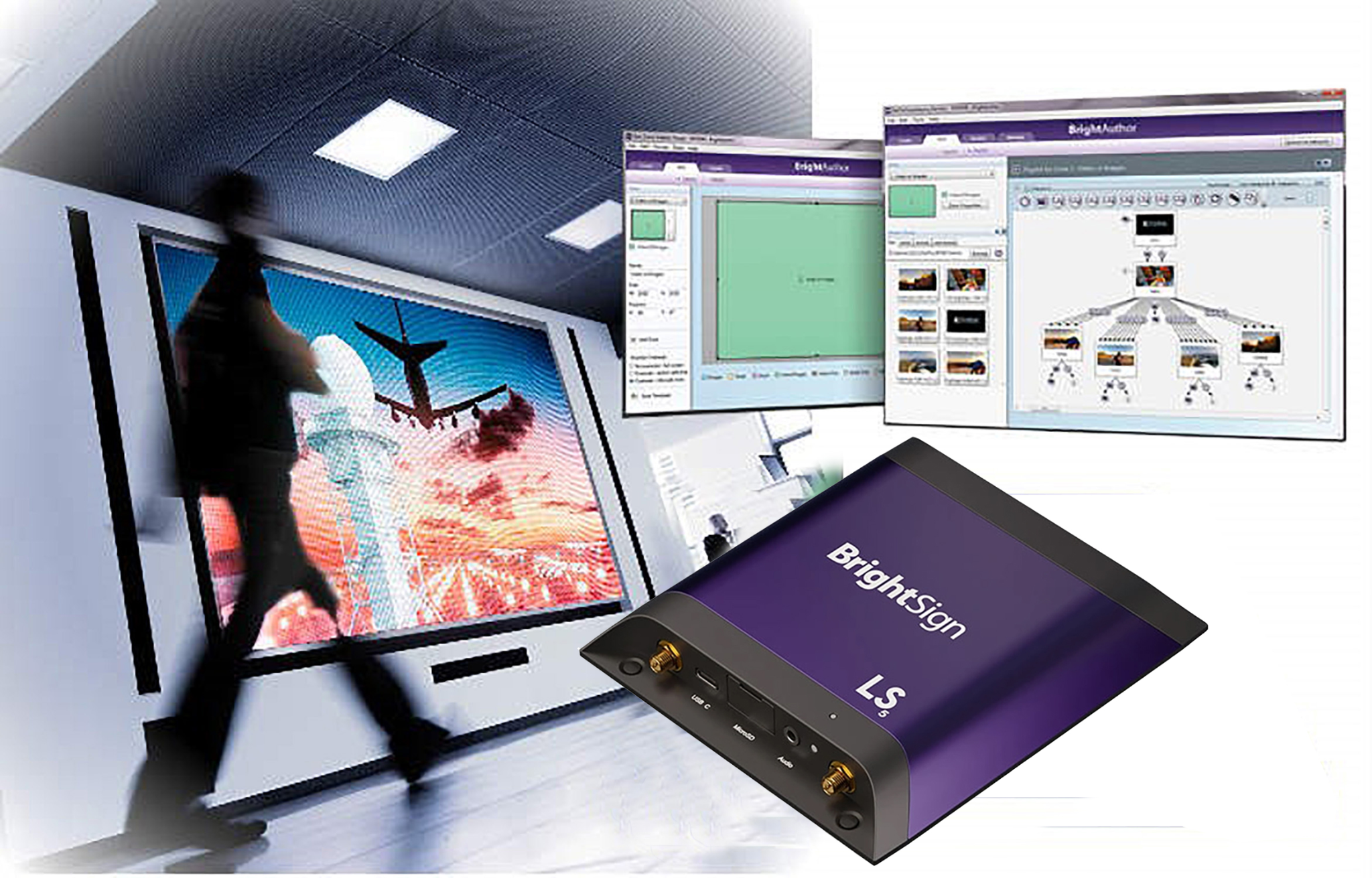
BrightSign is a hardware-first digital signage solution built for reliability in demanding environments. Their proprietary media players are built specifically for digital signage, meaning they don’t suffer from the stability or security issues of consumer devices. It is the best choice for large-scale industrial or public installations where uptime is non-negotiable.
Key Features
- BrightSignOS: A purpose-built, self-healing operating system designed for superior security and reliability.
- AI-Ready Hardware: Series 5 and 6 players equipped with NPUs for efficient edge AI.
- bsn.Control: A free remote device management service included with every digital signage player.
- Professional Services: Paid pre-provisioning and Wi-Fi installation to accelerate large-scale enterprise deployments.
- Advanced Video Support: Delivers frame-accurate synchronization across massive video walls and multi-screen arrays.
Pricing
Pricing includes hardware purchase, with optional costs for professional services and other add-ons.
Pros
- Built for reliable performance in demanding environments.
- Frame-accurate video sync across video walls.
- Proprietary OS avoids unexpected updates from consumer device makers.
Cons
- High upfront costs for proprietary hardware players.
- Steep learning curve for non-technical users.
- Management tools feel more technical than creative.
6. Skykit
- Base: $16 per display/month. Includes core signage tools, unlimited storage, and basic scheduling.
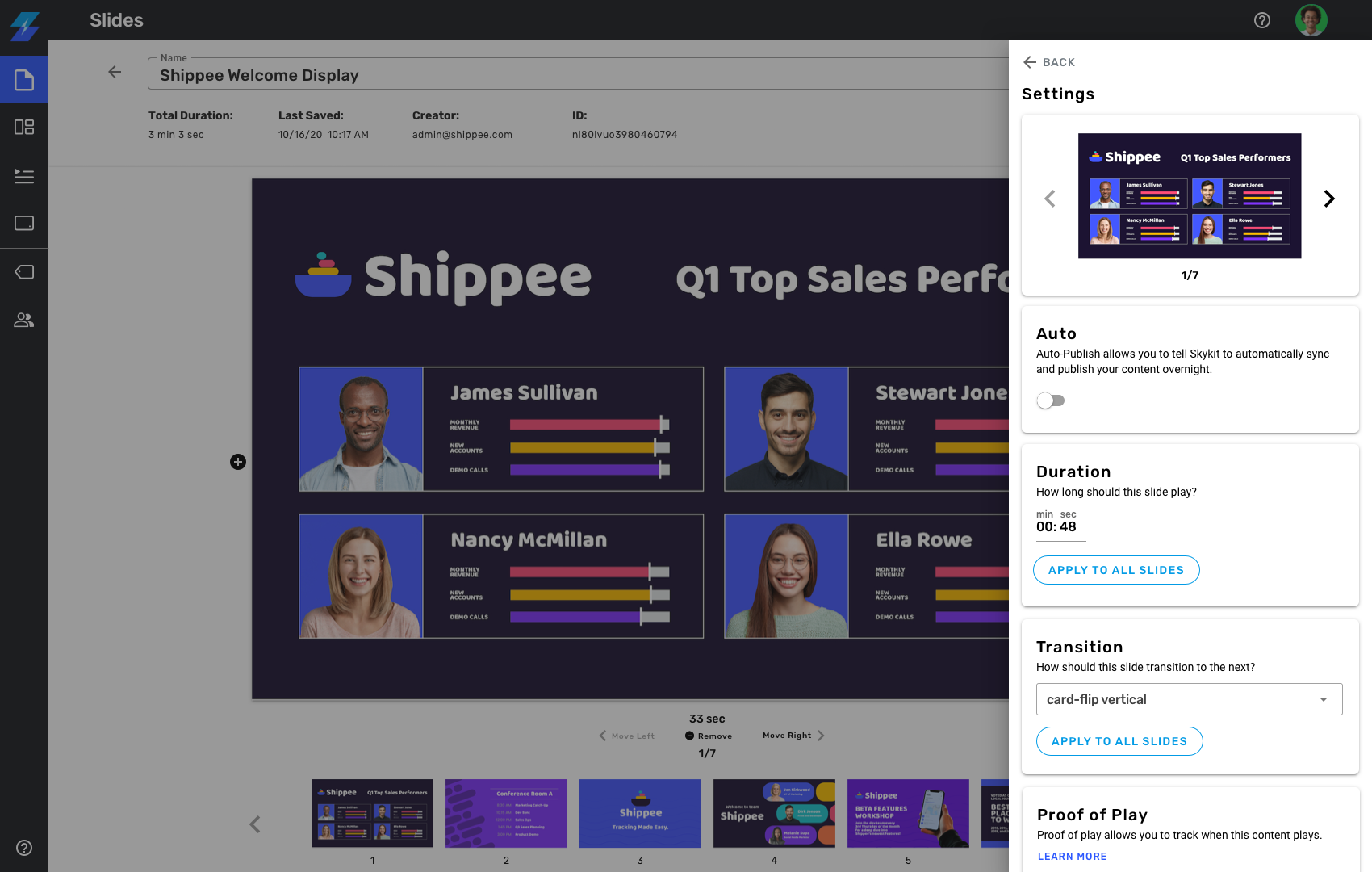
Skykit is a cloud-based platform built for organizations that need tighter control over enterprise signage across locations. It is often used in distributed environments where teams need centralized content management, screen monitoring, and support for live dashboards. It is a practical fit for organizations that want enterprise signage with stronger operational oversight.
Key Features
- Centralized Content Management: Manage screens, playlists, and updates from one dashboard.
- Role-based Permissions: Control who can publish or update content across teams and locations.
- Live Dashboard Support: Display content from BI tools and internal data sources on shared screens.
- Screen Monitoring: Track screen status and connectivity across distributed deployments.
- Enterprise Deployment Support: Built to support large screen networks across multiple sites.
Pricing
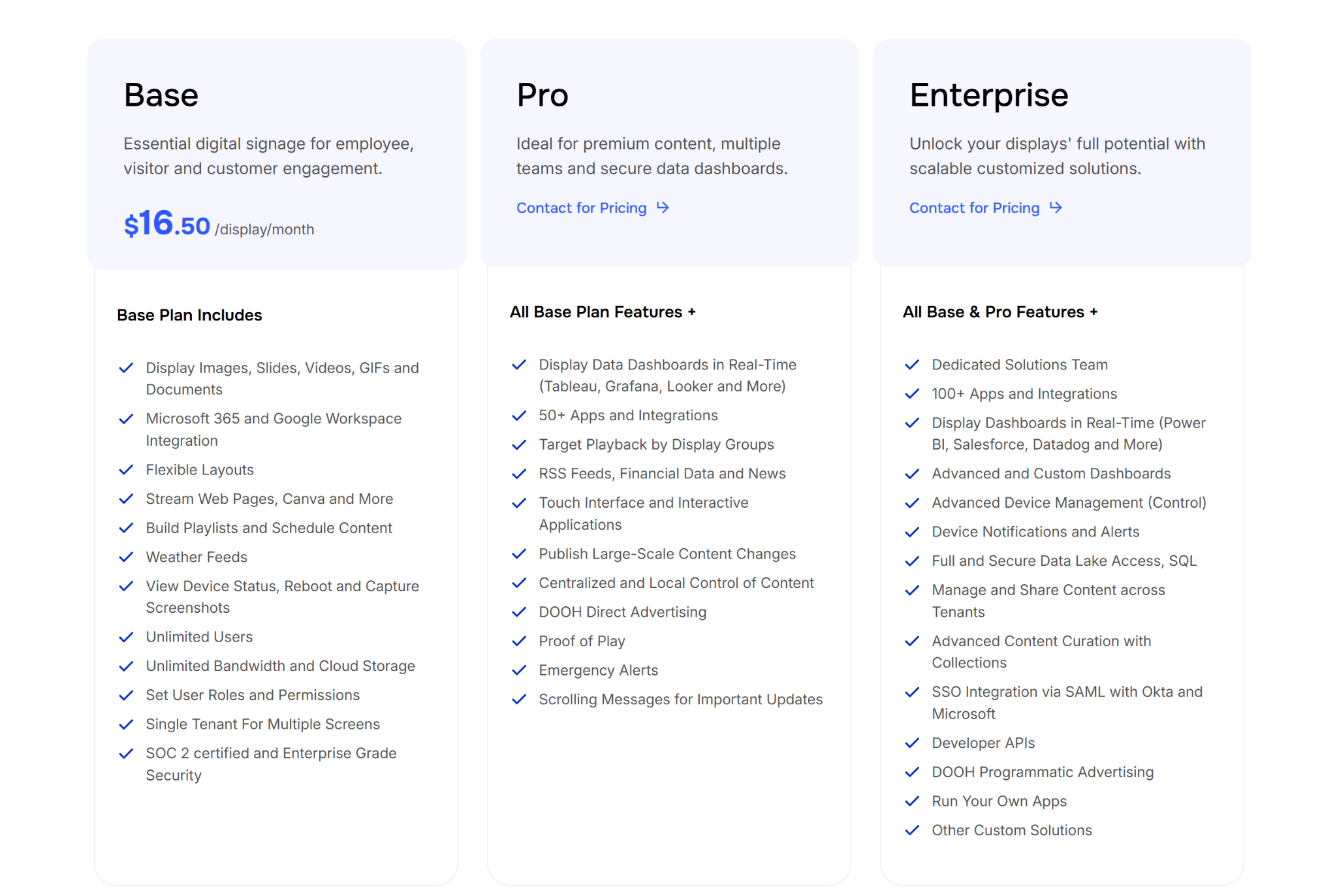
- Base: $16 per display/month. Includes core signage tools, unlimited storage, and basic scheduling.
- Pro: Custom Pricing. Adds real-time data dashboards, proof-of-play reporting, and emergency alerts.
- Enterprise: Custom Pricing. Includes full developer APIs, SSO, and advanced multi-user approval workflows.
Pros
- Centralized control across distributed locations.
- Role-based permissions for team-level content management.
- Direct BI dashboard support for shared screens.
Cons
- Can have a steeper learning curve than simple point solutions.
- Pro tier and Enterprise tier require custom pricing through sales.
- Advanced data visualization features are reserved for higher-tiers.
7. Omnivex
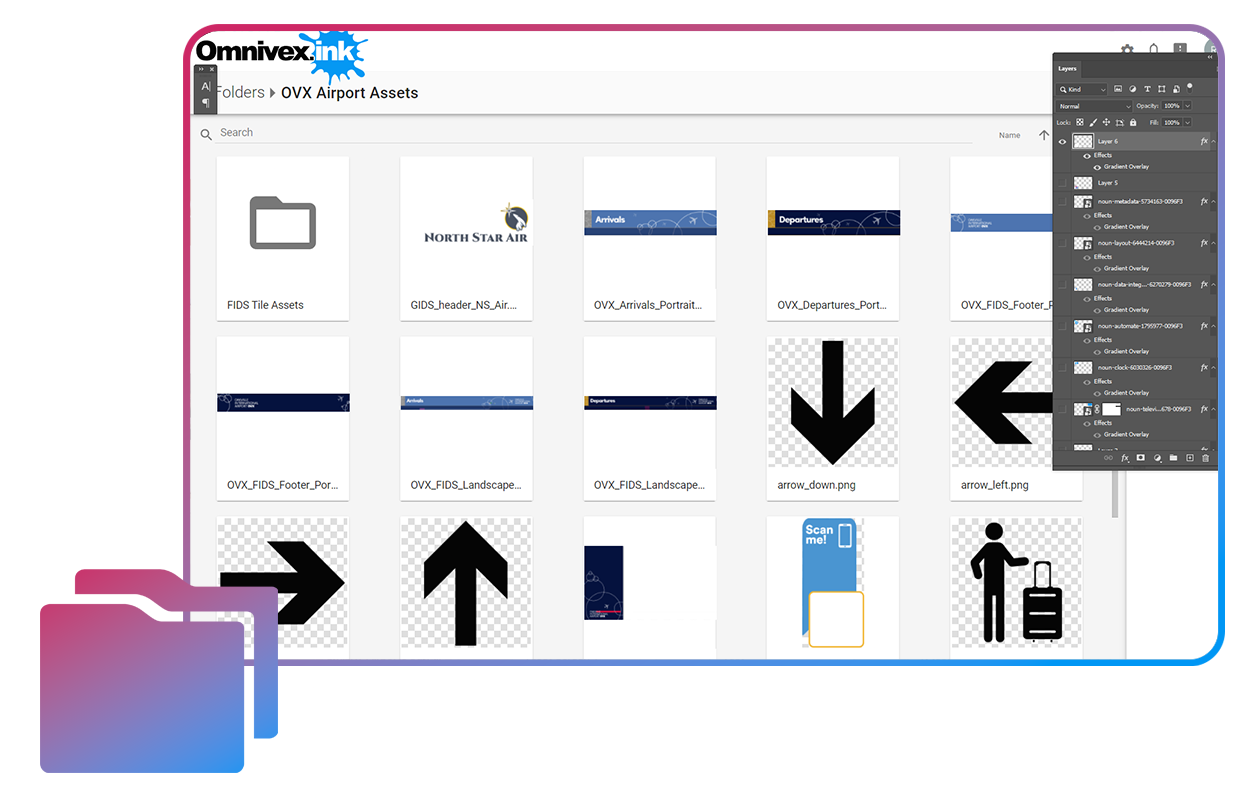
Omnivex is a digital signage platform built for complex, large-scale enterprise communication across multiple sites and zones. It handles KPI dashboards, interactive boards, emergency notifications, and visitor wayfinding from one platform. It runs as a cloud system through Omnivex Ink, or on-premise through Omnivex Moxie for organizations with strict IT requirements.
Key Features
- Interactive Dashboards: Display real-time business metrics on screens that managers and teams can drill into during reviews
- Live KPI Integrations: Pulls data from CRM, ERP, inventory, and BI systems onto enterprise screens automatically
- Multi-zone Monitoring: Tracks performance, status, and key metrics across departments or locations from a central view
- Emergency Notifications: Pushes urgent alerts across all connected displays instantly to reach every employee
- Wayfinding and Visitor Management: Supports interactive kiosks for navigation and sign-in across large facilities
Pricing
Omnivex does not publish pricing publicly. Contact Omnivex directly for a quote.
Pros
- Interactive dashboards and KPI displays built for enterprise environments.
- Supports both cloud and on-premise deployment.
- Handles complex multi-zone, multi-site deployments from one platform.
Cons
- Pricing is not publicly available.
- On-premise deployment requires more IT involvement.
- Better suited to larger enterprises than smaller single-site teams.
Selecting the Best Digital Signage Software for Your Enterprise
Choosing the right platform has less to do with exhaustive feature lists and more to do with your actual day-to-day deployment needs. Before signing a contract, you should evaluate how a system will fit into your existing infrastructure and whether your team can actually manage it at scale.
Key Features to Prioritize:
- Hardware Compatibility: Prioritize platforms that run on common operating systems like Windows, ChromeOS, or Linux to avoid being locked into expensive, proprietary media players.
- Scalable Permission Management: Ensure the software allows you to delegate content control to local departments while maintaining a global administrative lock on critical safety or brand messaging.
- Automated Data Integrations: Look for native support for tools your team already uses, such as Power BI, Domo, Google Workspace, or Microsoft 365, to keep your screens updated without manual data entry.
- Integrated Safety Tools: Confirm the platform can instantly override scheduled content with CAP-based emergency alerts to push urgent safety protocols across all displays simultaneously.
- Ease of Use for Non-Technical Staff: The system is only valuable if frontline staff can update it themselves; verify that the onboarding process and content editor are simple enough for non-IT users.
Why Rise Vision Works at Scale
Most enterprise digital signage tools force a tradeoff. You either get strong content management and lose alerts and screen sharing, or you get one of those features at the cost of the others. Rise Vision combines all three in one cloud platform, with multi-site license management, content approval workflows, and SSO with automatic user provisioning built in.
You get one tool to handle communication, alerts, and collaboration across every location, without juggling separate vendors.
Frequently Asked Questions
What Is Enterprise Digital Signage Software?
Enterprise digital signage software handles screens across multiple locations, departments, and user groups from one platform. It includes centralized content management, role-based permissions, scheduling, and integrations with tools like Power BI, Microsoft 365, and CAP-based emergency alerting. Rise Vision is one example built specifically for that scale.
How Many Screens Can Enterprise Digital Signage Platforms Handle?
Most enterprise platforms support thousands of screens across global deployments. Rise Vision currently supports over 77,800 active displays across 12,300 organizations. Performance and administrative tools vary by vendor, so confirm scale numbers in your demo before committing.
Do Enterprise Digital Signage Platforms Work With Existing Hardware?
Many do. Rise Vision is hardware-agnostic and runs across major operating systems like Android, Windows, Chrome OS, and Linux, plus dedicated hardware like Apple TV, BrightSign, Raspberry Pi, and Amazon Signage Sticks. Other platforms have proprietary hardware requirements that lock you into specific devices, so confirm compatibility before committing.
What Integrations Matter Most for Enterprise Organizations?
Google Workspace and Microsoft 365 cover most scheduling and content needs. Beyond those, Power BI and Domo integrations support operational dashboards, and CAP-based emergency alert connections matter in environments where safety information needs to override regular content. Rise Vision supports all of these on the Enterprise tier.
How Long Does Enterprise Digital Signage Take to Set Up?
Setup time depends on the number of screens, existing hardware, and how complex the permission structure needs to be. Cloud-based platforms generally get organizations running faster than on-premise installs. Rise Vision includes guided onboarding to set up content, permissions, and integrations across multiple locations to get you up and running faster.
Is Enterprise Digital Signage Software Expensive?
Pricing varies. Cloud platforms typically charge per screen or per location, with annual costs ranging from $96 to over $400 per display. Rise Vision Enterprise starts at $180 per display per year, which is on the lower end for enterprise tiers. Factor in hardware, support, and ongoing management time when comparing options.
Can Different Departments Control Their Own Content?
Yes, on platforms with role-based permissions. Rise Vision supports content approval workflows where editors submit changes and publishers review before content goes live. You can also distribute licenses across sub-companies, so each department or location manages its own screens without affecting others.
More From Our Blog
-
6 Best Digital Signage Media Players Compared for 2026
Your digital signage setup is only as reliable as the hardware running it. You can have the most advanced software, polished templates, and perfectly scheduled playlists, but none of that matters if[…]
Read More -
The 8 Best Yodeck Alternatives in 2026 (Ranked and Reviewed)
If you're reading this, something about Yodeck probably isn't working. Maybe it's the Apple TV experience. Maybe it's the lack of native screen sharing. Or honestly, you might just be shopping around[…]
Read More -
Yodeck vs OptiSigns vs Rise Vision: Full Comparison for 2026
We compare Yodeck vs OptiSigns vs Rise Vision across pricing, hardware support, customer service, and platform features. Yodeck offers a free plan for one screen, while OptiSigns includes up to three[…]
Read More
12,300+ Organizations Trust Rise Vision, You Can Too
































Schedule a Free Demo
You deserve the #1 all-in-one platform for digital signage, screen sharing, and emergency alerts.





