Quick Summary
- Mvix has an appealing offer: pay $450 to $750 for a digital signage player, and the cloud software is included without a monthly subscription.
- Customers generally like the software, giving it 4.1 out of 5 on Capterra. But reviews are more mixed when it comes to value for money. Some customers have reported difficult setups, frustrating support experiences, and hardware problems that forced them to replace their players.
- Mvix can be a good deal if you want to buy your hardware upfront and avoid recurring software fees. But if you already have compatible media players, it's worth comparing the full cost of Mvix against a software-only option before deciding.
Why Mvix's One-Time Pricing Deserves a Closer Look
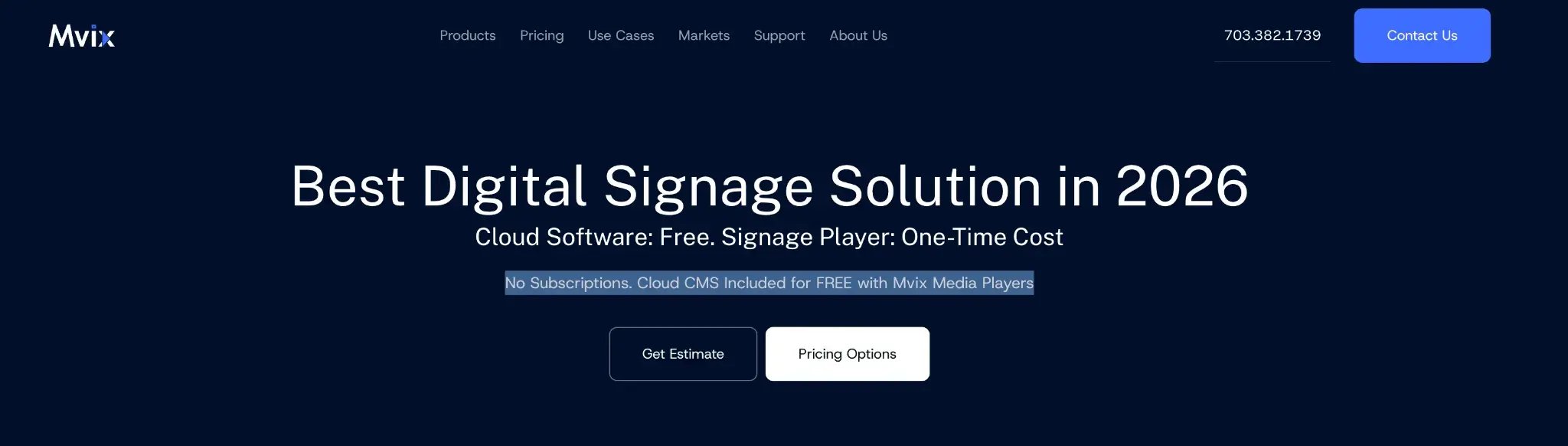
One of the first things you'll notice on Mvix's pricing page is its promise of "No Subscriptions."
And it's a pretty attractive offer. You buy a media player for $450, $550, or $750, depending on the features you need, and get a perpetual license to Mvix's cloud software with it. There's no separate monthly software bill for that player.
For a school or business managing several screens, that's a compelling reason to consider Mvix.
But there's an interesting gap in its customer ratings.
Mvix scores 4.1 out of 5 on Capterra, based on 55 reviews. Its value-for-money score, however, is just 3.8, the lowest of its four main rating categories.
Reading through the reviews helps explain why.
Some customers love being able to update their screens remotely without paying a monthly subscription. Others have had a harder time. One reviewer said their controller stopped working after two years. Another reported having to replace a player after it became obsolete. There are also complaints about setup difficulties and software updates causing problems.
And while Mvix includes standard technical support, certain extras cost more. These include premium support packages, advanced integrations, professional installation, and software-only licenses for third-party hardware.
None of that automatically makes Mvix a bad investment. A one-time purchase could still save you money over several years. But the price of the player isn't necessarily the full cost of running your signage.
That's what we'll look at in this review: what Mvix does well, what customers struggle with, what you can expect to pay, and whether it's the right fit for your organization.
Why Listen to Us?
We're Rise Vision, so it's only fair to mention that we sell digital signage software ourselves.
We've been helping organizations communicate through screens since 1992, and more than 12,300 organizations use our platform today.
We also know how much pricing matters, particularly for schools working with limited budgets. Jacksonville City Schools, for example, chose Rise Vision because it "fit both bills for not having ridiculous startup costs and monthly fees." The district has since expanded from three screens to 14 across two schools.
You can read their full story here.
That experience shapes how we evaluate signage platforms. We look beyond the advertised price to consider setup, day-to-day management, support, and what happens when you need to add or replace screens.
And although Mvix is a competitor, we'll give it credit where it's due.
What Is Mvix?
Mvix is a digital signage company based in Sterling, Virginia. It's been around since 2005 and sells both media players and cloud-based software for managing digital screens.
The setup is fairly straightforward.
You connect a media player to your TV or display. That player runs the content you want people to see, whether it's school announcements, restaurant menus, employee updates, or live dashboards.
You manage everything through Mvix's cloud content management system (CMS). From there, you can create layouts, upload images and videos, schedule content, and update screens across different locations without visiting each one.
What makes Mvix different from many digital signage platforms is how it packages its software and hardware.
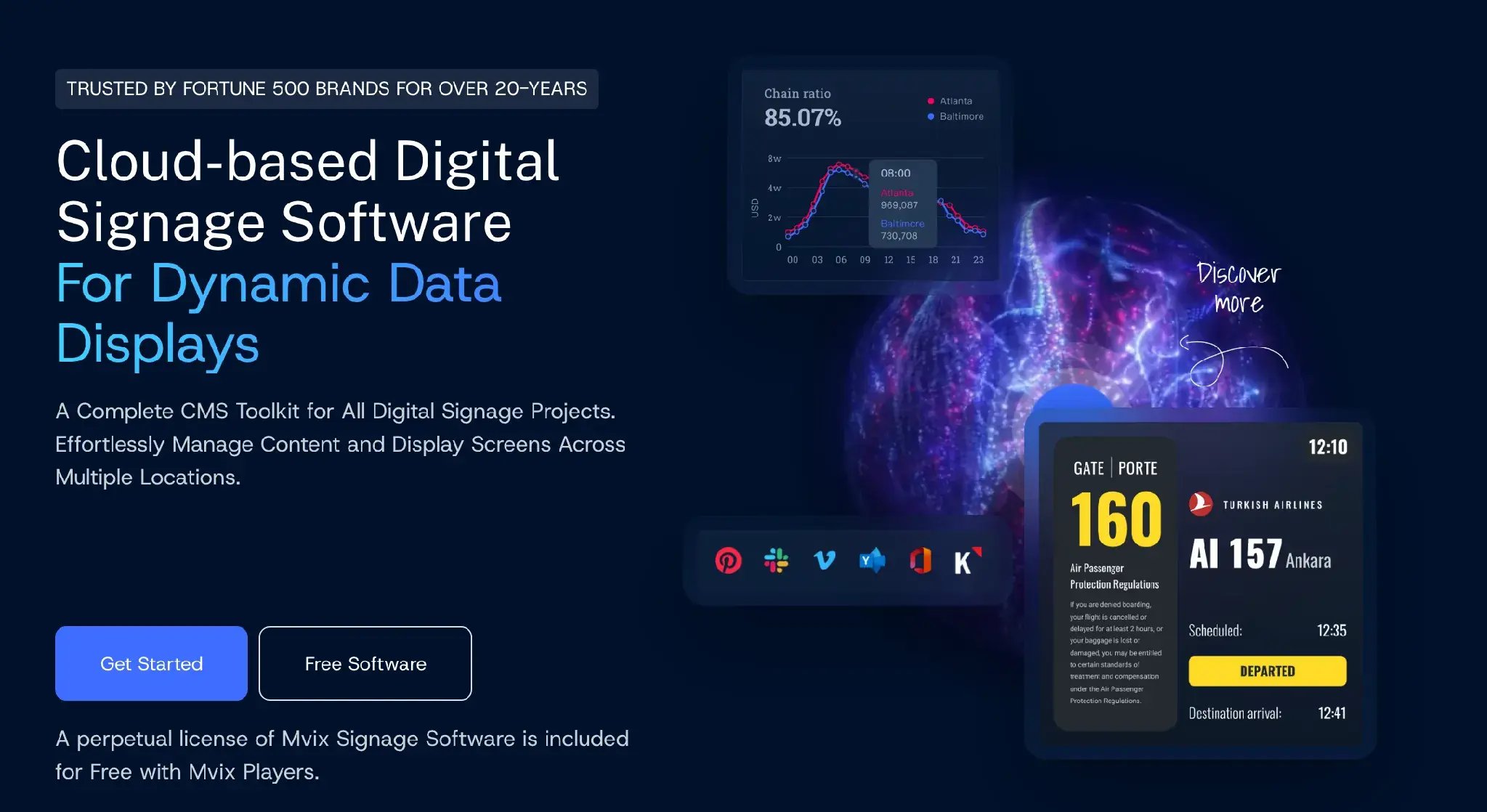
With its standard offering, you buy an Mvix player and get a perpetual license to the CMS included in the price. Many competing platforms instead charge a recurring software fee per display.
Mvix also supports third-party hardware, including BrightSign, Android devices, Raspberry Pi, and certain Samsung displays. If you already have compatible hardware, you can purchase a software-only license rather than an Mvix player.
The company reports more than 18,000 successful implementations across 30+ countries and lists organizations such as NASA among its customers.
You'll also come across the name XhibitSignage when researching Mvix. That's an older name still used in some software directory descriptions and URLs, although Capterra and Software Advice currently list the product as Mvix Digital Signage.
Key Features of Mvix
Mvix has the main features you'd expect from a digital signage platform, but some are only available with higher-priced players.
- Cloud CMS included: Every player comes with a perpetual license to Mvix's cloud software, with unlimited users and storage. You can manage screens remotely and schedule content to change automatically. For example, a restaurant can set its breakfast menu to switch to lunch at 11 a.m.
- 150+ content apps and 1,000+ templates: Mvix lets you display content from YouTube, Canva, Google Slides, Microsoft Teams, weather feeds, and social media. However, not every app works on every plan. Weather, YouTube, and Canva require Standard, while Google Slides, social feeds, and Teams require Pro.
- Three player options: Mvix offers Core ($450), Standard ($550), and Pro ($750). All three have the same Intel processor, 4 GB RAM, and 128 GB storage. The main difference is the software features you get. For example, Core supports two content zones, Standard supports six, and Pro supports 10. Zones let you show different content on the same screen, such as a video alongside a news ticker.
- Support for third-party hardware: You don't have to buy an Mvix player. With a separate Mvix Flex license, you can run its software on compatible BrightSign players, Android 8.0+ devices, Samsung Tizen 6.5+ displays, Raspberry Pi, and Amazon Signage Stick.
Mvix Pricing: What You Pay Upfront and What Costs Extra
Mvix's main selling point is its one-time pricing. You buy a media player, and the cloud software comes with it at no additional cost.
There are three options:
- Core ($450 one-time): Covers basic signage needs, including images, videos, clocks, and text, with up to two content zones per screen.
- Standard ($550 one-time): Mvix's most popular option. Supports six zones and adds apps like weather, YouTube, Canva, and calendars.
- Pro ($750 one-time): Supports 10 zones and adds more advanced features, including Google Slides, Microsoft Teams, and social media feeds.
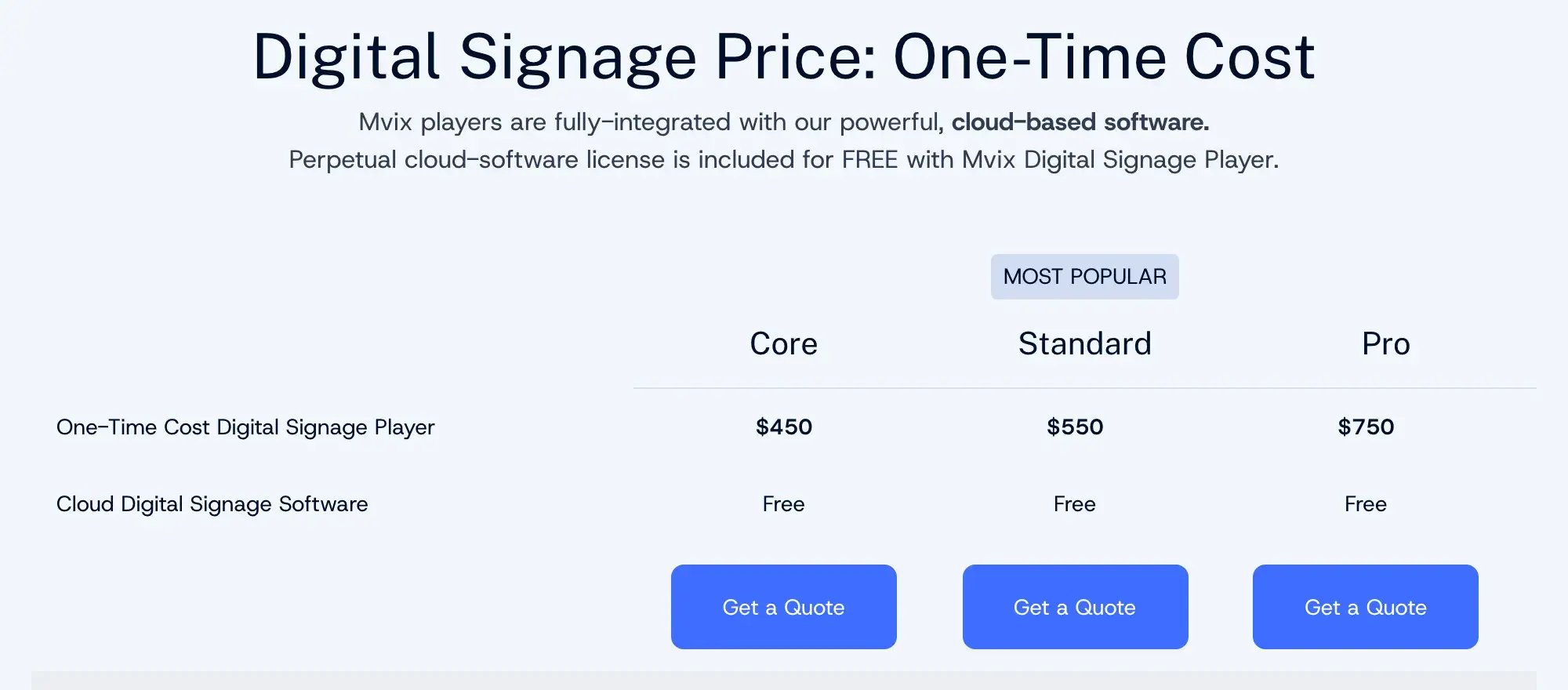
For example, 10 Standard players would cost $5,500 upfront, with no recurring fees for the core software.
But there's an important detail in Mvix's pricing: the free perpetual software license applies when you use Mvix's own media players. Other options and features can cost extra.
Here's where you might pay more:
- Using your own hardware: If you want to run Mvix on compatible players you already own, you'll need a Mvix Flex license. It costs $15, $20, or $25 per device per month, billed annually. That's $180 to $300 per screen each year.
- Advanced features: Emergency alerts, video walls, touchscreen kiosks, and Power BI dashboards are part of Mvix's Select Suite. Pricing is provided by quote.
- Additional support: Standard support is free and includes basic phone support. However, escalated technical support costs $100 per incident, and web support tickets have a 24-business-hour response SLA.

Mvix's terms also state that annual subscription renewals are expected to increase by roughly the Consumer Price Index (CPI) plus 0.5%.
So while you can run Mvix without monthly software fees, that depends on using its players and sticking to the included features. If you need extra services, premium features, or third-party hardware support, those costs need to be factored in.
Rating
Mvix holds a 4.1 out of 5 rating on Capterra from 55 reviews, as of October 2026, and Software Advice shows the same 55 reviews. The sub-scores tell a more mixed story:
- Ease of use: 4.3
- Customer service: 4.2
- Features: 3.9
- Value for money: 3.8
Of the 55 reviews, 33 date from 2015 to 2017, when Mvix averaged 4.6 stars. The 11 posted since 2022 average 4.0. So recent customers are a little less happy than the early ones.
What We Like
Mvix gets a lot right, especially if you’d rather own your hardware than rent it. These are the four things we like most:
- You pay once, and the core software stays free. There’s no yearly bill for the CMS on Mvix’s own players. A technician at a transportation company chose Mvix because “we were looking for a purchase to own scenario over a subscription style billing scenario.”
- Day-to-day updates are easy once you’re set up. The editor runs in your browser, so staff can change a screen from a laptop or a phone. In September 2026, a construction firm’s office manager praised “how easy Mvix makes it to create, manage, and update digital signage content.”
- There’s a lot you can put on a screen. A Standard or Pro player comes with 1,000+ templates and apps for weather, YouTube, Canva, and Google Slides. That’s enough to build a busy screen without a designer.
- Support that answers the phone. Mvix is based in Virginia, and the free Standard plan includes weekday phone support. When it works, people notice. In August 2025, a hospitality technology manager said support “walked us through what hardware and subscription we would need.”
What We Don’t Like
Mvix won’t suit every team, though. Before you buy, these are the four drawbacks we’d think about:
- “No subscription” comes with a lot of fine print. If you keep the players you already own, you’ll pay $180 to $300 per screen each year for Mvix Flex. Emergency alerts are a paid add-on, too. One school told us its Mvix plan could only run one alert for the whole campus, when it needed separate alerts for three divisions.
- Players go black, and sometimes an update takes everyone down. This comes up in reviews from 2019 to 2025. A government communications officer had to reset the boxes “at least once a week” after Wi-Fi blips. After Mvix upgraded its cloud platform, a hospital systems administrator wrote in June 2024 that “they broke the vast majority of our signs.” Schools tell us the same. One lost its whole system to an Mvix update, and another was down for over a week without a fix.
- The players don’t last, and the warranty is short. The standard warranty is one year, and a lifetime warranty only comes with Signature 360, Mvix’s paid premium support plan. One operations manager was “left with a $800 brick” when Mvix made their player obsolete, and the replacement only played 1080p. A district we spoke with had never put its Mvix players on a replacement cycle, and now sees those aging boxes as a security risk.
- Setup takes IT skills, and support is slow when you need it most. Even Mvix’s newest five-star review mentions “a bit of a learning curve,” and a 2025 review on G2 called the initial setup “a nightmare.” One systems administrator wrote that “a tech picks out a few keywords, and responds to what those keywords imply the ticket might say.” A district that has run Mvix for over 10 years told us the few people who need to use it mostly can’t.
A Better Alternative: Rise Vision
Rise Vision is the all-in-one platform for digital signage, screen sharing, and emergency alerts. We help schools and businesses communicate, teach, and improve safety affordably with easy cloud-based digital signage, backed by fast support and flexible hardware options. Whether you use our recommended media player and displays or bring your own hardware, you’re up and running in minutes with 750+ professionally designed templates.
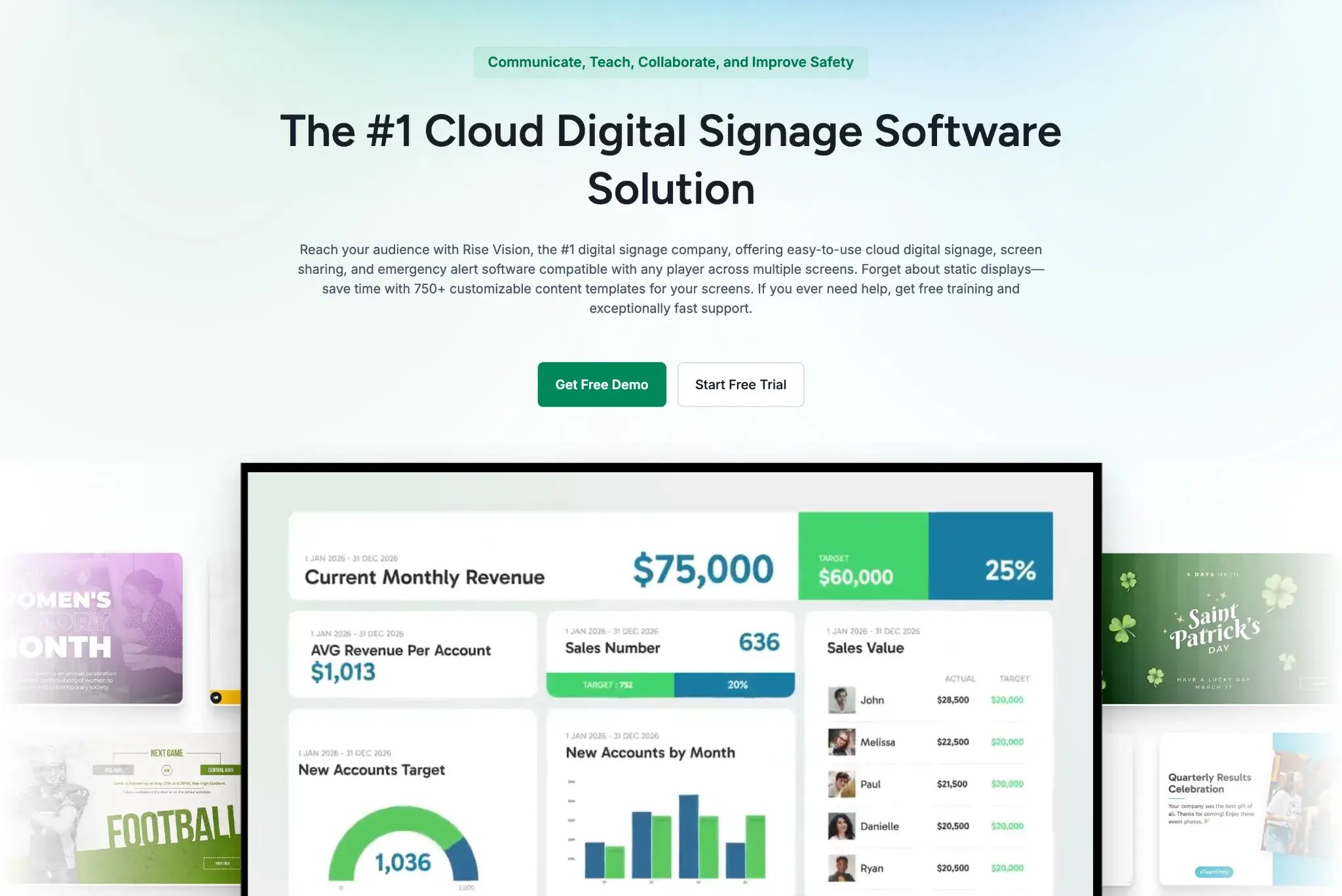
The biggest difference from Mvix is what you pay for. Mvix sells you a player and gives away the software. We do it the other way around. You pay per display for software that runs on almost any hardware you already have, with no vendor lock-in.
The schools and resellers who’ve moved to us from Mvix since 2024 keep naming the same three reasons. Staff couldn’t learn the system, support took too long to fix outages, and costs kept rising. One reseller is moving all of its schools across because our software is a lot easier for staff to use. And our quotes have come in under what those schools were paying Mvix.
Key Features
If you’re switching from Mvix, these are the Rise Vision features that matter most:
- Digital Signage: Create engaging content with 750+ customizable templates and integrations with tools like Google Workspace, Microsoft 365, Canva, weather, social media, and more.
- Screen Sharing: Transform any display into a wireless presentation hub, then share from any device to up to 10 displays at once, with no adapters needed.
- Emergency Alerts: Keep your organization safe with instant alerts. We integrate with leading emergency systems like Raptor, Alertus, InformaCast, and CrisisGo via the Common Alerting Protocol (CAP). You can also show different alerts in different locations and on different displays.
- Any Hardware: Save money and use our recommended Rise Vision Displays and Media Player, or bring your own hardware. We run on Android, Windows, ChromeOS, Linux, BrightSign Series 4 and up, Raspberry Pi, Apple TV, and the Amazon Signage Stick.
- Multi-Location: Manage digital signage, screen sharing, and emergency alerts across your organization with user roles, unlimited users, single sign-on (SSO), account hierarchy, and expert help.
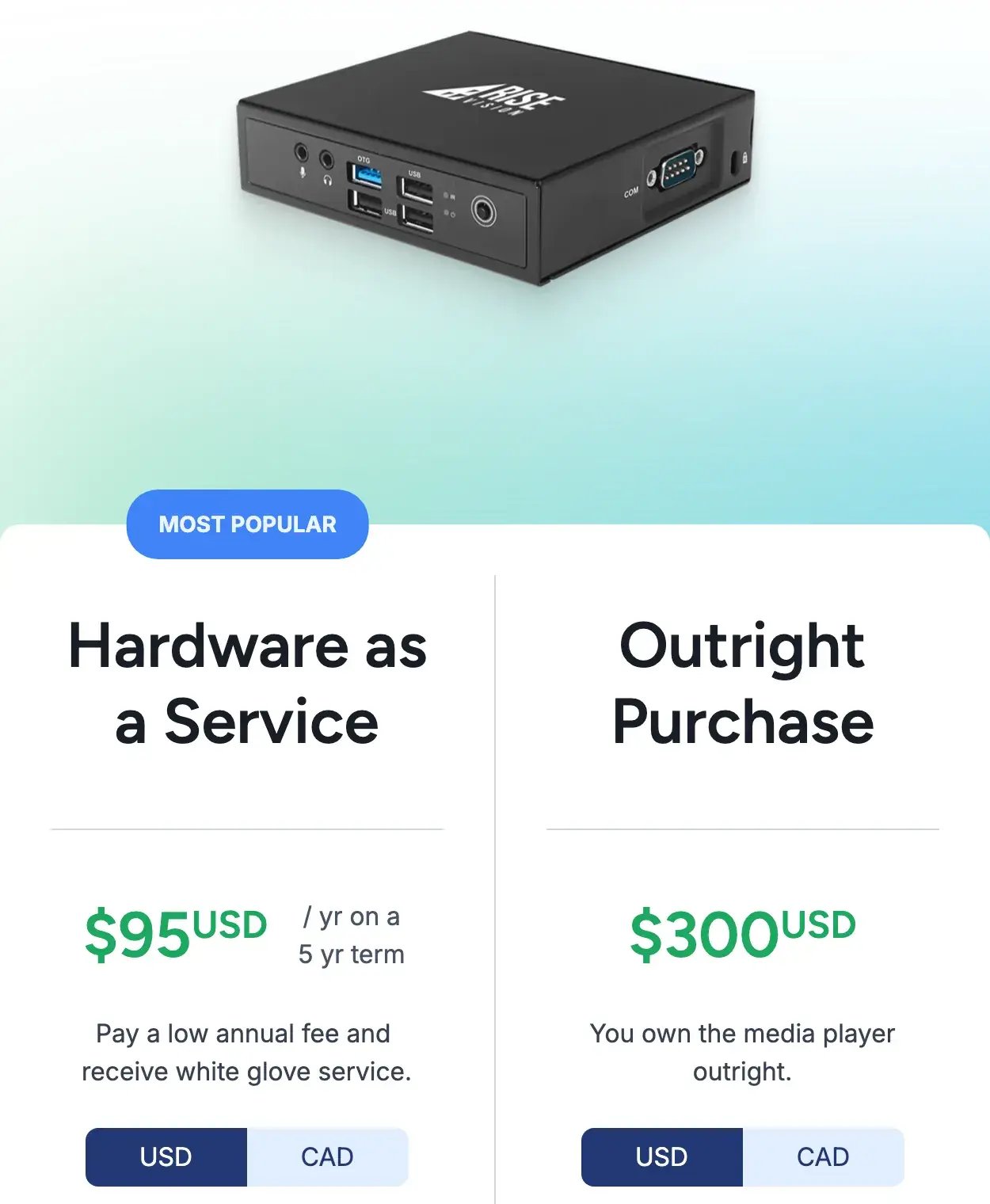
- Rise Vision Media Player: Get a compact, reliable device with plug-and-play setup and a tamper-proof design, available to buy outright or as Hardware as a Service.
Pricing
We publish our simple, transparent pricing per display, so you can work out a budget before you talk to anyone. These are our prices for one to 10 displays:
| Plan | Schools, Colleges, and Non-Profits | Businesses and Government | What It Adds |
|---|---|---|---|
| Basic | $119 per display per year, or $11 per month | $132 per display per year, or $12 per month | 750+ templates, integrations, and unlimited users |
| Advanced | $138 per display per year | $156 per display per year | Emergency alerts and offline display notifications |
| Enterprise | $164 per display per year | $180 per display per year | Screen sharing and single sign-on (SSO) |
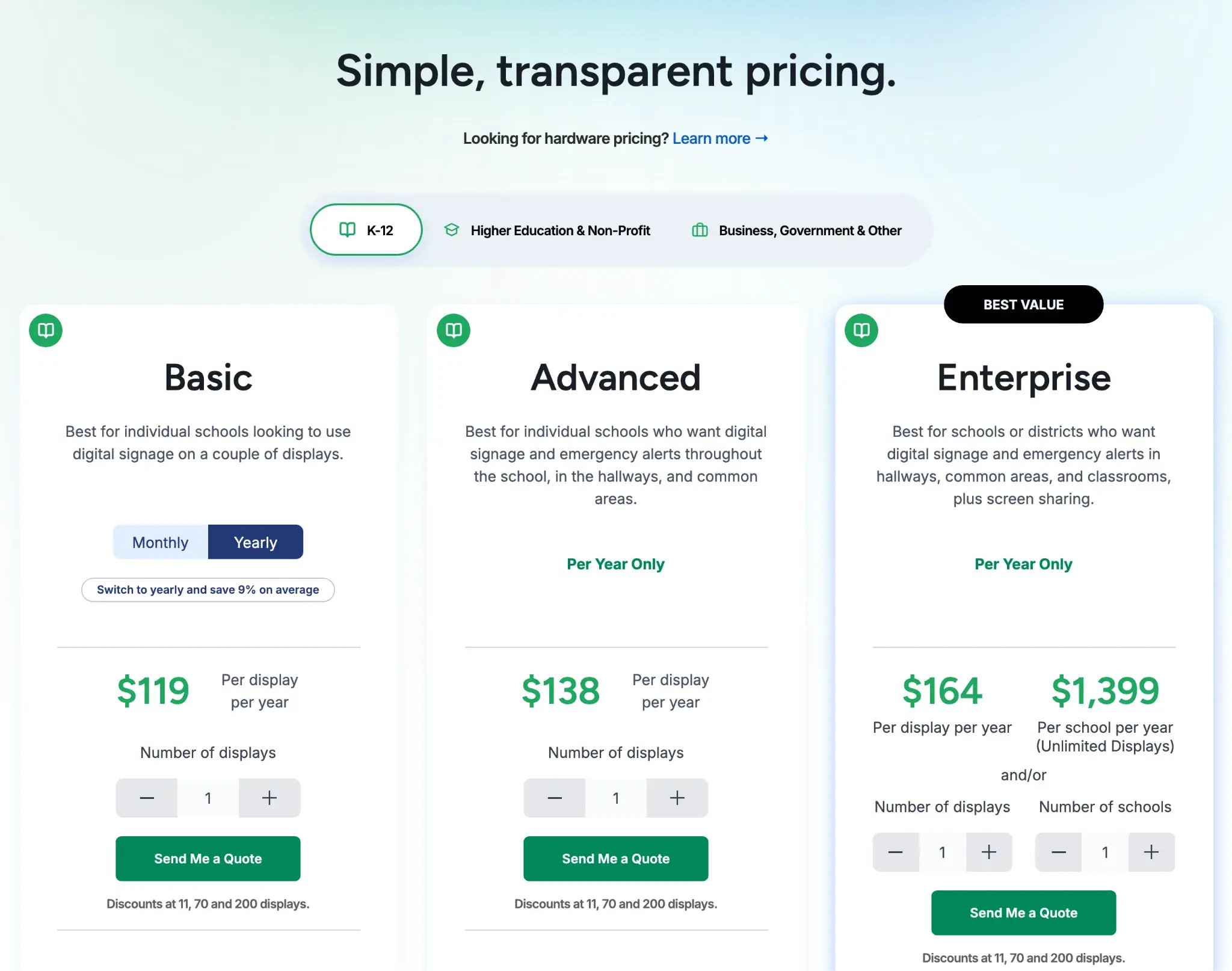
You pay for Advanced and Enterprise yearly, and volume discounts start at 11, 70, and 200 displays. K-12 schools can also get an Unlimited license that covers every display in a school for $1,399 a year. Our Rise Vision Media Player costs $300 to buy outright, or $95 a year on a five-year Hardware as a Service term.
You can try everything free for 14 days with no credit card, and new software customers get a 30-day money-back guarantee.
Rating
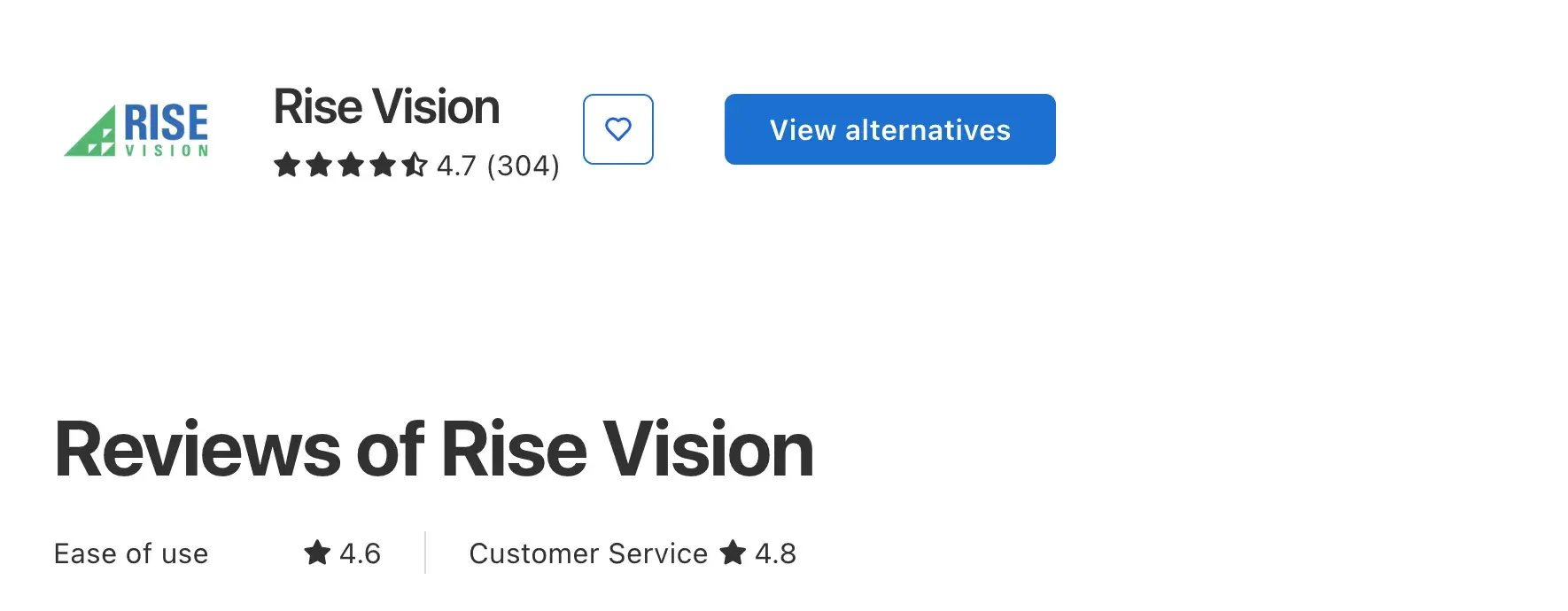
We hold a 4.7 out of 5 rating on Capterra from 304 reviews, including 4.6 for ease of use and 4.8 for customer service.
Why Choose Rise Vision?
So why pick us over Mvix? It comes down to three things: the hardware you keep, how fast you get help, and how easy the software is for your whole team.
Keep the Hardware You Already Own
We know budgets are tight. That’s why we offer competitive pricing, whether through individual display licenses or, for K-12 schools, our flat, low-price Unlimited license, and why you can bring your own hardware.
The math is simple. If you keep 10 of your own players, our Advanced plan costs $1,380 a year for schools and non-profits, or $1,560 for businesses, emergency alerts included. The same 10 players on Mvix Flex cost $1,800 to $3,000 a year, before any alert add-on.
And when a player does wear out, our media player on Hardware as a Service costs $95 a year on a five-year term. Warranty and replacement shipping come included, which gives you a built-in replacement cycle. You’re never stuck running unsupported boxes because nobody budgeted for new ones.
If you're budgeting for the whole setup, not just the software, this video breaks down what screens, media players, installation, and software cost, with three example budgets.
Get Help Within One Business Hour
Support matters most on the day a screen goes black. With us, you get help within one business hour by phone, email, or remote desktop support from a team backed by a 99% satisfaction rating. That support comes with every plan, and there’s no per-incident fee. Our free training sessions get your staff up to speed, and our customer success team guides you through onboarding.
On our Advanced plan and up, we also email you when a display goes offline, so you hear about it before anyone walks past a blank screen.
Easy Enough for Anyone on Your Team to Run
Your team has no time to spare, so you need to make an impact in a few minutes a week. That’s why everything we do is centered on saving you time, from our templates to our fast support. With our easy-to-use software, you can delegate digital signage to anyone in your organization, even people with no design experience.
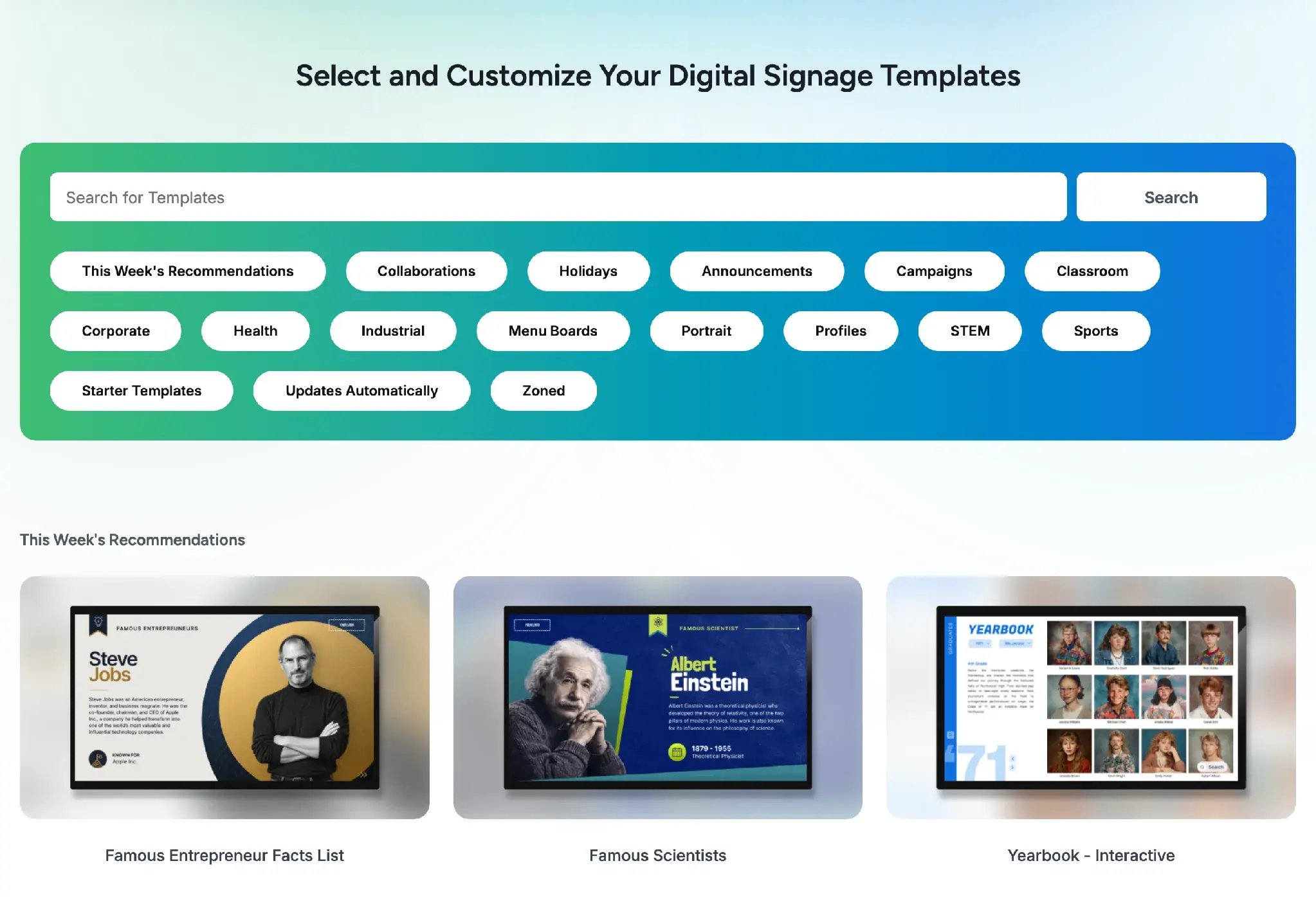
York School District One described its install this way. “We unboxed the displays, connected them to Wi-Fi, entered the activation code, and they were ready to go. Some installs took as little as 15 minutes.” And at Pentwater Public Schools, Technology Director Steve Rossiter cut his weekly update time from 15 hours to under 2.5 hours after switching to us.
So, Should You Buy Mvix?
Mvix is worth considering if you want to avoid monthly software fees and have an IT team that can handle setup and troubleshooting.
But before deciding, compare the total cost over five years. Factor in potential player replacements, Flex licenses, add-ons like emergency alerts, and the time your team may spend resolving issues.
If you already have screens and compatible media players, Rise Vision lets you use that hardware without starting from scratch. You'll also get support with a one-business-hour response time.
FAQs
Does Mvix Work Without an Internet Connection?
Yes. Mvix stores downloaded images, videos, and other supported content locally on its media players, so your screens can keep playing during an internet outage. However, you'll need to reconnect to update your content or refresh information from online sources.
Does Mvix Support 4K Digital Signage?
Yes, but 4K playback isn't included in the standard Core, Standard, or Pro packages. These support resolutions up to 1080p. For 4K playback, you'll need Mvix's Select Suite add-on and a compatible media player.
Can You Approve Content Before It Goes Live on Mvix?
Yes. Mvix has a content approval feature that lets administrators review and approve content before it appears on screens. This is useful for schools and businesses where several people create announcements. However, it's a premium feature, rather than something included with every account.
Can You Tell When an Mvix Screen Goes Offline?
Yes. Mvix's Device Library shows whether your players are active, inactive, or dormant. A player is marked inactive if it hasn't connected to the CMS in the past hour. You can also reboot compatible players remotely, provided they're still reachable over the network.
More From Our Blog
-
Visix Digital Signage Review 2026: Features, Pricing, Pros and Cons
Visix digital signage is a long-established system built for large organizations with their own IT teams. Its biggest strengths are meeting room signs, touchscreen wayfinding and calendar[…]
Read More -
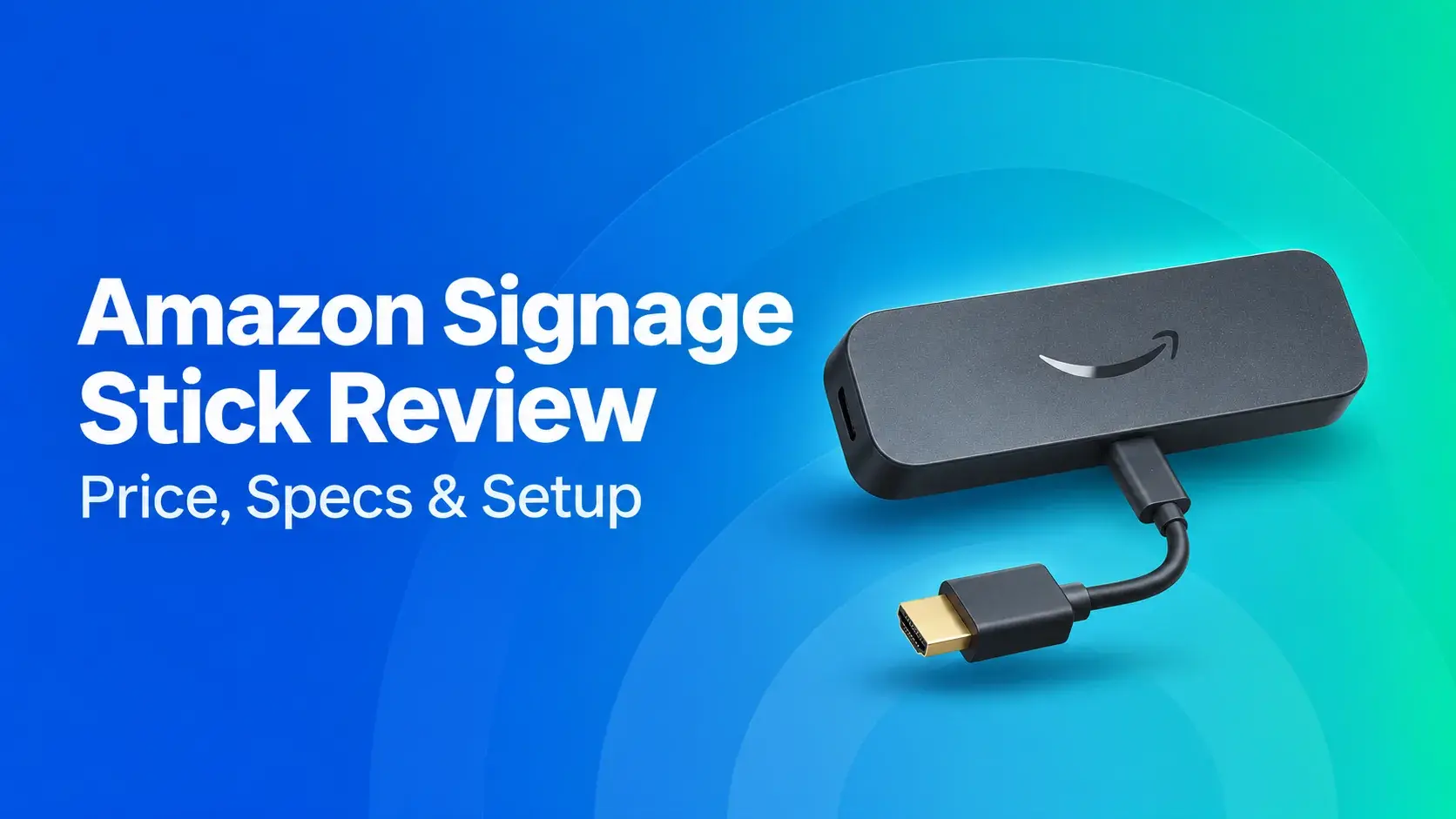
Amazon Signage Stick Review: Price, Specs, and Setup
The Amazon Signage Stick is a $99.99 media player that plugs into a TV's HDMI port and boots straight into your signage software. For announcements, menus, or lobby screens on Wi-Fi with a shared[…]
Read More -
Carousel Digital Signage Review 2026: Pros, Cons & Pricing
Carousel Digital Signage is a long-running, cloud-based digital signage platform. In short: What It Does Well: Strong accessibility, flexible emergency alerts and support for a wide range of screens[…]
Read More
12,300+ Organizations Trust Rise Vision, You Can Too































Schedule a Free Demo
You deserve the #1 all-in-one platform for digital signage, screen sharing, and emergency alerts.