

%20(1).png)
At Rise Vision, we believe that effective communication should be simple, affordable, and impactful. Whether you’re a school keeping students safe or a business engaging a deskless workforce, your technology should work for you—not the other way around.
This quarter, we are thrilled to announce a suite of new features designed to reduce hardware complexity, enhance safety protocols, and make content creation faster than ever.
Smarter Content & Interactive Experiences
We know your time is valuable, so we’ve improved our integrations to help you push real-time data with zero manual effort.
Interactive Displays
We now offer an easy-to-use and affordable solution for wayfinding, donor walls, hall of fame boards, and digital yearbooks. Using our ready-made templates, you can turn any touchscreen into an engaging resource for your audience.
Celebrate achievements with dynamic hall of fame boards, honor contributions with engaging donor walls, and guide visitors with digital directories with interactive displays.
Improved Canva Integration
Our enhanced integration now automatically updates your signage when you make changes in Canva. It also supports Canva videos, multi-page designs, and documents.
New Domo Integration
.png?width=1200&height=909&name=Domo%20Integration%20(1).png)
Securely share Domo dashboards and data visualizations directly on your displays to keep your team aligned with real-time KPIs.
Weather, Time & Date Components
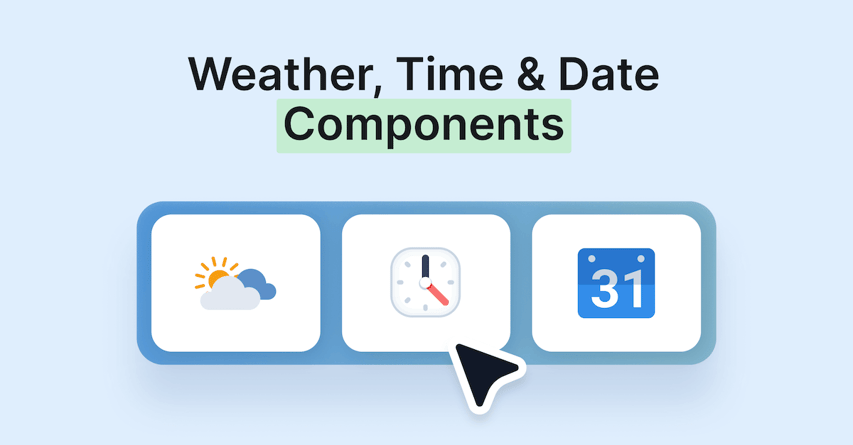
New modular components can now be dropped into any template, giving you more control over localized, real-time information.
Streamlined Hardware & Deployment
We’re continuing to expand our "Any Hardware" promise by making it easier to run Rise Vision on the devices you already own.
Native LG webOS Support
You can now run the Rise Player application directly on LG’s webOS signage platform. This eliminates the need for external media players and cables, significantly reducing both hardware costs and installation complexity.
Philips Wave Integration
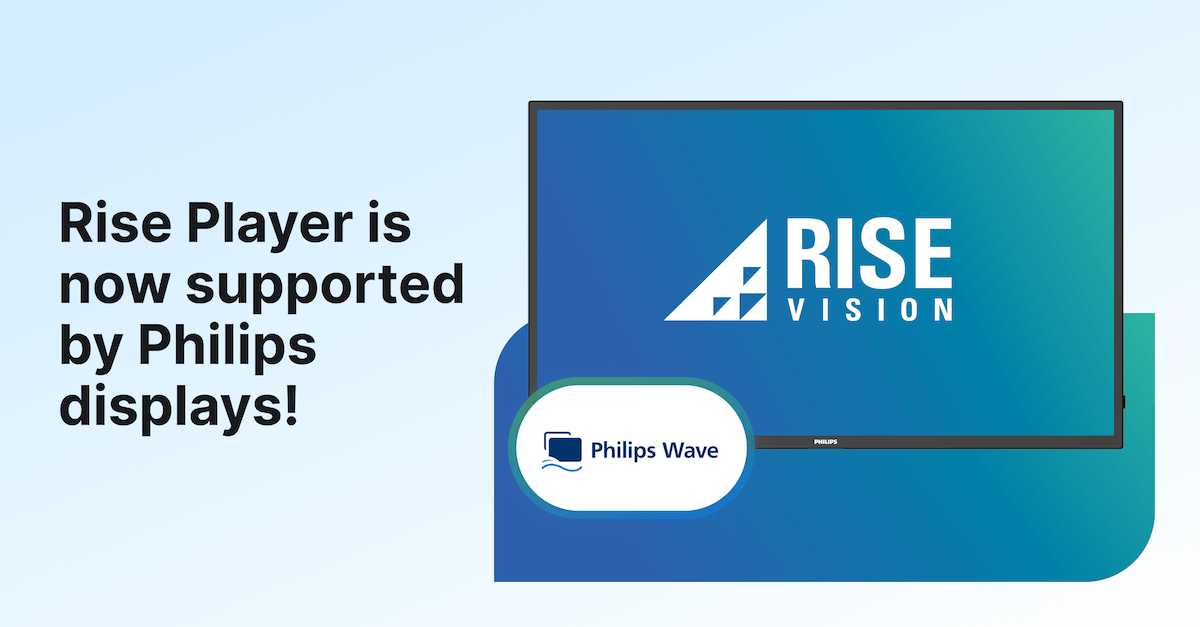
Rise Player is now available within the Philips Wave management tool, allowing IT teams to install and manage Rise Vision remotely across all Philips professional displays from one central platform.
Portrait Mode for Amazon Signage Stick
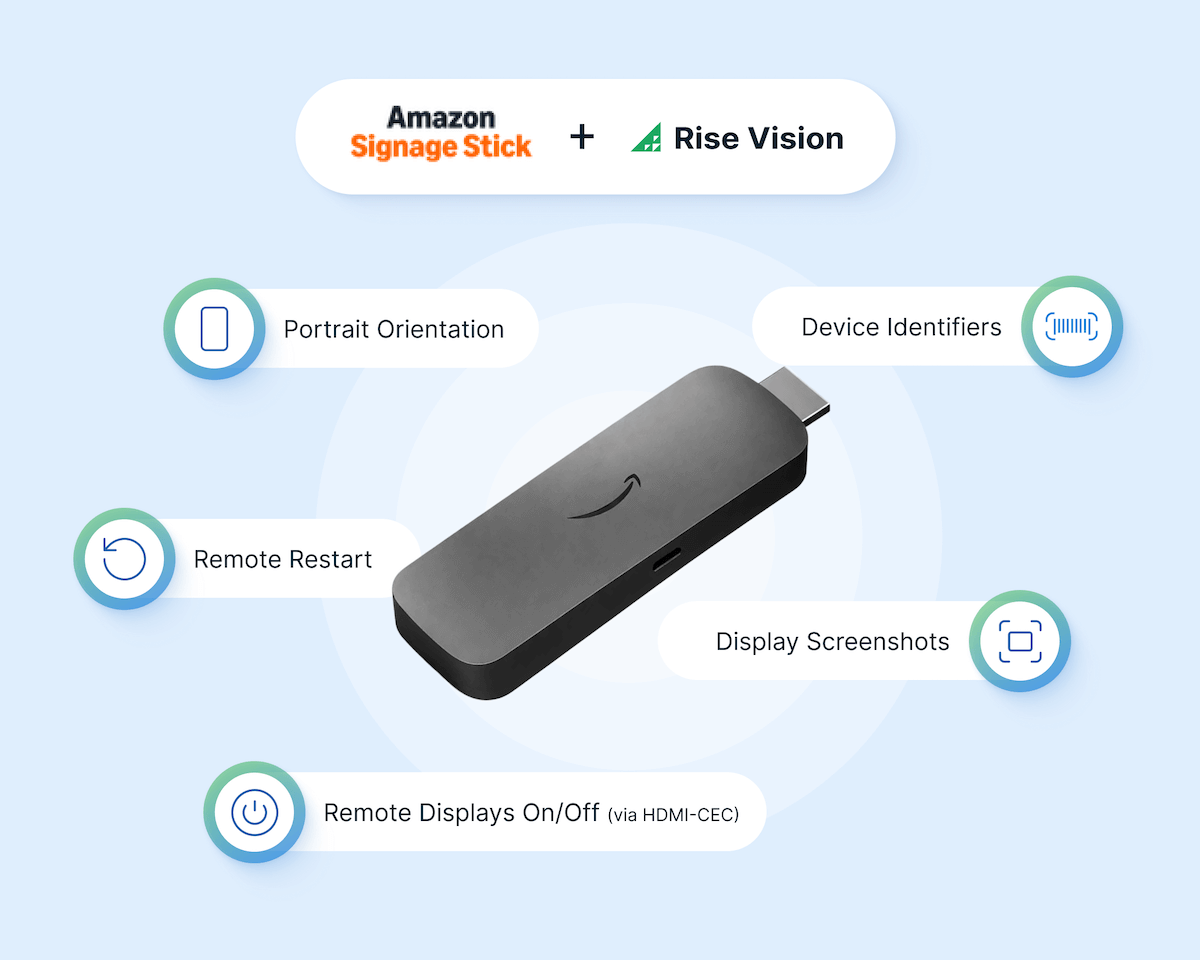
We’ve added support for portrait orientation, remote display on/off (via HDMI-CEC), remote restarts, display screenshots, and device identifiers for Amazon Signage Stick users.
Display Control for Chrome OS
You can now automatically power your displays on and off via a schedule for screens connected to Chrome OS devices (via RS-232). This extends the lifespan of your displays and reduces energy costs. Learn more about display control.
Enhanced Safety & Reporting
Safety is a core pillar of our platform, and these updates provide more tools to ensure your emergency alerts are seen—and heard.
Emergency Alerts with Audio
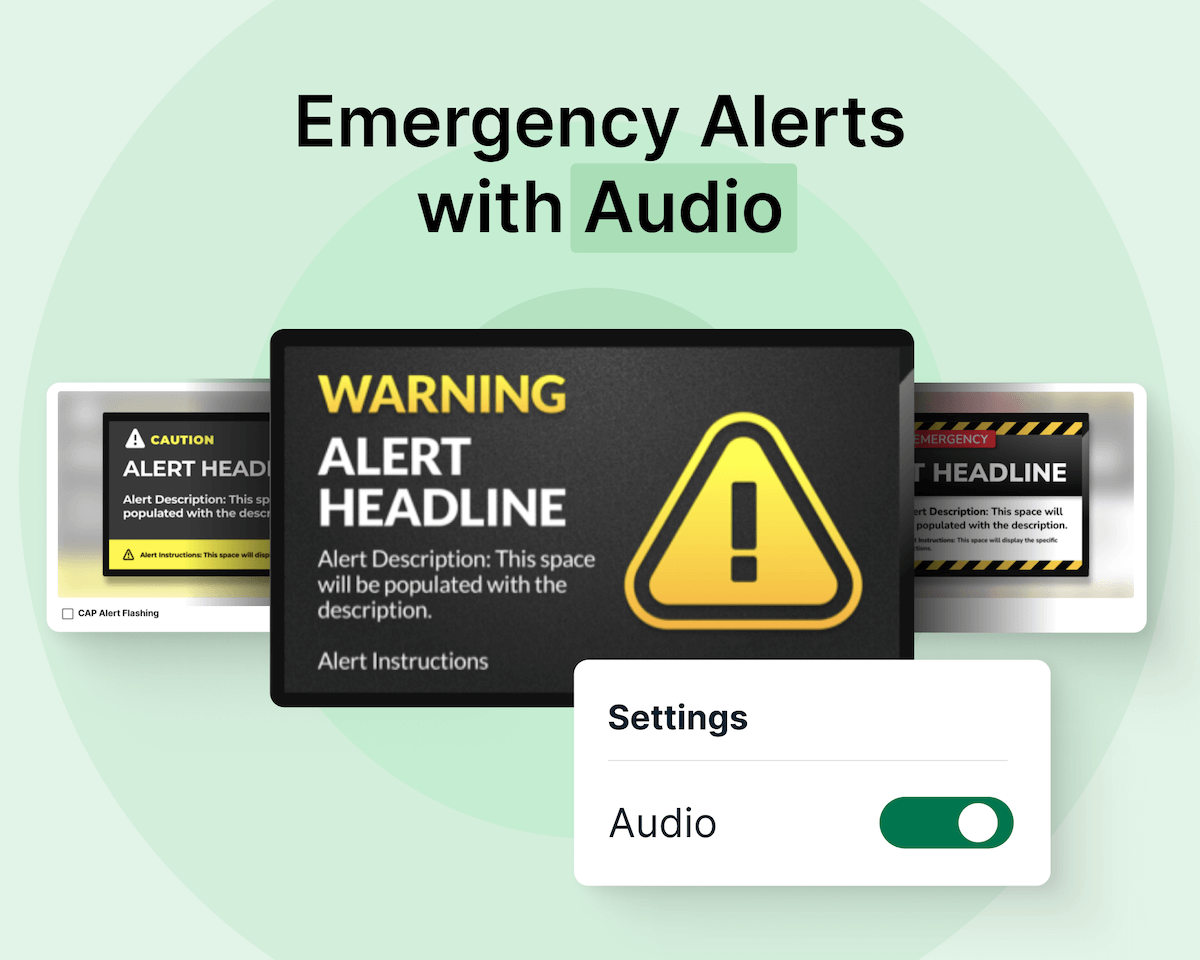
You can now play synchronized audio alerts alongside visual CAP (Common Alerting Protocol) warnings. This ensures critical messages reach everyone, even in noisy or busy environments where a screen might not be immediately visible.
Emergency Alerts CSV Export
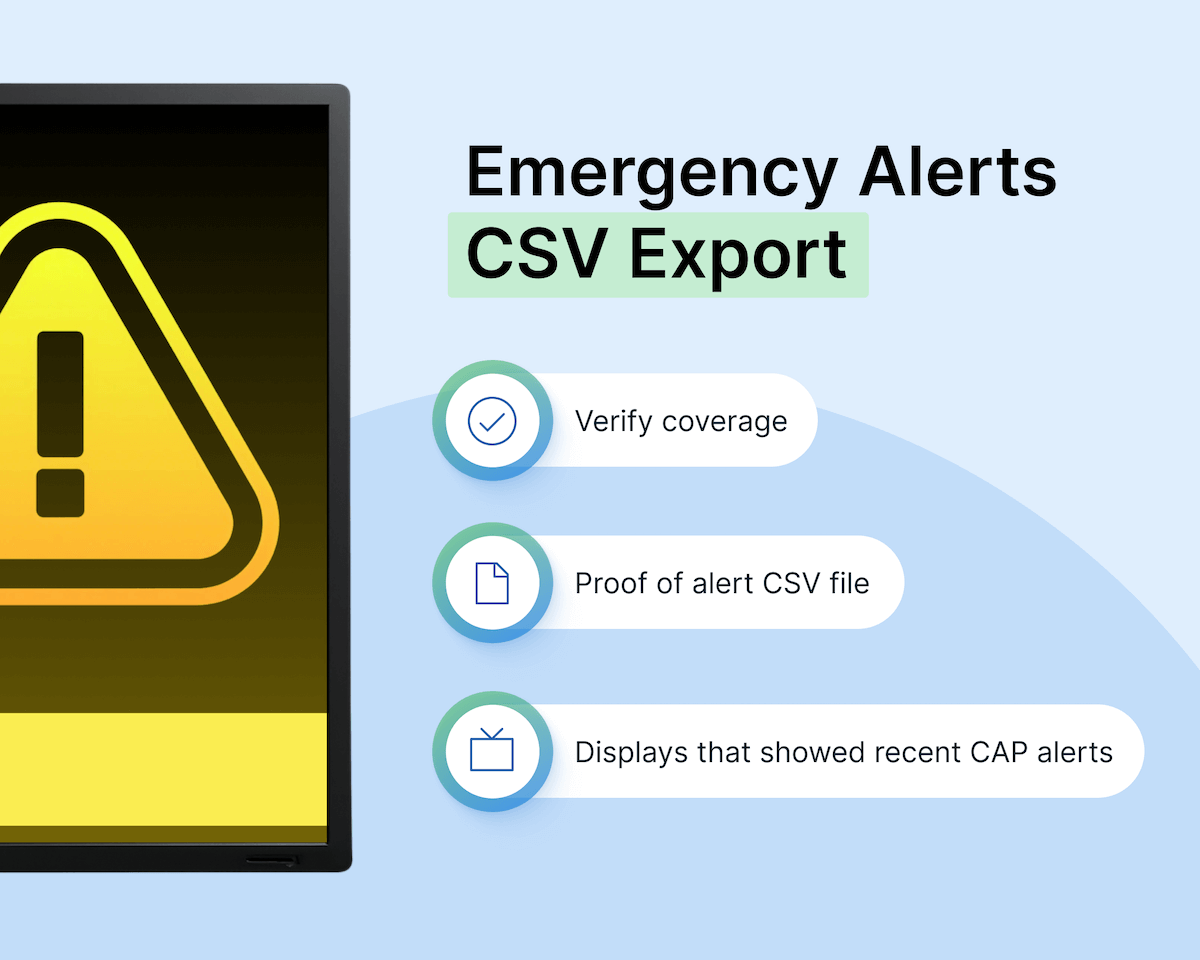
For administrators who need "proof of alert" for safety audits, this new reporting tool exports a detailed CSV file showing exactly which displays successfully received and showed the most recent alert.
Ready to see these features in action?
Most of these updates are already live in your Rise Vision account. If you’re not a customer yet, you can start a free trial (no credit card required) or request a free demo to see how Rise Vision can help your organization communicate better.
More From Our Blog
-
Yodeck vs ScreenCloud vs Rise Vision (2026 Comparison)
Yodeck is the cheapest way to run a few screens. ScreenCloud is the polished corporate pick. Rise Vision combines digital signage, screen sharing, and emergency alerts in one platform, and it's the[…]
Read More -
The Best Chrome Sign Builder Alternatives for Schools in 2026 (Free and Paid Options)
Google stopped supporting Chrome Sign Builder in kiosk mode after ChromeOS 150 in July 2026. So you'll need a replacement for any screen that's still running it. For schools that want to keep their[…]
Read More -

Digital Signage Remote Management: How to Run Every Screen From One Place
Digital signage remote management lets you control screens, schedules, and display health from an online platform. To get started, choose a hardware-agnostic platform, connect your media players or[…]
Read More
12,300+ Organizations Trust Rise Vision, You Can Too
































Schedule a Free Demo
You deserve the #1 all-in-one platform for digital signage, screen sharing, and emergency alerts.





