


Digital signage is typically a glance medium. There are cases where someone will be sitting or standing in front of the screen for long periods of time. But usually you have a few seconds to get your message across. To have the highest impact in that short period of time you need to know what your message is, who your audience is and what you want your digital signage to achieve. When you know this you can design your content and make it as effective as possible.
This post will go over some steps you can take to make sure that your digital signage, or that of a client is the best it can be.

You don’t need to spend days at this, just a few hours should do. Your research should do a few things for you.
- Define your audience and what their needs are
- Give you an understanding of the business or organization
- Define your goals and message
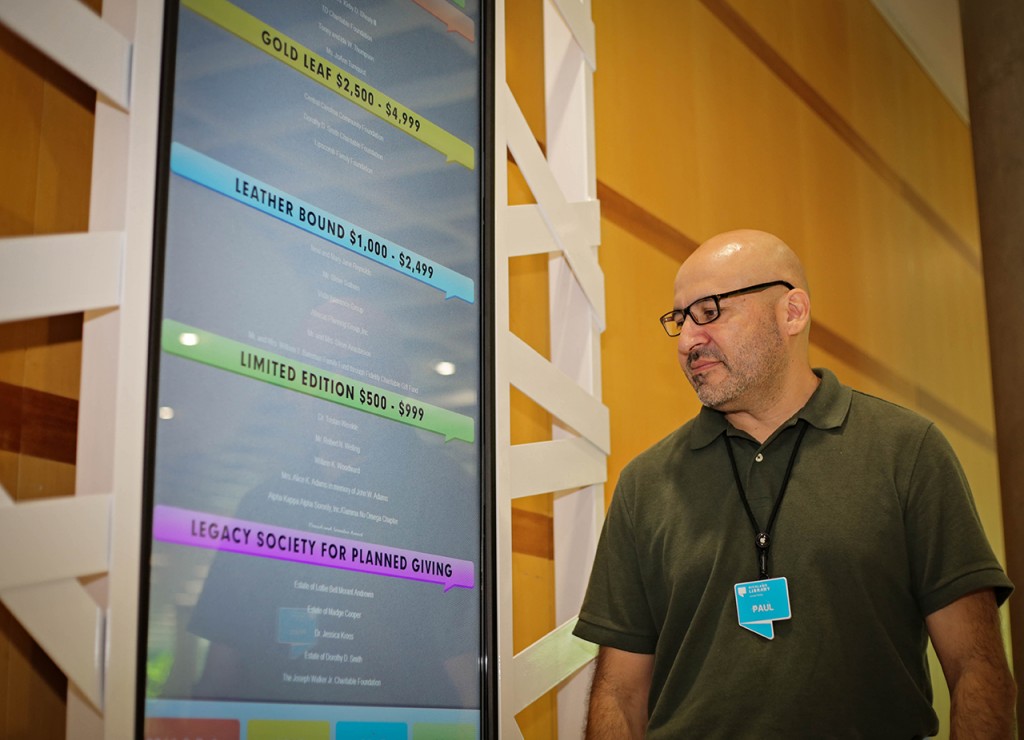
Define Your Audience
Your audience is the reason you are here. But do you know who they are?
Let’s use the example of a university. The first thing that comes to mind would be anyone on the campus. But you can go a little further than that. There are a few different audiences. There are students, prospective students and their parents, teaching faculty, alumni, donors, other staff and more. It’s difficult to create content for five or more different audiences though.
This is where the location of displays will affect what content you display. Different areas of the campus will have different primary and secondary audiences. A student union building should focus on creating content for students. Areas with diverse traffic should have content for students, faculty and prospective students. The great part about digital signage is you're not limited. You can have a presentation for each audience that runs for 30 seconds.
If you’d like to refine your audiences further you can get into things like demographics and attributes. Think about what your audience has in common, where are they from, what do they like, how old are they. What content can you create that will resonate with the most people.
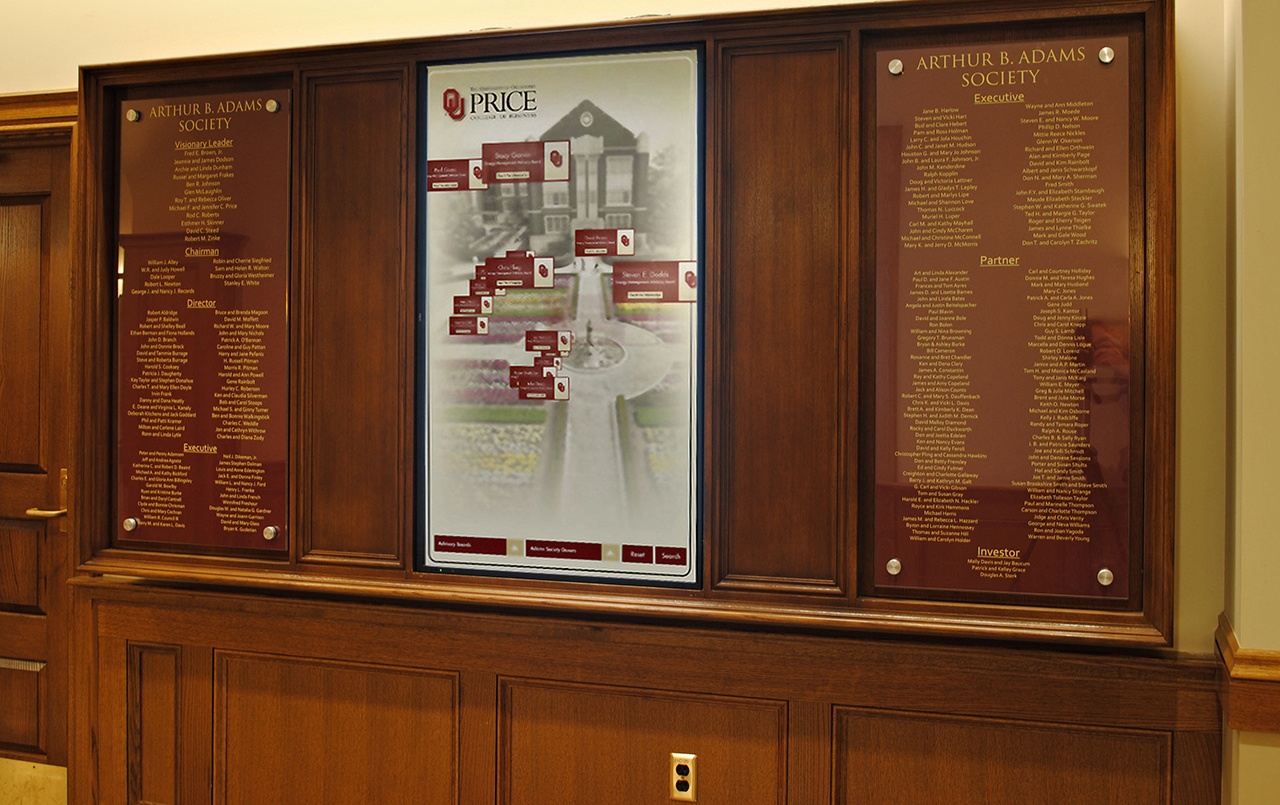
Oklahoma University Wayfinding Digital Signage
Do Some Homework
Let’s say you are a designer, or AV integrator and a business has hired you to install signage and create the content. Spend some time reading through their website, read some of their industry blogs. This will give you a sense of what is important to their customers and an understanding of the material. Take a look at the business's competitors and look at how they speak to their customers. What do you think works for them and what could you improve on.
Define Your Goals
Digital signage should have goals. It can be difficult to measure these goals, but that does not mean it should be created aimlessly. Your goals will be your guide when creating content and installing the displays. You should constantly ask yourself, how does this help achieve the goals.
If you’re not sure what people need from your signage, look a little deeper into the question. What do you want your audience to do, make a purchase? Read an announcement? Once you know what you want your signage to do it’s much easier to design your content.
While doing this don’t hesitate to have a conversation, talk to your audience. Defining your goals and doing research can make designing your content much easier. And it definitely does not need to be a time consuming process.
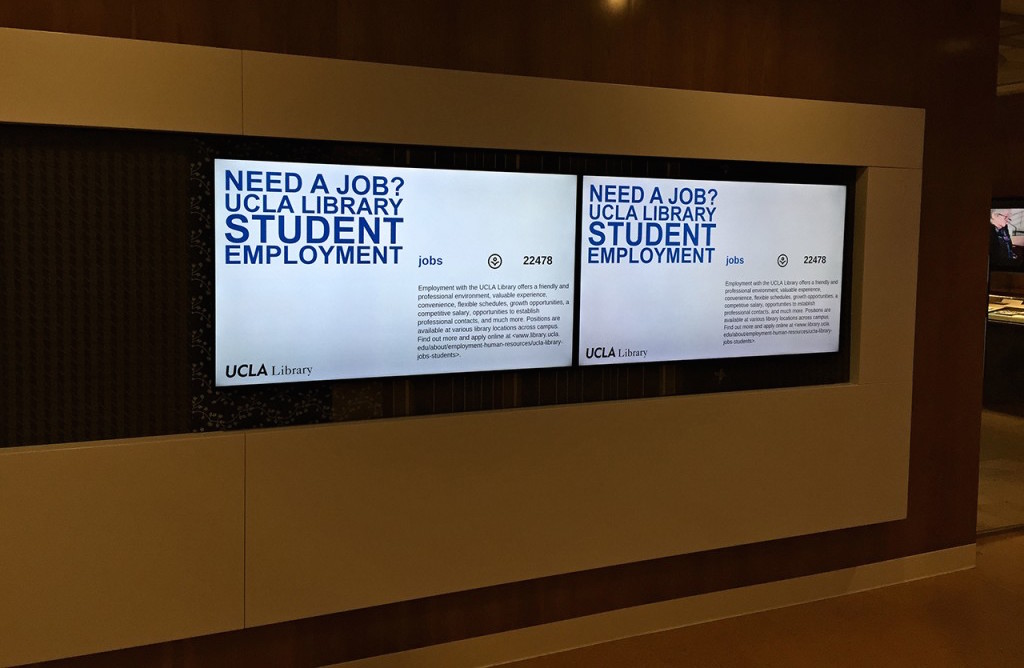
UCLA Student Jobs Announcement Digital Signage
Moving Forward
Next time you are installing signage, or updating your content. Think through this process and you will start to have an easier time. After doing this you'll see that when you create content that people care about they will be far more engaged with your signage.
But remember, content is never done, and can constantly be improved. You can start simple, create your content, then talk to your audience, collect feedback, then iterate, and continue this cycle.
Want more digital signage design resources? Check out the links below!
- 101 Digital Signage Content Ideas
- How to Use Color Theory in Digital Signage Design
- Golden Ratio for Digital Signage Design
More From Our Blog
-

Interactive Touch Screen Digital Signage: How It Works and What You Need
Interactive touch screen digital signage lets viewers tap a display to find what they need. It pairs a commercial touch display with content software. Common uses include wayfinding, visitor[…]
Read More -
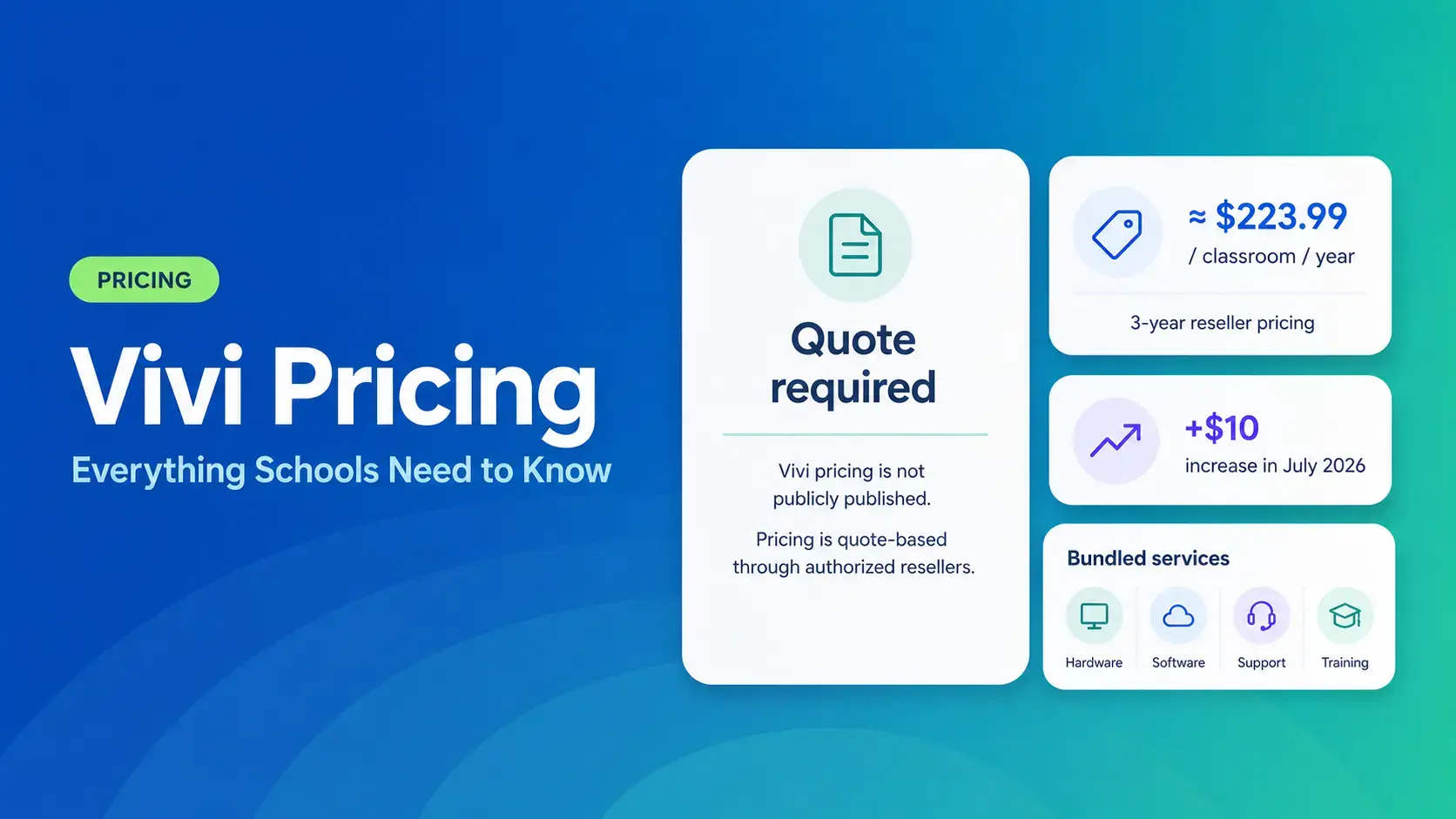
Vivi Pricing 2026: Everything Schools Need to Know Before Getting a Quote
If you're budgeting for Vivi, expect to call sales for a number. Pricing isn't published anywhere. Reseller data puts the 3-year subscription around $224 per classroom per year. That rate rose by $10[…]
Read More -
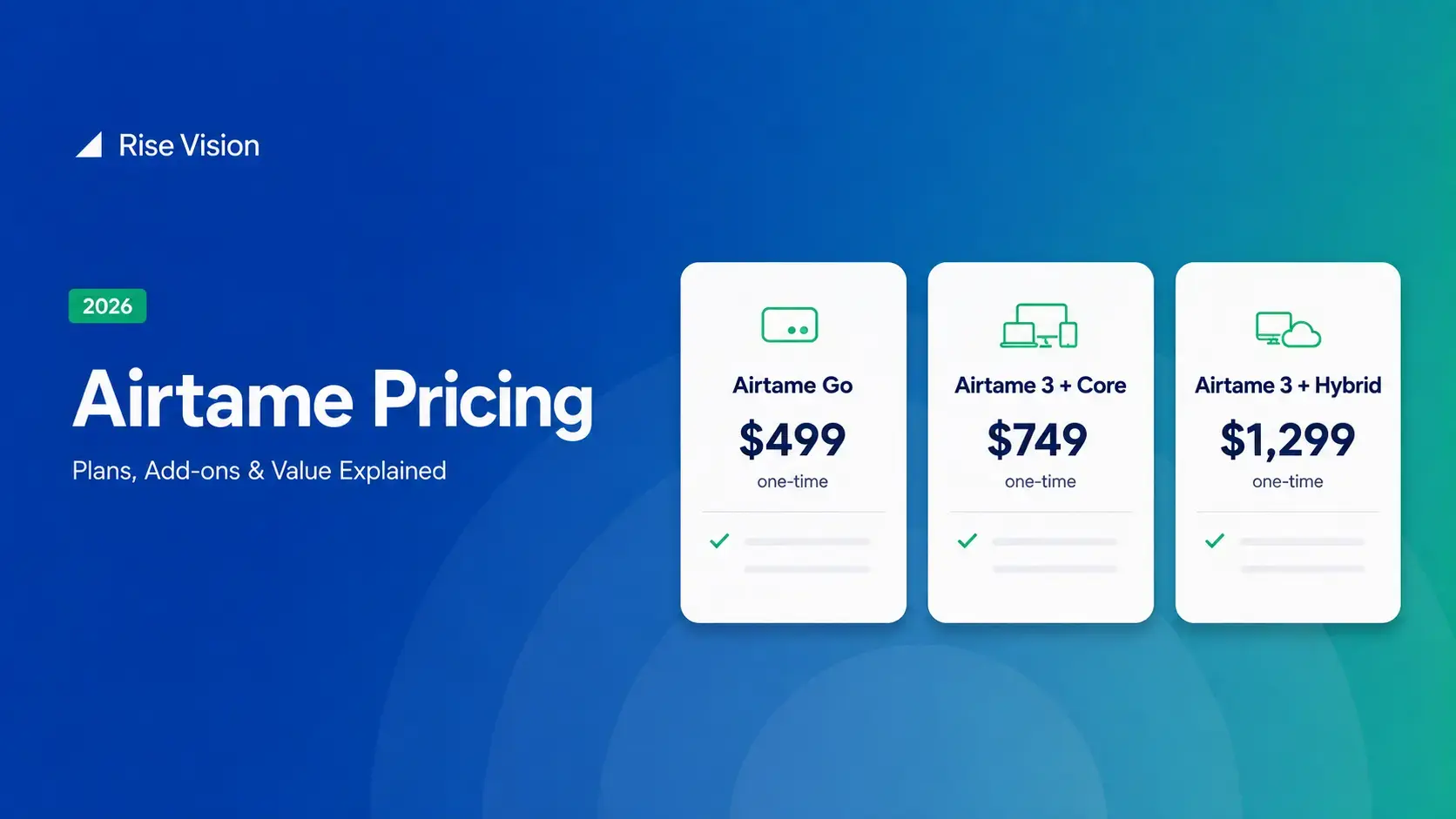
Airtame Pricing 2026: Plans, Costs & Renewal Fees
Airtame's 3-year bundles run $299 to $1,299 per display, then $120–$300/device/year to renew. Signage and alerts come standard on every tier, but only screen sharing survives if you skip renewal.[…]
Read More
12,300+ Organizations Trust Rise Vision, You Can Too
































Schedule a Free Demo
You deserve the #1 all-in-one platform for digital signage, screen sharing, and emergency alerts.





