

At Rise Vision, we’re committed to empowering schools and organizations with innovative solutions that simplify and enhance digital signage experiences. Our newest features are designed to improve efficiency, enhance engagement, and provide you with greater control. Whether you're managing a network of displays or curating captivating content, these updates are built with you in mind.
Here’s a closer look at what’s new from Rise Vision!
New Hardware: Displays for Every Space
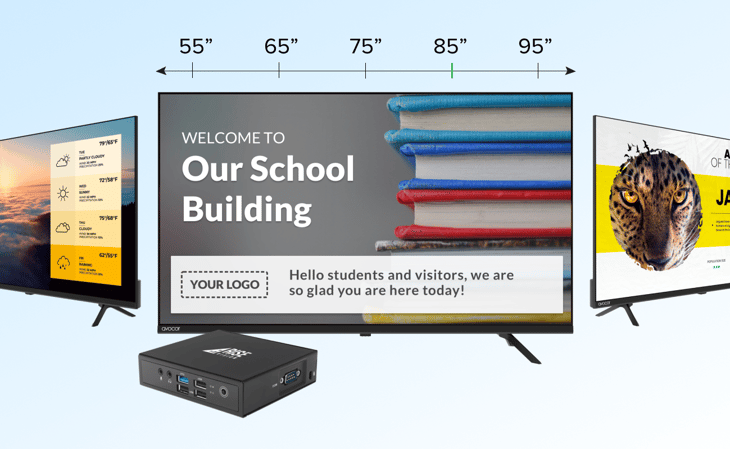
Purchase Rise Vision media players and displays outright with our new hardware lineup. Choose the versatile R Series or explore the K Series displays, now available in a range of sizes: 55", 65", 75", 85", and 98", to fit any space and need.
Mass Activation: Deploy Displays at Scale
Activate multiple displays effortlessly with our new Mass Activation feature. By using your Mobile Device Management (MDM) system on Windows or the command line on Linux, you can activate displays in seconds with your company claim ID. This fully unattended process supports platforms like Windows, Ubuntu, ChromeOS, and Raspberry Pi, saving you time and simplifying deployment.
Learn more about bulk activating your Rise Vision media player devices.
SSO User Provisioning: Simplified User Management
Manage users seamlessly with our new SSO User Provisioning feature. Leverage your Identity Provider (IdP), such as Google or Microsoft, to:
- Add users and assign roles for controlled permissions
- Revoke access directly from the IdP for enhanced security
- Update credentials effortlessly via your IdP
This integration centralizes user management, improving security and efficiency.
Learn more about enabling SSO for Rise Vision.
Meta Integrations: Elevate Your Social Media Presence
Showcase dynamic social media content directly on your displays with Meta Integrations. Highlight posts from Facebook and Instagram, along with real-time follower counts, to engage audiences with fresh and interactive content.
Learn how to show Facebook and Instagram feeds and follower counts on Rise Vision.
Cascade CAP Alerts: Streamlined Emergency Messaging
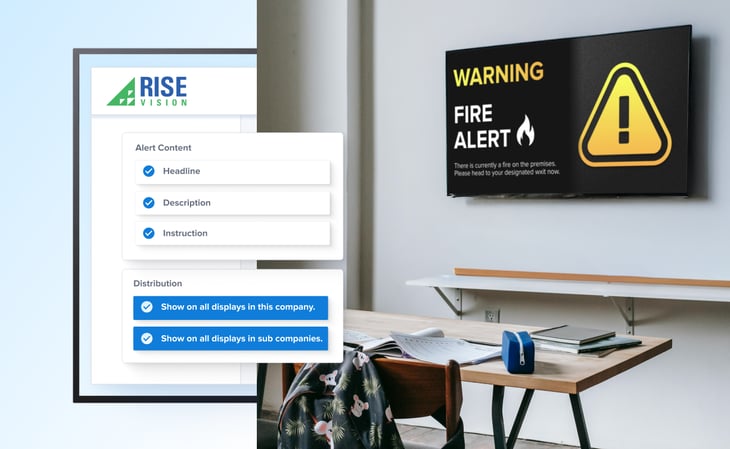
Save on costs with Cascading CAP Alerts. Set up alerts at the parent company level and cascade them to sub-companies, counting as a single endpoint. This ensures effective emergency messaging without added complexity.
Learn how to set up emergency alerts on your displays.
New ChromeOS Player: Built for the Future
Our updated ChromeOS Player is built on a modern framework, offering improved compatibility and reliability as Google phases out its old framework. Upgrade now for a seamless, future-proof experience.
Amazon Signage Stick: Simplified Setup
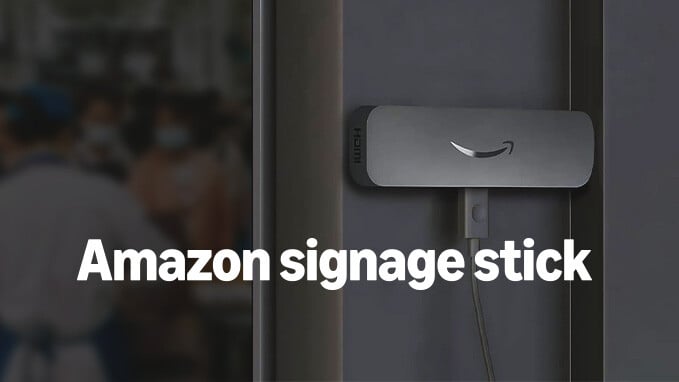
Expand your options with support from Rise Vision for the Amazon Signage Stick. This affordable and versatile device makes it easier than ever to manage your digital displays.
Learn more about the Amazon Signage Stick x Rise Vision.
Google Sheets List Component: Real-Time Updates
Connect your Google Sheets directly to your digital signage. Any changes made to your sheet automatically sync to your displays, eliminating manual updates and saving valuable time.
Learn how to sync a Google Sheet to the list component.
YouTube Live: Uninterrupted Streaming
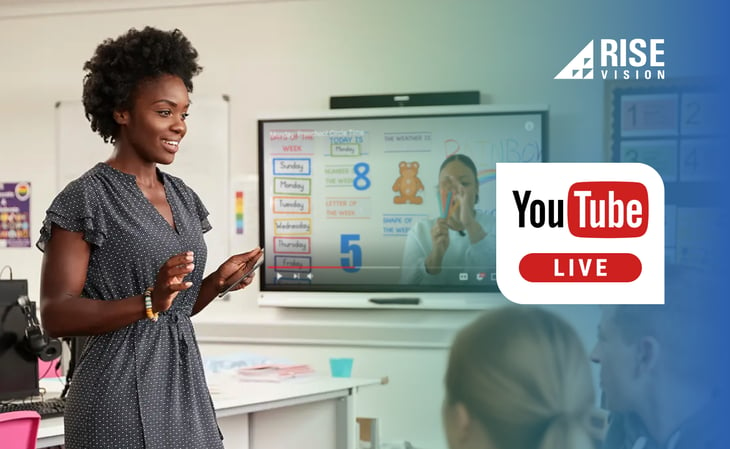
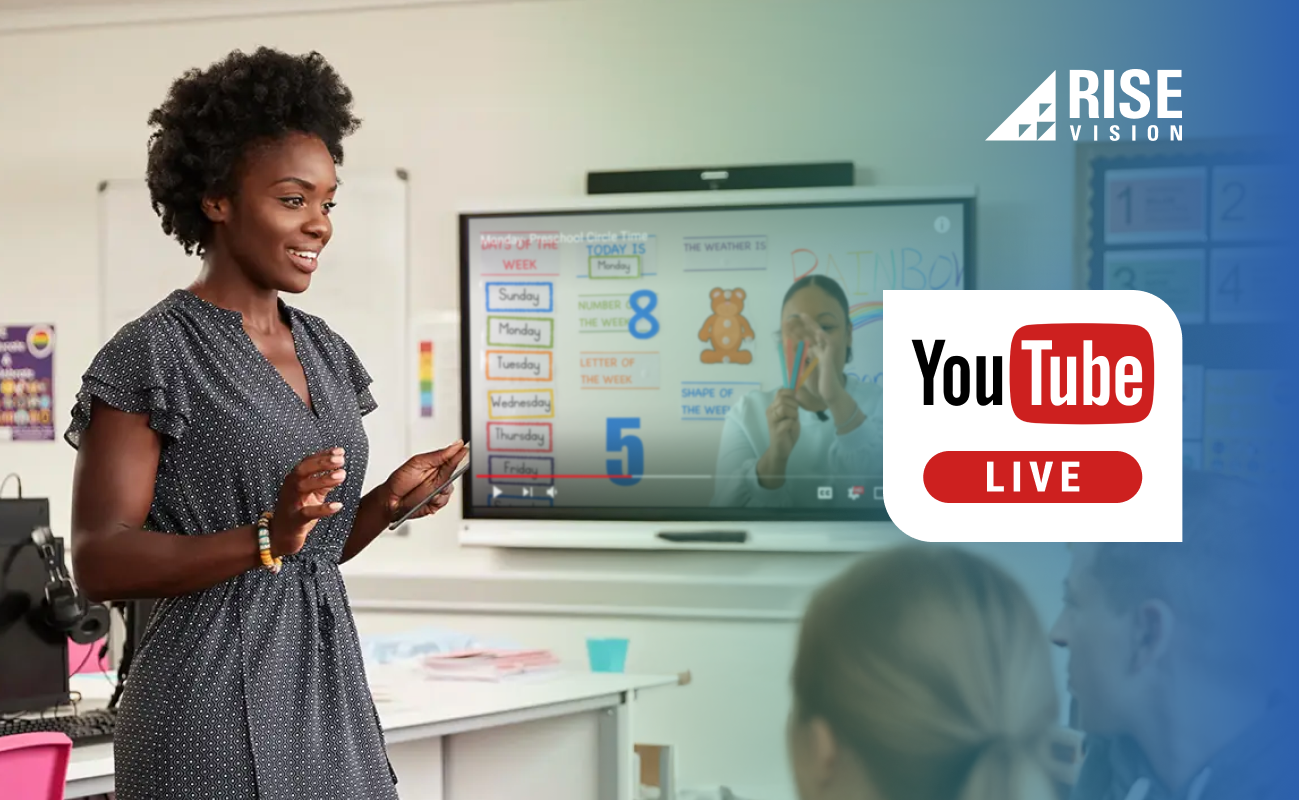
Enjoy a smoother streaming experience with our improved YouTube Live component. Even if embedding is temporarily disabled, your display stays ready and resumes playback automatically, with engaging visuals displayed in the interim.
Mosyle for Apple TV: Instant Alerts
Apple TV users can now use Mosyle MDM to display Classroom Alerts on any screen, even those not showing a Rise Vision presentation.
Learn more about enabling automatic alerts on Apple TV.
Outlook Calendar: Simplify Your Calendar Events
The easiest way to show upcoming events on your Rise Vision display is to use one of our Calendar templates. Integrate your Outlook Calendar with Rise Vision to display calendar events on your digital signage.
PowerPoint Integration: Effortless Presentations
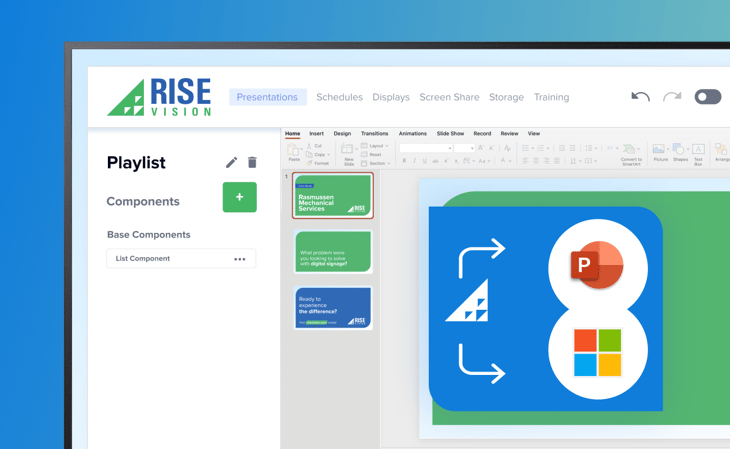
Integrate your PowerPoint files directly from Microsoft OneDrive into your templates or playlists. This feature ensures your presentations are displayed seamlessly on your digital signage.
Authenticated Web Pages: Secure, Personalized Content
Show web pages that require login credentials on your displays, ensuring the confidentiality and relevance of your content.
Screen Sharing + Screen Sharing Mobile
Enhance workplace communication, team engagement, and learning with Rise Vision's screen-sharing feature. Seamlessly screen share content wirelessly from any device (including a mobile device!) with an internet connection to any display showing Rise Vision's digital signage software.
Watch a complete demo of Rise Vision Screen Sharing.
Canva Integration: Design and Display Simplified
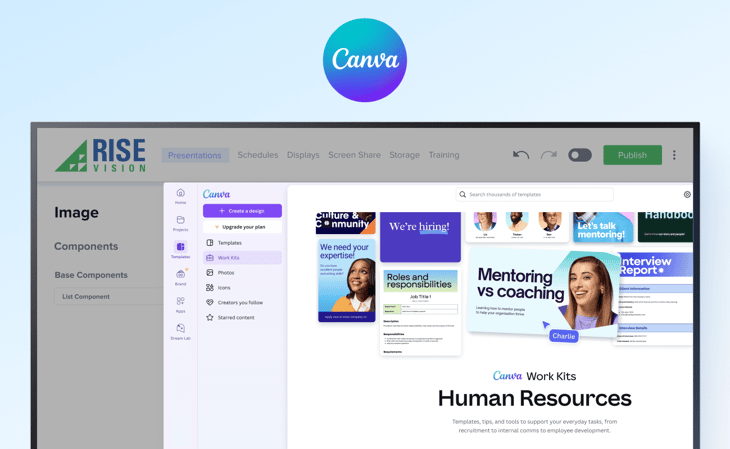
Modify Canva designs directly within Rise Vision for easy updates and streamlined workflows.
Learn more about adding content to Rise Vision using Canva.
Want to see how Rise Vision customers are using Canva for content creation? Check out this case study: Transforming Campus Communication: A Rise Vision Case Study with Weslaco ISD.
Discover the Future of Digital Signage
From streamlined activation and user management to enhanced content integrations and outright hardware options, our latest features are here to transform how you manage and showcase your digital signage.
Ready to see it in action? Book a demo today and explore how these features can elevate your digital signage experience.
More From Our Blog
-

Interactive Touch Screen Digital Signage: How It Works and What You Need
Interactive touch screen digital signage lets viewers tap a display to find what they need. It pairs a commercial touch display with content software. Common uses include wayfinding, visitor[…]
Read More -
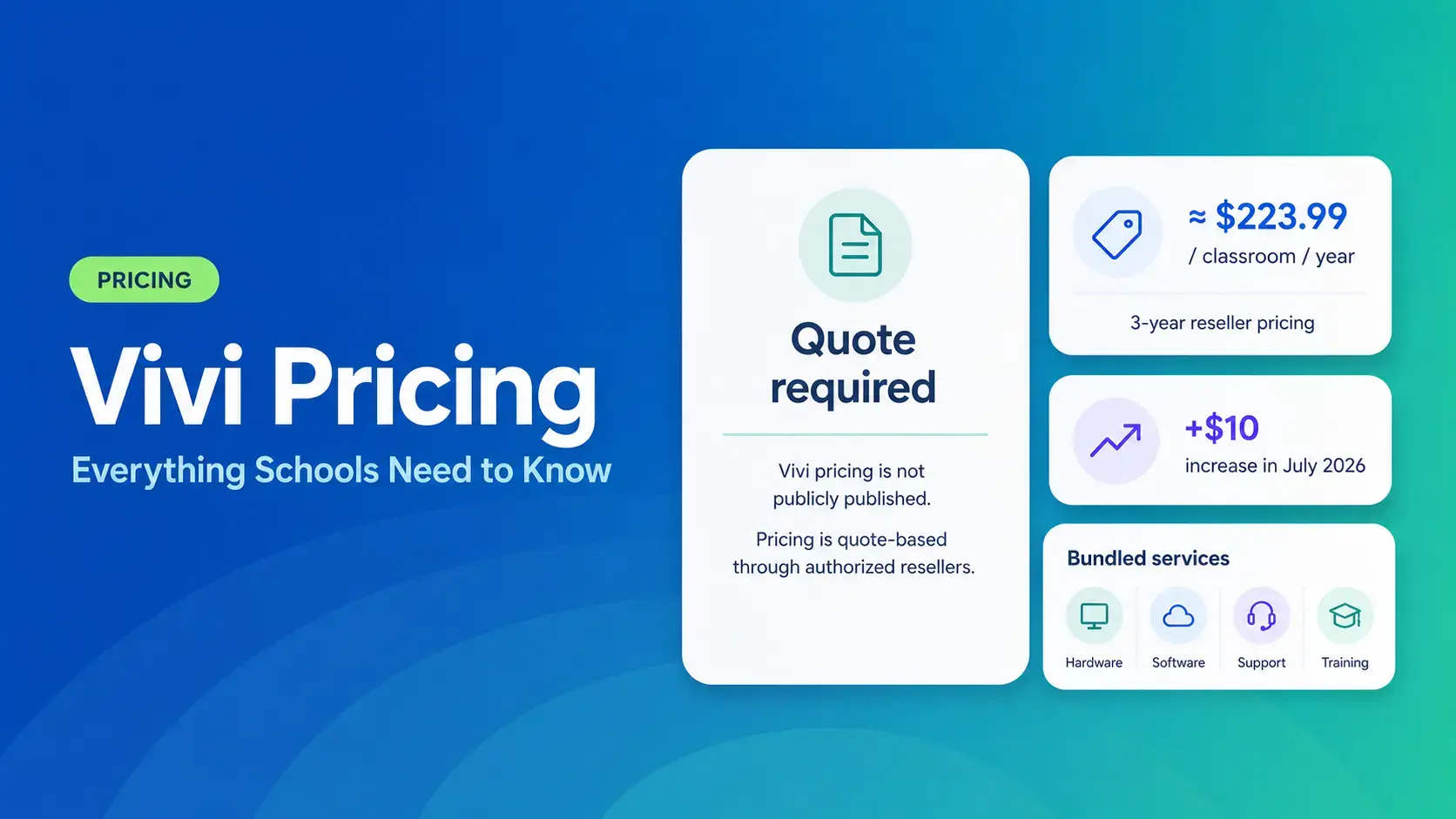
Vivi Pricing 2026: Everything Schools Need to Know Before Getting a Quote
If you're budgeting for Vivi, expect to call sales for a number. Pricing isn't published anywhere. Reseller data puts the 3-year subscription around $224 per classroom per year. That rate rose by $10[…]
Read More -
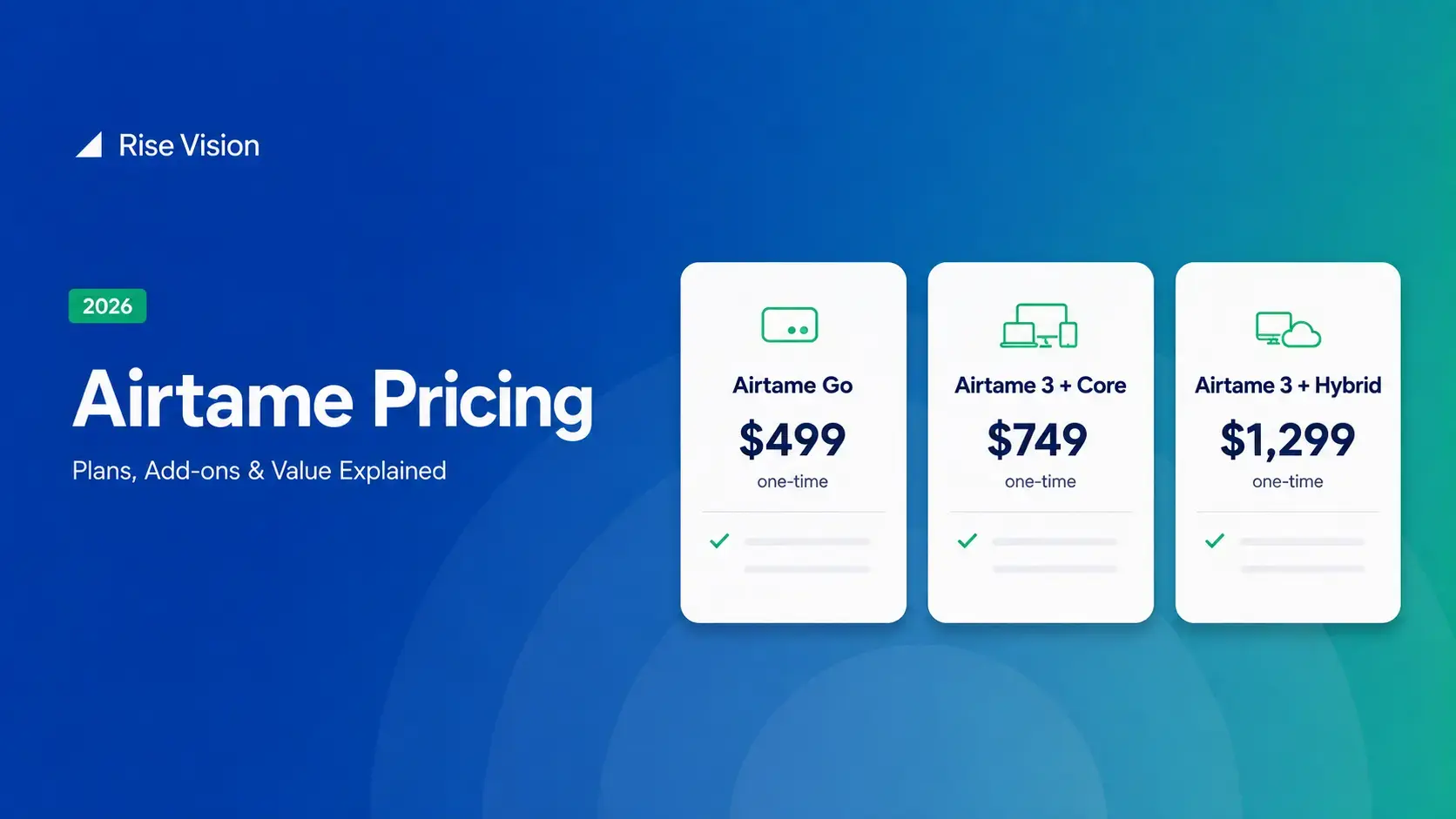
Airtame Pricing 2026: Plans, Costs & Renewal Fees
Airtame's 3-year bundles run $299 to $1,299 per display, then $120–$300/device/year to renew. Signage and alerts come standard on every tier, but only screen sharing survives if you skip renewal.[…]
Read More
12,300+ Organizations Trust Rise Vision, You Can Too
































Schedule a Free Demo
You deserve the #1 all-in-one platform for digital signage, screen sharing, and emergency alerts.





