

School cafeterias are one of the busiest spaces on campus—and one of the most important places to communicate with students.
But keeping menus accurate, engaging, and up to date isn’t always easy. Printed menus quickly become outdated, manual updates take time, and important information often gets missed.
That’s why more schools are turning to digital menu boards, simple, cost-effective way to keep students informed while saving staff time.
In this guide, we’ll walk through how to create school breakfast and lunch menu boards that are easy to manage, visually engaging, and built for everyday use.
What is a School Digital Menu Board?

A digital menu board is a screen in your cafeteria that displays breakfast and lunch menus, pricing, nutrition information, and sometimes even announcements.
Instead of printing and replacing menus, schools can update content instantly from a centralized platform. This ensures students always see accurate, up-to-date information.
Digital menu boards also allow schools to schedule different menus throughout the day, so breakfast, lunch, and snack options automatically appear at the right time.
Why Schools Are Switching to Digital Menu Boards
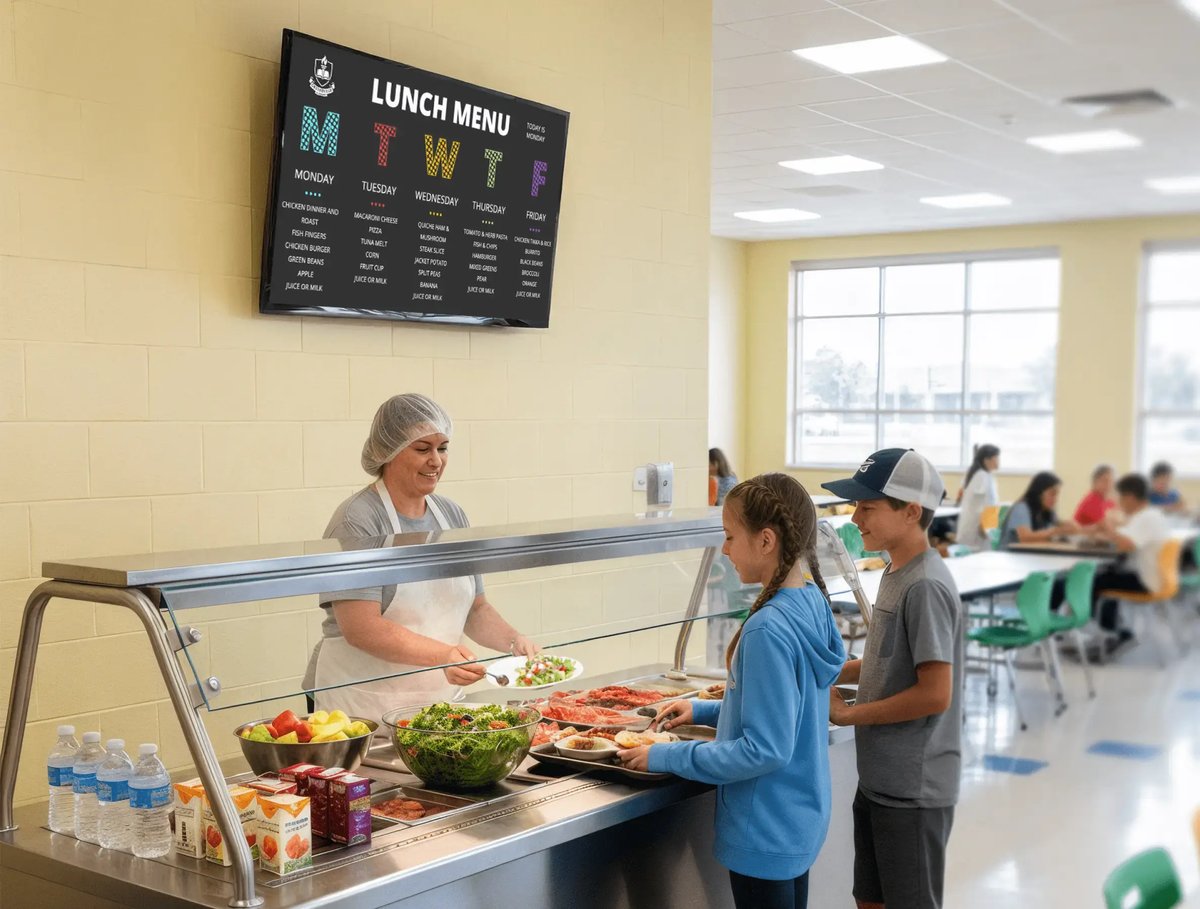
Schools are using digital signage in cafeterias because it makes communication easier, faster, and more effective.
Save Time and Reduce Manual Work
Updating menus no longer requires printing or manually changing boards. Content can be updated in seconds from anywhere.
Keep Information Accurate
Menus, pricing, and availability can change daily. Digital displays ensure students always see the latest information.
Improve Student Engagement
Bright, dynamic visuals capture attention and make it more likely students will notice menu items and announcements.
Support School-Wide Communication
Cafeteria screens can also be used to share announcements, events, and reminders—turning one screen into a communication hub.
Read a customer case study: Dynamic Communication for School Lunch Menus: Rise Vision in Redwood City Schools
How to Make a School Breakfast and Lunch Menu Board
Rise Vision makes it super simple to create a breakfast and lunch menu board for schools. Here's how:
Step 1: Choose Your Hardware
Getting started is simple.
Most schools already have TVs or displays in their cafeterias. With Rise Vision, you can use existing hardware or choose a compatible media player, so there's no need for expensive replacements.
Each screen connects to the Rise Vision platform, where all content is managed centrally.
Step 2: Set Up Your Software
Once your displays are connected, everything is managed through one cloud-based platform.
This allows you to:
-
Update menus from any device
-
Schedule content by time of day
-
Manage one screen or multiple schools from a single dashboard
No USB drives. No manual updates. Just simple, centralized control.
Step 3: Use Ready-to-Use Menu Templates
The fastest way to create a school menu board is by starting with one of our 750+ templates.
Rise Vision includes professionally designed menu board templates that:
-
Are built specifically for schools
-
Match your branding
-
Save hours of design time
Some templates even integrate with tools like Google Sheets or Health-e Pro, allowing you to update menu items without logging into the software.
This means your team can update menus quickly.
Step 4: Add the Right Content
Your menu board should be clear, easy to read, and helpful for students.
Most schools include:
-
Daily or weekly breakfast and lunch menus
-
Pricing and meal options
-
Nutrition highlights or allergen info
-
Special meals or promotions
You can also go beyond menus and include:
-
Healthy eating tips
-
School announcements
-
Event reminders
Digital signage gives you the flexibility to keep content fresh and engaging.
Step 5: Schedule Your Menu Boards
One of the biggest advantages of digital menu boards is scheduling.
Instead of manually switching content, you can:
-
Show breakfast menus in the morning
-
Automatically switch to lunch menus
-
Highlight special events or promotions
This keeps your content relevant throughout the day—without extra work.
Step 6: Keep Content Fresh and Engaging
Students are more likely to pay attention to content that changes.
With digital menu boards, you can:
-
Rotate visuals and layouts
-
Highlight new menu items
-
Promote healthy choices
-
Celebrate school events
Dynamic content helps ensure your screens don’t become background noise.
Turn Your Cafeteria Into a Communication Hub
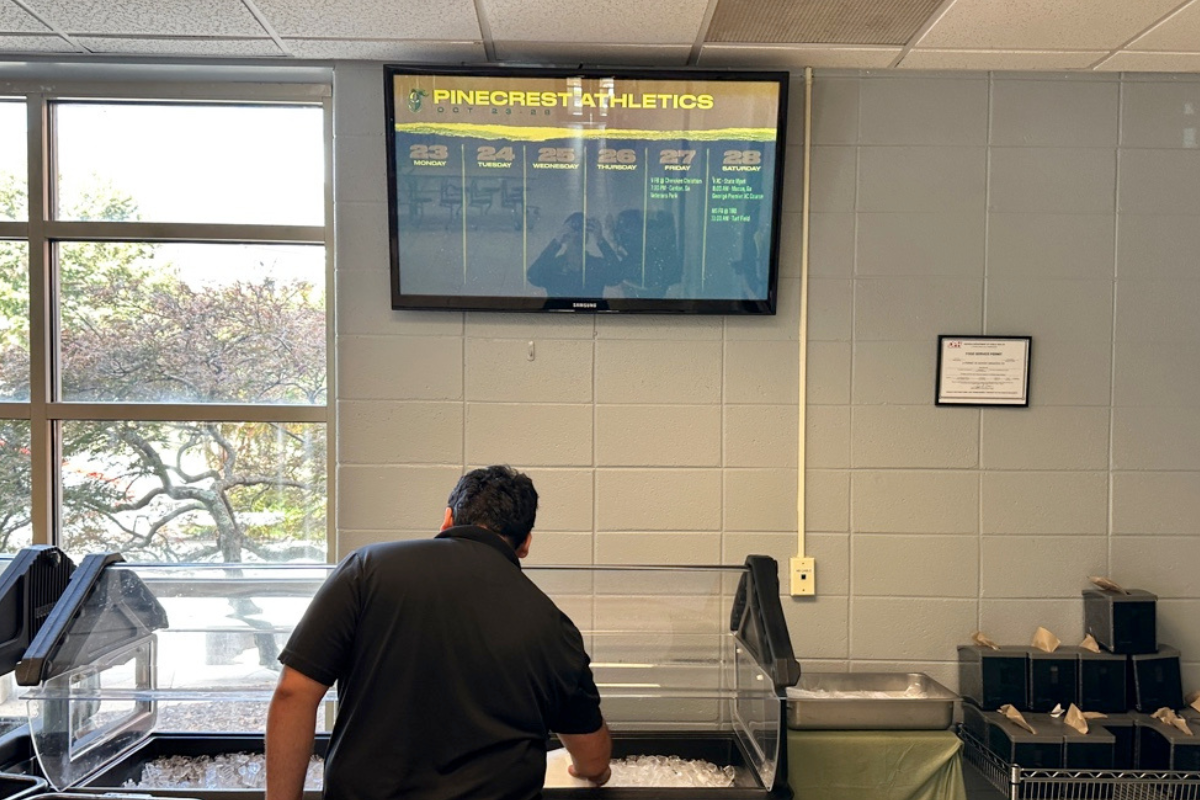
School breakfast and lunch menu boards are more than just menus—they’re an opportunity to improve communication, support student wellness, and create a more engaging school environment.
With the right setup, you can:
-
Reduce manual work
-
Keep students informed
-
Promote healthy choices
-
And make better use of the screens you already have
Get Started with School Digital Menu Boards
Getting started with digital menu boards doesn’t have to be complicated.
With Rise Vision, you can be up and running in minutes—using templates, scheduling tools, and centralized management to simplify communication across your school.
More From Our Blog
-

Digital Signage Remote Management: How to Run Every Screen From One Place
Digital signage remote management lets you control screens, schedules, and display health from an online platform. To get started, choose a hardware-agnostic platform, connect your media players or[…]
Read More -
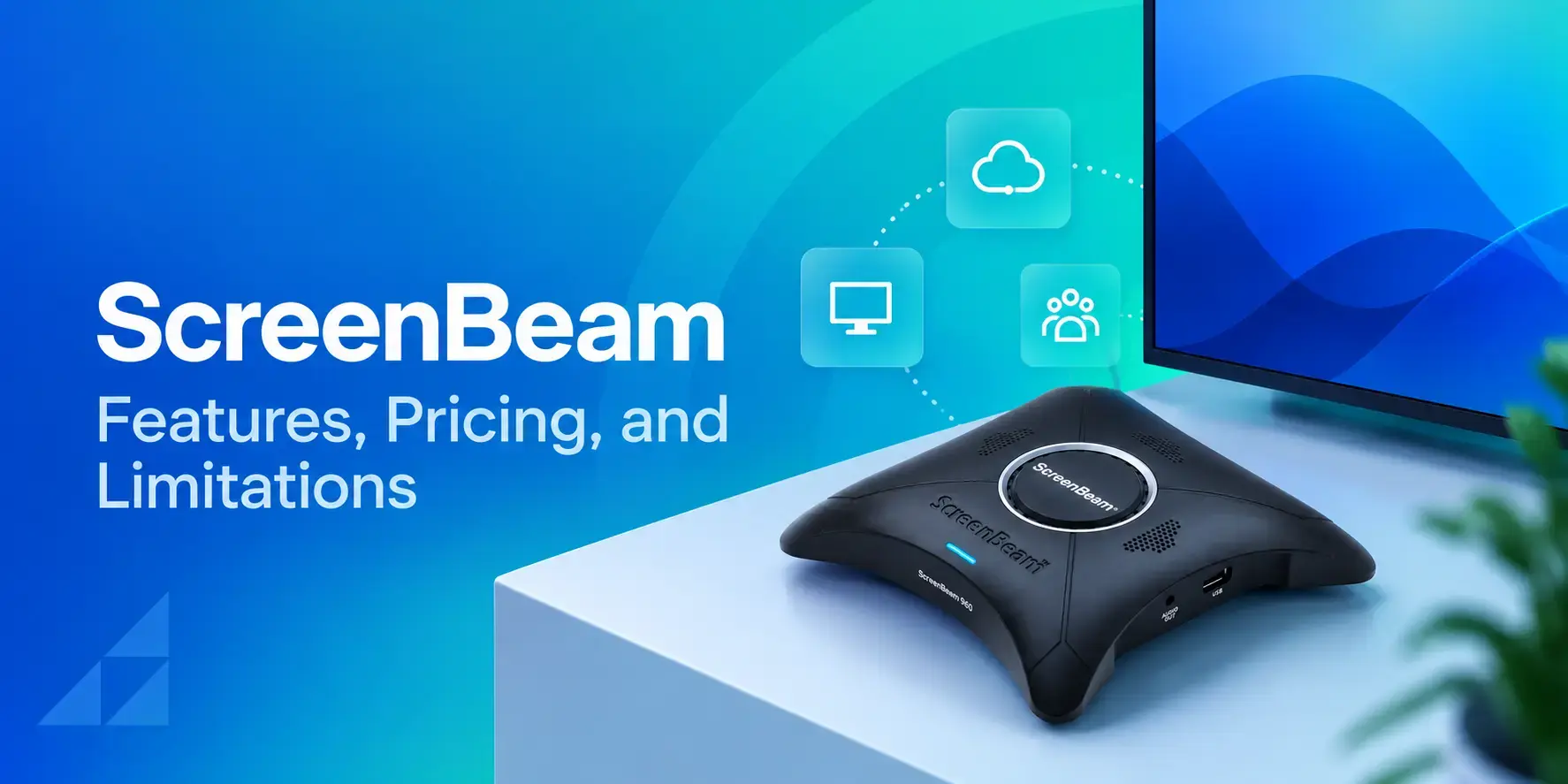
ScreenBeam Review 2026: Features, Pricing, and Limitations
ScreenBeam sells wireless display receivers that let people cast to a screen from any device without an app. You need one receiver per display, and they run from $299.99 to $1,199.99. Cloud-based[…]
Read More -

Interactive Touch Screen Digital Signage: How It Works and What You Need
Interactive touch screen digital signage lets viewers tap a display to find what they need. It pairs a commercial touch display with content software. Common uses include wayfinding, visitor[…]
Read More
12,300+ Organizations Trust Rise Vision, You Can Too
































Schedule a Free Demo
You deserve the #1 all-in-one platform for digital signage, screen sharing, and emergency alerts.





