
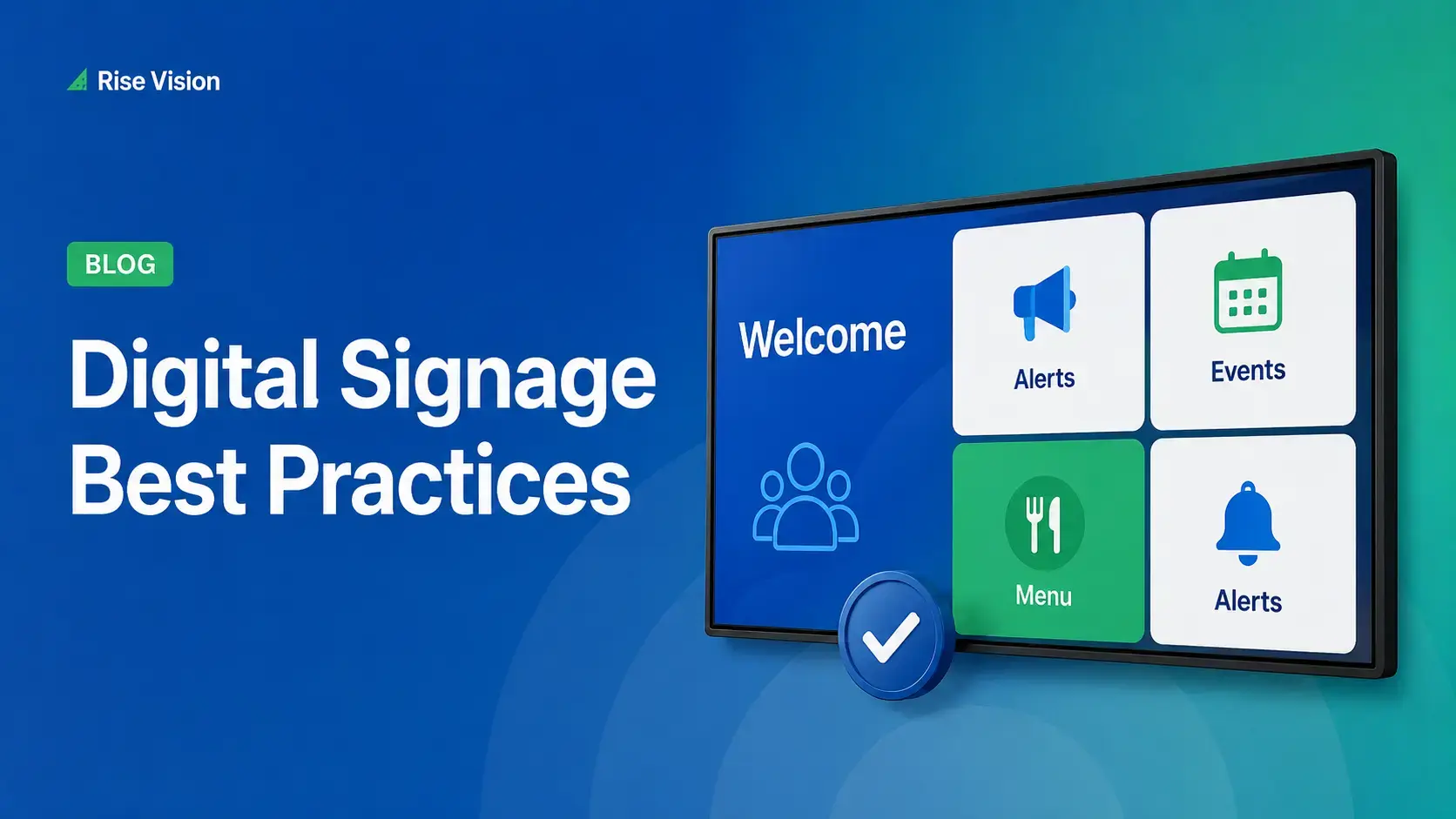
Digital Signage Best Practices for Schools and Organizations
Effective digital signage starts with legible design, accessible contrast, and content that matches your viewing environment.
Read More

In this Q&A session, Robb answers customer questions and demonstrates practical ways to get more from Rise Vision.
Whether you manage a single display or multiple organizations, this session offers practical tips you can apply to your Rise Vision setup.
Effective digital signage starts with legible design, accessible contrast, and content that matches your viewing environment.
Read More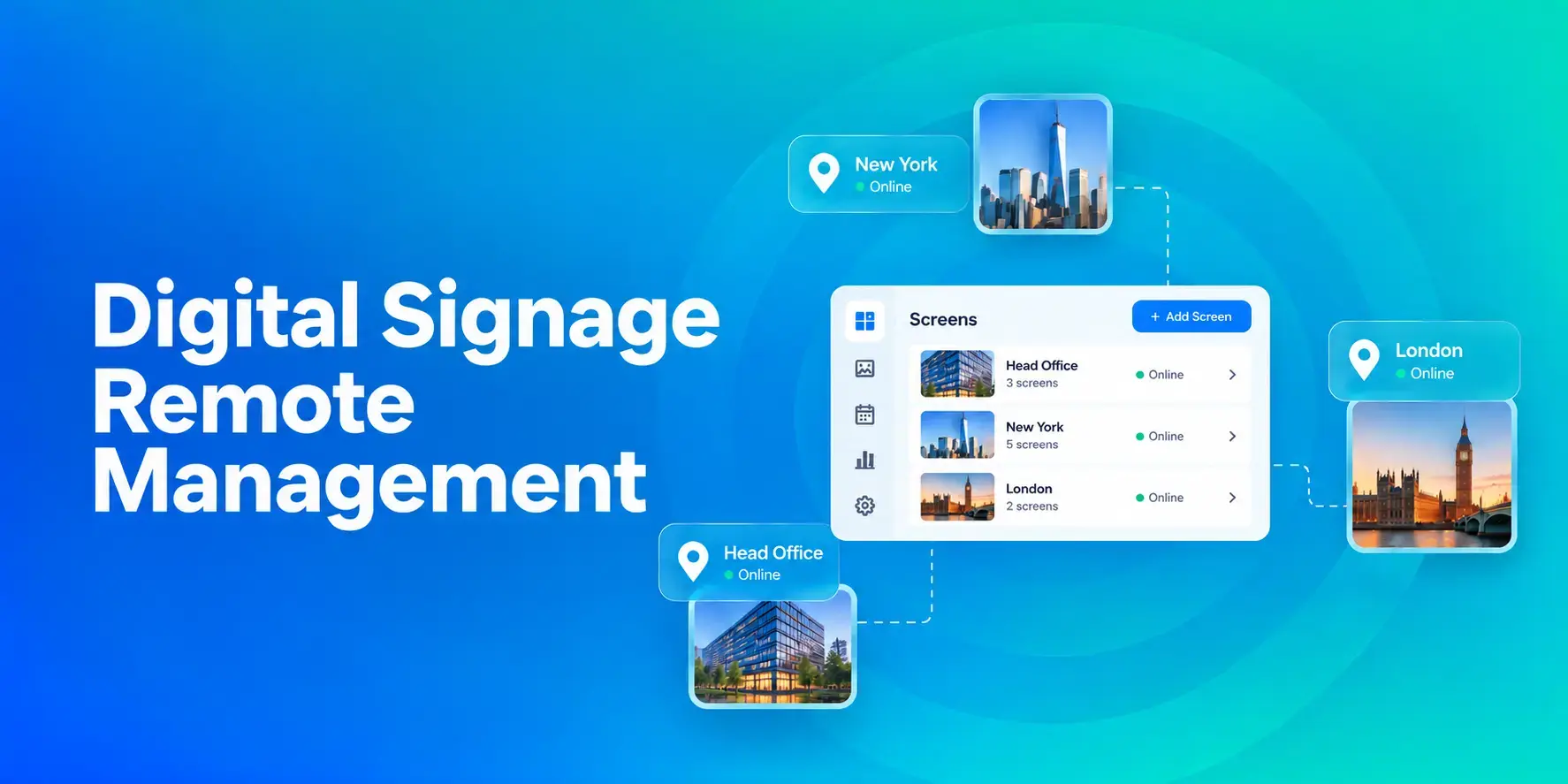
Digital signage remote management lets you control screens, schedules, and display health from an online platform.
Read More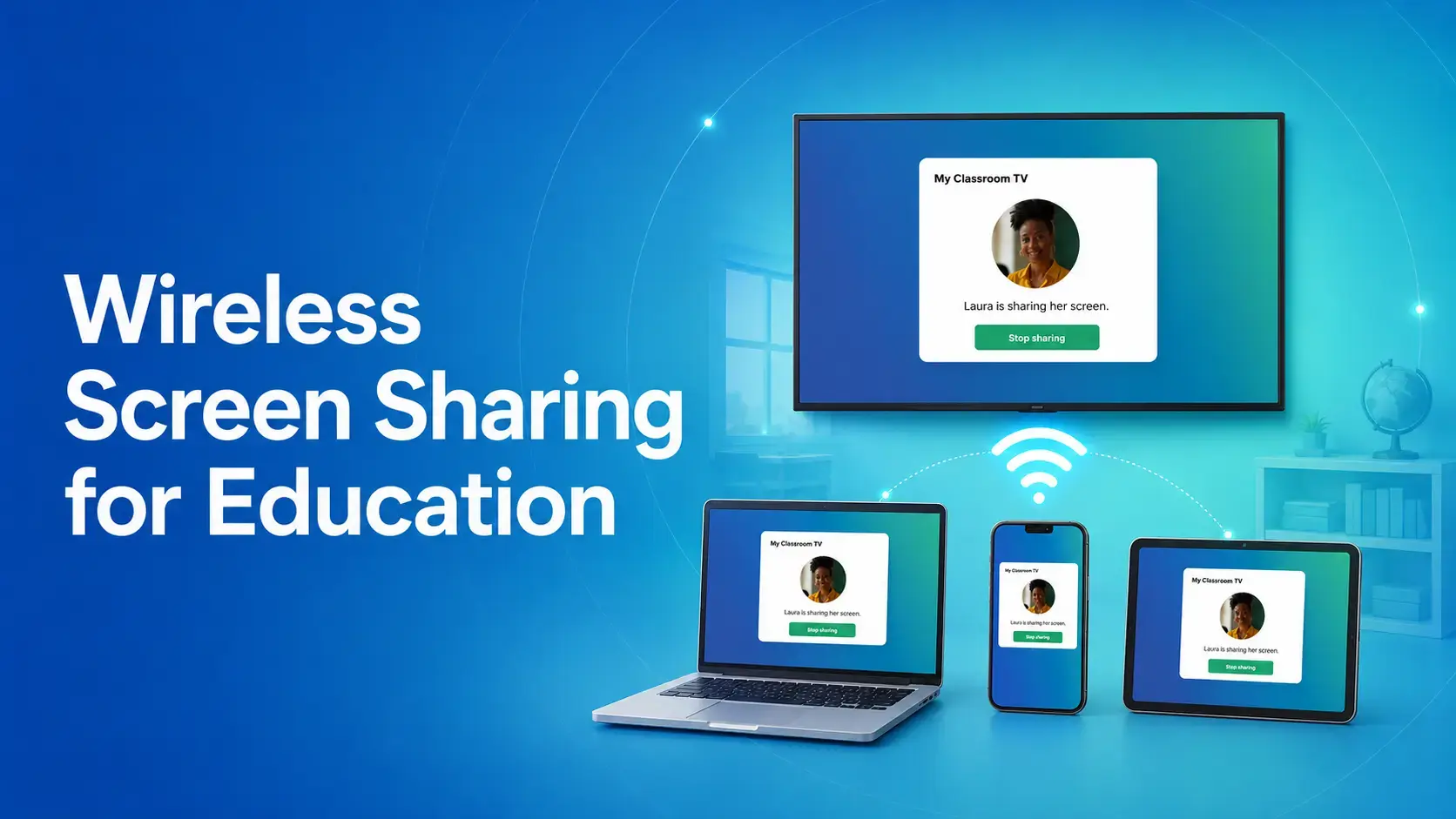
Wireless screen sharing for education has become standard in schools, but most classroom setups still break down over mixed devices and separate networks.
Read More12,300+ Organizations Trust Rise Vision, You Can Too
































You deserve the #1 all-in-one platform for digital signage, screen sharing, and emergency alerts.





