

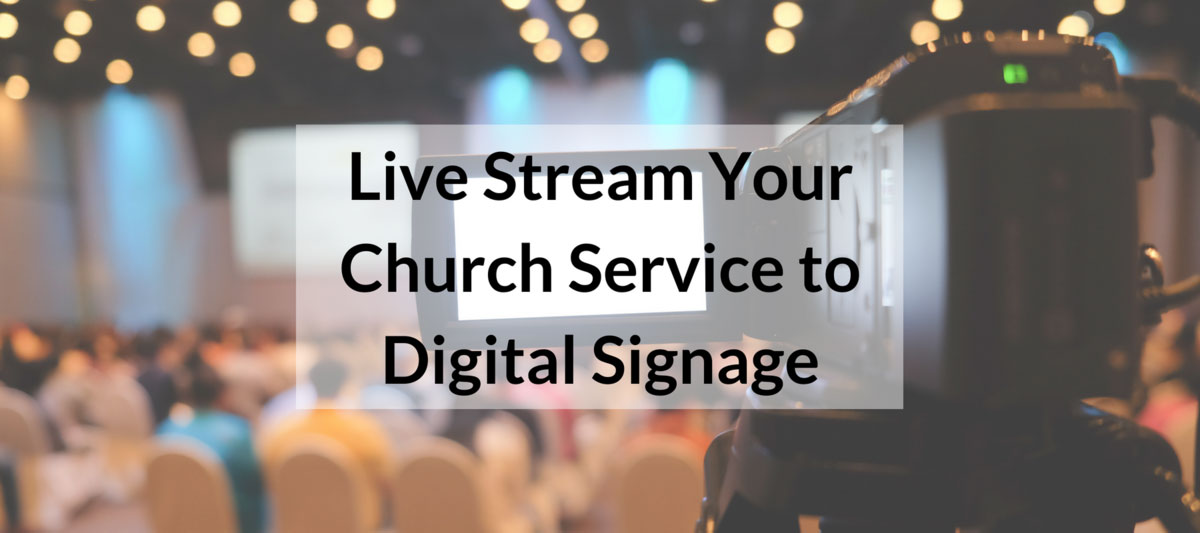
Not everyone can be in the main sanctuary during a church service; there are nursing mothers, support staff, and more who are not able to attend the service but are still on the premises of the church. Ten years ago, these people were out of luck--they’d have to catch an audio recording later in the week.

Today, however, the right digital signage provider can help you stream a service all over the property. Churches use free digital sign solutions to live broadcast:
- The praise and worship music in the Sunday school rooms so children can sing along, and feel involved in the service.
- In nursery rooms, so parents can attend church even when their baby or toddler is crying
- In the lobby so ushers know the right moment to enter the sanctuary or latecomers can make sure they don’t enter during a prayer.
Many churches will use the same live stream they show on their digital display to push out to the rest of the world--so in addition to having members watching on your church property, you can broaden your churches reach by showing your service globally.
If you are just getting started or aren’t quite sure how digital signage works, check out this page which explains how to get your church’s digital signage up and running. If you are ready to live stream to your digital signage, then follow the steps below.
Hardware
No matter what your budget is, there are hundreds of cameras that are capable of live streaming. Because there’s usually not a lot of movement during the service, the Zoom Q2n ($149) and Mevo ($399) are two entry-level examples that would work for most churches. Both of these devices are ready to go out of the box--they have built-in mics that record crisps sound and have wi-fi.
Software
Many churches send their service straight into the cloud with no production. There’s nothing wrong with that. Some churches, however, like to add a little more two it--for example, announcements while the offering is taking place. If this is something you’d want to do, then you’ll need software such as Wirecast and vMix. If you aren’t a beginner, a popular free and open source solution is OBS Studio.
You can also use Rise Vision’s template library to add and schedule presentations built just from churches quickly. It takes less than five minutes to set up, and many churches use them every week to save their staff time.
From Sanctuary to TV Screen
Once you have the hardware and software, you are ready to go live! This post will walk you through the next steps. You can also see what else is possible with Live Streaming. If you want to learn more about what churches are doing with digital signage, go here.
We’d love to hear how it turned out--send us feedback and questions here.
Related Posts
More From Our Blog
-

Interactive Touch Screen Digital Signage: How It Works and What You Need
Interactive touch screen digital signage lets viewers tap a display to find what they need. It pairs a commercial touch display with content software. Common uses include wayfinding, visitor[…]
Read More -
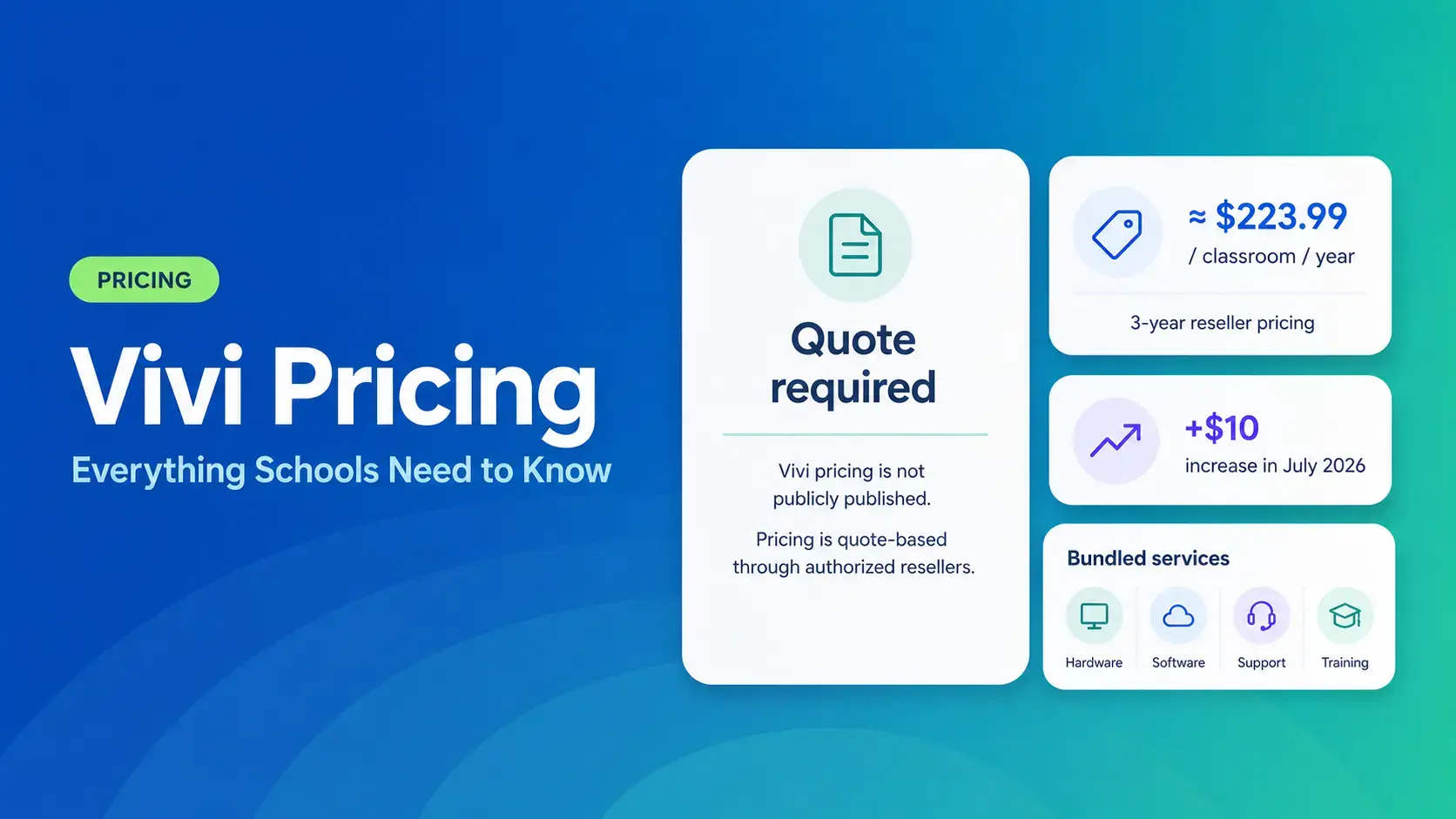
Vivi Pricing 2026: Everything Schools Need to Know Before Getting a Quote
If you're budgeting for Vivi, expect to call sales for a number. Pricing isn't published anywhere. Reseller data puts the 3-year subscription around $224 per classroom per year. That rate rose by $10[…]
Read More -
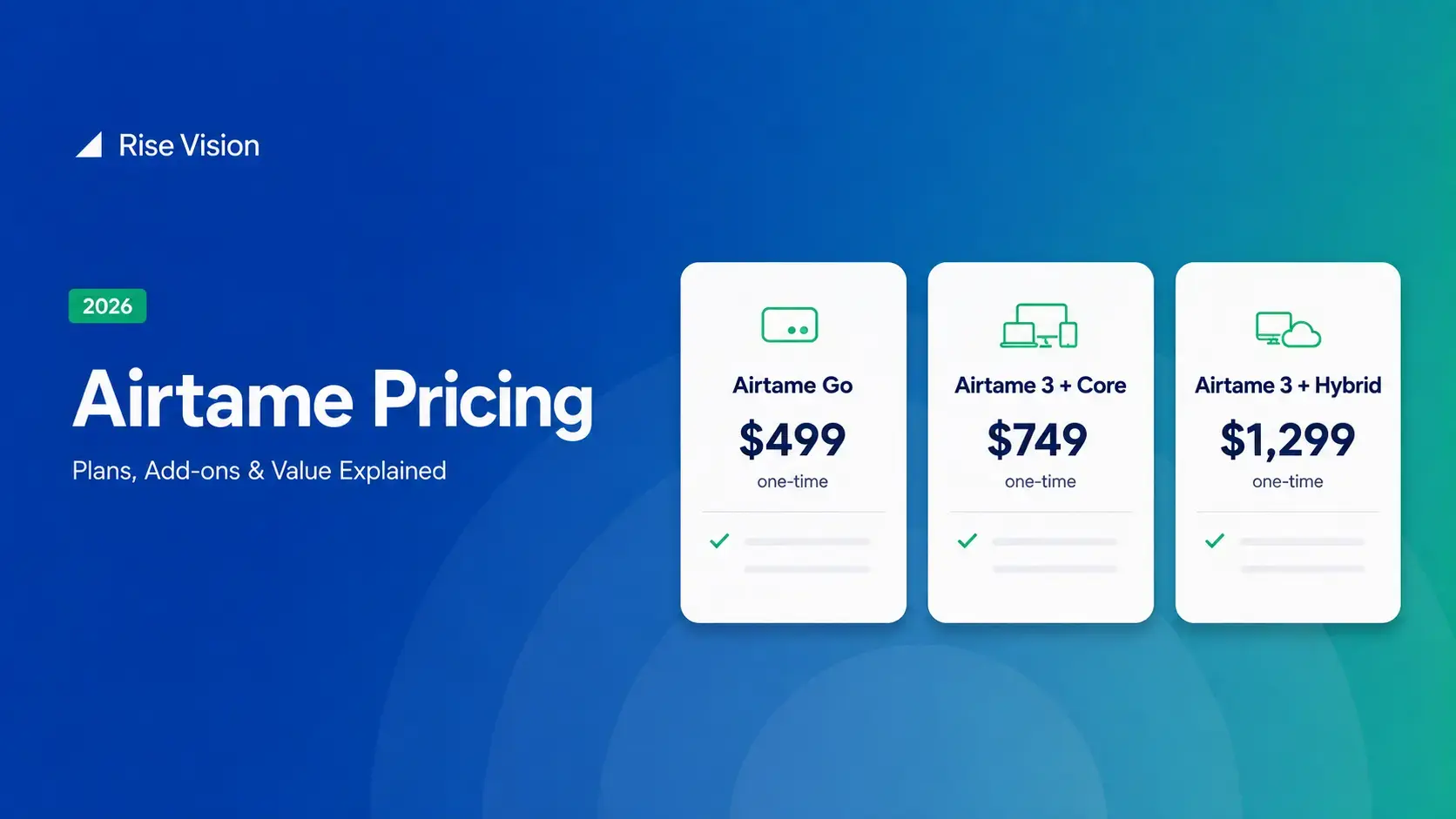
Airtame Pricing 2026: Plans, Costs & Renewal Fees
Airtame's 3-year bundles run $299 to $1,299 per display, then $120–$300/device/year to renew. Signage and alerts come standard on every tier, but only screen sharing survives if you skip renewal.[…]
Read More
12,300+ Organizations Trust Rise Vision, You Can Too
































Schedule a Free Demo
You deserve the #1 all-in-one platform for digital signage, screen sharing, and emergency alerts.





