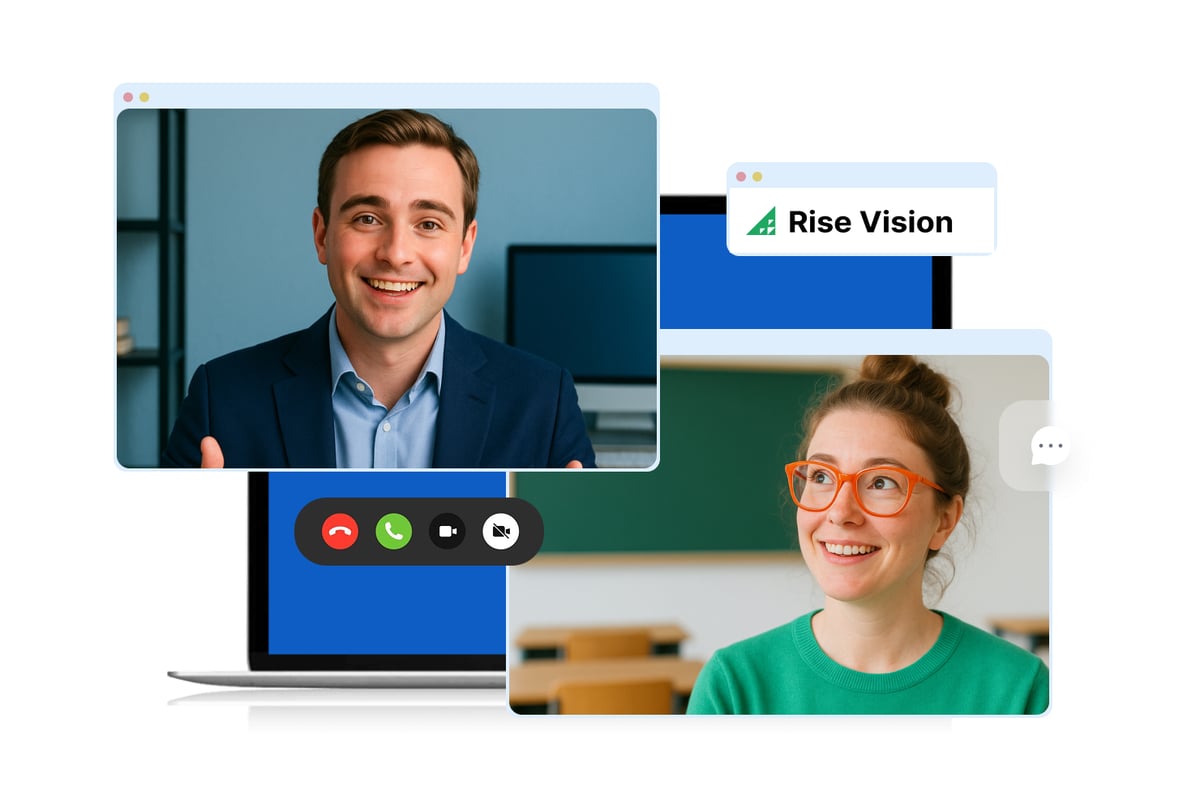
Digital Signage Hardware Essentials: How to Choose the Right Setup for Your Screens


About this Event
Choosing the right digital signage hardware can be confusing. Between media players, all-in-one displays, and hardware-agnostic options, it can be difficult to know which setup makes the most sense for your organization—or what problems to watch for before you invest.
Join Jennifer Jennings and Sean Kozlowski from Rise Vision for a practical conversation about the digital signage hardware options available today. They’ll break down the key differences between common setups, where each option works best, and the considerations that can affect cost, reliability, compatibility, security, and ongoing management.
Whether you're planning a new deployment, expanding your existing signage network, replacing unreliable hardware, or looking for an alternative to Chrome Sign Builder, this session will help you make a more informed hardware decision.
Attendees will also receive Rise Vision’s Hardware Buyer’s Guide as a free resource and learn about our current Q4 hardware promotion.
Bring your questions. We’ll save time for live Q&A with Jennifer and Sean.
What to Expect
Grab a coffee and join Jennifer Jennings and Sean Kozlowski from Rise Vision for a relaxed, practical conversation about choosing digital signage hardware. This isn’t a product pitch. It’s a chance to make sense of the options, understand the tradeoffs, and determine what will work best for your screens.
You’ll learn how to:
- Make sense of your options: Understand the differences between dedicated media players, all-in-one displays, and hardware-agnostic approaches.
- Decide whether to reuse or replace: Know when your existing devices may still work and when purpose-built hardware may be the better choice.
- Avoid compatibility surprises: Consider operating systems, display models, orientation, network requirements, and feature support before you commit.
- Keep screens reliable and manageable: Look beyond the device itself to updates, troubleshooting, remote management, security, and replacement.
- Move on from legacy platforms: Learn what to consider when transitioning from Chrome Sign Builder or aging and unsupported devices.
Your Hosts


Presented By:

12,300+ Organizations Trust Rise Vision, You Can Too


























Schedule a Free Demo
You deserve the #1 all-in-one platform for digital signage, screen sharing, and emergency alerts.