

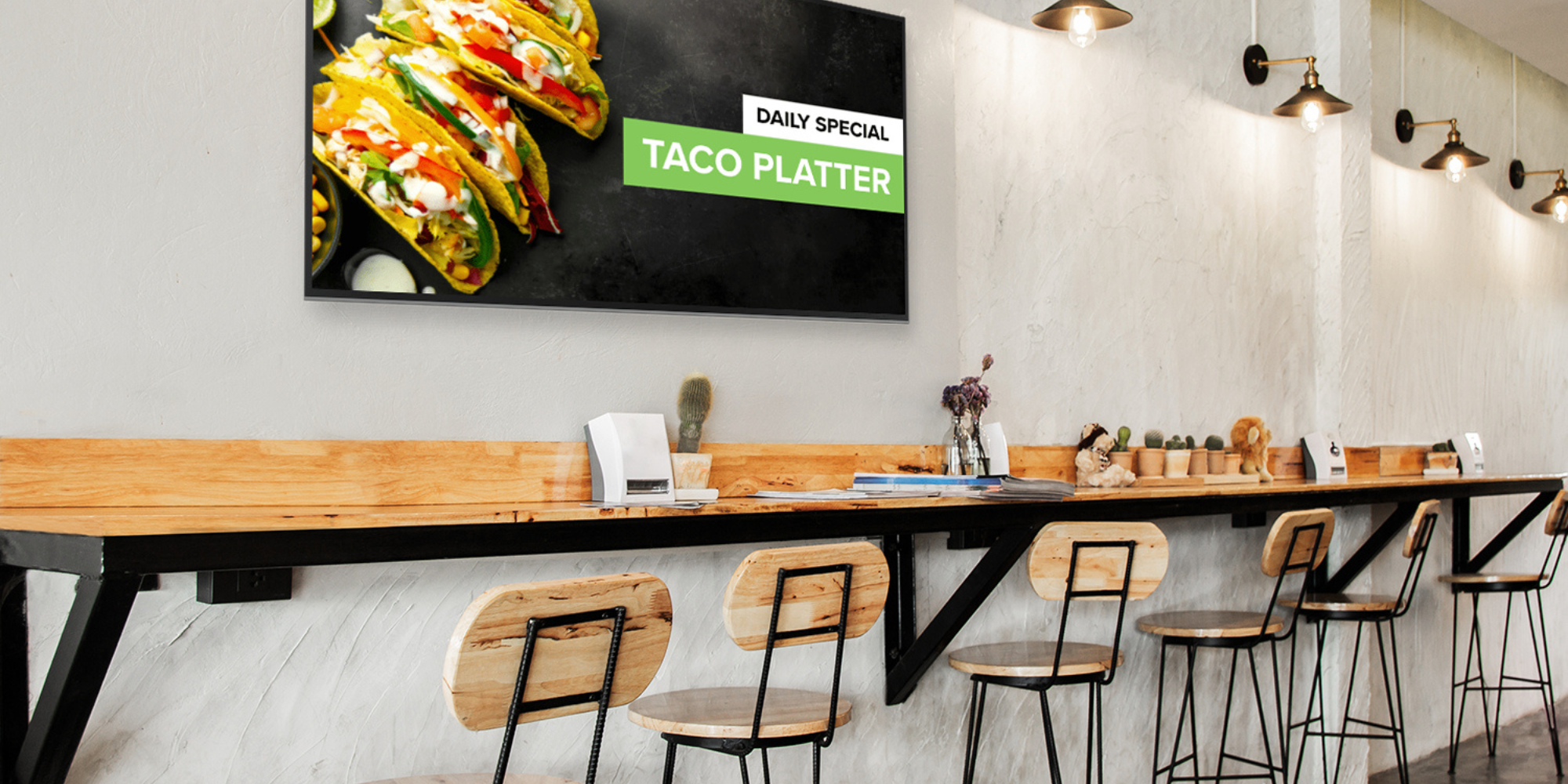
Running a restaurant means juggling a dozen things at once. Your menu changes. Prices fluctuate. Specials rotate daily. And your customers expect to see all of it displayed clearly, whether they're standing at the counter or scrolling through delivery apps.
Digital signage software for restaurants solves this problem by letting you update your displays in real time without printing new menus or relying on someone to manually swap out boards. You can push changes across multiple locations instantly, schedule content to run at specific times, and even integrate with your POS system to show accurate pricing.
But not all digital signage platforms work the same way. Some are built for retail. Others focus on corporate communications. The ones that work best for restaurants understand the specific needs of food service: quick updates, visual appeal, and the ability to handle high-traffic environments where displays need to be readable from a distance.
What Makes Restaurant Digital Signage Different
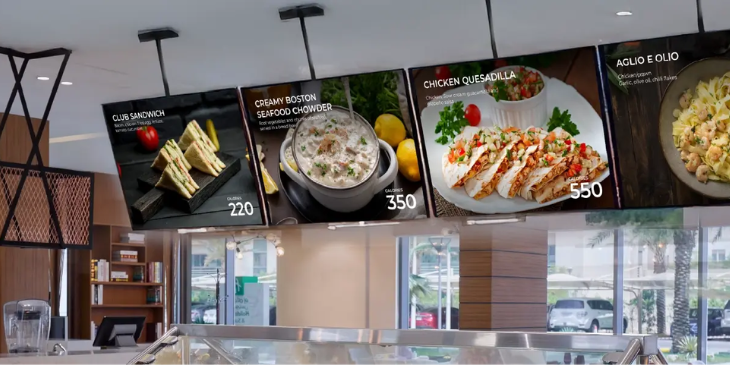
Restaurant digital signage isn't just about showing pretty pictures of food. You need software that can handle real operational demands.
Menu boards need to be updated fast. If your kitchen runs out of an item or you're running a limited-time promotion, you can't wait hours to reflect that change. The software should let you edit content from your phone or computer and see it go live within minutes.
Readability matters more than you'd think. Corporate offices can get away with small fonts and detailed charts. Quick-service restaurants need bold text that someone can read while standing 15 feet away in line. Your software should make it easy to create high-contrast designs that work in bright, busy environments.
Content scheduling helps you stay organized. Breakfast items at 7 AM, lunch specials at 11 AM, and happy hour pricing at 4 PM. Digital signage solutions like Rise Vision let you set up these schedules once and forget about them, so your displays automatically adjust throughout the day without manual intervention.
Integration with existing systems saves time. When your digital signage pulls data from your POS, you won't have to manually update prices every time they change. Connect it to your kitchen display system, and you can show real-time order status or wait times.
Top Digital Signage Options for Restaurants
You've got plenty of choices when it comes to restaurant digital signage, and they range from budget-friendly basics to full-service platforms. The right one depends on your setup, budget, and how much control you want over the system. Here are the platforms that consistently show up in restaurant implementations.
Rise Vision
Rise Vision works well for restaurants that want flexibility without getting locked into proprietary hardware. You can use any screen you already own, which matters if you're trying to keep costs down or if you've already invested in displays.
The platform runs on web-based technology, so updates happen instantly across all your locations. You can create templates for menu boards, promotional displays, and even employee-facing screens in the kitchen. The scheduling features handle time-based content changes automatically.
Pricing starts around $10 per display per month for their basic plan, with more features available at higher tiers. They also offer a free digital signage option if you want to test the platform before committing, and there's no long-term contract required, which gives you flexibility to scale up or down as needed.
ScreenCloud
ScreenCloud targets hospitality businesses specifically, with templates designed for restaurants, hotels, and cafes. Their drag-and-drop editor makes it easy to create menu boards without design experience.
They offer apps that integrate with services like Instagram, so you can pull in user-generated content or showcase your social media feed on your displays. Pricing runs around $20 per screen per month.
Yodeck
Yodeck focuses on simplicity and affordability. Their platform includes a free tier for single-screen setups, which works if you're a small restaurant testing digital signage for the first time.
The interface is straightforward, and they provide their own media players at a low cost. Plans start free for one screen, with paid tiers beginning around $8 per screen per month.
Raydiant
Raydiant positions itself as an experience platform rather than just signage software. They offer features like menu board management, employee communication tools, and even integrations with loyalty programs.
Pricing isn't publicly listed, but it tends to be higher than basic competitors. Contact them directly for a quote, though you can expect more hands-on support and consulting services to help you set up your displays.
Features That Actually Matter
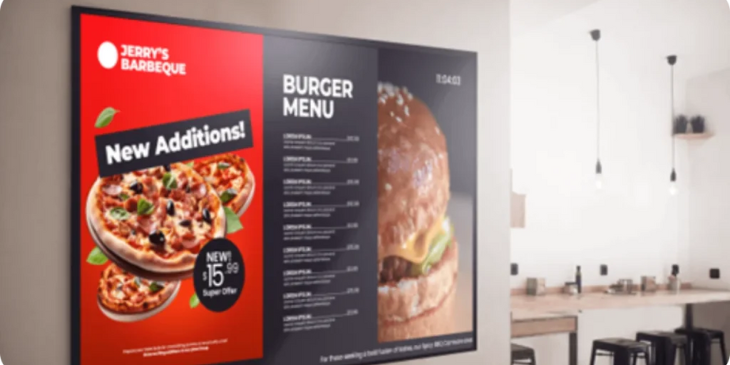
Some features sound impressive in marketing materials, but don't help you run a better restaurant. Here's what actually moves the needle.
Cloud-based management means you can update your signs from anywhere. If you're at home and remember you need to change tomorrow's special, you can do it from your phone. No need to drive back to the restaurant.
Template libraries save you from starting from scratch every time. Good software includes pre-built layouts for menu boards, promotional slides, and nutritional information displays. Swap in your content and you're done.
Multi-location support matters if you're running more than one restaurant. You should be able to push the same promotion to all locations at once, or customize content for individual stores when needed.
Offline playback keeps your displays running even if your internet goes down. The software caches content locally so your menu board doesn't go blank during a network outage.
Content approval workflows prevent mistakes. If you have multiple people updating displays, you want a system where changes get reviewed before going live. Nobody wants a typo on their menu board during rush hour.
Common Implementation Mistakes
Restaurants often mess up digital signage in predictable ways. Here's what to avoid.
Trying to show too much information is the biggest mistake. Your menu board isn't a novel. If someone can't read it in three seconds, you've included too much. Stick to clear categories, readable prices, and appealing photos.
Ignoring lighting conditions leads to displays nobody can read. A screen that looks great in your office might be completely washed out under restaurant lighting. Test your content in the actual environment before committing to a design.
Forgetting about maintenance means your system falls apart over time. Displays get dusty. Players need software updates. Content gets stale. Build a maintenance schedule into your operations, even if it's just 15 minutes per week.
Not training your staff creates confusion. If your team doesn't know how to update the displays, they'll keep asking you to do it, which defeats the purpose. Restaurants that invest in proper staff training see better adoption of new technology and smoother daily operations.
Making the Switch from Static Menus
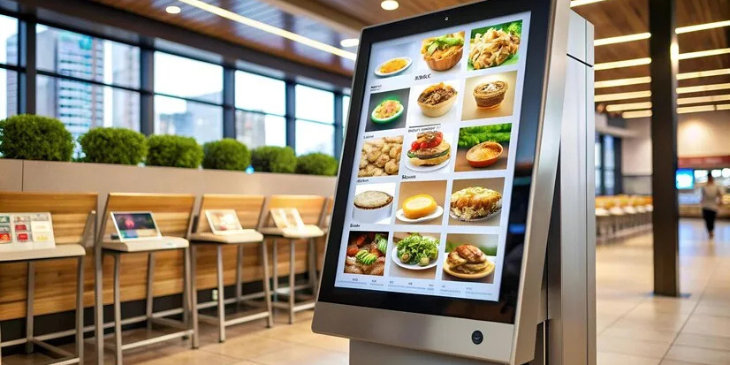
Moving from printed menus to digital displays feels like a big change, but most restaurants handle it smoothly if they plan ahead. According to the National Restaurant Association, 73% of restaurant operators increased their technology investments in 2024. Digital menu boards have become a standard part of modern restaurant operations.
Start with one high-impact location. Your first digital menu board should go at your main ordering area or busiest pickup spot. This lets you test the system and train your team without overhauling everything at once.
Keep your static menus as backup for the first few weeks. If something goes wrong with the digital system, you can fall back to printed boards while you troubleshoot. Once you're confident everything works, you can phase out the old menus.
Get your team involved early. Let them practice making updates on non-critical displays before they go live. The more comfortable they are with the system, the more likely they'll actually use it.
Budget for content creation time. You'll need high-quality photos of your food and clean, readable layouts. This takes longer than most people expect. Either hire a designer or set aside serious time to do it yourself.
FAQ
How much does restaurant digital signage cost?
Basic software plans start around $10 per screen per month. Hardware costs vary widely depending on whether you use existing screens or buy new ones. A complete setup with display, media player, and mounting typically runs $500 to $1,500 per location. Monthly software fees range from $10 to $50 per screen, depending on features and support level.
Can I use my existing TVs for digital signage?
Yes, most modern TVs work with digital signage software. You'll need a media player (like a Raspberry Pi, Amazon Fire Stick, or dedicated signage player) to connect to the TV. Make sure your TV has an HDMI input and can run continuously without going into power-saving mode. Commercial displays are more reliable for 24/7 use, but standard TVs work fine for many restaurants.
Do I need a designer to create menu board content?
Not necessarily. Most digital signage platforms include templates specifically designed for restaurant menu boards. You can swap in your items, prices, and photos without design skills. If you want custom layouts or highly polished graphics, hiring a designer helps, but it's not required to get started.
What happens if my internet goes down?
Quality digital signage software stores content locally on your media player, so your displays keep running even without internet. You won't be able to push updates until connectivity returns, but your menu boards stay visible. This offline playback is a standard feature in most professional signage platforms.
How often should I update my digital menu boards?
Update your displays whenever your offerings change, but avoid changing them so frequently that customers get confused. Most restaurants update daily specials each morning, rotate promotional content weekly, and refresh seasonal menus every few months. The beauty of digital signage is that you can update instantly when needed without reprinting anything.
Can digital signage integrate with my POS system?
Many digital signage platforms offer POS integrations, though the specific connections vary by software. This integration can automatically update prices on your menu boards when you change them in your POS, reducing manual work and preventing pricing errors. Check with your signage provider about compatibility with your specific POS system.
Is digital signage worth it for a single-location restaurant?
It depends on how often your menu changes and your budget for printing. If you're constantly reprinting menus or running daily specials, digital signage pays for itself quickly. Even single-screen setups save time and look more professional than handwritten specials boards. Some platforms offer free tiers for one screen, letting you test the concept without major investment.
How bright do restaurant displays need to be?
For typical indoor restaurant lighting, 300-400 nits of brightness is usually sufficient. If your menu board is near windows or in very bright spaces, look for displays with 500+ nits. Fast-food restaurants with strong overhead lighting might need 700+ nits. Test visibility in your actual location before buying, as lighting conditions vary widely between restaurants.
More From Our Blog
-

Interactive Touch Screen Digital Signage: How It Works and What You Need
Interactive touch screen digital signage lets viewers tap a display to find what they need. It pairs a commercial touch display with content software. Common uses include wayfinding, visitor[…]
Read More -
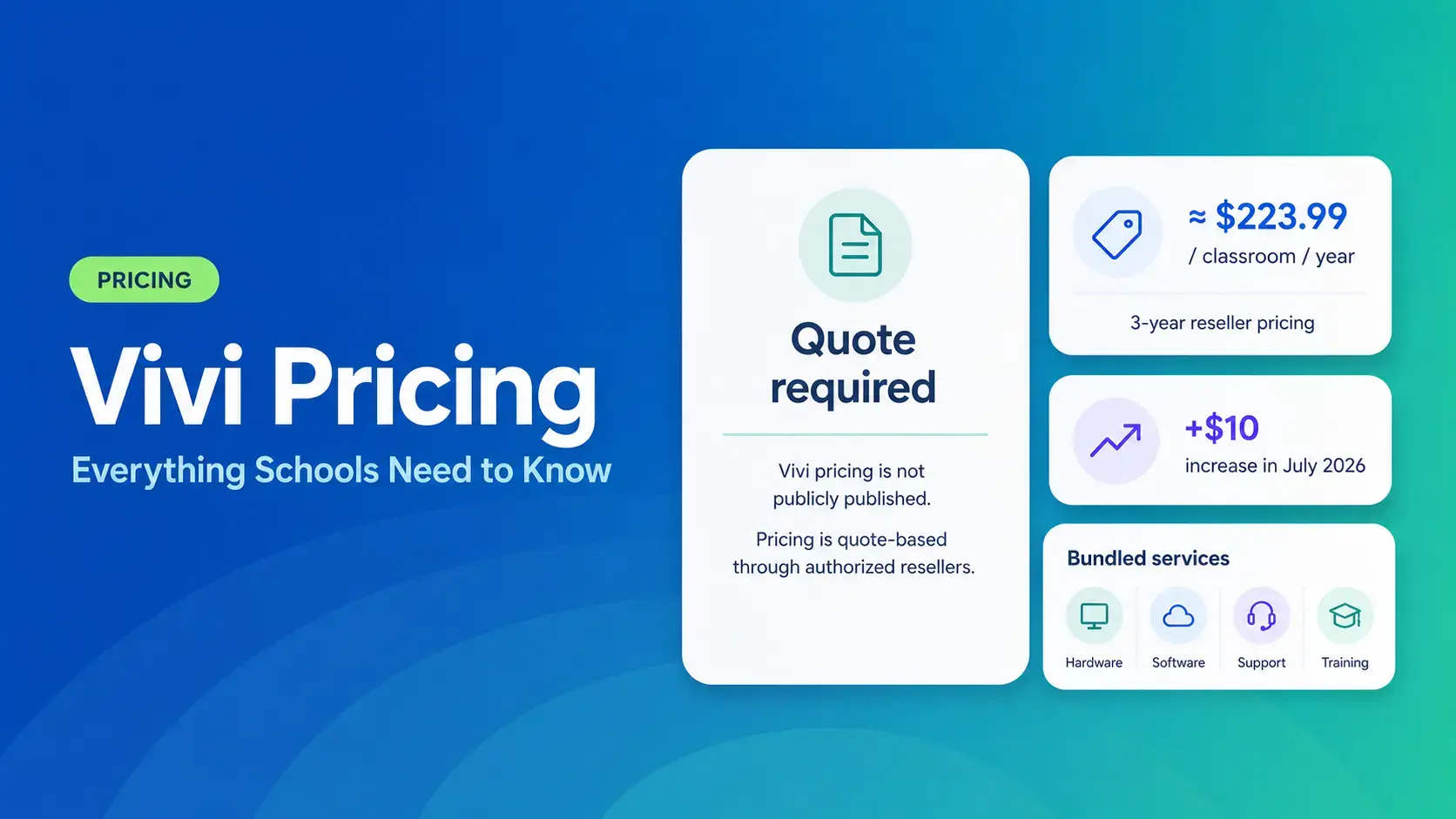
Vivi Pricing 2026: Everything Schools Need to Know Before Getting a Quote
If you're budgeting for Vivi, expect to call sales for a number. Pricing isn't published anywhere. Reseller data puts the 3-year subscription around $224 per classroom per year. That rate rose by $10[…]
Read More -
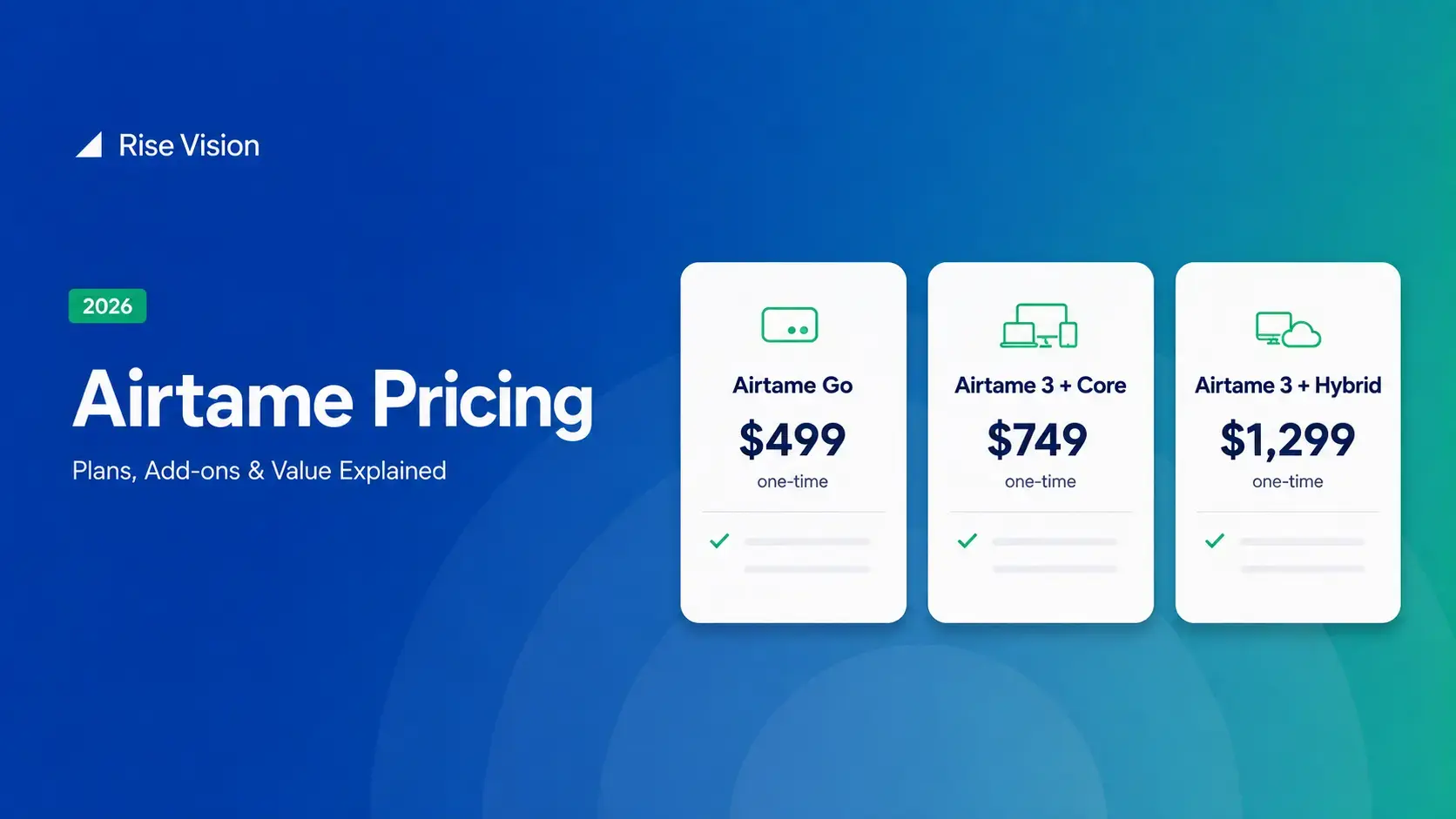
Airtame Pricing 2026: Plans, Costs & Renewal Fees
Airtame's 3-year bundles run $299 to $1,299 per display, then $120–$300/device/year to renew. Signage and alerts come standard on every tier, but only screen sharing survives if you skip renewal.[…]
Read More
12,300+ Organizations Trust Rise Vision, You Can Too
































Schedule a Free Demo
You deserve the #1 all-in-one platform for digital signage, screen sharing, and emergency alerts.





