

How Rise Vision’s All-in-one Platform Works
Forget expensive hardware, displays, and media players. Forget complex platforms that make it difficult to create amazing content. And forget needing separate devices and subscriptions for screen sharing. Rise Vision combines digital signage, screen sharing, and emergency alerts into one platform—all backed by world-class support and flexible hardware options.







Get Started with Rise Vision
Select your hardware
Choose the best hardware for your needs—use our recommended Avocor displays or media players, or bring your own hardware.
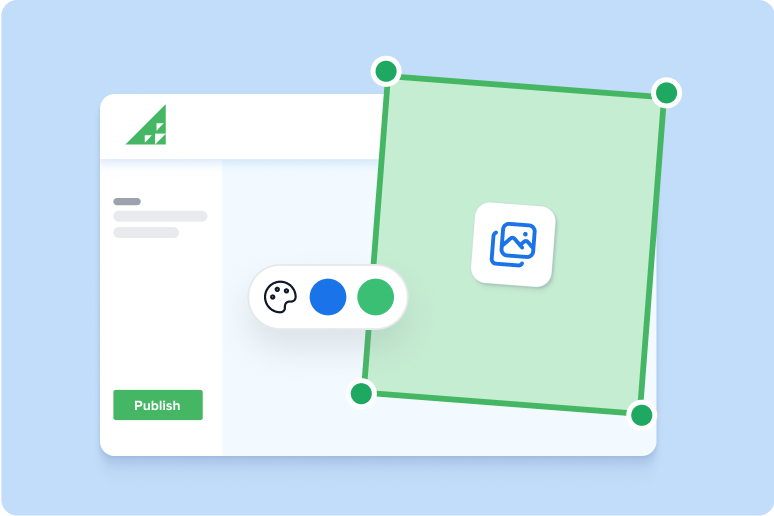
Set up your software
Create your Rise Vision account and customize your digital signage, screen sharing, and emergency alerts.
Engage your audience
Push content to your displays, set up your employees to screen share, and manage communication, collaboration, and safety across multiple locations with ease.
Rise Vision Media Player
Use your existing displays and pair them with the Rise Vision Media Player—a compact, reliable device designed for seamless digital signage, screen sharing, and emergency alerts. With easy setup, cloud management, and flexible purchasing options, it delivers high performance and security.
*Only available in the United States and Canada
.png?width=594&height=450&name=Rise%20Vision%20Media%20Player%20(2).png)
Rise Vision Avocor Displays
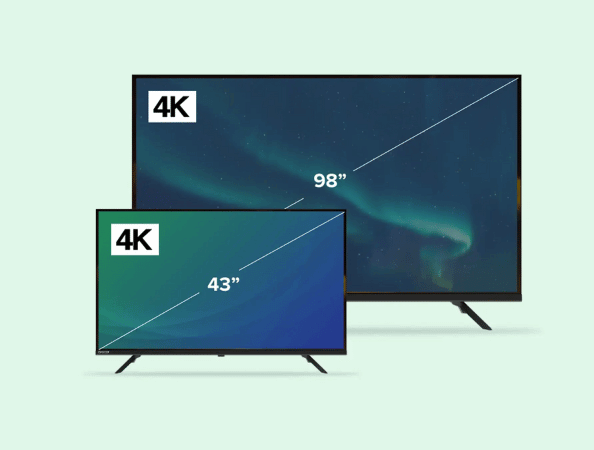
Rise Vision’s all-in-one Avocor displays combine a built-in media player and display for stunning 4K visuals, dynamic content display, and real-time information sharing. With easy setup, cloud management, and flexible purchasing options, it delivers high performance and security. No media player required.
*Only available in the United States and Canada
Bring Your Own Hardware
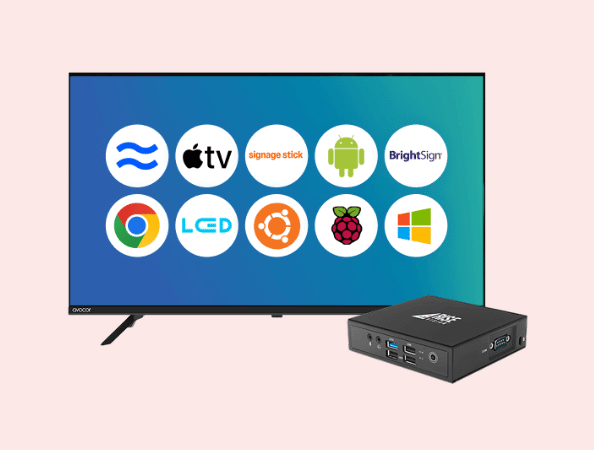
Rise Vision’s flexible platform allows you to bring your own hardware, offering unparalleled compatibility with a wide range of media players and displays. Whether using commercial screens, consumer TVs, tablets, or projectors, our software integrates seamlessly to deliver impactful digital signage, screen sharing, and emergency alerts—tailored to your organization’s needs.
Onboarding & Training
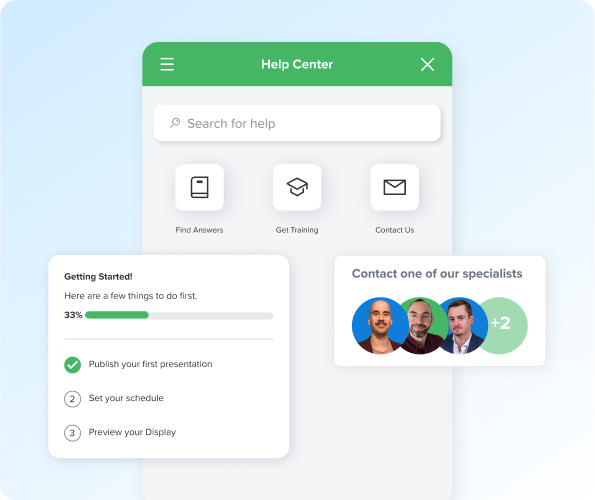
Get up and running quickly through personalized or self-guided onboarding and implementation designed to meet your needs. Enjoy in-app resources, access to weekly training webinars, and responsive customer success representatives for additional guidance. For larger organizations, Rise Vision offers personalized IT and end-user training, account configuration, and hardware rollout assistance.
Easy-to-use
Save hours of content creation time with 750+ templates, our AI presentation design and editing tool, integrations, and weekly recommendations. Set up screen sharing in minutes without the need for clunky proprietary hardware or apps. Easily integrate with leading emergency alert systems to customize alerts for different displays and locations.
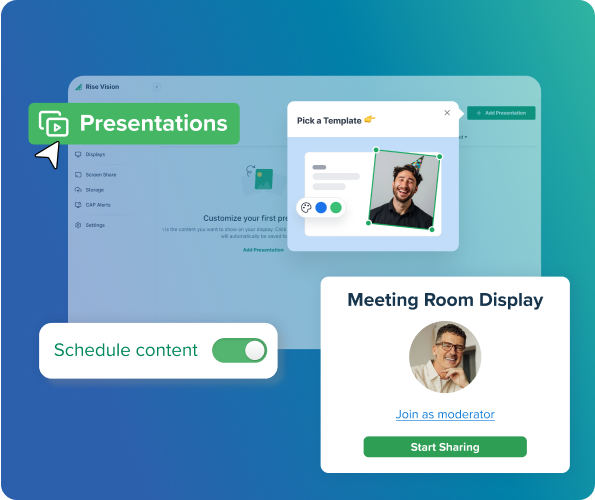
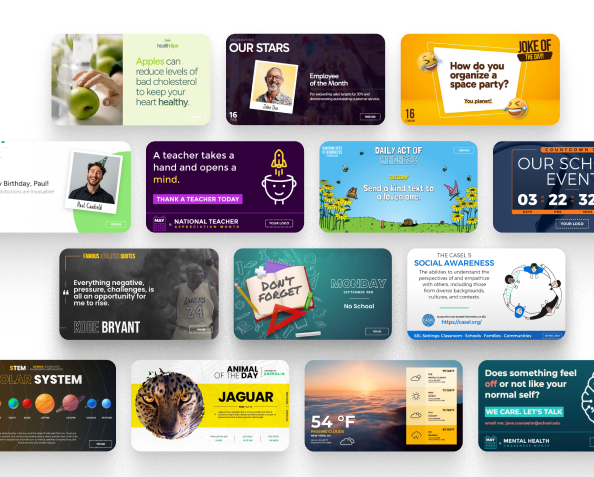
Digital Signage
With over 750+ professionally designed templates, you can create eye-catching, customizable content that saves time and resonates with your audience. An AI-powered presentation design and editing tool lets you generate, refine, and elevate slides in seconds. Seamless integrations with tools like Power BI, Canva, and Google Workspace make it easy to pull in the data and updates you rely on daily, keeping your messaging fresh and relevant.
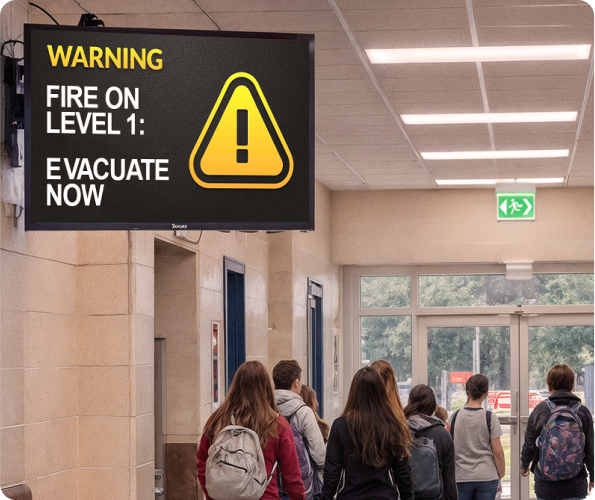
Emergency Alerts
Amplify the reach and effectiveness of your existing emergency management tools by seamlessly integrating with leading Common Alerting Protocol (CAP) systems like Raptor, CrisisGo, and Singlewire. Automated notifications are triggered instantly, requiring no manual intervention, and can be tailored to show specific information or target certain locations.
Don't just take our word for it
-
Manufacturing
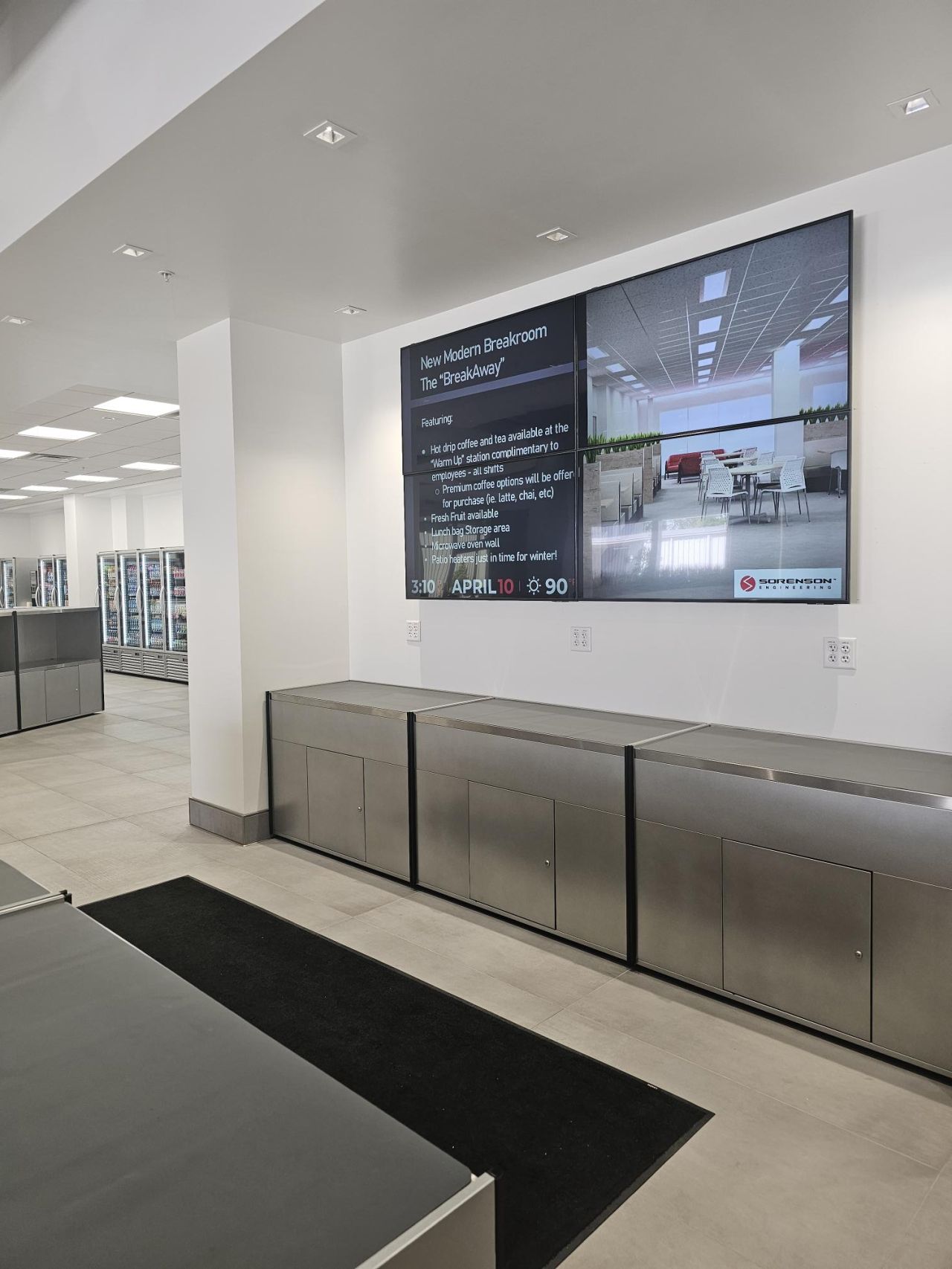
 “Rise Vision has made internal communication faster, more effective, and visually impactful. It’s a tool I rely on daily—and I can’t imagine managing our communications without it..”
 Angie NettDirector of Human Resources, Sorenson Engineering
 -
K-12
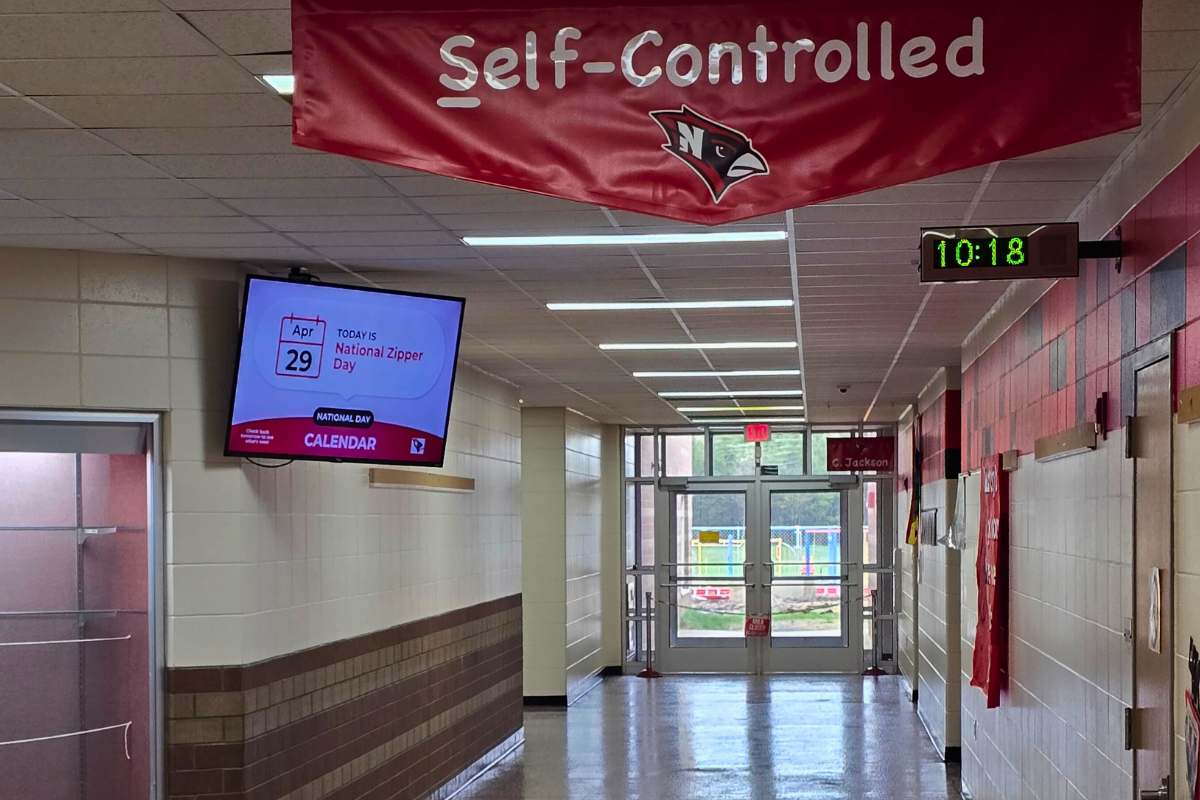
 “Rise Vision is the best digital signage solution we have seen. Not only can we share relevant, timely, and interactive informative communications, but we can include emergency notifications through its integration with Singlewire Informacast.”
 Kris SaylorDirector of Technology at Necedah School District
 -
Manufacturing
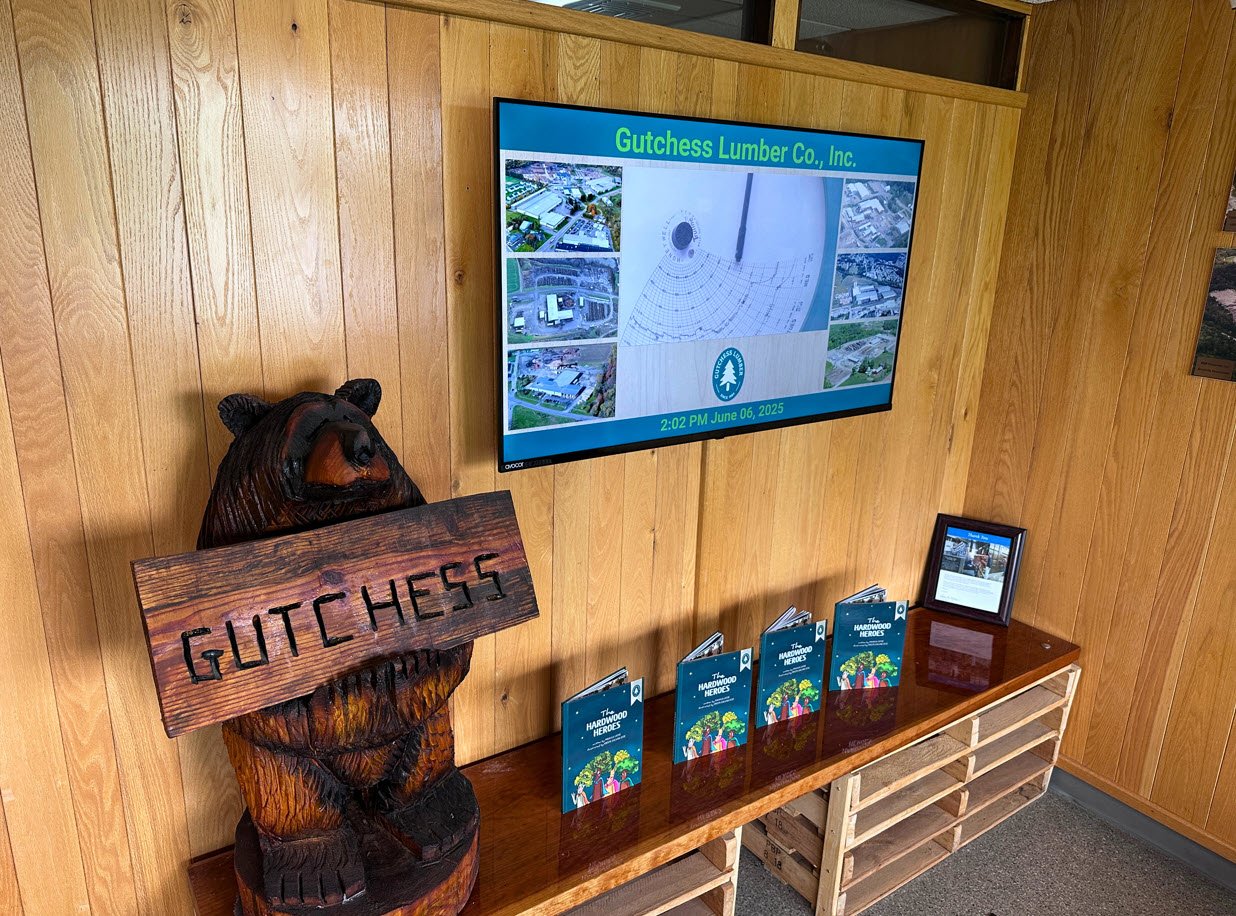 As a small IT department with a lot on our plate, having Rise Vision fully manage our digital signage has taken one more task off our list—and we couldn’t be happier with the results.
 Alex FrisbieSystems Engineer at Gutchess Lumber Co.
 -
Higher Education
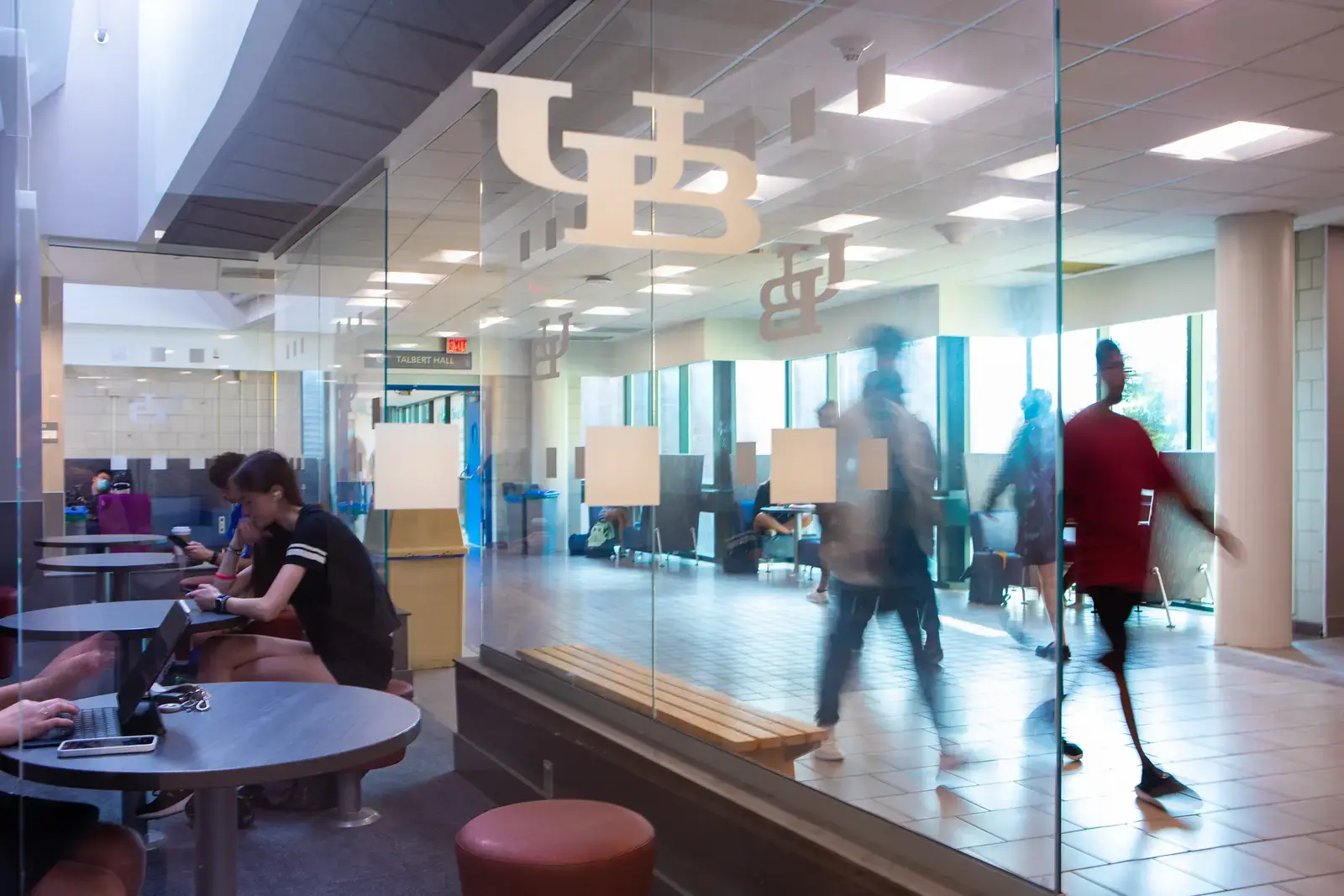
 “Since we began using Rise Vision, our student involvement has increased by 30%.”
 Venus RussinEngineering Management Program Coordinator at University at Buffalo
 -
K-12
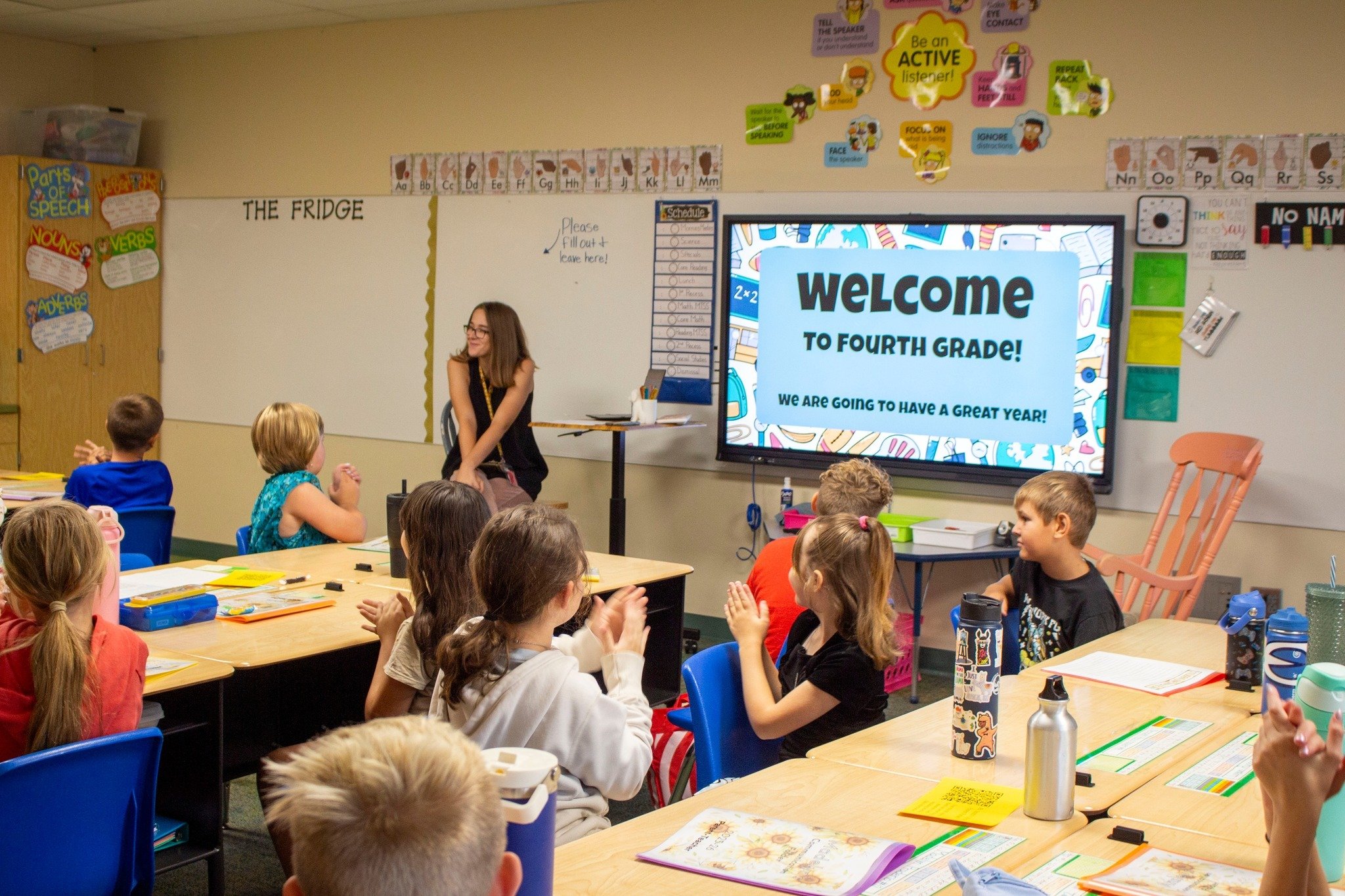
 Switching from Chrome Sign Builder to Rise Vision was a game-changer for our district. What used to be a time-consuming and limited process is now dynamic, efficient, and incredibly user-friendly.
 Dr. Stu MoeckelSuperintendent at Eudora Schools (USD #491)
 -
Transportation & Logistics
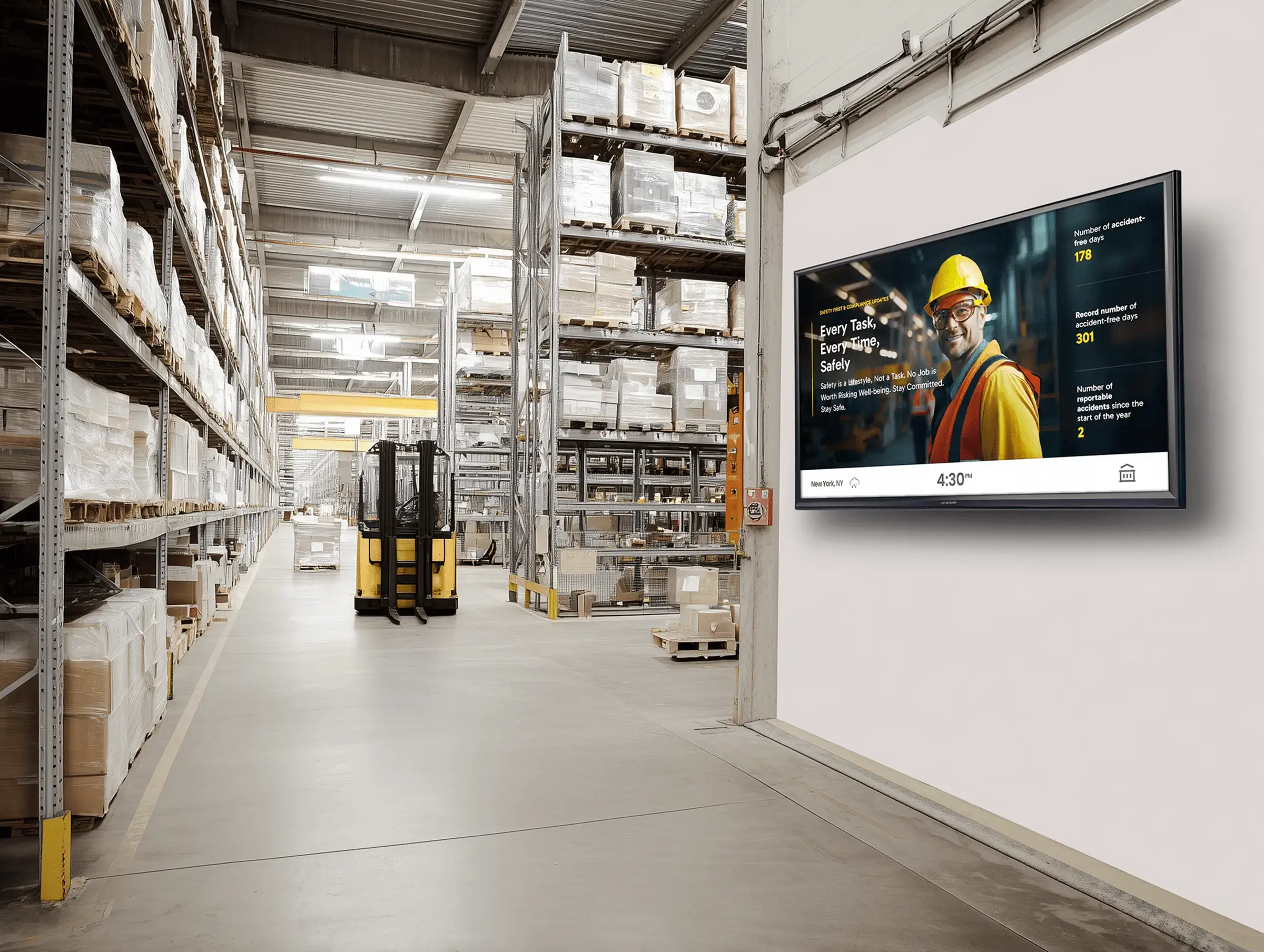
 Switching from PowerPoint slides to Rise Vision for our warehouse signage has been a game-changer. Since implementing Rise Vision, we’ve been able to manage all our signage remotely and in real-time, which has improved communication across the warehouse significantly.
 Yuvraj KangContinuous Improvement Manager, GXO Logistics
12,300+ Organizations Trust Rise Vision, You Can Too



























Schedule a Free Demo
You deserve the #1 all-in-one platform for digital signage, screen sharing, and emergency alerts.






Our Customers Put Their Trust in Us


.png?width=47&height=47&name=Jeff%20Burroughs%20(2).png)

.png?width=47&height=48&name=chad-schauf--min%20(1).png)

Get your free demo
Get a personalized tour of the Rise Vision digital signage software solution and see how you can improve communication at your organization.