


In today’s fast-paced environments, communication must be clear, dynamic, and immediate—especially in places where first impressions matter, like a building lobby. Leveraging digital signage in your lobby allows for real-time communication with visitors, ensuring they feel informed, welcomed, and guided when they walk in. It’s not just about aesthetics—it’s about functionality and experience.
Why is Real-Time Communication Important in a Lobby?
Real-time communication in a lobby setting is critical for maintaining professionalism, improving visitor satisfaction, and reducing confusion. From first-time guests to returning clients, delivering up-to-date information helps streamline their experience. It supports a positive perception of your organization.
Enhances Visitor Experience by Providing Timely, Relevant Information
Visitors appreciate clear, current updates—their appointment time, meeting room details, or news relevant to the company or venue. Real-time messages create a sense of attentiveness and personalization that sets the tone for a positive interaction.
Improves Efficiency in Visitor Management Through Automated Updates
Digital signage software can eliminate manual tasks by syncing with scheduling systems or security databases. Automated updates reduce staff workload and help visitors find what they need faster, making your front desk more efficient.
How can Digital Signage be Used for Real-Time Communication?
Lobby digital signage serves as a dynamic communication hub that can adapt to your visitors’ needs. It can deliver customized content, essential directions, and real-time updates—all at a glance.
Displaying Personalized Welcome Messages for Visitors
Digital signs can pull data from calendars or visitor management systems to greet guests by name. This small touch adds a layer of professionalism and warmth that reflects positively on your organization.
Providing Interactive Directions and Maps to Facilities
Interactive screens can display wayfinding maps that update in real time, guiding visitors to the correct floor, office, or meeting room. These tools reduce the need for staff intervention and prevent guests from getting lost.
What are Key Considerations for Digital Signage?
Planning your signage setup involves more than just choosing a screen. You’ll need to think about how content is updated, who manages it, and where displays are placed to achieve the best results.
Content Management Strategies for Timely Updates
Choose a digital signage platform that allows for quick content scheduling, automation, and integrations with tools like calendars or visitor logs. Real-time updates should be simple and accessible without needing technical expertise.
Optimal Screen Placement for Visibility and Impact
The best lobby signage is easy to see without being obtrusive. Place screens at eye level near entryways, check-in stations, or waiting areas so visitors naturally engage with them. Avoid placing screens in overly busy areas where they might be overlooked.

Benefits of Leveraging Digital Signage in a Lobby
Digital signage offers more than just visual appeal—it is a communication tool that actively improves the visitor experience and operational efficiency.
Engages Visitors with Dynamic, Visually Appealing Content
Motion graphics, videos, and branded visuals draw attention and keep guests engaged. From company announcements to social media feeds, content variety ensures visitors stay interested while waiting or checking in.
Reduces Perceived Wait Times with Engaging Information
When visitors have something to look at or interact with, their wait feels shorter. Sharing fun facts, weather updates, or promotional content helps fill downtime and improves their perception of service speed.
Measuring the Effectiveness of Lobby Digital Signage
Track metrics like screen engagement rates, visitor feedback, and check-in times to ensure your signage is impactful. Use software that allows reporting on content impressions, dwell time, or user interactions with interactive displays. Pairing analytics with staff observations can help refine messaging, improve screen placement, and maximize overall communication value in your lobby space.
Why Choose Rise Vision for Lobby Digital Signage?
Rise Vision makes creating and managing impactful lobby signage easy with real-time updates. Our platform offers a library of templates designed for visitor communication, from welcome messages to interactive maps and event schedules. With automatic content refresh, centralized control, and seamless integration with calendars and directories, Rise Vision ensures your free digital signage software is always relevant and professional. Whether you manage a small office or a multi-building campus, Rise Vision helps you deliver a smooth and impressive visitor experience.
More From Our Blog
-

Digital Signage Remote Management: How to Run Every Screen From One Place
Digital signage remote management lets you control screens, schedules, and display health from an online platform. To get started, choose a hardware-agnostic platform, connect your media players or[…]
Read More -
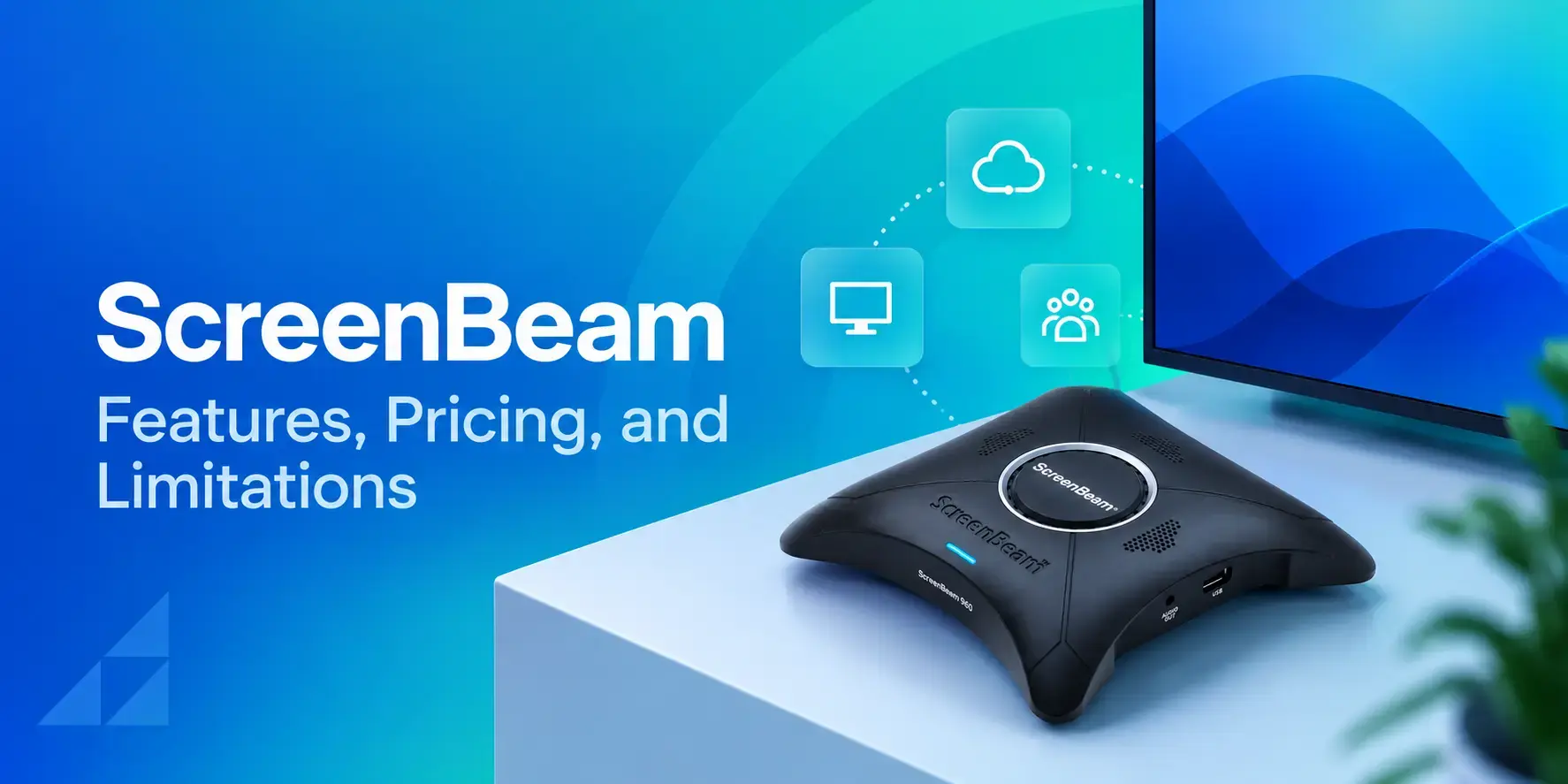
ScreenBeam Review 2026: Features, Pricing, and Limitations
ScreenBeam sells wireless display receivers that let people cast to a screen from any device without an app. You need one receiver per display, and they run from $299.99 to $1,199.99. Cloud-based[…]
Read More -

Interactive Touch Screen Digital Signage: How It Works and What You Need
Interactive touch screen digital signage lets viewers tap a display to find what they need. It pairs a commercial touch display with content software. Common uses include wayfinding, visitor[…]
Read More
12,300+ Organizations Trust Rise Vision, You Can Too
































Schedule a Free Demo
You deserve the #1 all-in-one platform for digital signage, screen sharing, and emergency alerts.





