

No one expects disaster, but there are steps you can take to ensure your students are safe if danger comes to your campus. Thousands of schools across the country use emergency alerts (commonly called Common Alerting Protocol, or CAP Alerts) to send messages to students and staff. Digital signage can integrate your CAP Alerts and make sure they get noticed and your students and staff know exactly what to do in an emergency.

Nobody wants to see alerts on a display such as notifications about an active shooter on campus or a severe weather warning. Alerts mean there is an impending danger on campus. When done correctly, however, alerts can save thousands of lives.
Benefits of CAP Alerts
According to FEMA, there are several benefits to implementing CAP alerts that you should consider:
-
A single alert can trigger across a variety of systems (from text messages and emails to digital signage displays), which increases the chances of students and staff seeing it.
-
CAP Alerts can give schools the ability to include relevant content such as maps, photos, and videos.
-
CAP Alerts can be geo-targeted to defined areas.
-
Some alerts can be configured in multiple languages.
-
Alerts can be sent as both text and audio which help meet the needs of hearing and visually impaired students and staff.
CAP Alert Options
Rise Vision Alerts provides the ability for a Rise Vision Company to receive emergency alerts from a third party Common Alert Protocol (CAP) provider, such E2Campus, Rave, and PunchAlert. Integrate them and immediately show alerts across any or all of your Displays.
Rise Vision has partnered with PunchAlert to provide three free licenses. You can see how to add the alert to your display in the webinar below.
How to Setup CAP Alerts with Digital Signage
To get started you need a Rise Vision account and an emergency alert provider (or CAP provider).
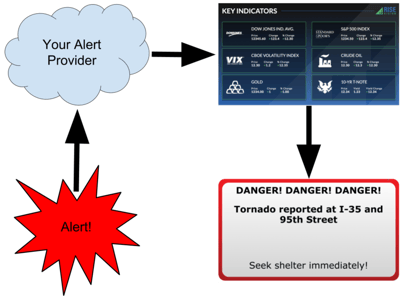
It’s easy to set up. The illustration below shows you how it works:
-
Something happens that triggers your CAP provider to create an alert.
-
The alert is sent from your CAP provider.
-
The alert provider is connected to your account.
-
The alert is shown on any display set up with the provider.
To walk you through how to setting up alerts on your display(s), we have a help article available.
While it is possible to insert an alert into a presentation you build from scratch, the easiest way is to use one of our pre-built templates.
You can add any Template with the click of a button! It’s that easy! You can see CAP specific Templates below. When needed, click the “Add Template” button and it will be added into your account.
Alert Templates for Digital Signage
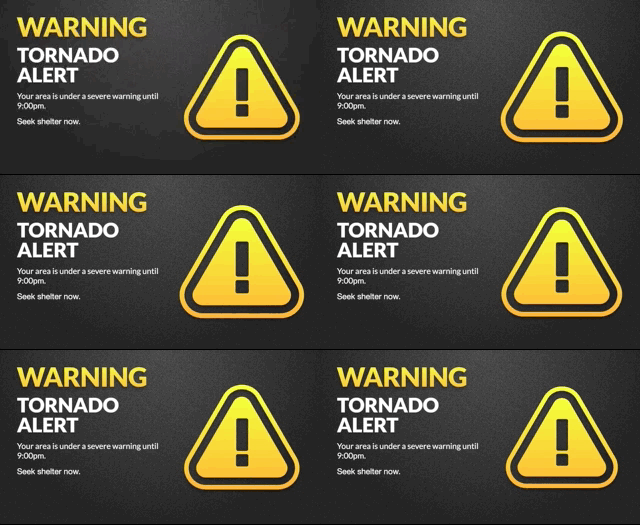
If you have a CAP provider, you can use the template below:
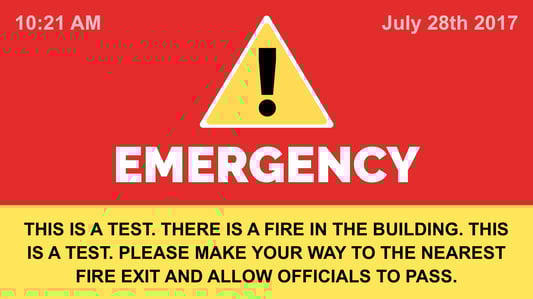
 If you don’t have a CAP provider, you can use the template below to create a custom alert:
 To ensure your school is prepared, our Creative Team has created an easy to add Template to remind students and staff about the three P’s of emergency preparation: plan, pack, and power:
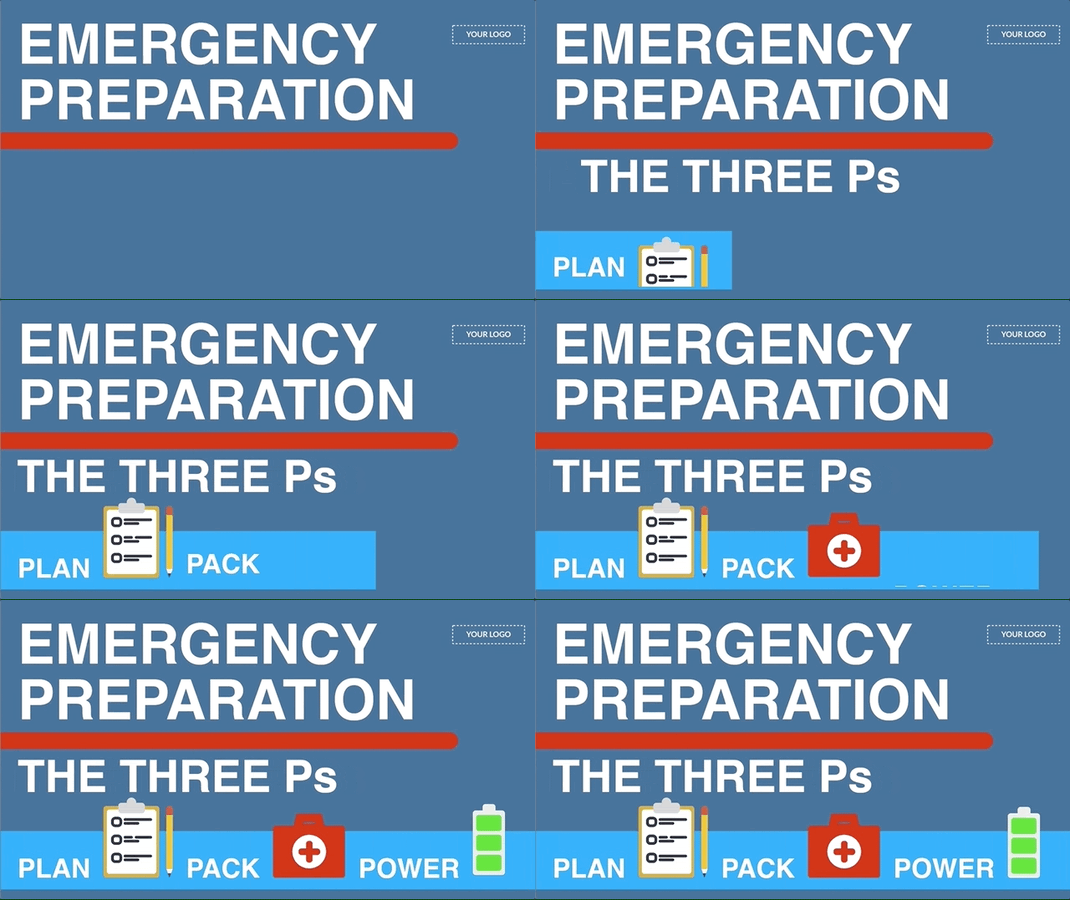

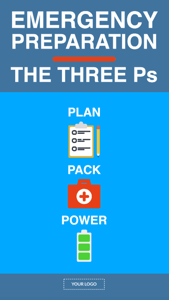

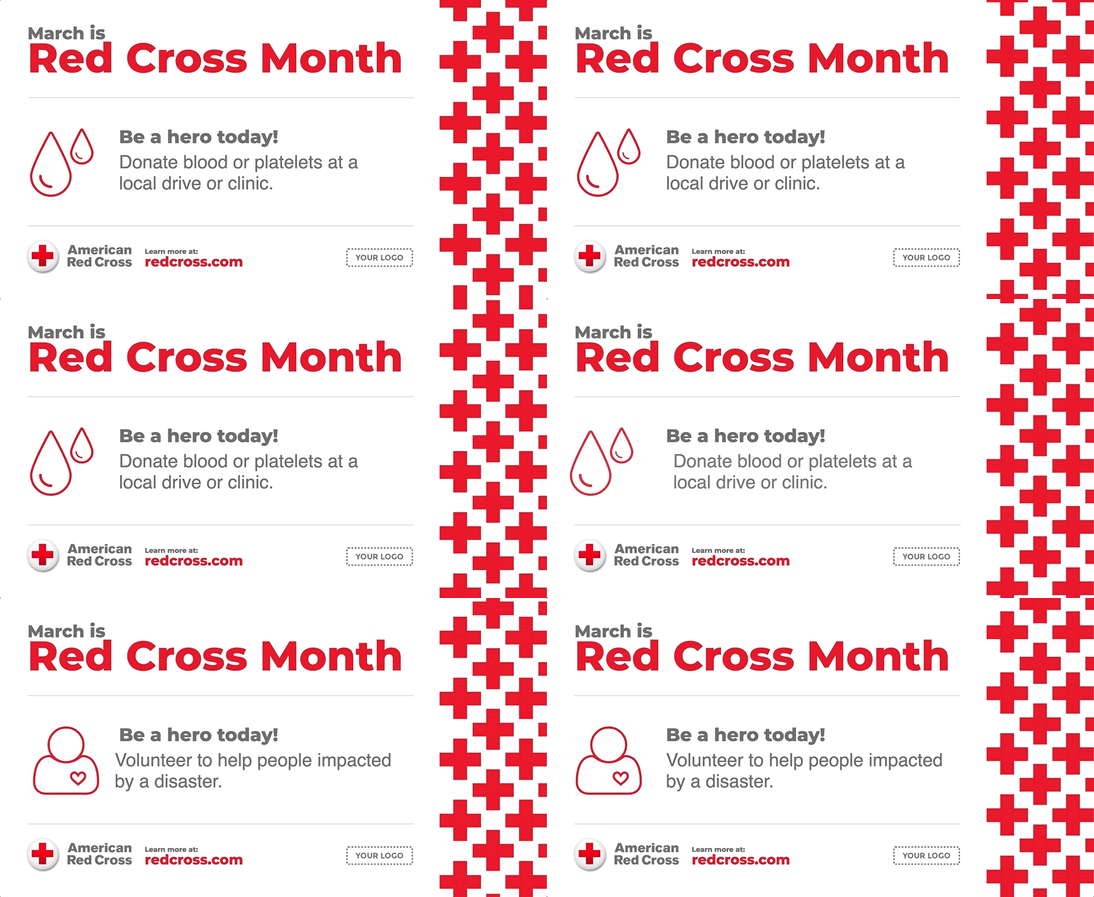
We have hundreds of Templates covering dozens of holidays, including an American Red Cross Month Template (March) which fits well with any school emergency preparation campaign:

If you're using alerts and digital signage to keep your school safe we'd love to know more about how you're doing it so that we can share that knowledge with other schools using Rise Vision. Tell us here. If you'd like to learn more about digital emergency alert boards, please visit this page.
More From Our Blog
-

Digital Signage Remote Management: How to Run Every Screen From One Place
Digital signage remote management lets you control screens, schedules, and display health from an online platform. To get started, choose a hardware-agnostic platform, connect your media players or[…]
Read More -
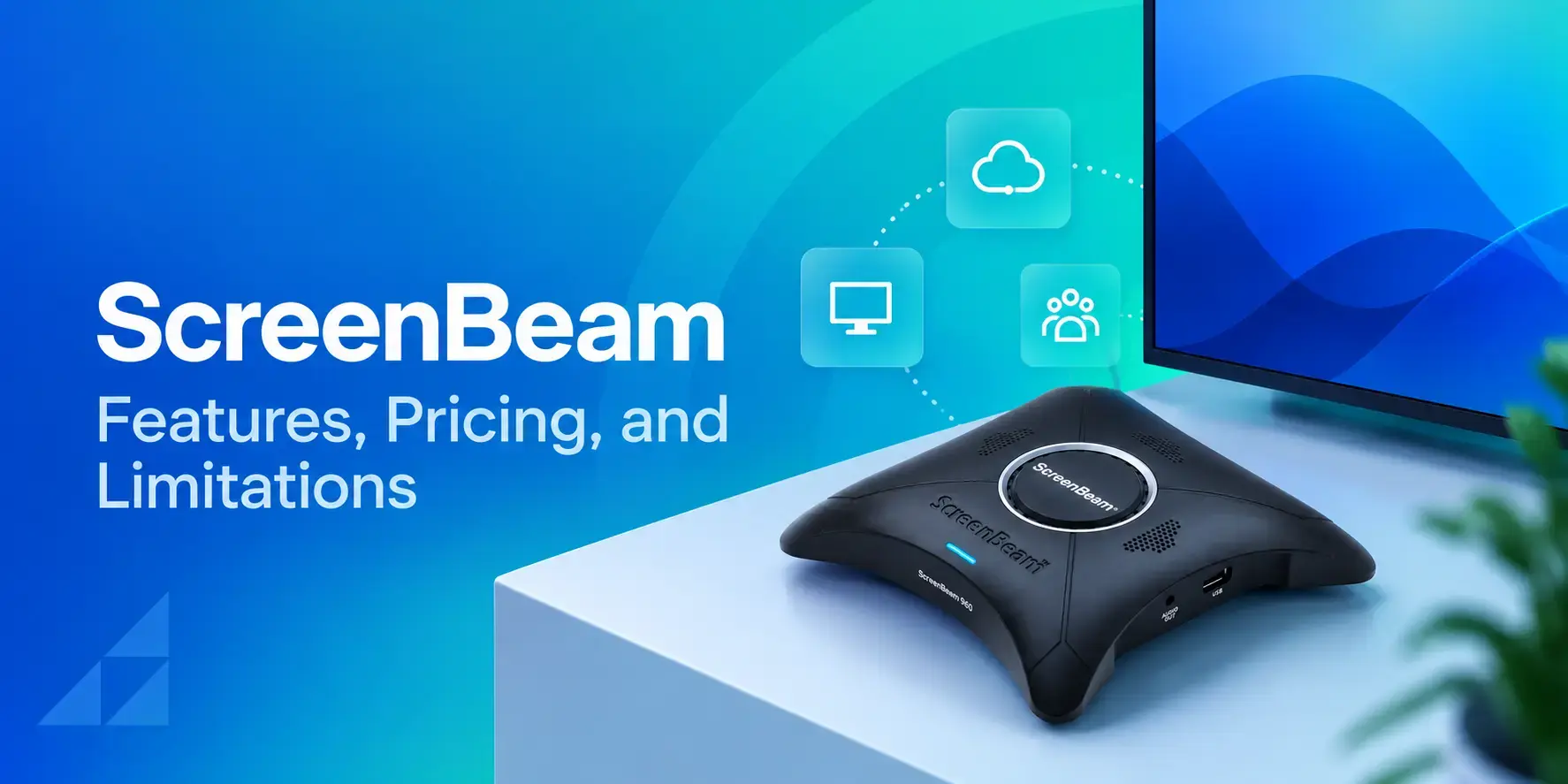
ScreenBeam Review 2026: Features, Pricing, and Limitations
ScreenBeam sells wireless display receivers that let people cast to a screen from any device without an app. You need one receiver per display, and they run from $299.99 to $1,199.99. Cloud-based[…]
Read More -

Interactive Touch Screen Digital Signage: How It Works and What You Need
Interactive touch screen digital signage lets viewers tap a display to find what they need. It pairs a commercial touch display with content software. Common uses include wayfinding, visitor[…]
Read More
12,300+ Organizations Trust Rise Vision, You Can Too
































Schedule a Free Demo
You deserve the #1 all-in-one platform for digital signage, screen sharing, and emergency alerts.





