


The one thing everyone wants to know about is the weather.
So we made a better Weather Gadget, giving you more options to customize the layout and visual look and appeal.

Here are the updated features:
1. Build your own style
You can now define your own custom style (as an XML file accessible via URL) for the Gadget, developing a layout that's perfect for your Presentation.
2. Landscape or Orientation
Depending on your placeholder size, the Gadget will orient to either Portrait or Landscape.
3. More Weather Icons
We have added several new icons to better show both the current conditions and the forecast. You can see all the available icons in this public Google Doc here.
4. Location
You can show any geographic location with the title, or you can create a custom title.
5. Layout
You can choose from three different layouts: current weather, forecast, or both.
6. Fonts
You can customize the fonts, including size, type, and color, for the current temperature, the forecast temperatures, the day of the week, the location, and other elements like wind and humidity.
All in all, the new Weather Gadget gives you much greater control over the layout to complement your entire Presentation.
You can find the help page for the Weather Gadget here. This is released to the open source community on our project site. And, as always, we are happy to chat with you about this Presentation on our forum.
Like What You See?
You can sign up for Rise Vision for FREE or you can create an Unlimited Network for just $150 per month.
Sign up right now, or head over to our help page to learn more about Rise Vision.
Image CreditMore From Our Blog
-
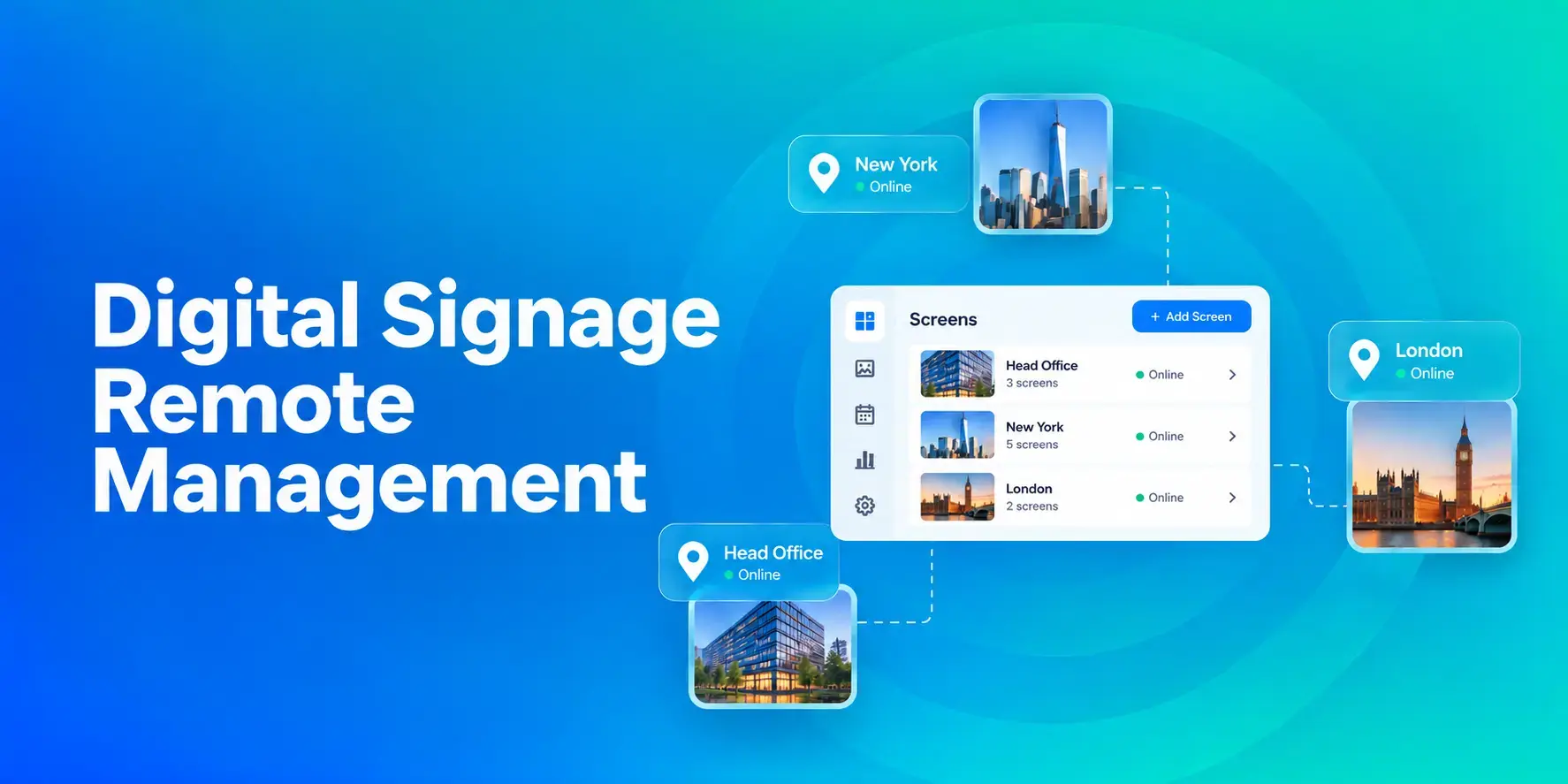
Digital Signage Remote Management: How to Run Every Screen From One Place
Digital signage remote management lets you control screens, schedules, and display health from an online platform. To get started, choose a hardware-agnostic platform, connect your media players or[…]
Read More -
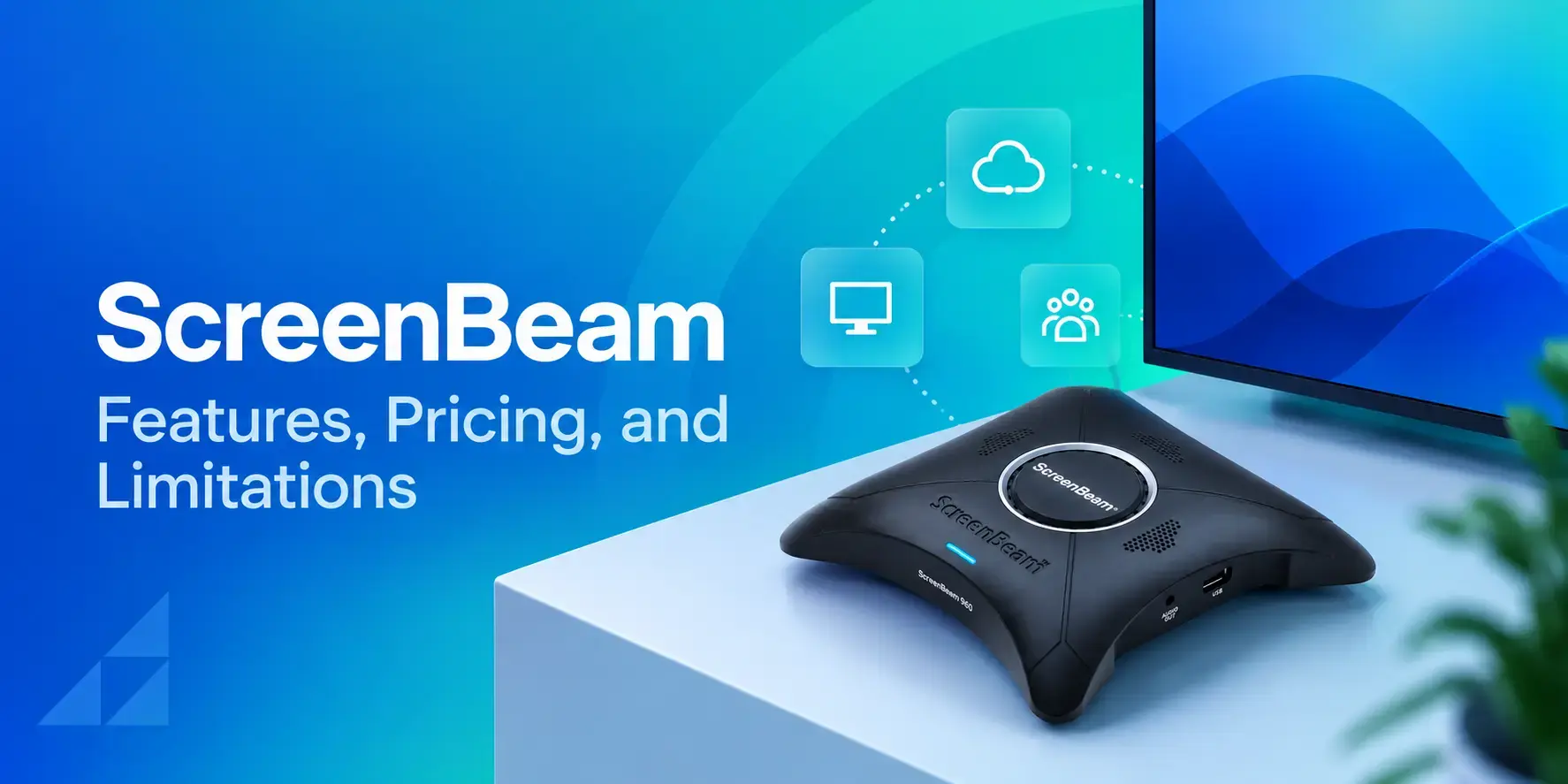
ScreenBeam Review 2026: Features, Pricing, and Limitations
ScreenBeam sells wireless display receivers that let people cast to a screen from any device without an app. You need one receiver per display, and they run from $299.99 to $1,199.99. Cloud-based[…]
Read More -
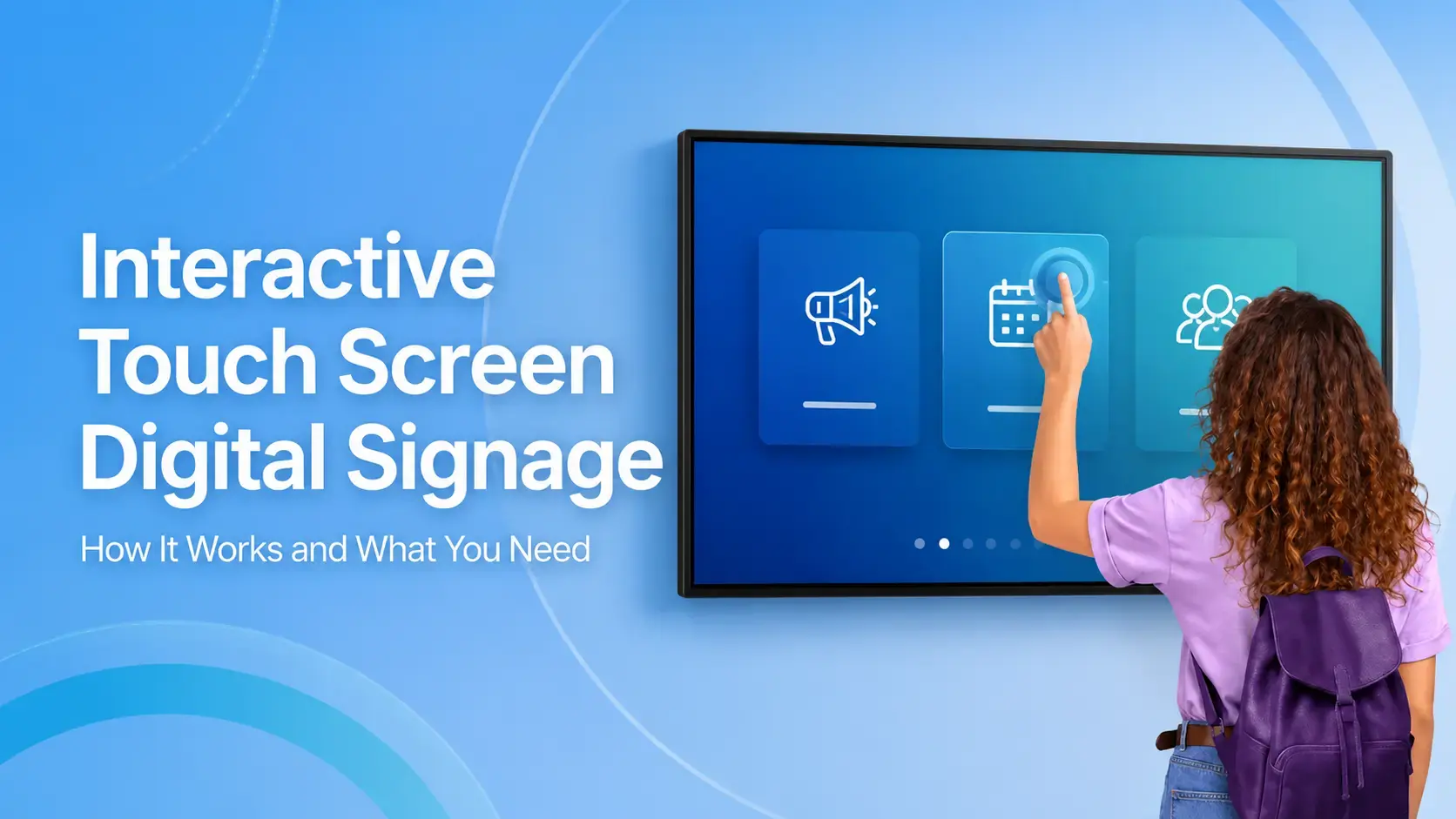
Interactive Touch Screen Digital Signage: How It Works and What You Need
Interactive touch screen digital signage lets viewers tap a display to find what they need. It pairs a commercial touch display with content software. Common uses include wayfinding, visitor[…]
Read More
12,300+ Organizations Trust Rise Vision, You Can Too
































Schedule a Free Demo
You deserve the #1 all-in-one platform for digital signage, screen sharing, and emergency alerts.





