

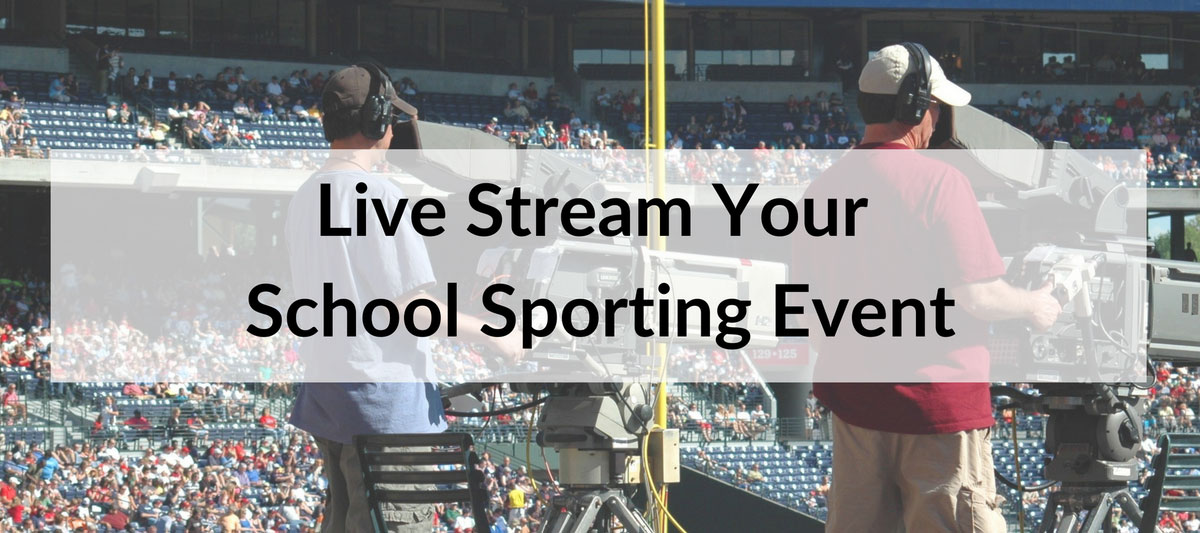
Nothing captures the thrill of a live sporting event, but that doesn’t mean you can’t catch some of the excitement for those that are not able to make the game. Live streaming sporting events keep alumni and family from around the world close to the action, and makes them feel connected even when they can’t be there in person. Schools also use live streams on their digital signage as a way of capturing students interest as they walk through the school halls and offices.

The high cost and complexity of technology used to keep schools away from live streaming events. Years of development and startup companies have changed this. Today a live stream can cost zero (using hardware you already have) or thousands of dollars; the cost is determined by the quality you want to stream. The steps below walk you through what’s needed to capture your school’s sporting event.
Your Audience Wants and Needs
The first step to live streaming is knowing exactly who your audience is and where the live stream will be published. Is this for grandparents watching a school baseball game on Facebook? Or is this meant to be something polished that will be seen by hundreds (or thousands) of people from across the world?

Knowing the physical location of the live stream will also be important. If you are, for example, using the live stream on digital signage in the gym of your university, then you may want to use Rise Vision’s growing library of widgets to have the current weather and campus news displaying with your live stream.
Live Streaming Equipment
If your boss tells you to go out and buy a computer for work, you don’t just walk into the electronics store and buy the first one you see; this is also true with the hardware you buy to live stream a sporting event--there are hundreds of different options for all kinds of different needs.
The first thing you need is obviously a camera. As an experiment, just so you know how live streaming works, you should consider using your phone or tablet. It most likely has 1080p video capabilities and is a good starting place to learn the basics of live streaming. For sporting events, it can be the most economical choice since you already own it, but it’s not the most ideal because it’s not built for recording games. If you decide to use a mobile device, then, at the very least, you will want to look into buying a lens to get your viewers a little closer to the action.

If you are on a budget, GoPro has established itself as a leader in action video. It’s the perfect amateur solution for live streaming a sporting event. There are multiple versions of the camera--some starting at less than $200.
If you are looking for the very best, then the Panasonic AG-DVX200 will give you the professional look you are hoping to achieve. This camera is not for the newbie. It’s a professional grade 4K action camera that requires some skill.
Live Streaming Software
After you have a camera, you need to decide what software you will need. The best software, like the best hardware, comes down to your needs. While you could simply show the feed of the live event, people walking by or stumbling onto the feed will want up-to-date scores and even player profiles. To do this, you’ll want someone running the backend software while someone else is filming it; you’ll also want software.
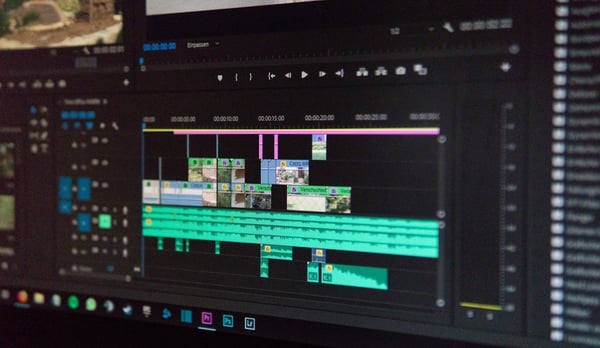
Wirecast and vMix are two popular solutions. While it is not for the newbie, many schools use a free open source solution called OBS Studio. Like paid software solutions, this tool lets you add a sports scoreboard, replays, recaps, and highlights to your live video feed.
If you are interested in learning more about live streaming, check out our free resource. If you are using a live stream on your digital signage, we’d love to hear how it is working out.
More From Our Blog
-

Digital Signage Remote Management: How to Run Every Screen From One Place
Digital signage remote management lets you control screens, schedules, and display health from an online platform. To get started, choose a hardware-agnostic platform, connect your media players or[…]
Read More -
ScreenBeam Review 2026: Features, Pricing, and Limitations
ScreenBeam sells wireless display receivers that let people cast to a screen from any device without an app. You need one receiver per display, and they run from $299.99 to $1,199.99. Cloud-based[…]
Read More -

Interactive Touch Screen Digital Signage: How It Works and What You Need
Interactive touch screen digital signage lets viewers tap a display to find what they need. It pairs a commercial touch display with content software. Common uses include wayfinding, visitor[…]
Read More
12,300+ Organizations Trust Rise Vision, You Can Too
































Schedule a Free Demo
You deserve the #1 all-in-one platform for digital signage, screen sharing, and emergency alerts.





