

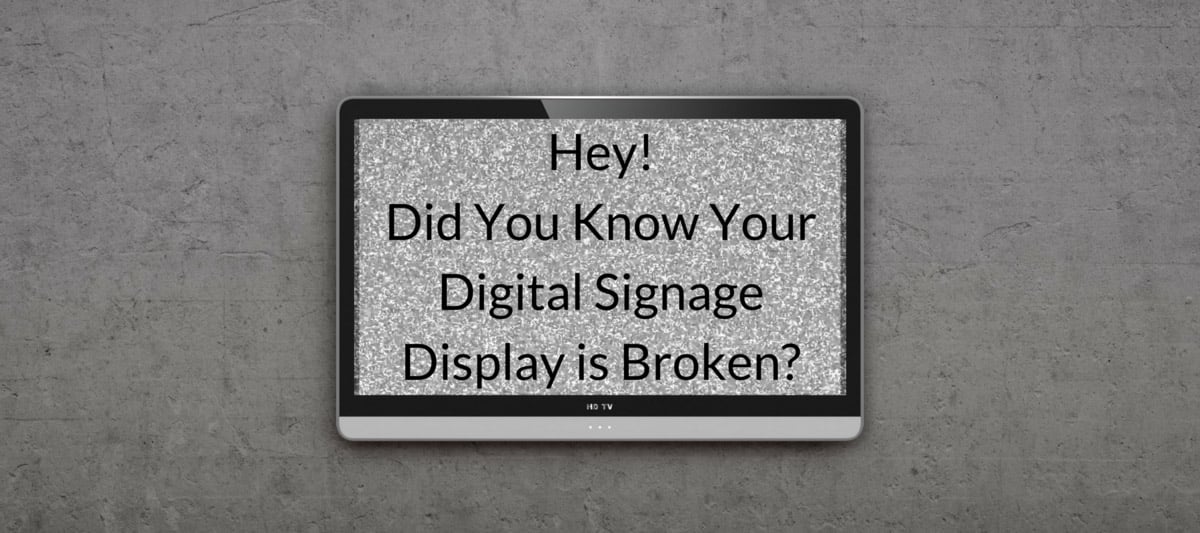
Have you ever passed by one of your displays and saw a big error message? Or maybe nothing at all? Worst, you say to a colleague, “Hey, I just noticed the display was down,” and they reply, “Yeah it’s been like that for a week.” Yikes! As you grow your network, it becomes harder to quickly keep track of all of your displays.
It’s a pain point we’ve heard from hundreds of customers, and we’ve been working on a solution to fix it. The solution is called Display Monitoring. It’s included with every Licensed Display (every paid plan has at least 1 Licensed Displays included).
Setting up Display Monitoring can be done in seconds (the following article shows you how easy it is). In addition to adding what displays you want to monitor, you can also set up what times you want to monitor--this ensures you aren’t getting a wake-up call early in the morning when the display is supposed to be offline.
Once it’s set-up, you and any of your peers assigned to monitor a display will get an email alert.
The days of going weeks without knowing a display is offline are behind you!
How This Helps You
Having a display being out is annoying, but does it really matter? You or someone will eventually see it and fix it, right? This is true, but you didn’t invest in digital signage to see a blank screen; more importantly, a screen being down for even an hour can mean thousands of eyeballs don’t see an important announcement about an upcoming event.
Rise Vision’s digital signage can be deployed to displays remotely, which means you might not even see the display, and you might be relying on others to report problems to you. Display Monitoring gives you the assurance that everything is running smoothly without leaving your office.
Common reasons displays go offline
Rise Vision’s stable software very rarely goes out. So you may be wondering why you need to monitor a display to begin with. There are several common reasons that we see displays go out:
- Display gets unplugged.
- The media player gets turned off.
- The media player loses Internet connectivity.

More From Our Blog
-
ScreenCloud Digital Signage Software Review: Features, Pricing, Pros and Cons
Best for: Organizations that want a polished digital signage platform with a broad app library, strong security, and flexible content management. Standout features: 80+ apps and integrations, SOC 2[…]
Read More -
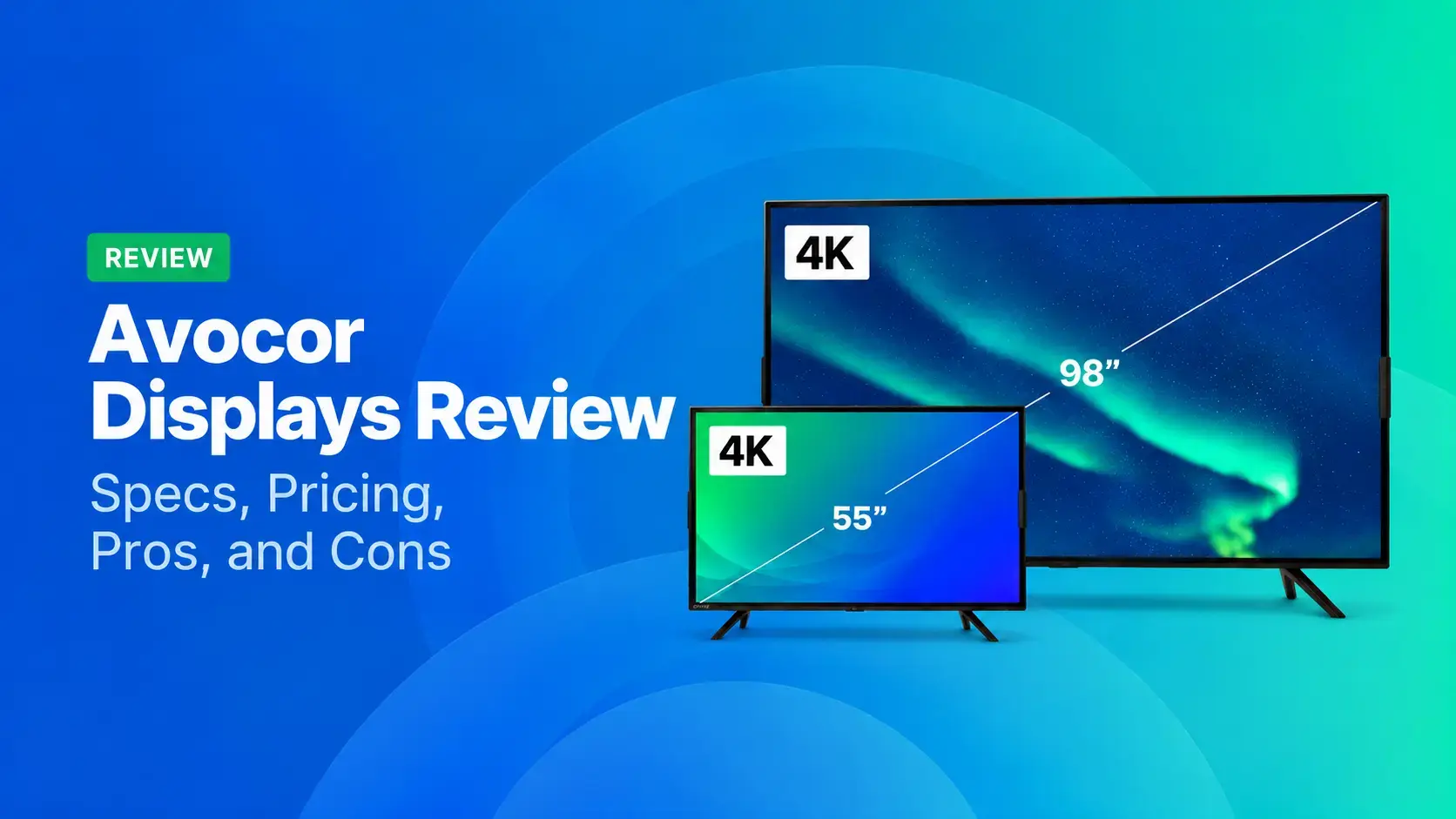
Avocor Displays Review: Every Series Compared
Avocor makes commercial displays across more than a dozen series. For classrooms, you'll want the S, A, or E50 Series, and for meeting rooms, the G or H Series. The E92 and L Series are ultra-wide,[…]
Read More -
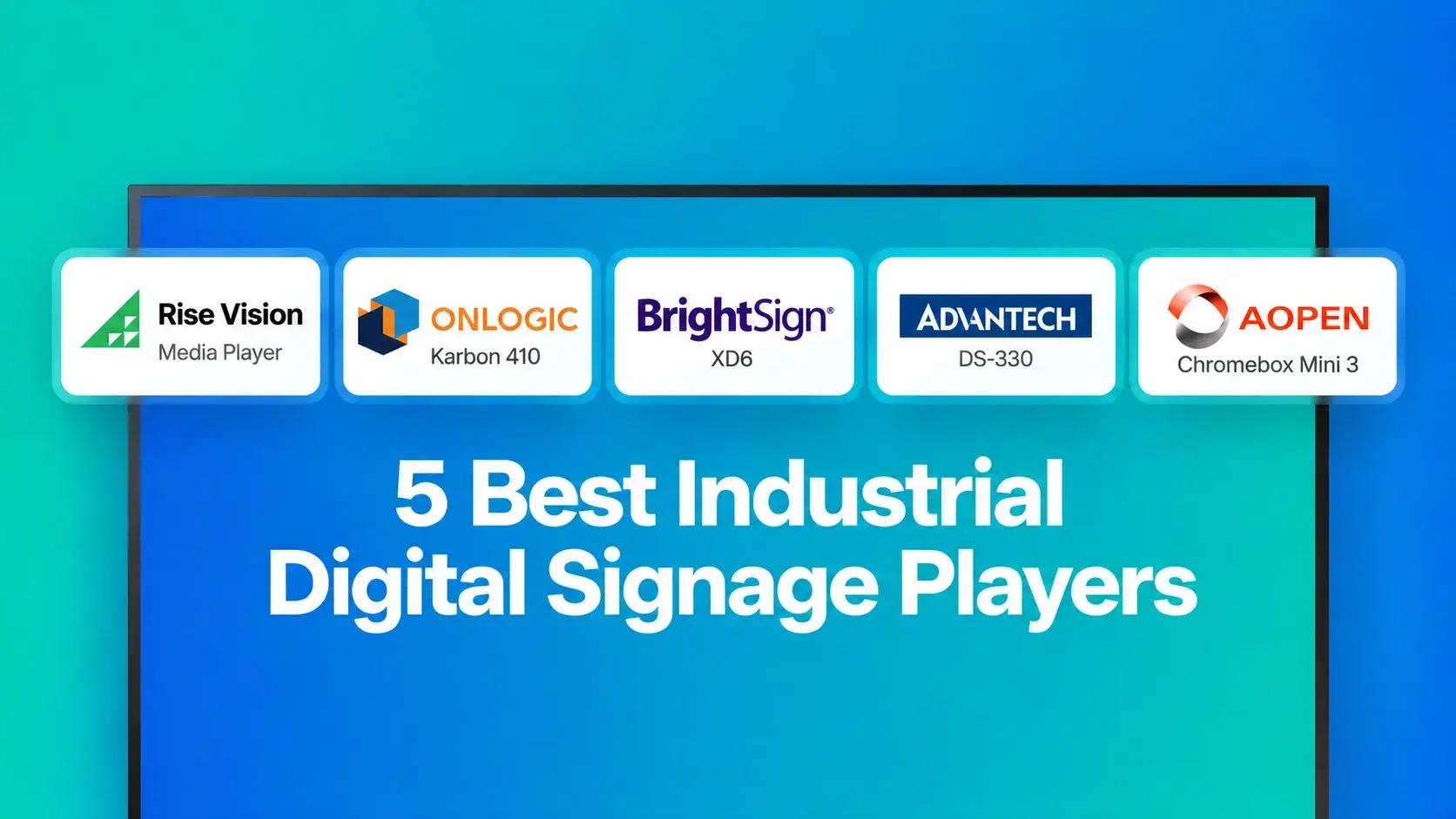
We Reviewed the 5 Best Industrial Digital Signage Players for 2026
We reviewed five digital signage players that can handle different industrial environments, from standard break rooms and production floors to areas exposed to extreme temperatures.
Read More
12,300+ Organizations Trust Rise Vision, You Can Too
































Schedule a Free Demo
You deserve the #1 all-in-one platform for digital signage, screen sharing, and emergency alerts.





