


Vivid backgrounds and images are an important aspect of your digital signage. They can make or break your design and help you catch the attention of your desired audience. We thought we would help you out by creating 8 free digital signage backgrounds for you to try out. Read on to see the sample layouts and accompanying background gradients.
We hope you love them as much as we do and we can't wait to see your designs!

YouTube Layout: This background is designed to promote your YouTube channel. The white box is 1280x720px so that you can perfectly fit your videos. We recommend using the YouTube Widget with this layout.

Winter Background: Winter is coming (at least for those of us in the northern hemisphere). This background is perfect for seasonal presentations, winter break announcements, and more.

Instagram Layout: Instagram is a central part of almost every organization's social media. So why not promote yours on your digital signage. This layout is designed to fit your Instagram photos perfectly in the white box. We recommend using the PhotoFeed Widget with this layout.

Content and Caption Layout: This layout is perfect for showing photos in the large white box and their associated captions in the bottom. We recommend using the Image Folder Widget and the Text Widget for the accompanying captions.

Summer Background: We didn’t forget our friends in the southern hemisphere, this is a great warm weather background.

Facebook Layout: Promote your Facebook page on your digital signage with this layout. This layout features a large CTA and a perfect spot for the Facebook Widget.

Two Panes Layout: Split up your content with this layout. Display news in one with the DigiChief News Headlines Widget and display the Weather in the other with their Weather Widget.

Angled Layout: Switching up things up from squares and rectangles, try out this layout made up of angled shapes with a city scape background.

If you end up using one of these layouts be sure to share what you made in our Community.
Ready to get started? Read our guide which helps break things down into easy steps.
More From Our Blog
-

Digital Signage Remote Management: How to Run Every Screen From One Place
Digital signage remote management lets you control screens, schedules, and display health from an online platform. To get started, choose a hardware-agnostic platform, connect your media players or[…]
Read More -
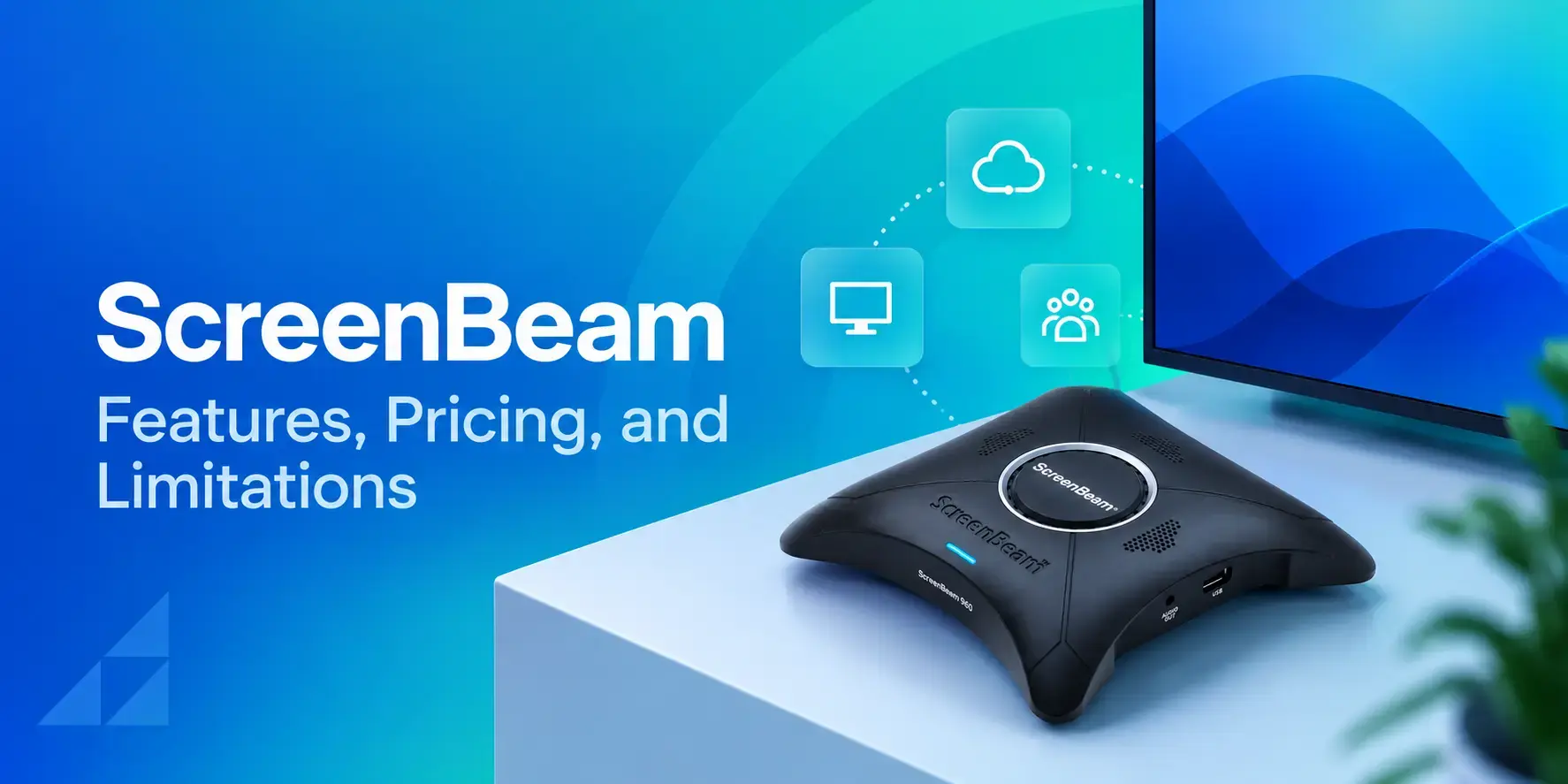
ScreenBeam Review 2026: Features, Pricing, and Limitations
ScreenBeam sells wireless display receivers that let people cast to a screen from any device without an app. You need one receiver per display, and they run from $299.99 to $1,199.99. Cloud-based[…]
Read More -

Interactive Touch Screen Digital Signage: How It Works and What You Need
Interactive touch screen digital signage lets viewers tap a display to find what they need. It pairs a commercial touch display with content software. Common uses include wayfinding, visitor[…]
Read More
12,300+ Organizations Trust Rise Vision, You Can Too
































Schedule a Free Demo
You deserve the #1 all-in-one platform for digital signage, screen sharing, and emergency alerts.





