


Both students and educators alike are using the social platform to connect and interact with one another.
If you’re stumped on what your school should post, here are 20+ suggestions (if you are stumped on what to post on your digital signage, check out these 50+ ideas )--and if you are a teacher looking for ideas, check out 20+ ideas just from teachers :
1. Due Dates
One of the most popular ways administrators and teachers alike use Twitter is to post due dates of upcoming events, tests, and assignments.
2. Alerts
Post alerts, such as school cancellations due to weather.
3. Share Accomplishments
Show your pride in both students and staff by sharing their accomplishments.
4. Fundraising
If your school is doing a fundraiser, don’t just announce it--find a hashtag to go with it. Encourage anyone talking about the fundraiser to use that hashtag.
5. Live-Tweet Field Trips
Twitter is a great way to keep parents connected; when students go on field trips, encourage them to live-tweet, so parents can follow their adventure.
6. Tweet homework
Give parents an easy way to keep up-to-date on what their children should be working by tweeting out what the homework is and when it is due.
7. Subscribe to Hashtags
Twitter tools such as TweetDeck let you follow specific hashtags; this is an excellent way to stay in the no about topics of interest to your school or education in general.
8. Post Educational Resources
There are thousands of free resources for both parents, students and staff alike; make sure you are sharing them often!
9. Marry Your Twitter Account to Other Social Platforms
Save yourself a lot of work by syncing your Twitter account across all of your social platforms--so you post once and it goes everywhere.
10. Chat
Twitter isn’t just a place to post what’s on your mind; it’s a place where you can chat with others. Use hashtags to network with like minded educators.
11. Create a School Hashtag
Create a unique hashtag just for your school; it’s a way for parents, students and staff to ask questions and connect.
12. Lunch Menu
Post your daily lunch menu
13. Job Openings
Give people who follow your school a first chance at seeing any job openings.
14. Tweet Your RSS
Use a service like TwitterFeed to send your schools RSS feed to Twitter automatically.
15. School Newspaper
Turn the school newspaper of the past into something modern, but having students post campus news, events, and standings in sports.
16. Twitter for Sports
Tweet your schools sports scores and standings regularly.
17. Picture of the Day
Use Instagram to post a picture of the day, and then feed it automatically into Twitter and encourage followers to comment on it.
18. Quotable Moments
Highlight school board meetings by tweeting memorable quotes; if the person who said it, make sure and include their handle.
19. #educhat
One of the largest educational hashtags is #educhat. Use it to network with other schools and administrators.
20. Twitter List
The days of having 1000s of people you follow in no particular order are long gone; today Twitter let’s you create lists, which helps you group and stay in the no with different people; create lists for faculty, staff, alumni or anything else you want to follow.
21. Library Additions
Your library probably gets new books often; keep students interested by posting new books that they can check out.
If you are looking for other ways to engage your students through digital signage, check out these posts:
- How to Stream Live Events to Your Digital Signage
- How-to Use Your Display as a Trivia Game
- 55+ RSS Feeds for Your Digital Signage

More From Our Blog
-
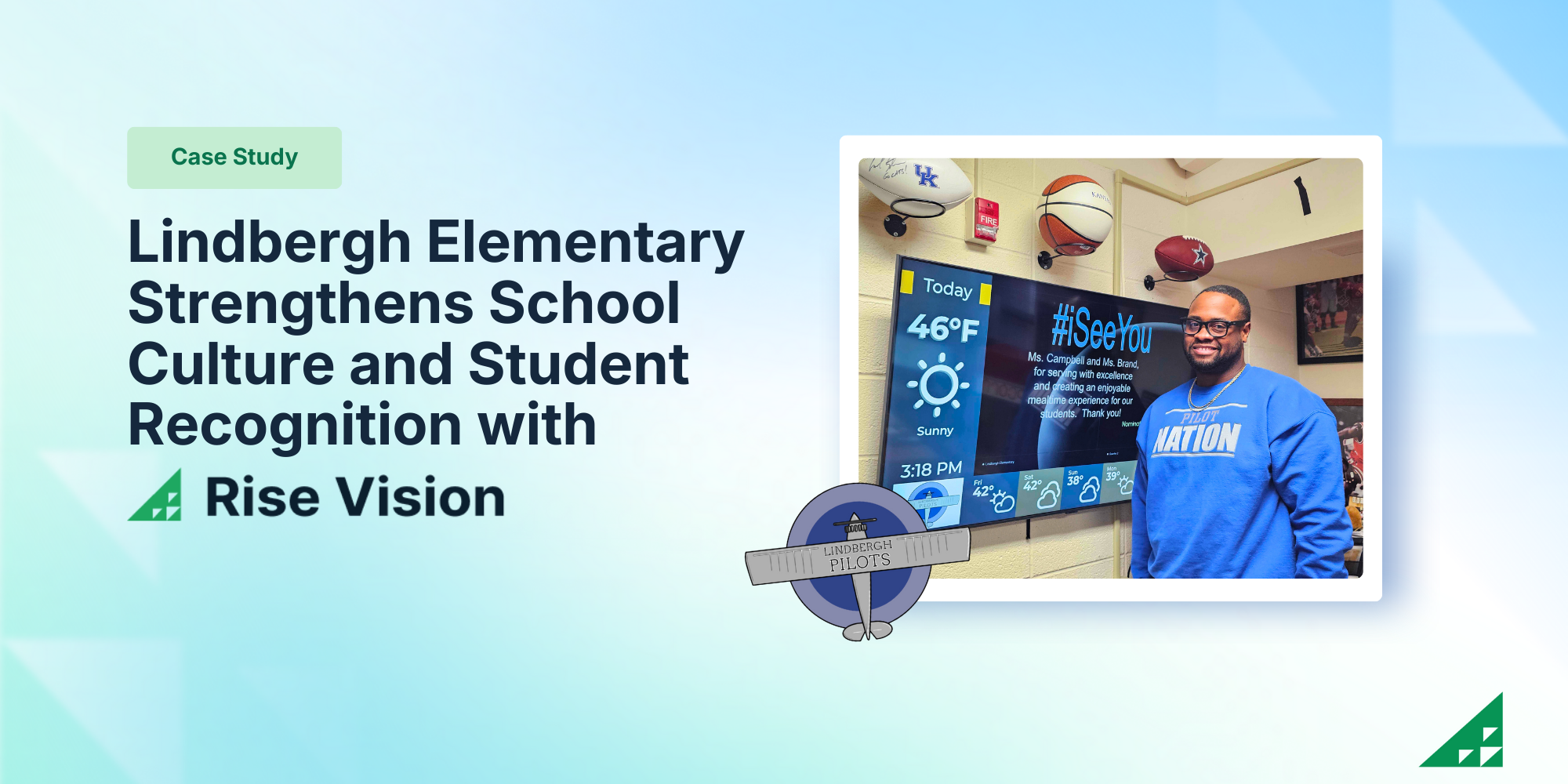
Lindbergh Elementary Strengthens School Culture and Student Recognition with Rise Vision
Lindbergh Elementary is the smallest school in Kansas City Kansas Public Schools, serving approximately 175 students. The small but mighty school is led by Principal Dr. Dustin Wiley who is known for[…]
Read More -
%20(1).png)
What’s New at Rise Vision: Q1 2026 Feature Roundup
At Rise Vision, we believe that effective communication should be simple, affordable, and impactful. Whether you’re a school keeping students safe or a business engaging a deskless workforce, your[…]
Read More -

Best Cloud-Based Digital Signage Software
Managing screens across a building, a campus, or a dozen facilities used to mean someone physically touching each display every time something changed. Cloud-based digital signage software removes[…]
Read More
12,300+ Organizations Trust Rise Vision, You Can Too
































Schedule a Free Demo
You deserve the #1 all-in-one platform for digital signage, screen sharing, and emergency alerts.





