
Mersive Solstice Alternative for Screen Sharing | Rise Vision
The Easy-to-Use Mersive Solstice Alternative for Wireless Screen Sharing
Rise Vision's easy-to-use screen sharing transforms any display into a wireless presentation hub, enabling seamless collaboration. Share from any device without adapters or proprietary hardware, using Standard Mode for quick sharing or Moderator Mode for secure, controlled sessions. And because it's an all-in-one platform, you get digital signage and emergency alerts too.





Why Choose Rise Vision Over Mersive Solstice

Screen Share Without a Pod in Every Room
Solstice needs a dedicated Solstice Pod in each room where you want to share. With Rise Vision, you can share from any device to any display running our software. That means there's no clunky proprietary hardware to buy.

Get Screen Sharing, Signage, and Alerts on One Platform
We combine digital signage, screen sharing, and emergency alerts into one platform. By comparison, Solstice shows signage only while a screen is idle. And its emergency banner doesn't connect to safety systems without custom work.

Save Time and Money With One Vendor
With Solstice, you'll need an active Solstice Subscription to keep getting software updates and premium support. But with Rise Vision, fast support and free training are included. Plus, you'll get competitive pricing on hardware, software, and support from one vendor.
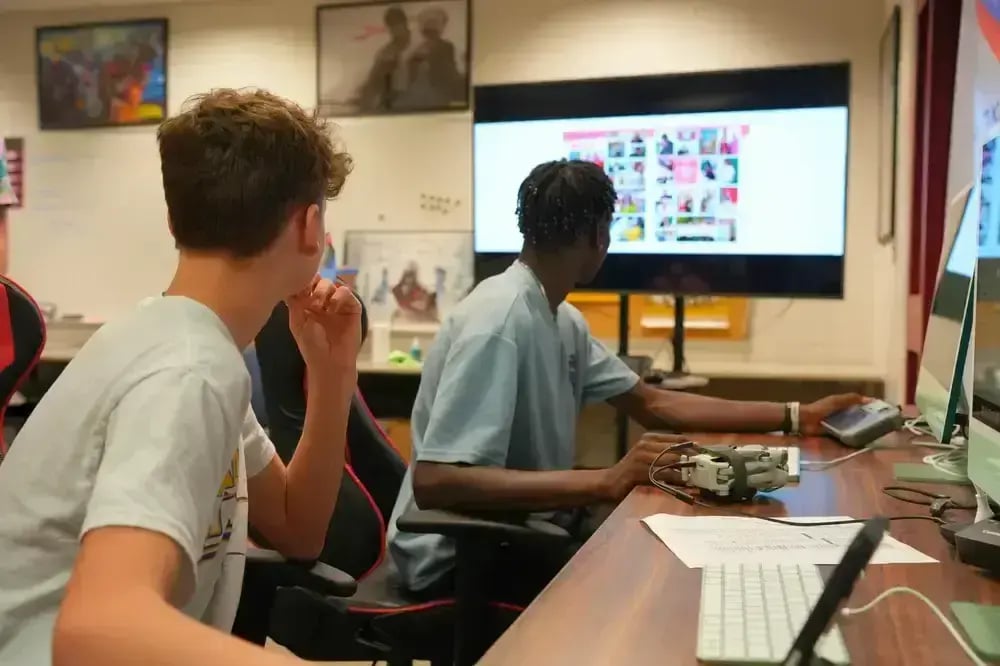

“I’ve been impressed with how well Rise Vision’s screen sharing has worked across our district. It’s been reliable, easy to use, and has made an impact in the classroom for both teachers and students. When you combine the screen sharing and the digital signage options, it is an easy choice. Rise Vision has been a smart investment for our schools.”

Eric Burt / Technology Director at West Fork CSD
Share From Any Device
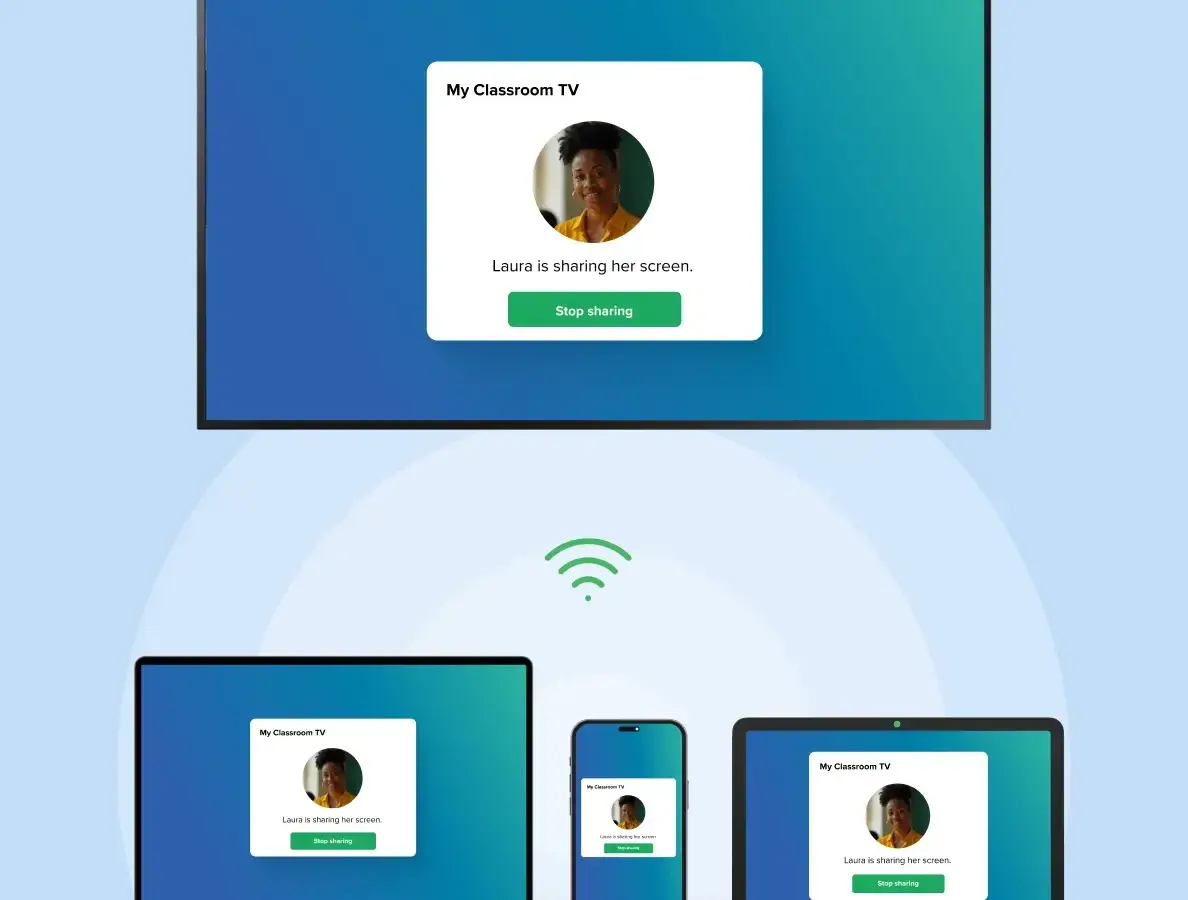
Presenters can share a window or their whole screen from a browser without installing an application. Or they can use our Android and iOS apps. Because it's completely OS agnostic, it doesn't matter which operating system someone uses.
Stay in Control With Moderator Mode
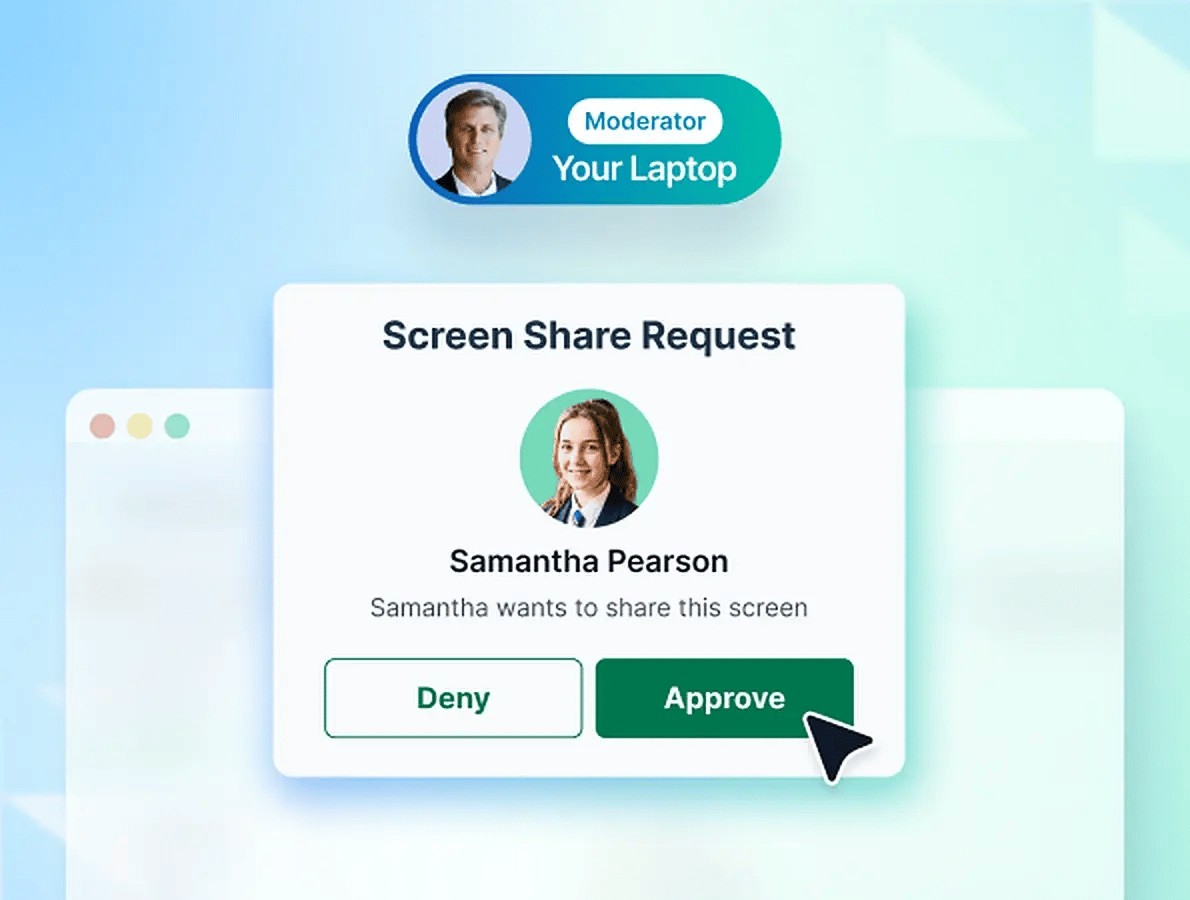
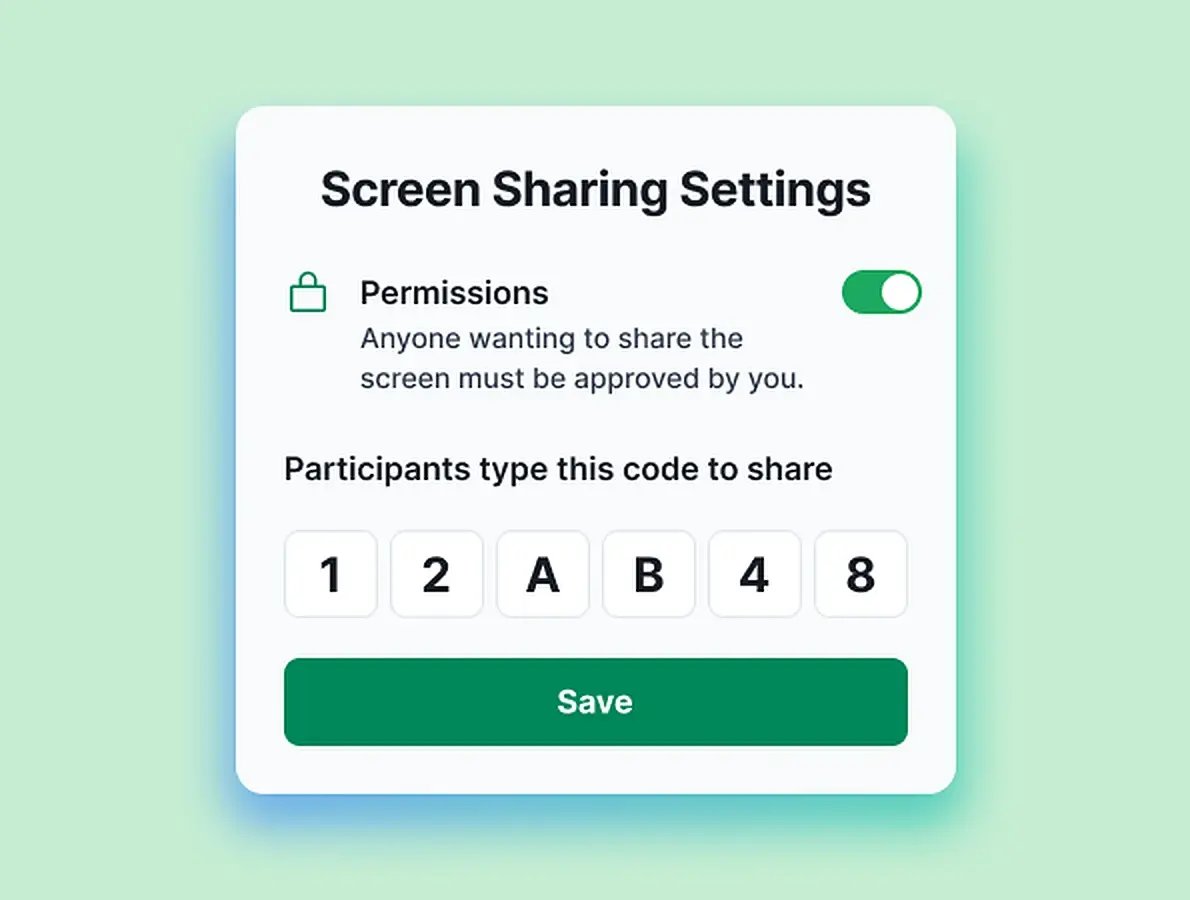
Maintain control with Moderator Mode. You approve which participants are able to present, so every session in a classroom, office, or meeting room stays smooth and orderly.
Connect to the Right Display With Code Connect
Participants enter the code shown on the screen they want to use. That way, they share to the correct display and prevent unwanted streams. For extra security, you can also require a PIN confirmation.
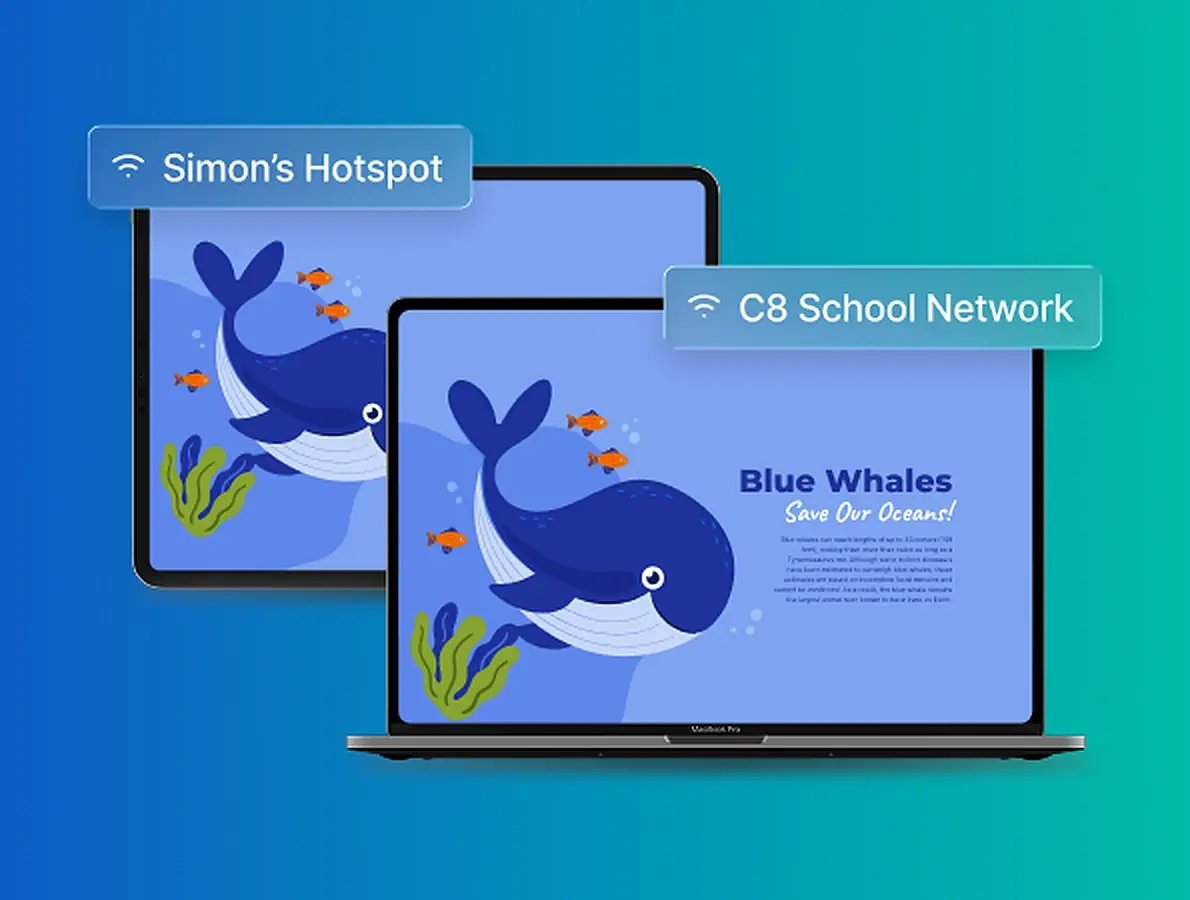
Share Across Any Network
Guests, employees, teachers, or students can share their screen while connected to any network. Rise Vision supports VLANs (separate sections of one network), wifi, and ethernet, so nobody has to switch networks first.
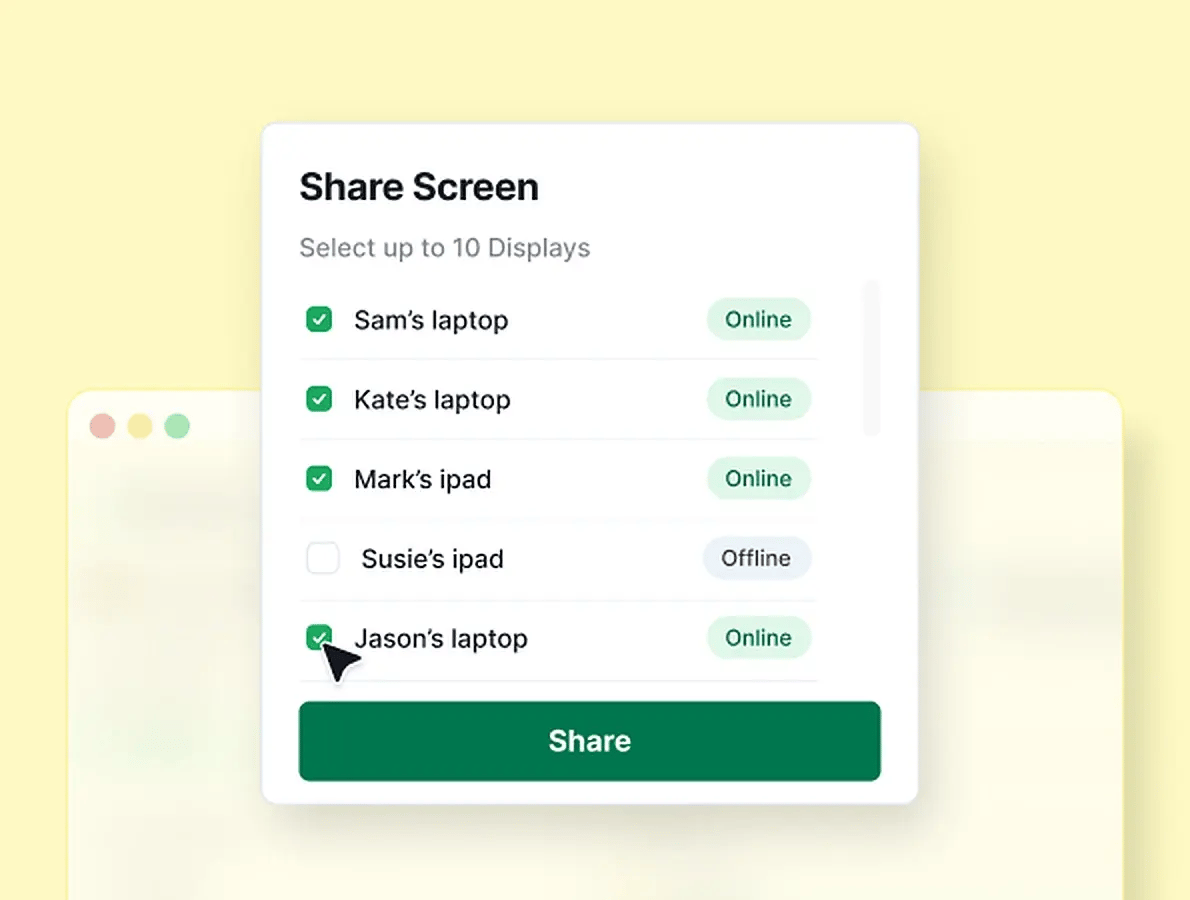
Share One Screen to Up to 10 Displays
In a large classroom or conference room, you can wirelessly share one screen to up to 10 displays at the same time. That way, everyone can see the presentation, even from the back of the room.
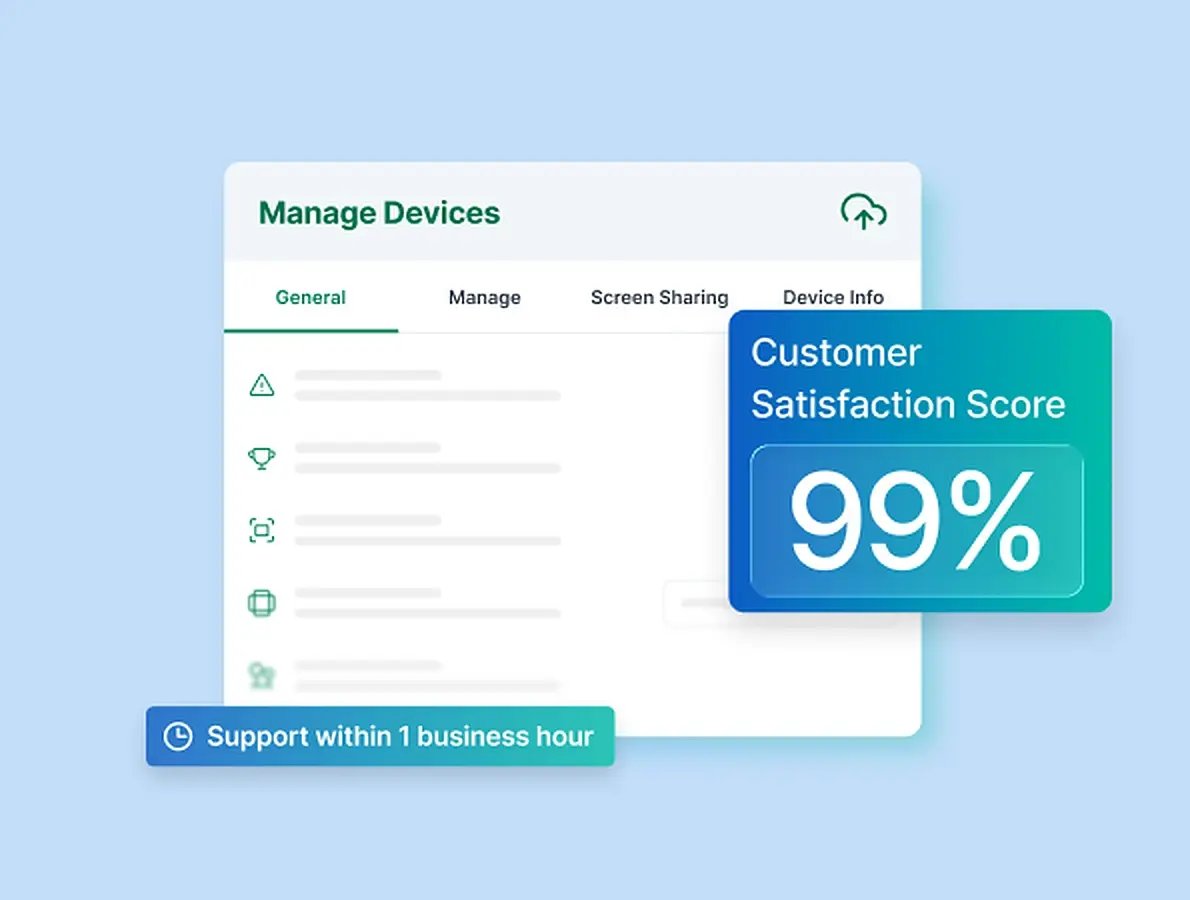
Manage Every Display From One Place
Save time supporting your screen sharing devices with cloud-based remote device management. And if you ever need help, you'll get it within one business hour from a team backed by a 99% satisfaction rating.
Don't just take our word for it
-
Manufacturing
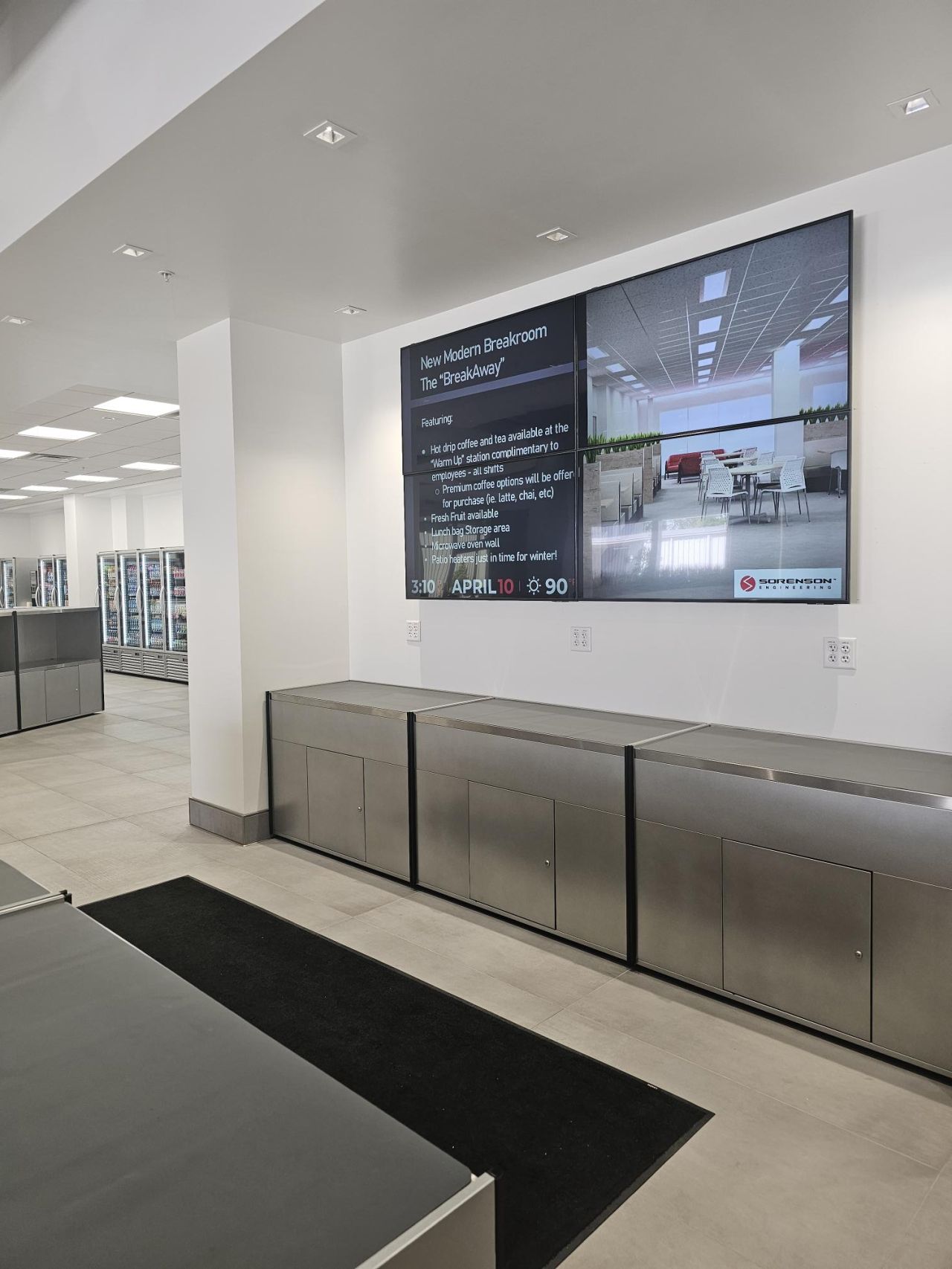
 “Rise Vision has made internal communication faster, more effective, and visually impactful. It’s a tool I rely on daily—and I can’t imagine managing our communications without it..”
 Angie NettDirector of Human Resources, Sorenson Engineering
 -
K-12
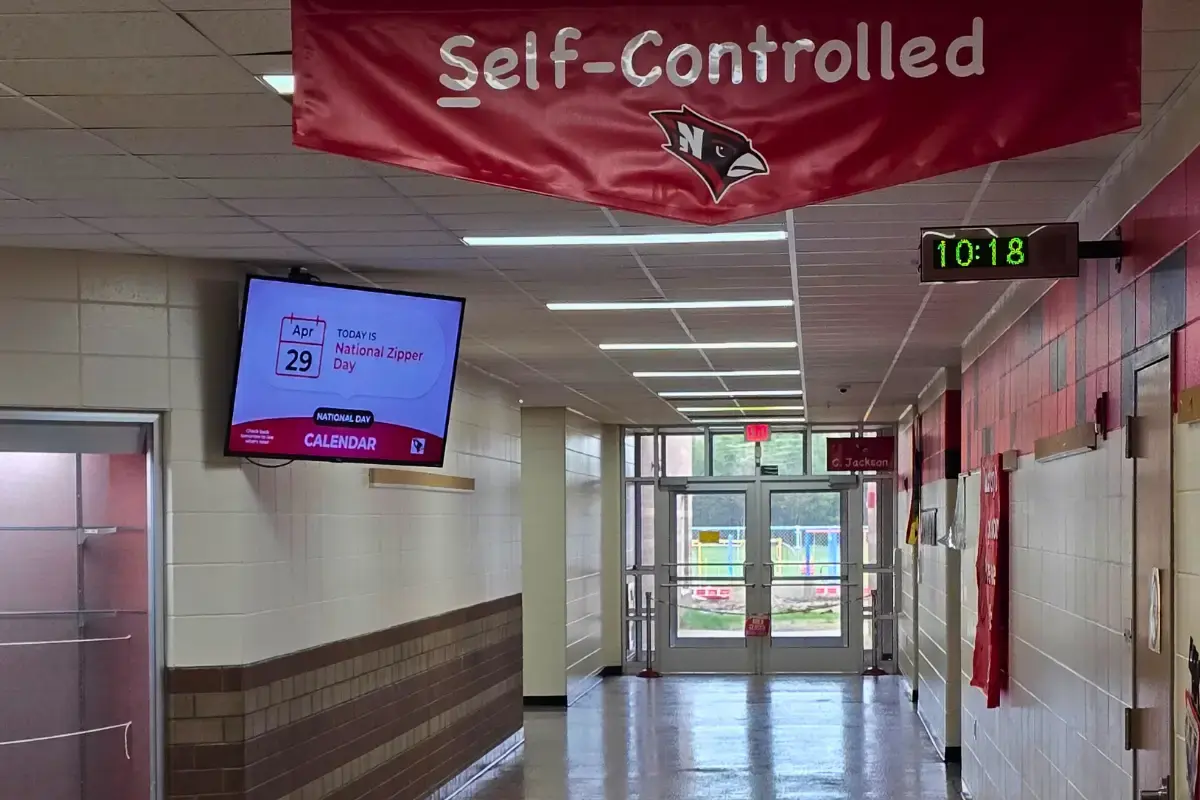
 “Rise Vision is the best digital signage solution we have seen. Not only can we share relevant, timely, and interactive informative communications, but we can include emergency notifications through its integration with Singlewire Informacast.”
 Kris SaylorDirector of Technology at Necedah School District
 -
Higher Education
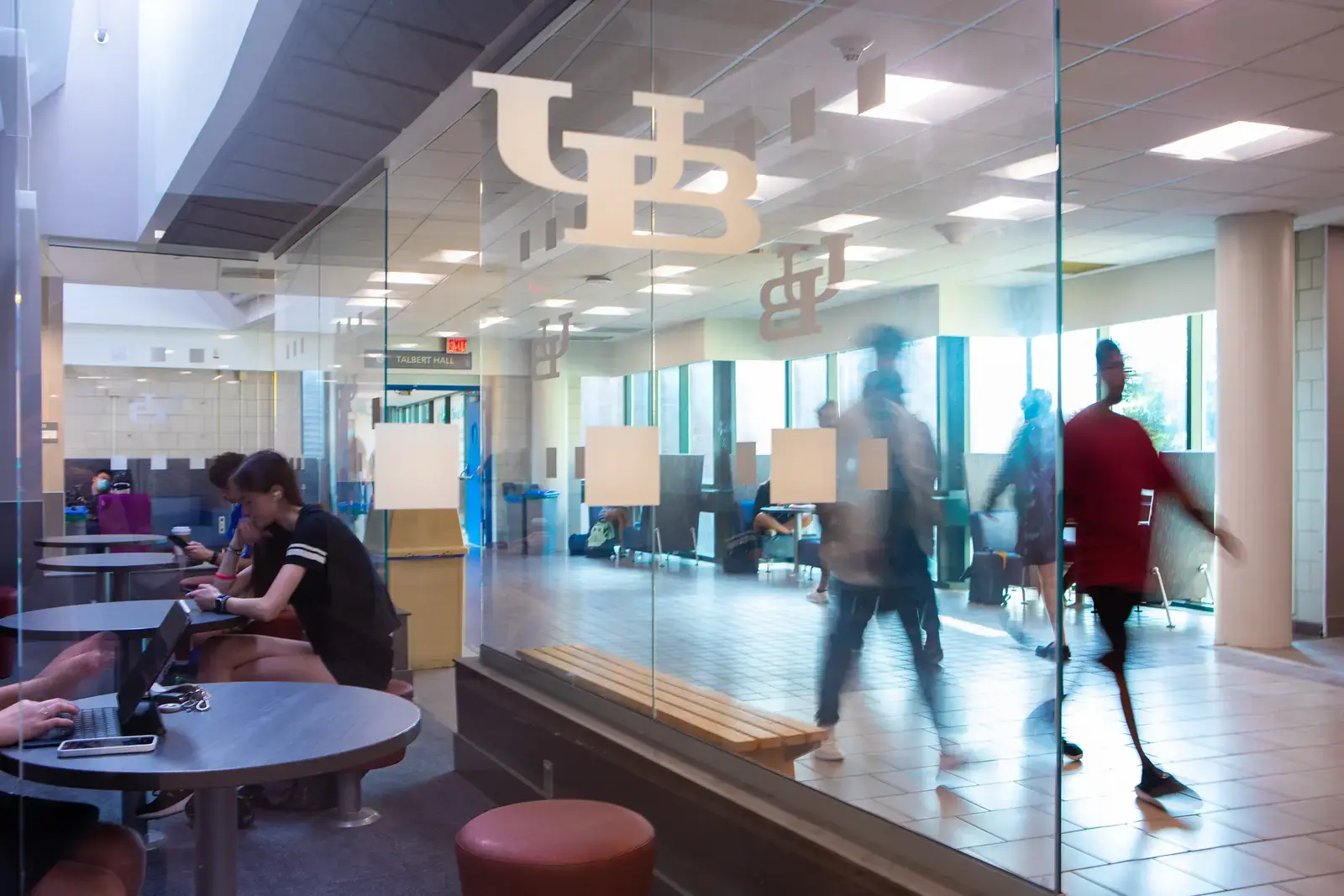
 “Since we began using Rise Vision, our student involvement has increased by 30%.”
 Venus RussinEngineering Management Program Coordinator at University at Buffalo
 -
Manufacturing
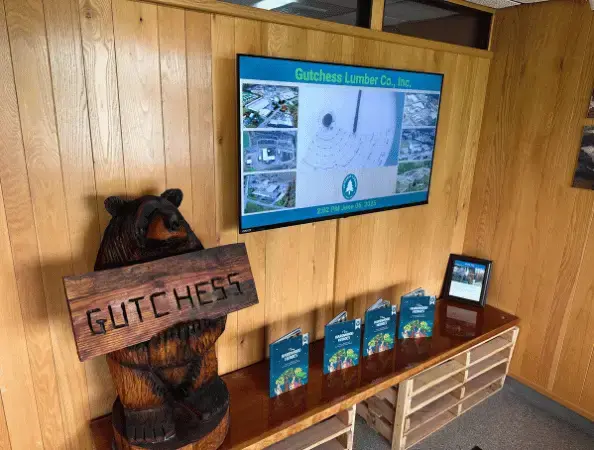
 "As a small IT department with a lot on our plate, having Rise Vision fully manage our digital signage has taken one more task off our list—and we couldn’t be happier with the results."
 Alex FrisbieSystems Engineer at Gutchess Lumber Co.
 -
K-12

 "Switching from Chrome Sign Builder to Rise Vision was a game-changer for our district. What used to be a time-consuming and limited process is now dynamic, efficient, and incredibly user-friendly."
 Dr. Stu MoeckelSuperintendent at Eudora Schools (USD #491)
 -
Transportation & Logistics
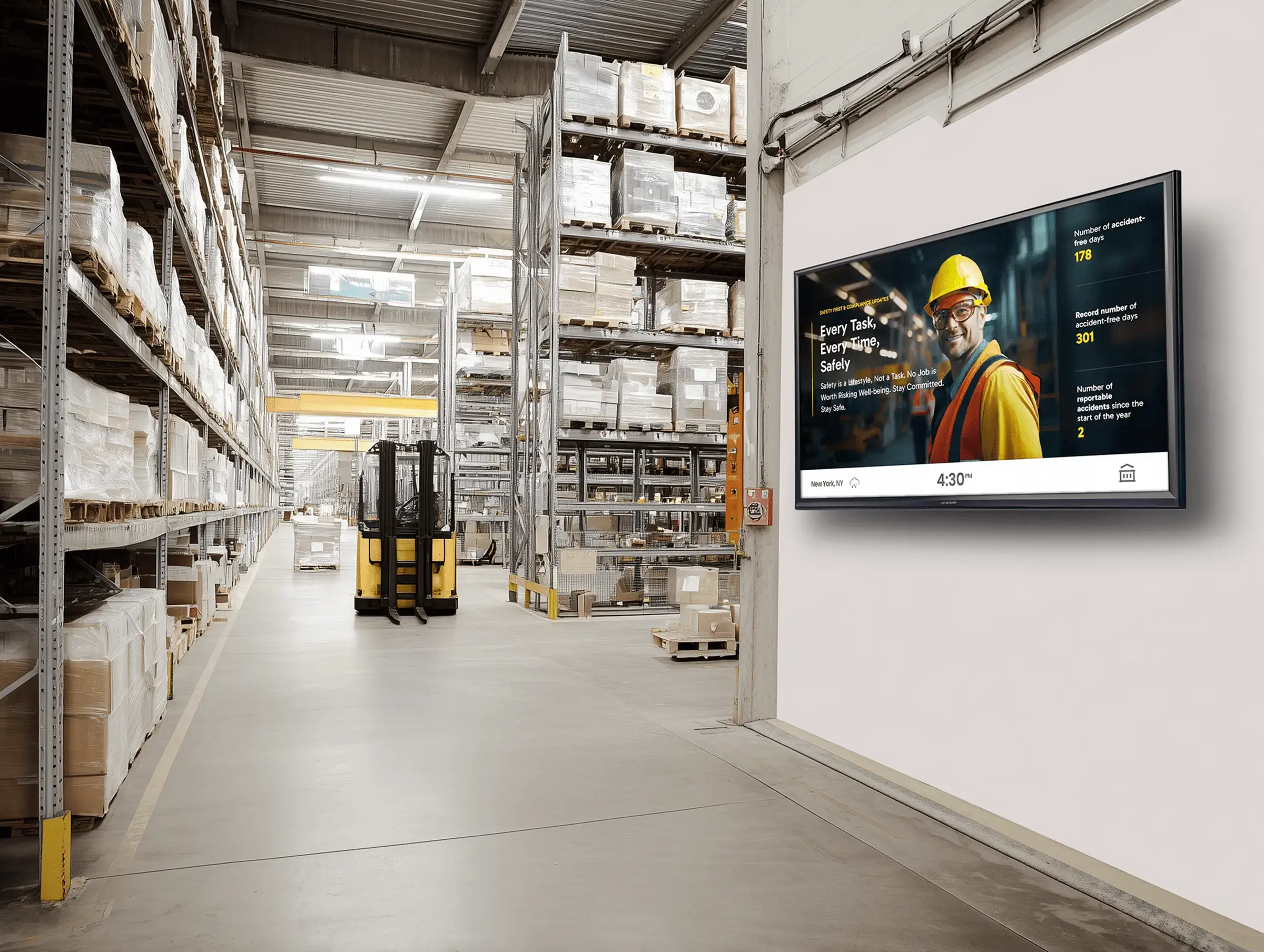
 "Switching from PowerPoint slides to Rise Vision for our warehouse signage has been a game-changer. Since implementing Rise Vision, we’ve been able to manage all our signage remotely and in real-time, which has improved communication across the warehouse significantly."
 Yuvraj KangContinuous Improvement Manager, GXO Logistics
 -
K-12
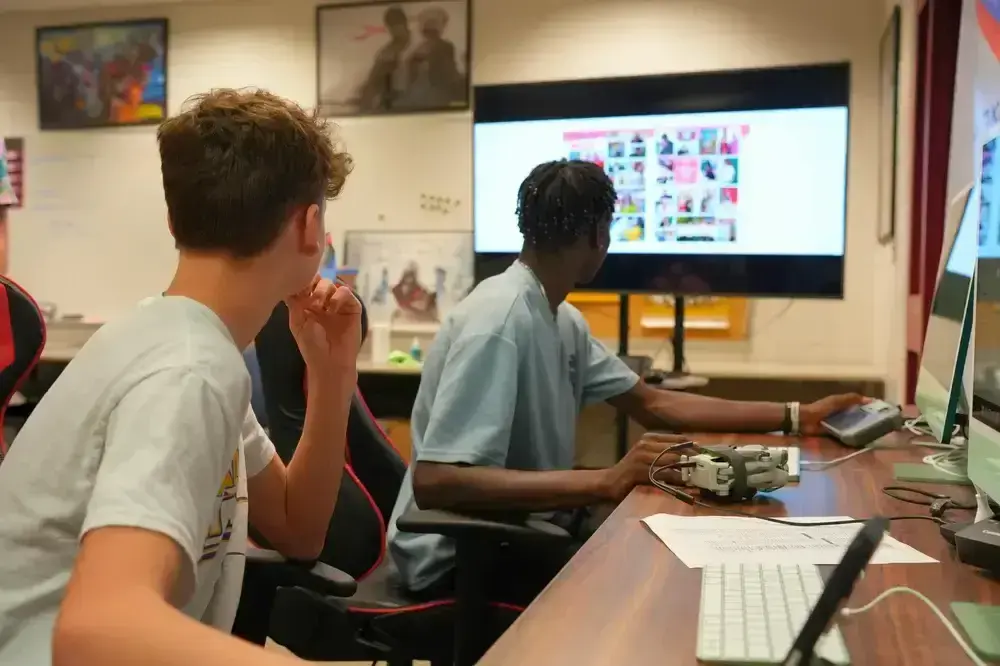
 "I’ve been impressed with how well Rise Vision’s screen sharing has worked across our district. It’s been reliable, easy to use, and has made an impact in the classroom...When you combine the screen sharing and the digital signage options, it is an easy choice. "
 Eric BurtTechnology Director at West Fork CSD
 -
Non-Profit
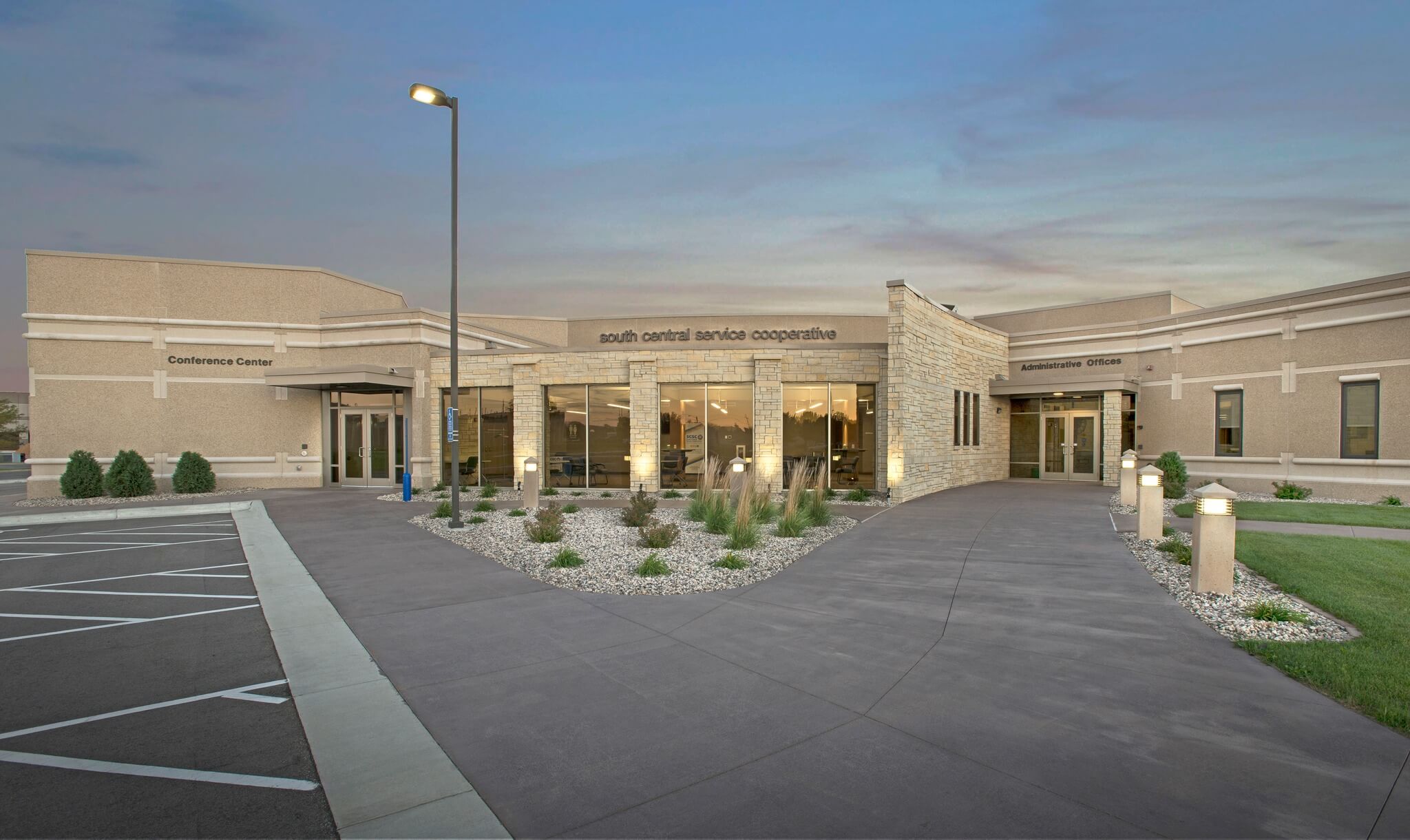
 "Rise Vision is an easy-to-use tool that comes with awesome customer support when needed. Highly recommend for your business or school."
 Barb RegnerConference Center Coordinator at South Central Service Cooperative
Get Started with Rise Vision
Select your hardware
Choose the best hardware for your needs—use our recommended Avocor displays or media players, or bring your own hardware.
Set up your software
Create your Rise Vision account and customize your digital signage, screen sharing, and emergency alerts.
Engage your audience
Push content to your displays, set up your employees to screen share, and manage communication, collaboration, and safety across multiple locations with ease.