
For Schools Switching From Chrome Sign Builder
The #1 Chrome Sign Builder Alternative for Schools






Why Schools Are Leaving Chrome Sign Builder
Chrome Sign Builder was a fine free tool until Google started dismantling it. Kiosk mode is gone, scheduling is unreliable, and the tool is now unsupported — one more disconnected tool for already-stretched IT teams and tight budgets to manage. Rise Vision replaces CSB with one easy-to-use platform built for K-12, without asking you to replace your displays.

Save Money — Keep Every Screen You Already Own
Rise Vision runs on the same Chromeboxes, Chromebits, and displays you're using today, plus Android, Windows, Linux, and Amazon Signage Sticks, with extensive operating system support. No new hardware, no new budget line, no waiting on a purchase order.

Real Scheduling, Not Just a Slideshow
Districts on Chrome Sign Builder describe it as "just a slideshow" — because that's what a free tool gets you. Rise Vision lets you create engaging content with 750+ customizable templates, our AI presentation design and editing tool, and integrations like weather and social media that update themselves, without touching every slide by hand.

Stop Being the Only Person Who Can Update the Signage
One tech admin shouldn't be the single point of failure for every display in the district. Rise Vision lets you simply delegate management of your digital signage to building-level staff, activities directors, or teachers, with user roles and account hierarchy that keep signage current even when IT is buried in everything else.

Emergency Alerts Chrome Sign Builder Never Had
Chrome Sign Builder has no path to emergency alerting. Rise Vision keeps your school safe with instant alerts, integrating with leading emergency systems via the Common Alerting Protocol (CAP) — including Raptor, CrisisGo, Singlewire InformaCast, and Alertus — to send alerts to every display the moment it matters.
Support That Doesn't Disappear on You
Google isn't answering support tickets for a deprecated free tool. Rise Vision backs every district with amazing technical support — help within one business hour by phone, email, or remote desktop, from a knowledgeable team backed by a 99% satisfaction rating.

Get a Free Demo
Get a personalized tour of the Rise Vision all-in-one platform for digital signage, screen sharing, and emergency alerts and see how you can improve communication at your organization.


“We kept hearing that Chrome was going away. We were just waiting to see what Google would decide. When it finally came out that it was true, we decided to jump ship early.”

Matt Burgess / Systems Administrator at Central R-3 School District
Keep or Replace Your Google Slides
Already running announcements through Google Slides? Rise Vision's Google Slides integration is included in every Basic subscription, so you can display that content right alongside dynamic Rise Vision templates — or replace it entirely when you're ready.

Emergency Alerts & Overrides
Broadcast alerts to every display in seconds, integrated with the CAP systems your district already trusts — something Chrome Sign Builder never offered.

Digital Bulletin Boards
Centralize announcements, deadlines, and student recognition — no more outdated corkboards or one-off slides.

Digital Directories
Guide students and visitors with wayfinding signage, the way Central R-3 built a directory that's "become a big help for students... who don't know where to go."

Digital Hall of Fame
Celebrate student and staff achievements with customizable recognition displays.

Classroom Screen Sharing
Turn existing interactive flat panels into teaching tools, wirelessly, from any device.

Schools That Already Made the Switch From Chrome Sign Builder
-
From Chrome Sign Builder to Rise Vision: Central R-3’s Seamless Digital Signage Transformation
“If it’s a person that’s in a tech department that is having to run and manage [digital signage], there is a lot of delegation you can do with Rise Vision that you couldn’t do before, and that has really helped out.”
Read More -

Miami Country Day School Sees Significant Boost in Parents Attending Events with Rise Vision Digital Signage
"The SSO integration with Azure helps me as a technology leader to ensure that I don't have people who maybe have left the institution who still have access."
Read More -

From Black Screens to Stunning Displays: Digital Signage Hardware at York School District One
"Installation was seamless. We unboxed the displays, connected them to Wi-Fi, entered the activation code, and they were ready to go. Some installs took as little as 15 minutes.”
Read More -

How Monticello Trails Middle School Uses Rise Vision for Engaging, Hassle-Free Communication
“We love using Rise Vision to communicate quickly and easily with students, staff, and parents."
Read More -
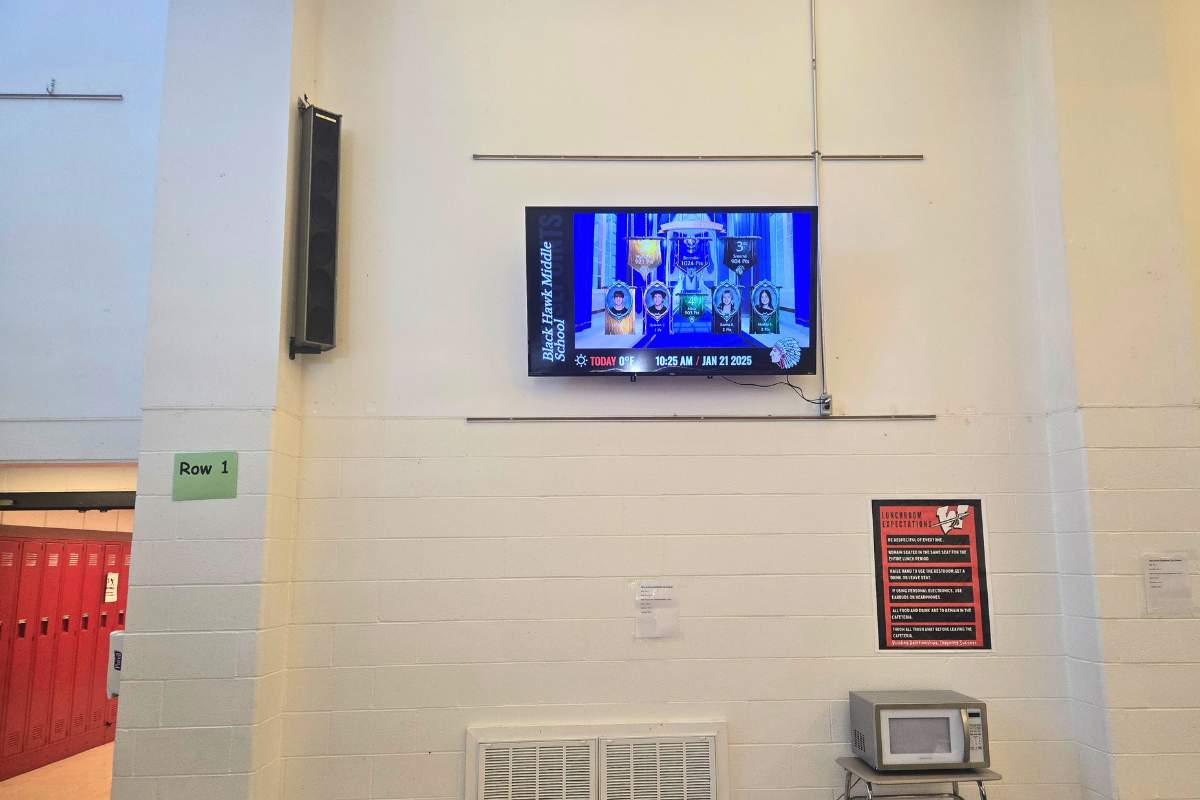
Warren County R-3 Schools Transitions to Rise Vision for Enhanced Communication
"We're happy with the change. Rise Vision has given us more options and made it easier to keep our content fresh and relevant."
Read More
Why Choose Rise Vision
Trusted by thousands of K-12 schools, our all-in-one platform offers easy-to-use digital signage, seamless screen sharing, powerful emergency alerts, and support for a wide range of devices.

One Platform
Replace Chrome Sign Builder and consolidate multiple tools into one cohesive platform. Rise Vision combines digital signage, screen sharing, and emergency alerts into one platform for seamless teaching, engaging communication, and instant emergency notifications.

Easy to Migrate
Manage digital signage across your entire district with easy software and support for any hardware. Bring what you already own — most districts are fully switched over in days, not weeks.

World-Class Service & Support
Get amazing technical support, free training, and guided implementation and onboarding from our knowledgeable team, backed by a 99% satisfaction rating.

Switching From Chrome Sign Builder Takes 3 Steps
Select your hardware
Choose the best hardware for your needs. Keep using the Chromeboxes, Chromebits, and displays you already own, or use our recommended Avocor displays or media players.
Set up your software
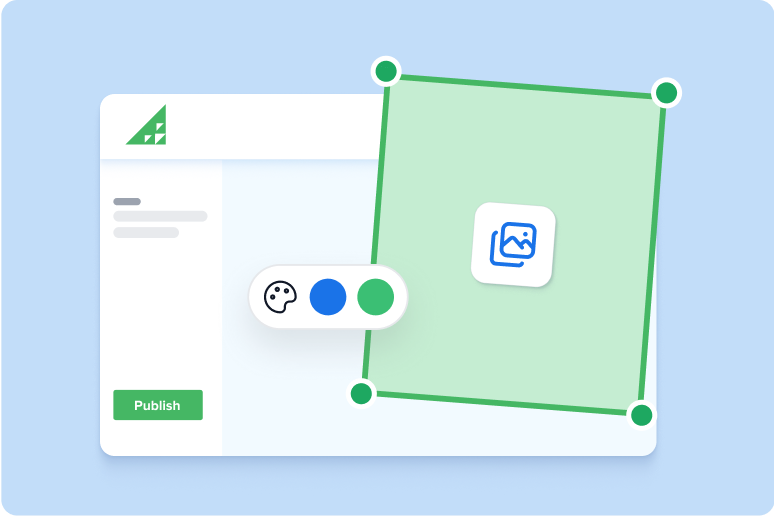
Create your Rise Vision account and customize your digital signage, screen sharing, and emergency alerts. Rebuild your CSB slides in minutes with 750+ templates.

Engage your audience
Push content to your displays, set up your staff to screen share, and manage communication, collaboration, and safety across every building with ease — including the emergency alerts Chrome Sign Builder never offered.