
The Simple Screenly Alternative Without the Hardware Overhead
The Simple Screenly Alternative Without the Hardware Overhead
If your Screenly setup has you re-imaging SD cards, chasing black screens, or relying on someone technical just to keep things running, Rise Vision gives your team their time back. With ready-to-use templates, emergency alerts that integrate with your safety systems, and wireless screen sharing, your team can communicate, teach, collaborate, and improve safety.





Why Schools and Organizations Choose Rise Vision Over Screenly
Schools and organizations switch from Screenly to Rise Vision for these reasons.

One Platform for Your Communications
Rise Vision brings digital signage, emergency alerts, and screen sharing into one platform, so your team can communicate, teach, collaborate, and improve safety without juggling separate tools or vendors.

Purpose-Built for Non-Technical Teams
Rise Vision is designed so anyone on your team can create, manage, and update content without technical training. Your communications coordinator, front office staff, and teachers can all manage displays on their own, without waiting on IT.

World-Class Support on Every Plan
Rise Vision’s support team responds within one business hour by phone, email, or remote desktop, with free onboarding and training included for every customer. Your team is never left figuring things out on their own.
.webp?width=1567&height=1080&name=kent-state-university-emergency-alert-digital-signage-1%20(1).webp)

“We're really happy with it! It's only taking up 1% of my time, not because it's less important, it's because there are no problems. The best thing about Rise Vision is ease of use for the end-user. I don't have time to assist everyone personally, so it has to be easy for the Non-IT person, which Rise Vision is.”

Mark Meszar / Information Technology Team Lead at Kent State University
Screens Work Without Constant Troubleshooting
Give your team screens that stay up and content that plays the way it should. Rise Vision runs reliably on your existing hardware, stores content locally for offline playback, and keeps your displays running without anyone having to step in. Your team manages content rather than the technology behind it.
Safety Alerts Across Every Screen in Your Building
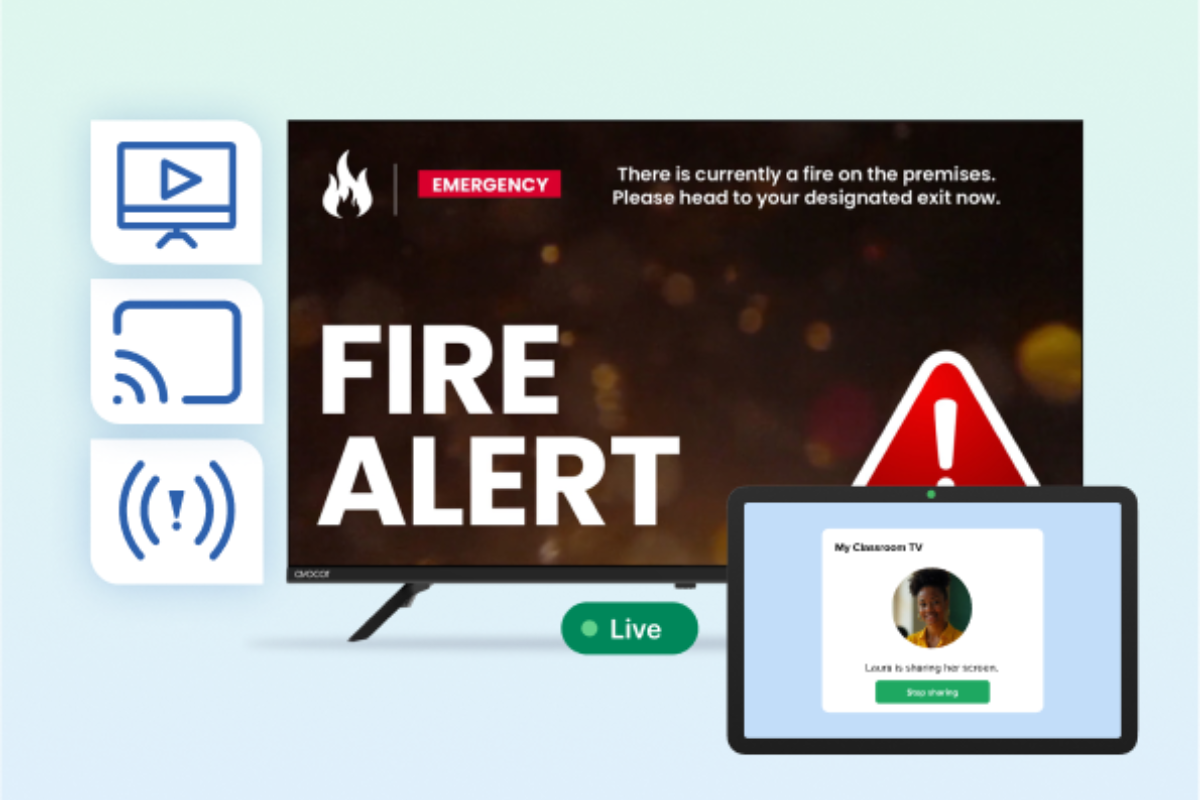
Reach every display in your building the moment an emergency happens, without switching tools or adding a separate vendor. Rise Vision integrates with leading CAP systems, including Raptor, Alertus, and CrisisGo, so your existing safety systems trigger alerts automatically across every screen.
Easy-to-Use Template Library
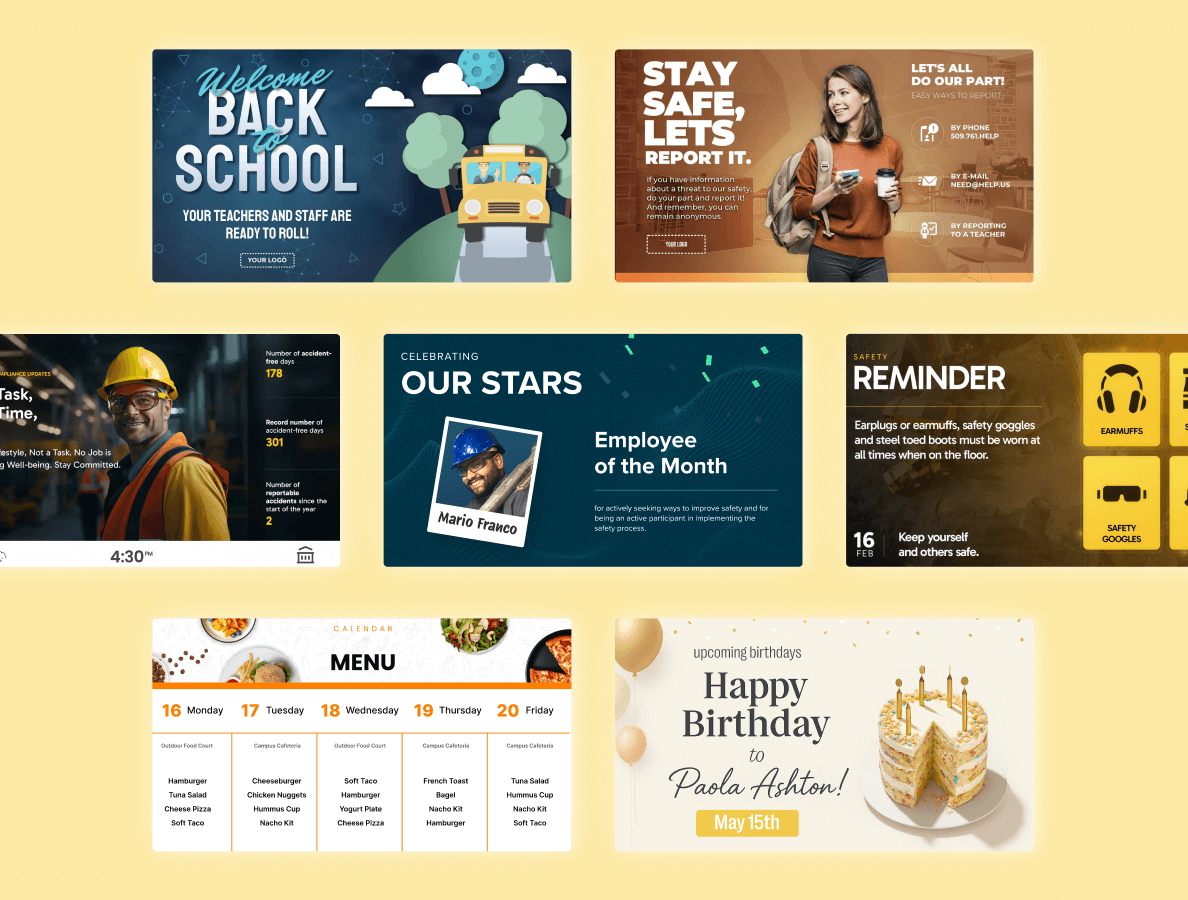
Start creating and publishing professional content on day one without building anything from scratch. Rise Vision's 750+ templates cover K-12 announcements, lunch menus, athletic updates, corporate dashboards, safety communications, and more — all customizable and ready to go live in minutes.
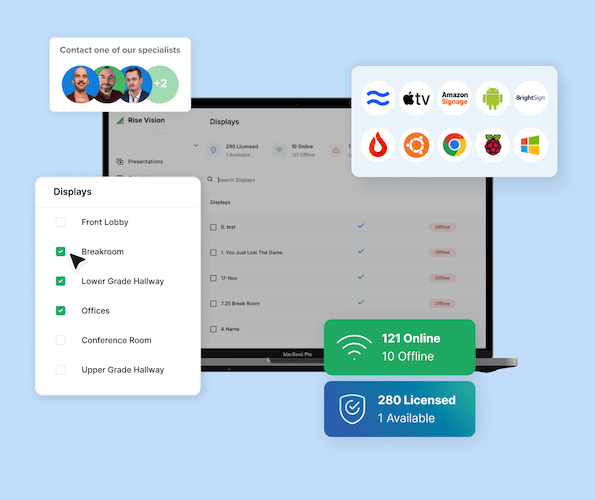
Centralized Management Across Every Location
Manage every screen across every location from one centralized platform — district-wide scheduling overrides, user permissions, and template sharing included. You won’t need to juggle multiple tools or providers to keep your content consistent and your team in sync.
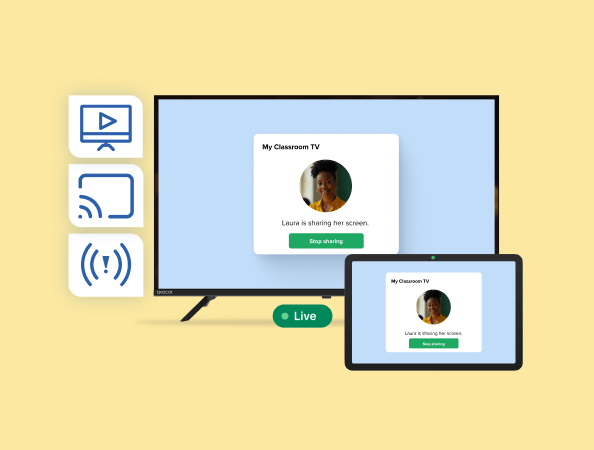
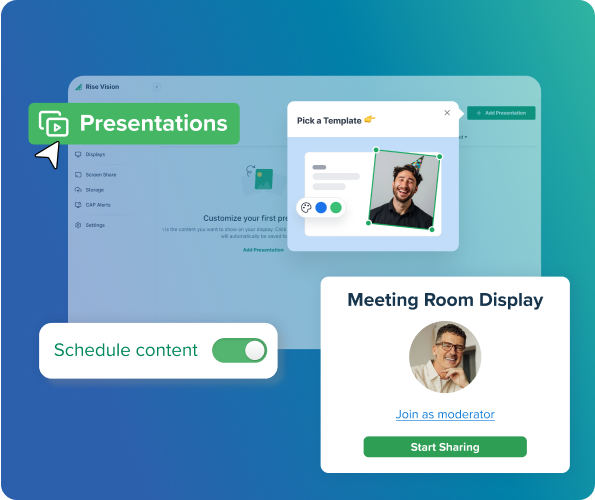
Native Screen Sharing for Collaboration
Share content from any device to any display wirelessly, with no cables, dongles, or proprietary hardware required. Rise Vision's screen sharing works across any OS from a browser or native app, so your staff and teachers can present and collaborate from any room.
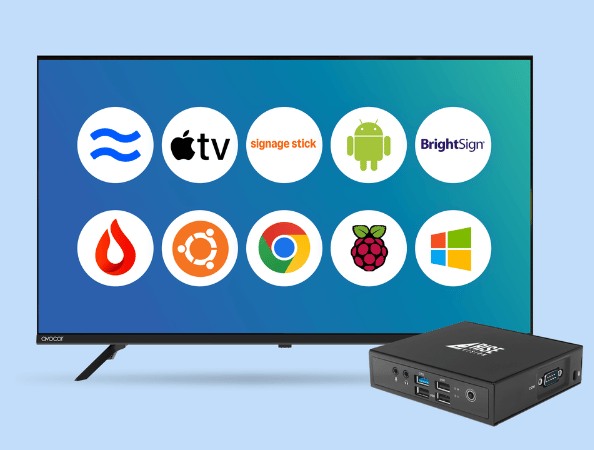
Compatible With Your Existing Hardware
Keep the hardware you already have, including any Raspberry Pi devices from your current Screenly setup. Rise Vision runs on Android, Chrome OS, Windows, Apple TV, Amazon Signage Stick, and more. So there's nothing to replace and no new hardware budget required.
Don't just take our word for it
-
Manufacturing
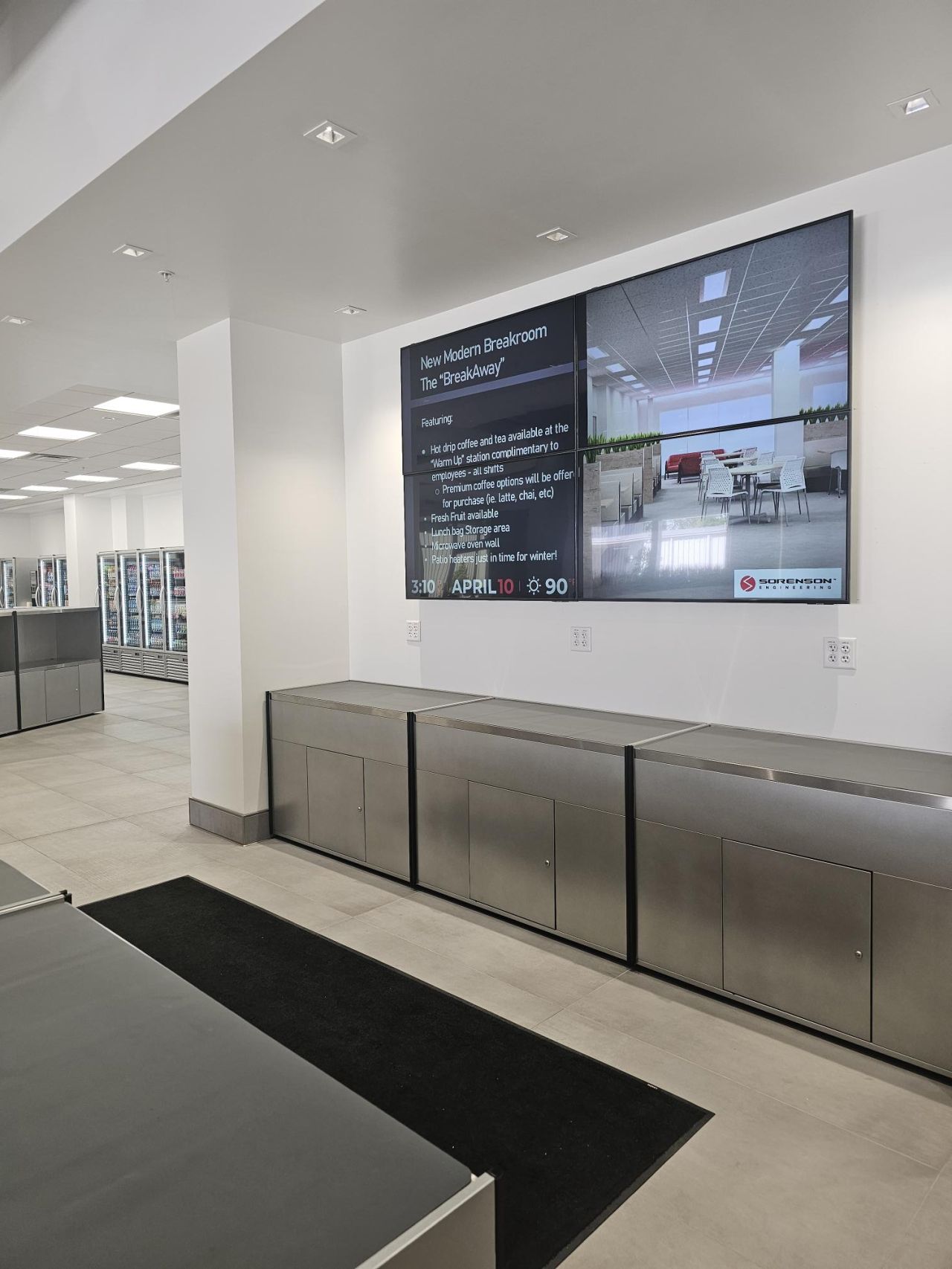
 “Rise Vision has made internal communication faster, more effective, and visually impactful. It’s a tool I rely on daily—and I can’t imagine managing our communications without it..”
 Angie NettDirector of Human Resources, Sorenson Engineering
 -
K-12
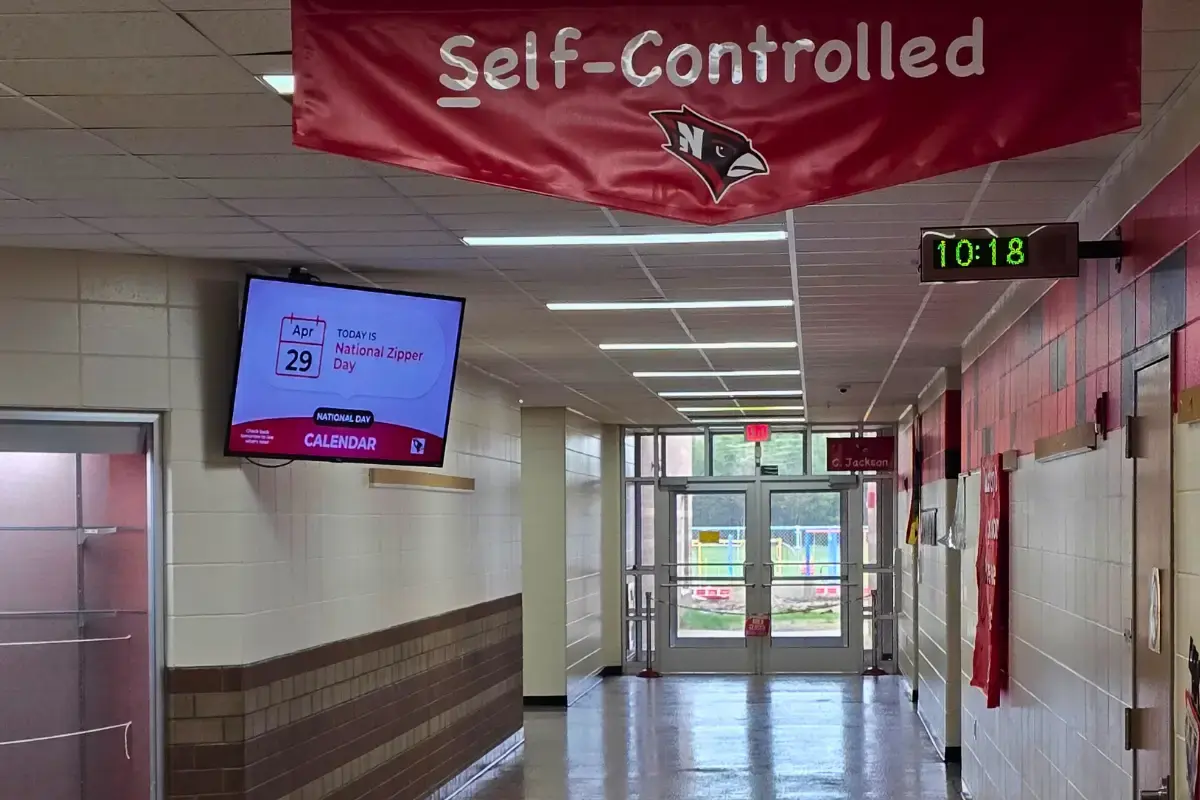
 “Rise Vision is the best digital signage solution we have seen. Not only can we share relevant, timely, and interactive informative communications, but we can include emergency notifications through its integration with Singlewire Informacast.”
 Kris SaylorDirector of Technology at Necedah School District
 -
Higher Education
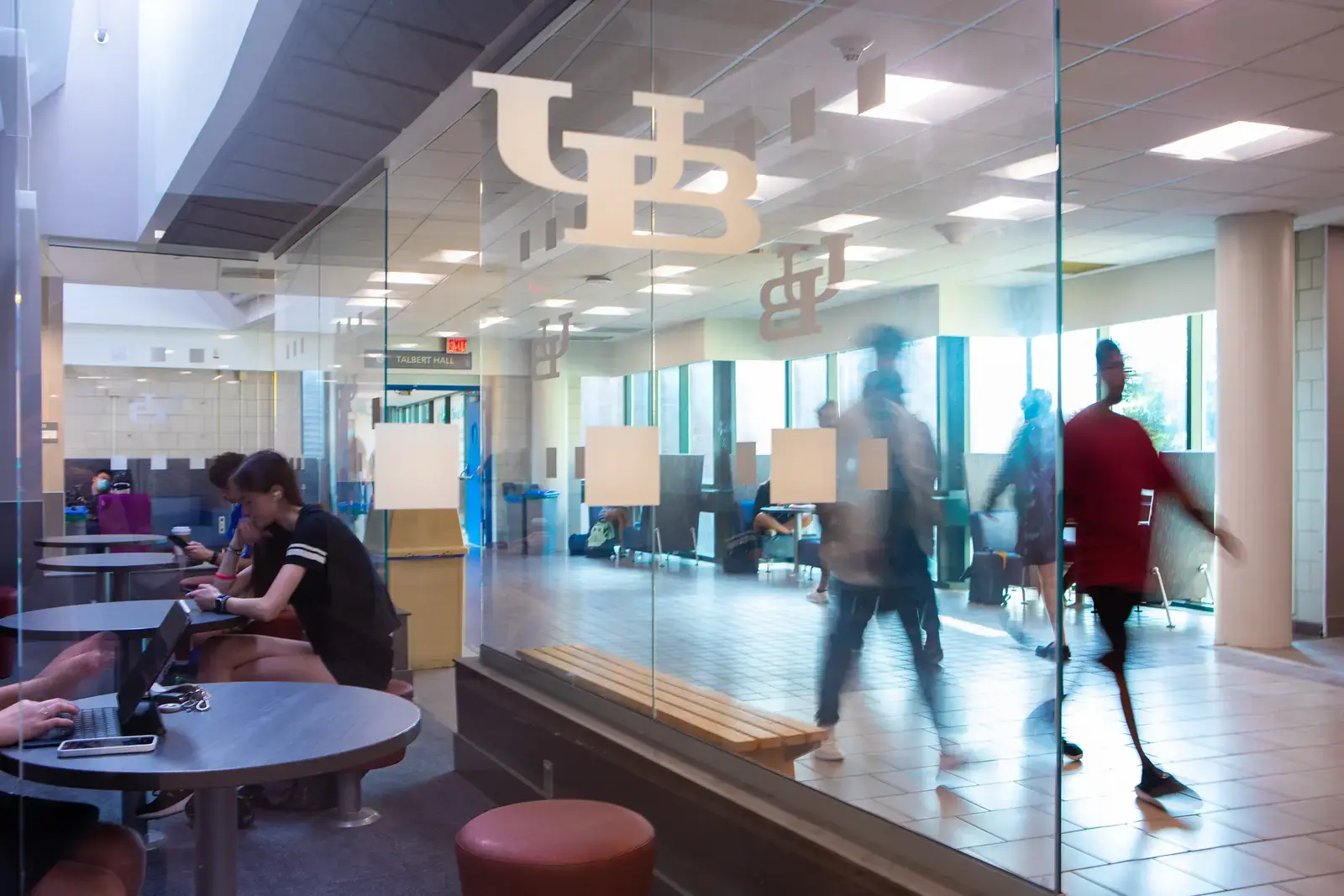
 “Since we began using Rise Vision, our student involvement has increased by 30%.”
 Venus RussinEngineering Management Program Coordinator at University at Buffalo
 -
Manufacturing
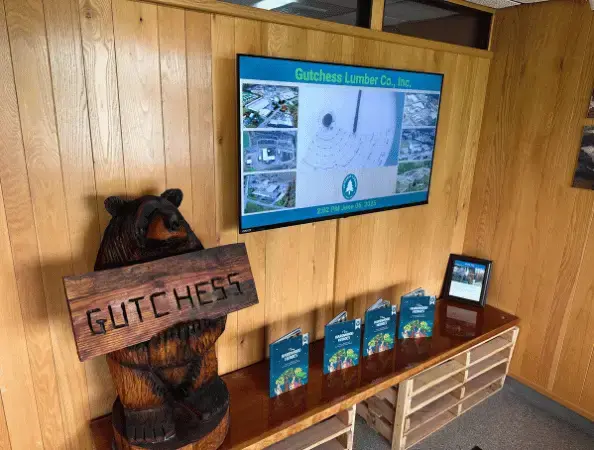
 "As a small IT department with a lot on our plate, having Rise Vision fully manage our digital signage has taken one more task off our list—and we couldn’t be happier with the results."
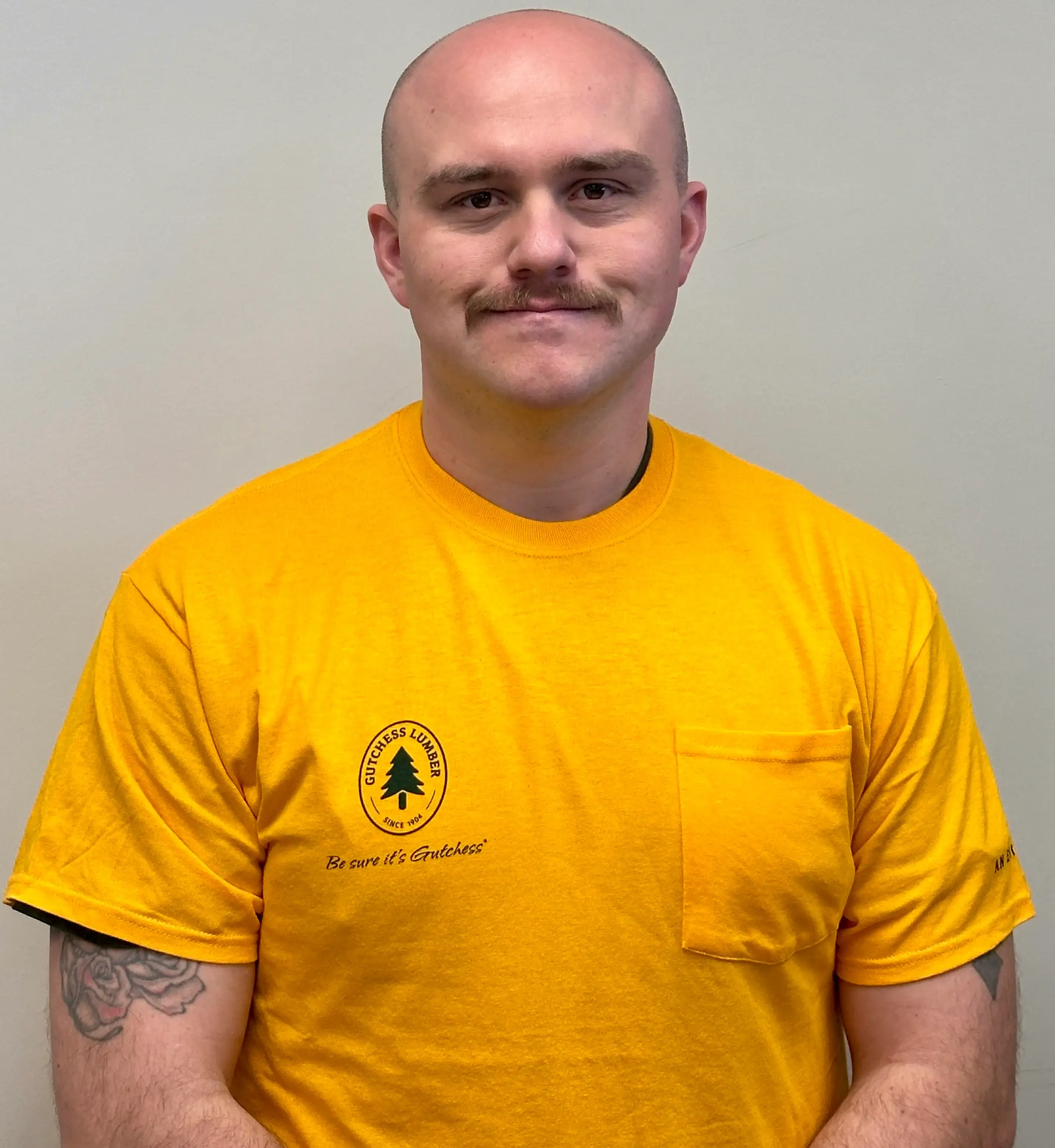 Alex FrisbieSystems Engineer at Gutchess Lumber Co.
 -
K-12
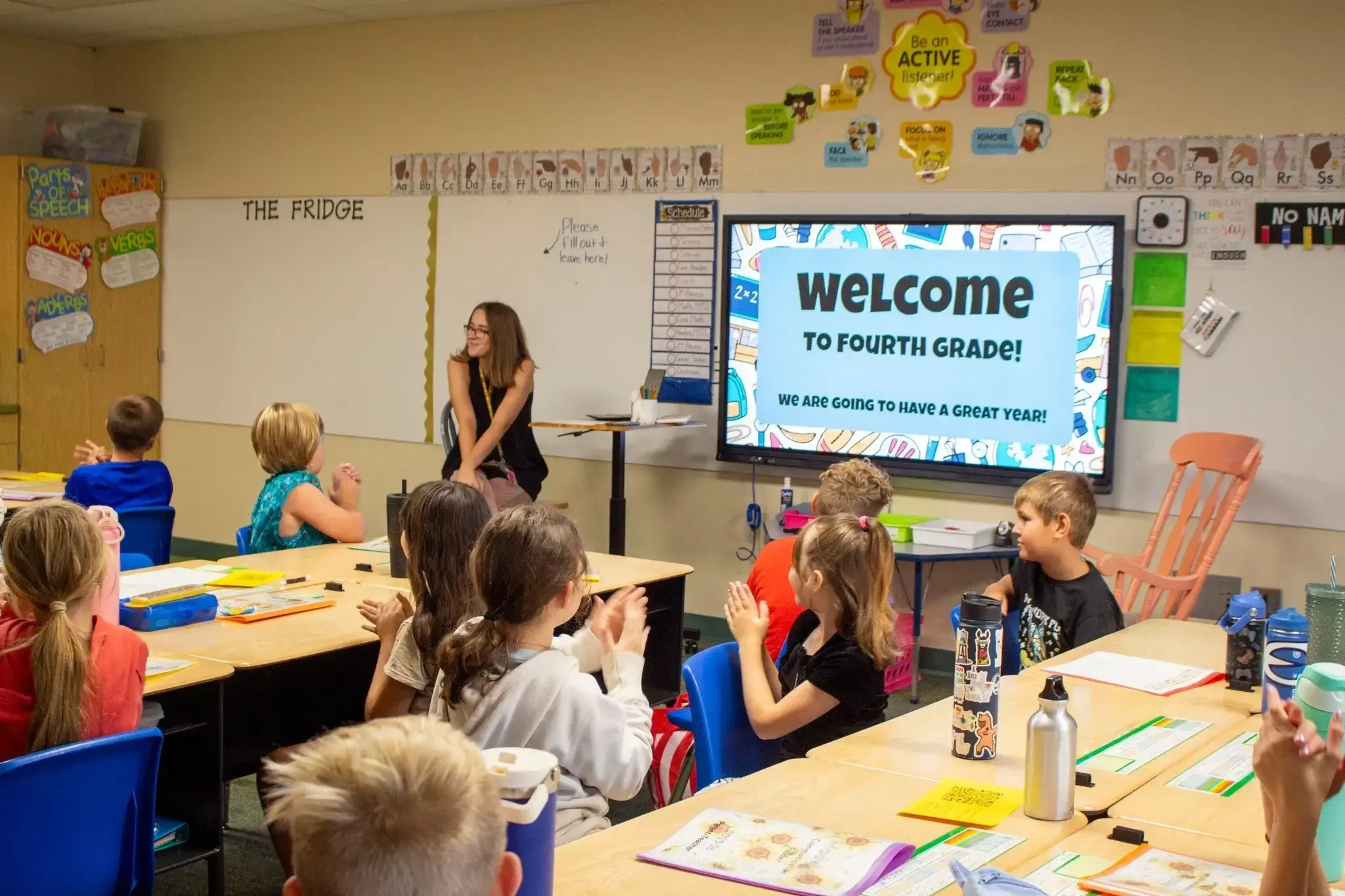
 "Switching from Chrome Sign Builder to Rise Vision was a game-changer for our district. What used to be a time-consuming and limited process is now dynamic, efficient, and incredibly user-friendly."
 Dr. Stu MoeckelSuperintendent at Eudora Schools (USD #491)
 -
Transportation & Logistics
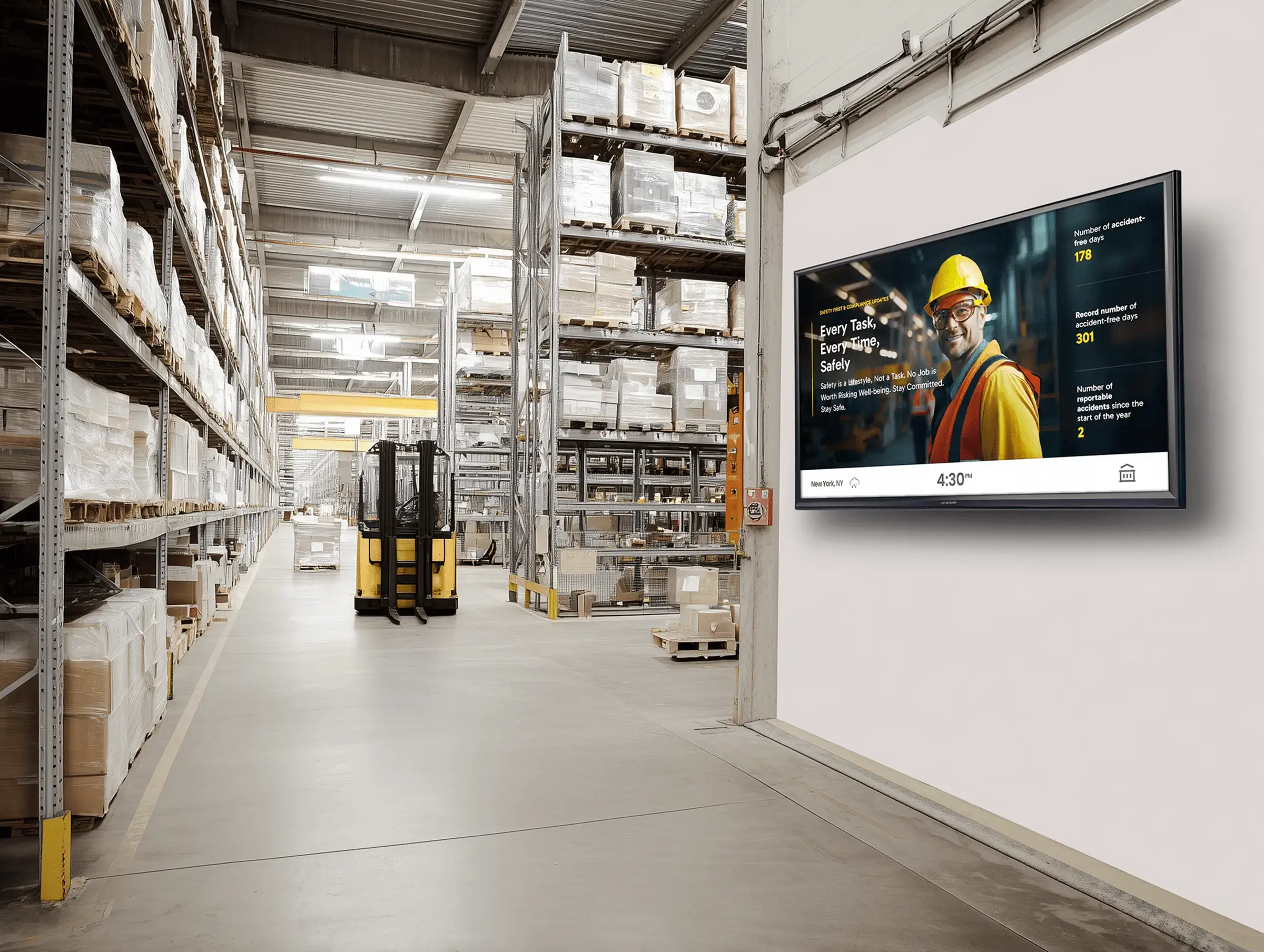
 "Switching from PowerPoint slides to Rise Vision for our warehouse signage has been a game-changer. Since implementing Rise Vision, we’ve been able to manage all our signage remotely and in real-time, which has improved communication across the warehouse significantly."
 Yuvraj KangContinuous Improvement Manager, GXO Logistics
 -
K-12
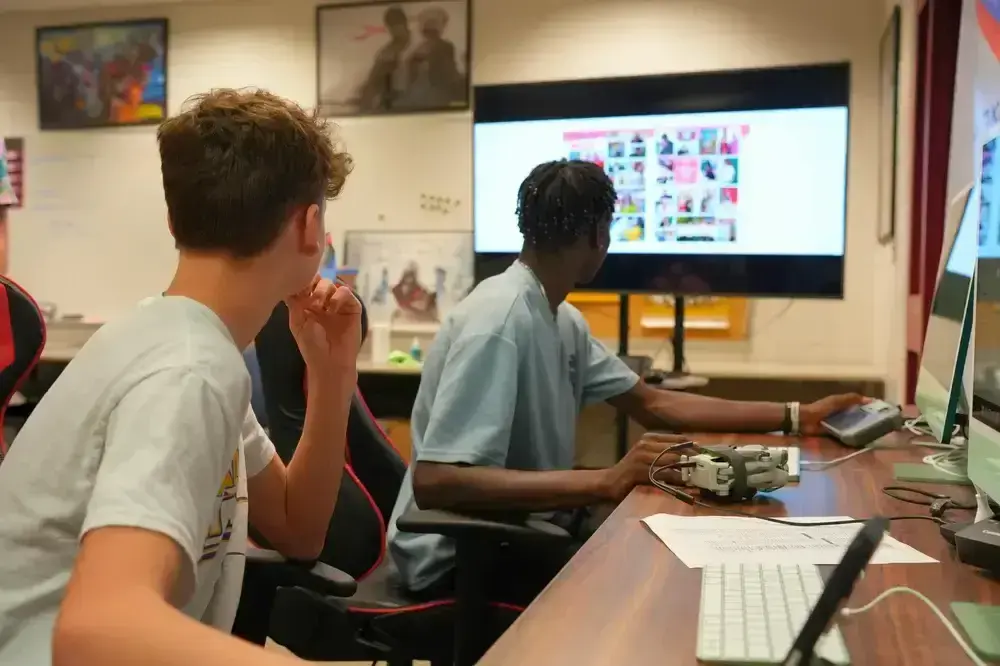
 "I’ve been impressed with how well Rise Vision’s screen sharing has worked across our district. It’s been reliable, easy to use, and has made an impact in the classroom...When you combine the screen sharing and the digital signage options, it is an easy choice. "
 Eric BurtTechnology Director at West Fork CSD
 -
Non-Profit
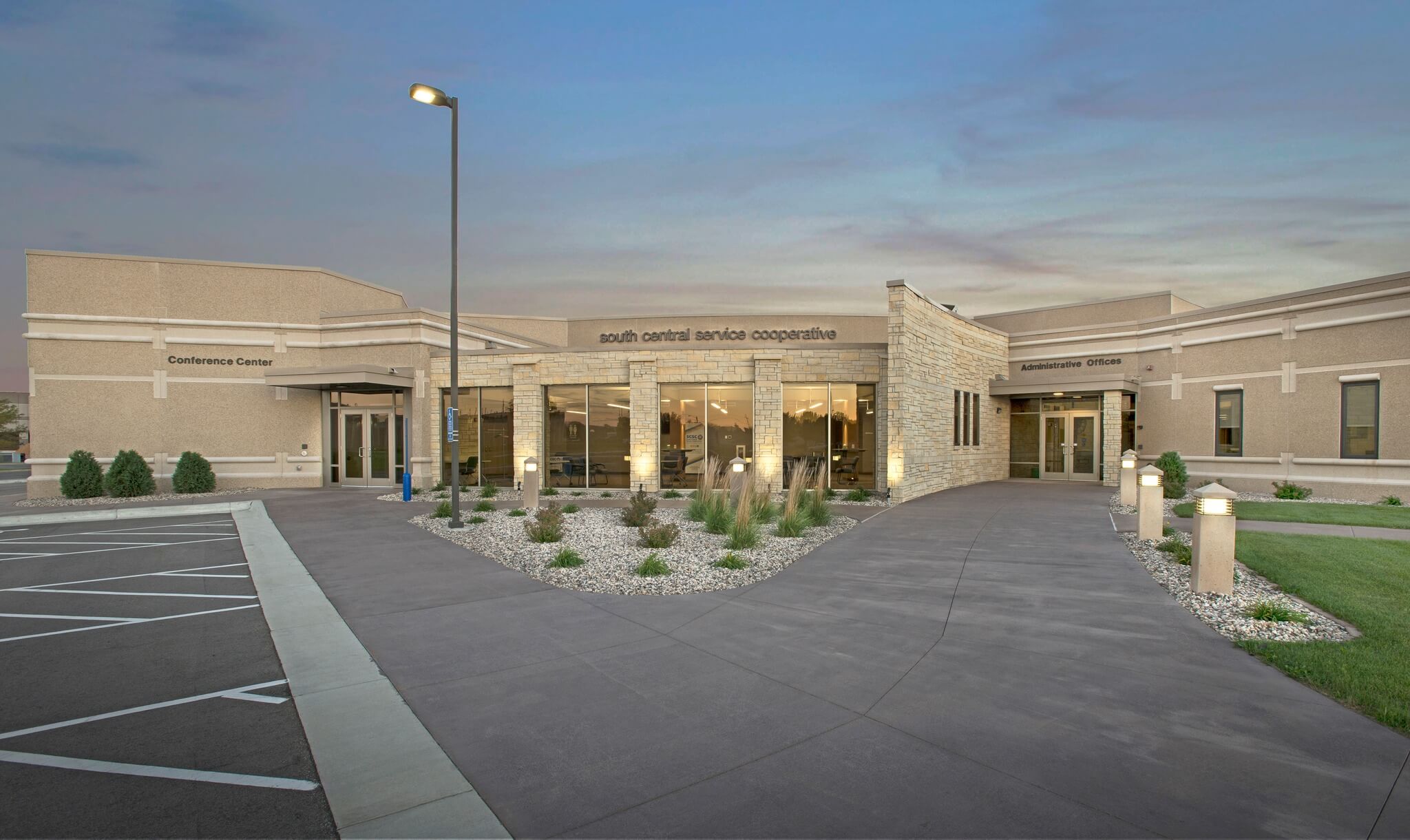
 "Rise Vision is an easy-to-use tool that comes with awesome customer support when needed. Highly recommend for your business or school."
 Barb RegnerConference Center Coordinator at South Central Service Cooperative
Get Started with Rise Vision
Select your hardware
Choose the best hardware for your needs—use our recommended Avocor displays or media players, or bring your own hardware.
Set up your software
Create your Rise Vision account and customize your digital signage, screen sharing, and emergency alerts.
Engage your audience
Push content to your displays, set up your employees to screen share, and manage communication, collaboration, and safety across multiple locations with ease.